

Written by Mo Kahn on
July 1, 2026


You're probably doing what most creators do right now. Opening one tab for Midjourney, another for Firefly, a third for some leaderboard, then realizing none of them answer the core question: which model will truly help you make the image you need today.
That's the problem with most “best text to image models” roundups. They flatten everything into one winner, even though a TikTok trend image, a merch mockup, a book cover, and a polished ad creative have completely different requirements. Some models are great at aesthetic one-offs. Some are better when readable text matters. Some are useful because they fit into the tools your team already uses. If your workflow already touches visual production, it's worth looking at adjacent tools too, including an ai fashion model generator when your goal is product presentation rather than pure illustration.
Modern image generation is also more mature than it was a few years ago. Current state of the art systems are widely built on diffusion-based architectures, and recent review literature notes that Diffusion Transformer models combine diffusion principles with transformer architecture while diffusion models often outperform GANs in image quality, with VAEs tending toward blurrier outputs, according to this diffusion model review.
This guide gets practical fast. It matches each tool to the creator type it serves best, with honest notes on workflow, commercial use, control, and where each one starts to feel limiting.
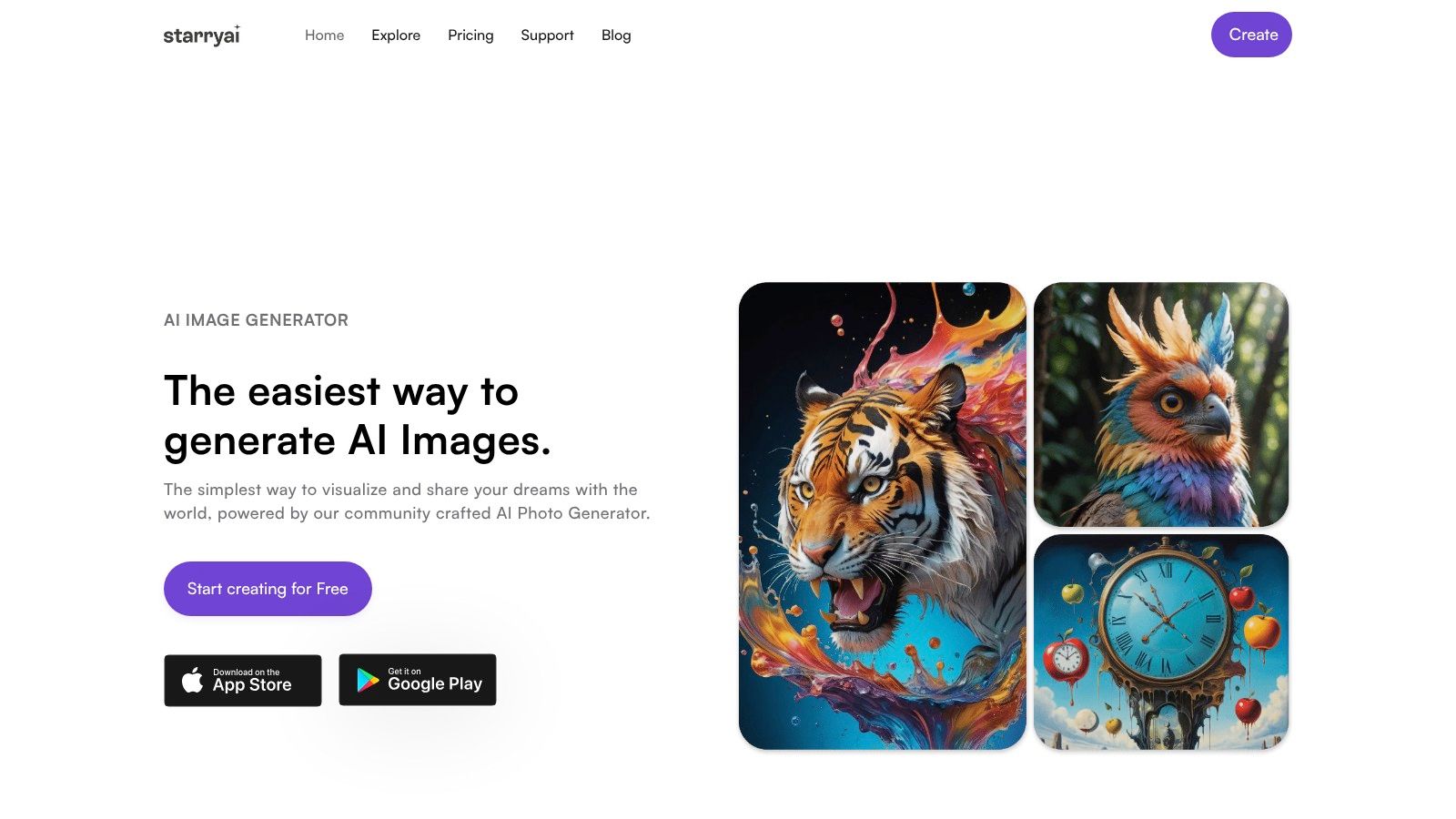
If your job is posting fast, testing aesthetics, and turning half-formed ideas into something shareable before the moment passes, starryai is the one I'd put in your hand first. It's built for speed, not ceremony. That matters more than people admit.
A lot of image tools are impressive but awkward. They assume you want to sit at a desktop, tune prompts for twenty minutes, and manage a mini production pipeline. starryai feels different. It's the kind of tool that makes sense for TikTok trend-hoppers, indie authors sketching cover directions, Etsy sellers making product art, and social managers who need a visual now, not after a long prompt-engineering session.
What makes starryai stand out isn't one technical benchmark. It's the combination of mobile-first workflow, broad style range, and creator-friendly rights. You can move from prompt to usable image quickly, then clean it up with built-in tools instead of exporting into three other apps.
A few things it gets right:
For prompt quality, the team's own guide on mastering AI art with starryai is worth a read because the biggest gains usually come from better prompt structure, not endlessly switching models.
Practical rule: If you post daily and care more about speed, style variety, and commercial usability than benchmark bragging rights, starryai is a strong starting point.
It's not perfect. If you need strict photoreal product lighting, typography inside the image, or advanced pipeline control, you'll hit edges faster than you would in a more technical suite. The output can lean stylized, and some prompts still need a second or third pass to land exactly where you want.
Still, for creators who want one of the best text to image models for mobile-first content production, starryai solves a problem frequently encountered by creators. Getting from idea to polished visual without friction.
Midjourney is still the easiest recommendation for creators who want images that already feel finished. Its strength is taste. You can throw in a rough idea, and it often returns something with enough atmosphere, lighting, and composition to feel publishable without much cleanup.
That's why it stays popular with character artists, moodboard builders, album art makers, and social creators chasing a polished aesthetic. It's also helped by a huge prompt culture. If you're stuck, someone has usually already tested a style recipe close to what you need.
Midjourney is great when the look matters more than deep production control. The Discord and web workflow also suits batch ideation well. You can run variations, permutations, and quick experiments without setting up a full app pipeline.
Its strongest use cases usually look like this:
The downside is familiar. Midjourney isn't the tool I'd choose if I needed a public API, a tightly controlled commercial workflow, or very specific editable outputs. It's excellent at producing a vibe. It's less ideal when a marketing team needs repeatable structure across campaigns.
If you're deciding between it and other mainstream generators, this Midjourney comparison article from starryai is a useful framing device. My short version is simpler: choose Midjourney when you want beautiful first drafts that often feel like final drafts.
Midjourney is the model for people who'd rather curate than engineer.
OpenAI's GPT image family is the practical choice for people who need generation inside a broader product or workflow. I don't think of it first as the “artist's artist” option. I think of it as the model family that makes sense when text prompts, image inputs, safety controls, and app integration all need to work together.
That distinction matters. Plenty of creators now work inside tools that already rely on LLMs for writing, planning, and editing. The U.S. Federal Reserve reports that about 18% of firms had adopted AI by year-end 2025, with employment-weighted estimates suggesting 78% of workers are at firms using AI and 54% of workers have LLM access. In other words, image generation often isn't entering a blank slate. It's extending an AI stack that's already there.
If you want ChatGPT to help shape the brief, revise the prompt, and then generate or edit the image, GPT Image models are compelling. That's especially useful for marketing teams, SaaS builders, and internal tools where the image model is only one part of the system.
What I like most:
What it doesn't give you is the same sense of handcrafted creative tooling you get in some specialized art platforms. If your process depends on knobs, sliders, visual style systems, and artist-centric experimentation, you may find it a bit plain.
One more important nuance: aggregate leaderboards don't settle this category. Artificial Analysis currently shows GPT Image 2 high leading its Text-to-Image Arena with an Elo score of 1339, followed by GPT Image 1.5 high at 1266, Nano Banana 2 at 1260, Cosmos3-Super-Text2Image agentic at 1240, and Nano Banana Pro at 1219. Useful data, yes. But it still doesn't answer whether GPT Image is best for your exact task.
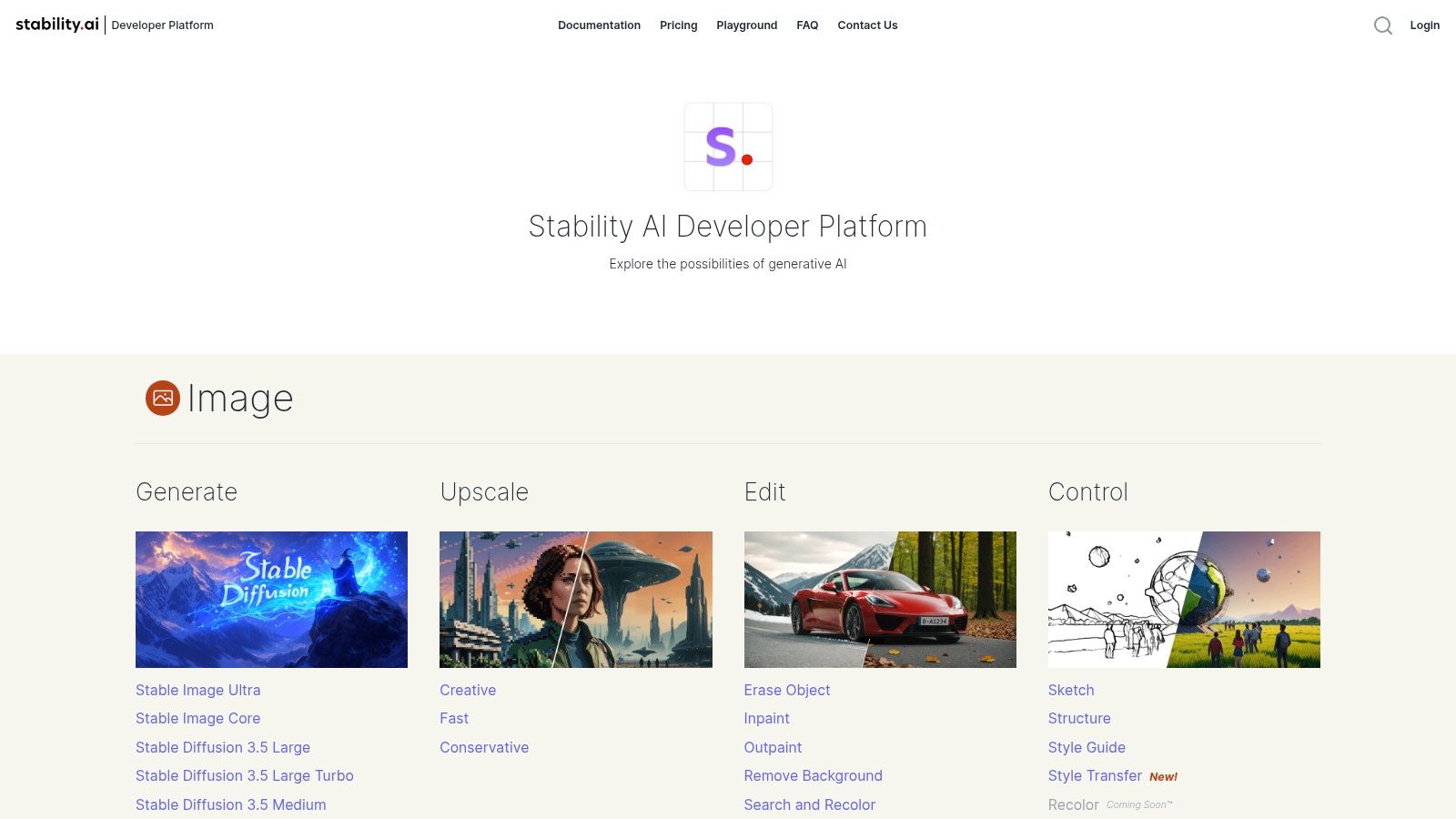
Stable Diffusion is what I recommend when someone says, “I don't want to rent creativity from one interface.” It gives you room to build your own pipeline, host locally if needed, and swap tools around without locking your entire workflow to one company's product decisions.
That flexibility is why it still matters. The hosted experience through Stability AI Platform and DreamStudio is accessible enough for regular users, while the broader Stable Diffusion ecosystem appeals to power users who want ComfyUI graphs, custom checkpoints, and deeper control over every generation step.
Stable Diffusion shines for creators who care about process as much as output. If you're building character pipelines, product scene templates, or local generation setups, it gives you options most closed systems don't.
It's a strong fit for:
There are trade-offs. Stable Diffusion can feel messy if you just want one polished answer. Quality varies more by model selection and setup, and newer users often spend more time configuring than creating.
For people new to the ecosystem, this guide to using Stable Diffusion from starryai is a solid place to get oriented. My advice is simple. Don't choose Stable Diffusion because it's famous. Choose it because you want control, portability, and a workflow you can shape to your own rules.
Adobe Firefly is the adult in the room. That's not an insult. It's exactly why many designers and marketing teams prefer it.
If your image generation ends in Photoshop, Express, or a Creative Cloud review loop, Firefly makes a lot of sense. You're not just generating an image. You're generating something that will be retouched, resized, composited, approved, exported, and reused. Firefly fits that reality better than most art-first tools.
I reach for Firefly when the brief is brand-sensitive and the handoff matters as much as the first render. It's less about chasing the wildest aesthetic and more about keeping the workflow stable.
That usually means Firefly works best for:
Independent tool comparisons also point to a broader production truth. Christy Tucker's review of AI image tools notes that Recraft stands out for branding consistency and vector output, Ideogram is especially strong for text-heavy images, and Napkin is optimized for explanatory visuals. That's useful context because it highlights Firefly's lane. It's not trying to win every niche. It's trying to be dependable inside commercial creative work.
If the image has to survive approvals, edits, and brand scrutiny, Firefly usually beats the more chaotic art generators.
Its weakness is that the credit system can feel less intuitive than it should, and casual creators may not get full value unless they already use Adobe heavily.
Google ImageFX is the model I'd tell a curious creator to try when they want good results without adopting a new “system.” Sign in, type a prompt, iterate a few times, download, move on. That simplicity is the product.
For brainstorming, ImageFX is especially good because it doesn't ask much from you. It's useful for thumbnail ideas, quick concept comps, social post exploration, and early art direction before a larger shoot or campaign.
I like ImageFX for low-friction experimentation. It suits creators who don't want to spend their afternoon comparing plans, reading API docs, or learning platform-specific syntax.
Its best traits are easy to summarize:
The limitation is obvious. Labs products evolve. Features move around, availability can shift, and it's not the tool I'd center an agency pipeline around unless Google's production offerings are the actual destination.
Still, for casual creators and busy marketers, that low-friction approach is valuable. Not every good text-to-image workflow has to start with a full-stack commitment.
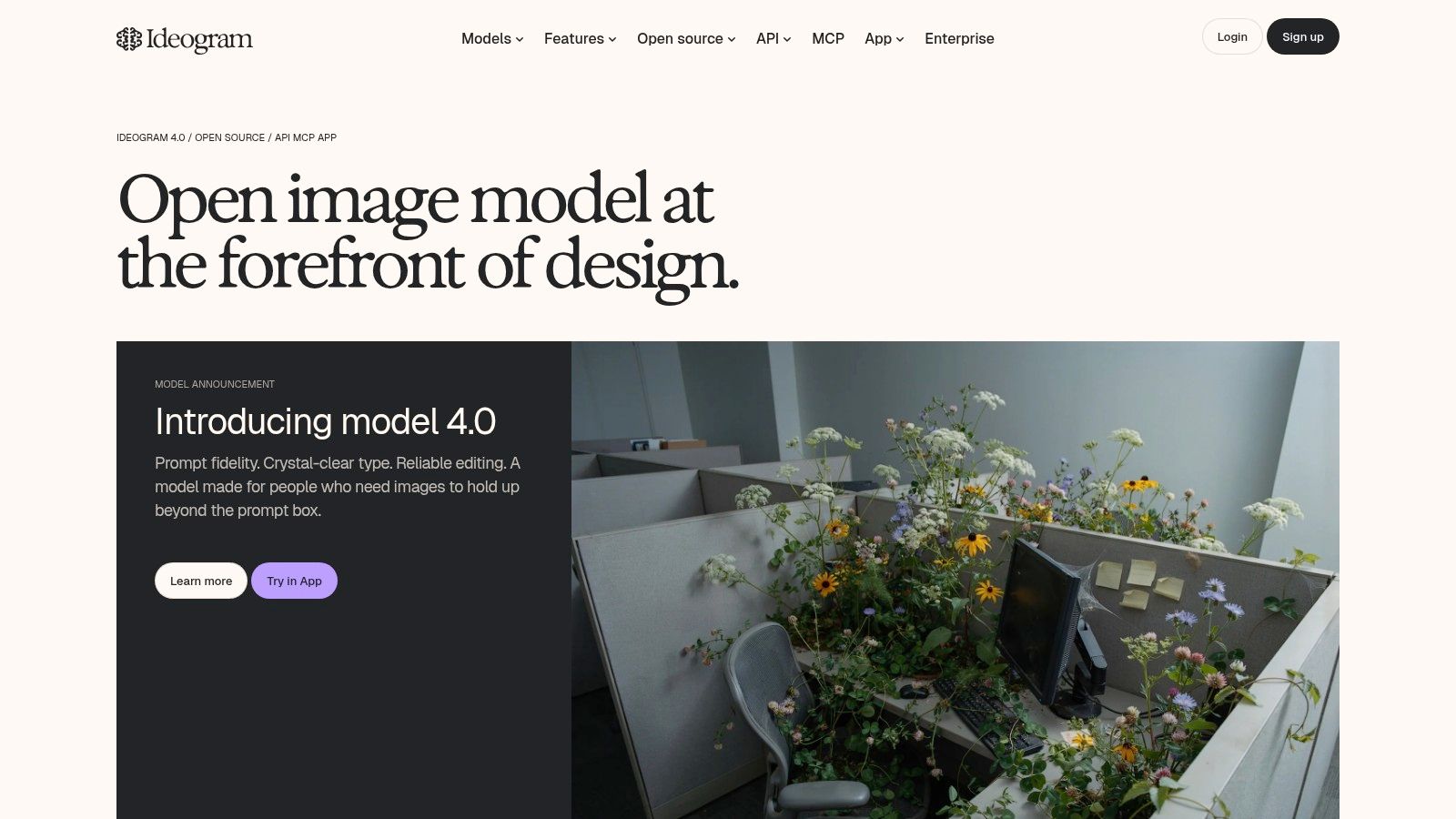
Ideogram earns its place for one reason that becomes obvious the moment you try to generate a poster, cover, social tile, or merch graphic in a general-purpose model. Text inside images is still where a lot of generators fall apart.
That's where Ideogram is particularly useful. If the asset needs readable words, not just attractive image composition, Ideogram belongs near the top of your shortlist. I'd use it for quote cards, thumbnail experiments, event posters, logo mockups, and apparel concepts where the wording is part of the design.
The practical appeal isn't hype. It solves a real bottleneck for working creators. A lot of “beautiful” models become inefficient the second you need a legible phrase on the artwork.
Replicate's current text-to-image model collection makes that task-based distinction very clearly, separating strengths such as GPT Image 1.5 for complex prompts and readable text, Nano Banana 2 for multi-image fusion and conversational editing, and FLUX.2 Max for highest fidelity. That's exactly the right lens. Model choice should follow the job.
For Ideogram specifically, I'd highlight:
The main limitation is that it's not always the first model I'd choose for pure photoreal scene generation. It can do broad creative work, but its clearest advantage shows up when words and visuals have to coexist cleanly.
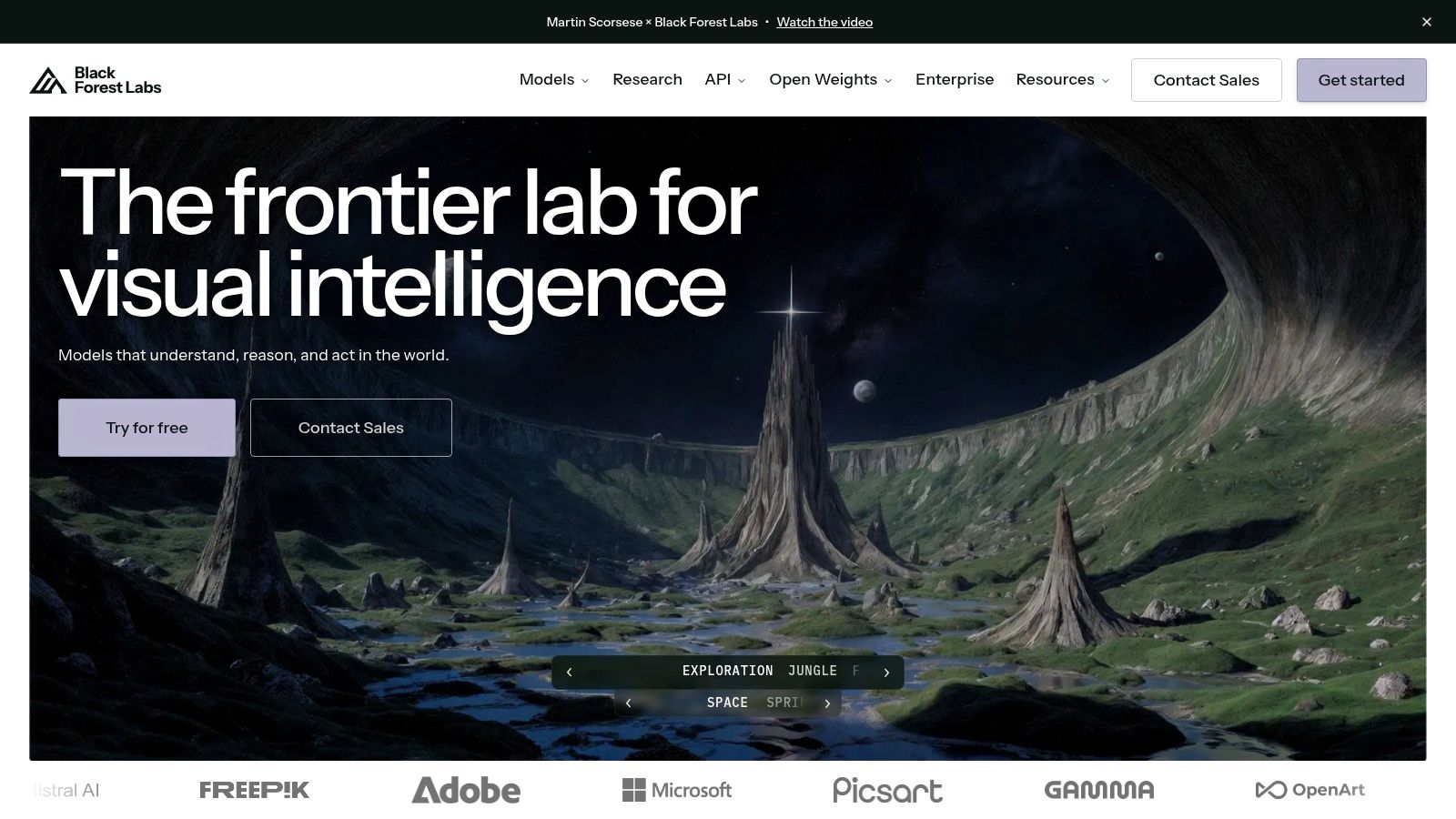
FLUX is what I'd recommend to creators who care about fidelity and iteration in equal measure. Some models are exciting because they generate a single gorgeous frame. FLUX is more interesting because it feels built for ongoing creative work.
That shows up in how people use it for fashion looks, character development, cosmetics imagery, and social campaigns that need multiple rounds of edits. It's not just generating from scratch. It's part of a workflow where references, edits, and variations matter.
The FLUX family is strong when you want prompt adherence without giving up modern editing workflows. Different variants let you make a practical quality-versus-speed decision instead of pretending every job deserves the same model.
What I like:
What I don't like is that the product space moves fast. Names, rates, and hosting options can shift, so this is a category where you need to check current docs before committing a team workflow.
Choose FLUX when you want a serious image model that behaves like a production tool, not just a toy for prompt experiments.
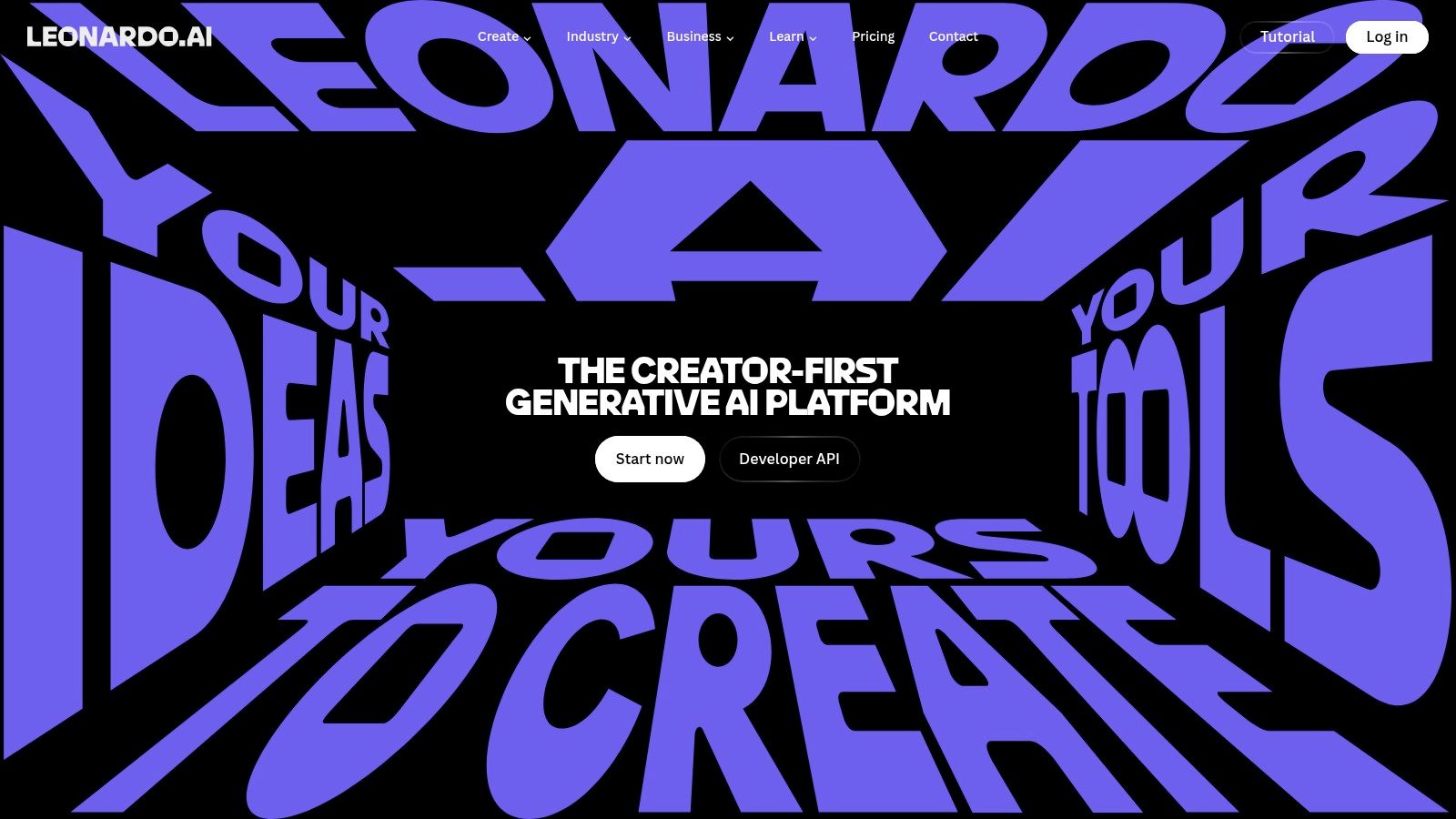
Leonardo.ai is for creators who don't just want outputs. They want a system. It gives you models, canvases, editing, training options, and workflow features that make sense once you're producing in volume.
I've found it especially appealing for people building recognizable styles over time. Think game asset creators, Etsy store owners, YouTube thumbnail producers, or teams making repeat product imagery. That's where the platform approach becomes more useful than a single standout model.
Leonardo is one of the better options when consistency matters across a series, not just a single image. Personal model training and creator-focused presets push it closer to a workshop than a one-click generator.
It's a good fit for:
The token logic can be confusing at first, especially once plans start mixing fast and relaxed workflows. But once you understand the system, it's a capable environment for creators who need throughput and repeatability.
Leonardo isn't the simplest pick on this list. It is one of the more useful picks once image generation becomes part of an ongoing business process.
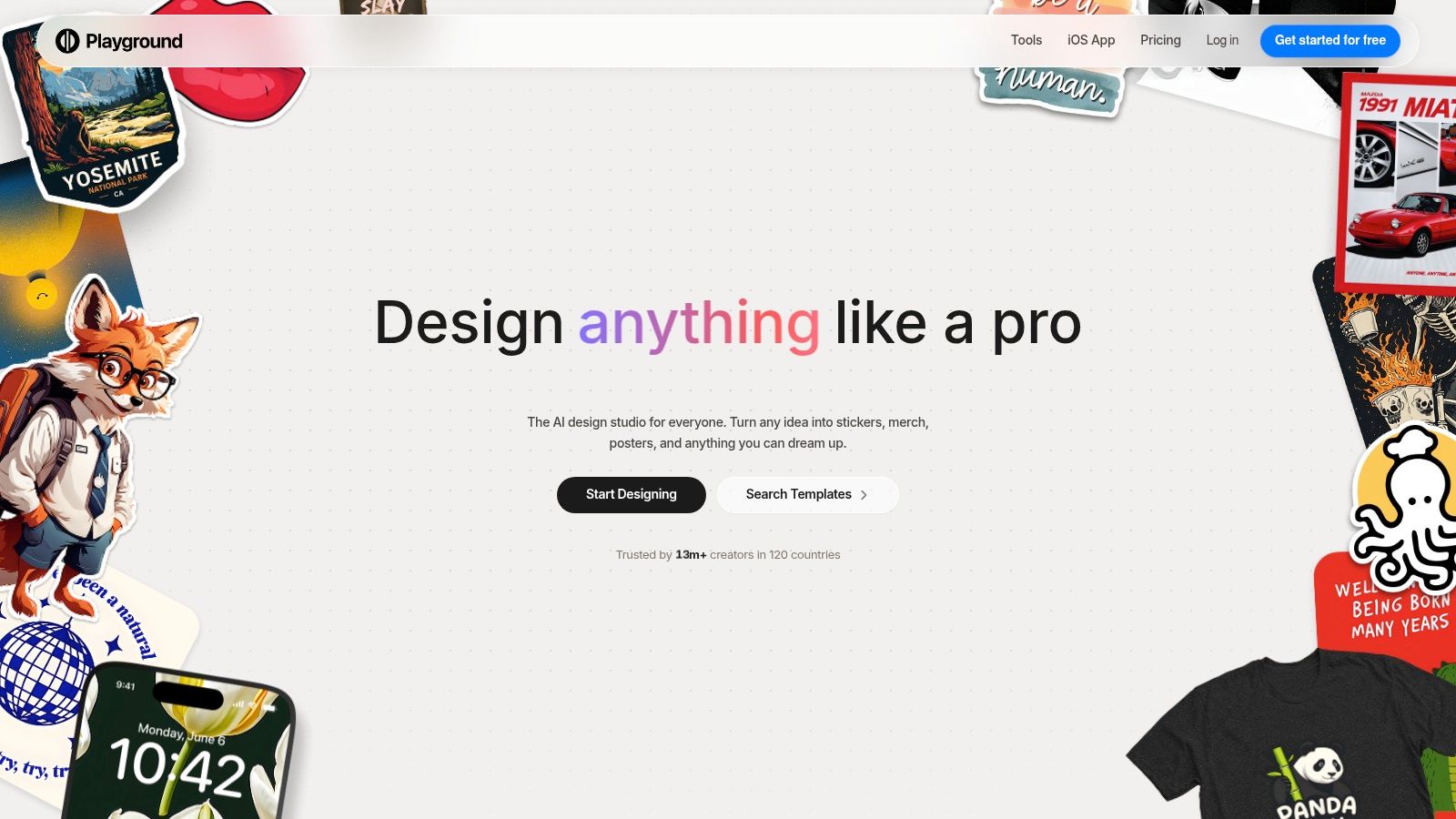
Playground is one of the most approachable choices for social managers and creators who need lots of usable images with very little friction. It bundles multiple models behind a simple design-studio feel, which makes it easy to move from generation to cleanup without switching mental gears.
That matters when the job is volume. Daily posts, campaign variations, seasonal graphics, quick thumbnails, rough ad concepts. Playground handles that kind of work better than tools that expect every image to be a masterpiece.
If I were equipping a lean social team that needs speed over obsession, Playground would be near the top. It's practical, fast, and friendly to people who care more about shipping assets than learning a specialized image stack.
Its strongest use cases are clear:
There are some catches. The exact model mix can change, and API access isn't the core appeal for most users. But for creators who need one workspace that gets them from idea to publishable visual quickly, Playground earns its place.
| Product | Core features | UX & quality (★) | Pricing / Value (💰) | Target (👥) & Unique (✨) |
|---|---|---|---|---|
| starryai 🏆 | Mobile-first; selfies, text & emoji → images; 1000+ styles; upscaling, bg removal, video | Fast, social-ready; intuitive app; 4.7/5 ★ | Free tier with daily credits & no watermarks; lumens credit system; paid tiers for heavy use 💰 | 👥 TikTok creators, indie authors, Etsy sellers, social managers, ✨ Full ownership & commercial rights; viral-ready presets |
| Midjourney | Discord + web workflow; queue/permutations; style recipes | Distinct, highly stylized outputs; polished results ★ | Subscription tiers (GPU time), Relax/Stealth modes; mid-plan unlimited relax 💰 | 👥 Concept artists, stylized social creators, ✨ Signature aesthetic & strong community prompt library |
| OpenAI gpt-image-1 | API + ChatGPT integration; text+image inputs; safety/metadata support | High general image quality; programmatic control ★ | Per-image pricing by size/quality; higher cost for top-quality outputs 💰 | 👥 Developers, apps, ChatGPT workflows, ✨ Seamless API + ChatGPT, strong safety/C2PA features |
| Stable Diffusion (DreamStudio) | Hosted API + self-hosting; many models; post-processing tools | Flexible quality; requires prompt/model tuning ★ | Credit-based API; self-hosting for lower costs; varied endpoint rates 💰 | 👥 Developers, tinkerers, teams needing control, ✨ Open weights, local hosting & rich tooling ecosystem |
| Adobe Firefly | Integrated across Photoshop/Express/CC; generative credits | Enterprise-ready, brand-safe outputs; editing integration ★ | Credit tiers; best value on higher plans; enterprise licensing 💰 | 👥 Marketing teams, designers, enterprises, ✨ Creative Cloud integration & licenseable assets |
| Google ImageFX | Browser-based Imagen models; Google sign-in; simple UX | Fast, high-quality tests; experimental Labs experience ★ | Low-friction access via Google Labs; no public production pricing 💰 | 👥 Casual testers, Google users, ✨ Very low friction for quick iterations and variations |
| Ideogram | Optimized for legible text; editable text layers; API | Best-in-class for typography-heavy images; readable text ★ | App subs + transparent per-image API pricing; clear cost controls 💰 | 👥 Designers, merch creators, publishers, ✨ Superior text rendering & editable text layers |
| Black Forest Labs FLUX | FLUX.1/2 SKUs; generate/edit API; multi-reference editing | Strong prompt adherence; iterative editing workflows ★ | Multiple speed/quality SKUs; pricing evolving, check docs 💰 | 👥 Iterative creators, character/fashion artists, ✨ Speed/quality SKUs for budget/fidelity trade-offs |
| Leonardo.ai | In-house models; personal model training; canvas, video | Creator-focused suite; relaxed mode for volume outputs ★ | Token-based tiers with rollover; premium features gated 💰 | 👥 Creators, small studios, character artists, ✨ Personal model training & integrated video/canvas tools |
| Playground AI | Multi-model studio; templates; 2K–4K editing; bg removal | Low friction for quick iteration; generous free cap ★ | Shared monthly credits; Pro & unlimited tiers; commercial license on Pro 💰 | 👥 Social managers, trend-driven creators, ✨ Unlimited option and fast, polished workflows |
The honest answer is that the best text to image models aren't “best” in the abstract. They're best when they match the type of work you do.
If you create trend-driven social content, quick avatar art, stylized promos, or indie creative assets, starryai is a strong starting point because it removes friction. You can move fast, generate from simple prompts, and use the results commercially without the tool feeling like a technical project. That combination is hard to beat when speed matters more than control panels.
If your workflow is driven by aesthetics and you want outputs that look polished right away, Midjourney still has a real edge. It's one of the easiest tools for getting dramatic, social-friendly visuals that feel art directed even when your prompt is imperfect. The trade-off is workflow rigidity and less production-oriented control.
If you're building apps, automations, or AI-assisted creative workflows, OpenAI's GPT Image family makes more sense. It fits the reality that many teams already use language models and want image generation to slot into the same ecosystem. Stable Diffusion goes in the opposite direction. It's for people who want control, customization, and less vendor lock-in, even if that means more setup and more tuning.
Adobe Firefly is the pick for brand-safe, approval-heavy commercial work. If a designer is already inside Photoshop or Express, Firefly is often the most practical option, not because it's the flashiest, but because it fits the way real teams ship assets. Ideogram is the specialist for text-heavy visuals. When words must render cleanly inside the image, it saves time and frustration.
FLUX, Leonardo.ai, and Playground each solve a different production problem. FLUX is excellent when fidelity and iterative editing both matter. Leonardo.ai works well when creators need repeatable style systems and high output volume. Playground is ideal for social teams that need speed, simplicity, and lots of variations without a steep learning curve.
There's also a bigger market reason this category matters now. Market.us projects the AI-powered image generation tool market will reach USD 272.8 billion by 2035 at a 40% CAGR, with software accounting for 76.5% of the market and media and entertainment representing 36.2% of end-user adoption. That doesn't just signal growth. It reinforces something working creators already know. The winning tools won't be judged only by image quality. They'll be judged by how well they fit real workflows.
So don't chase a universal winner. Pick the model that matches your outputs, your budget, your licensing comfort, and the amount of control you want. Then test it on your real work, not on someone else's benchmark prompt.
If you want the easiest place to start creating right away, starryai is a smart first pick. It's fast, mobile-friendly, creator-focused, and well suited to social visuals, character art, cover concepts, and commercial-use images when you don't want a complicated setup getting in the way.


.svg)