

Written by Mo Kahn on
July 1, 2026


You're probably in one of three situations right now. You want a profile photo that looks better than your last rushed front-camera shot, you need a stylized avatar that fits your social aesthetic, or you're trying to turn one decent selfie into something you can use for content, branding, or even product art. That's why the search for the best AI selfie generator gets messy fast. Some apps are really photo editors with AI filters. Others are closer to full creative studios. A few are useful for commercial work, and many are not clear enough about ownership to trust for anything you plan to sell.
AI selfies have moved well past novelty face swaps. They're now part of creator workflows, author branding, Etsy product design, game character ideation, and quick-turn campaign visuals. The market is crowded too. One 2026 market roundup says the global AI image generator market reached $12.4 billion in 2026, with over 150 million monthly users producing about 80 million images per day. That scale explains why so many tools are chasing the same use cases, but they don't all solve the same problem equally well.
This guide gets to the point. These are the tools I'd shortlist depending on whether your priority is viral TikTok styling, realistic headshots, fantasy art, browser convenience, or commercial safety.
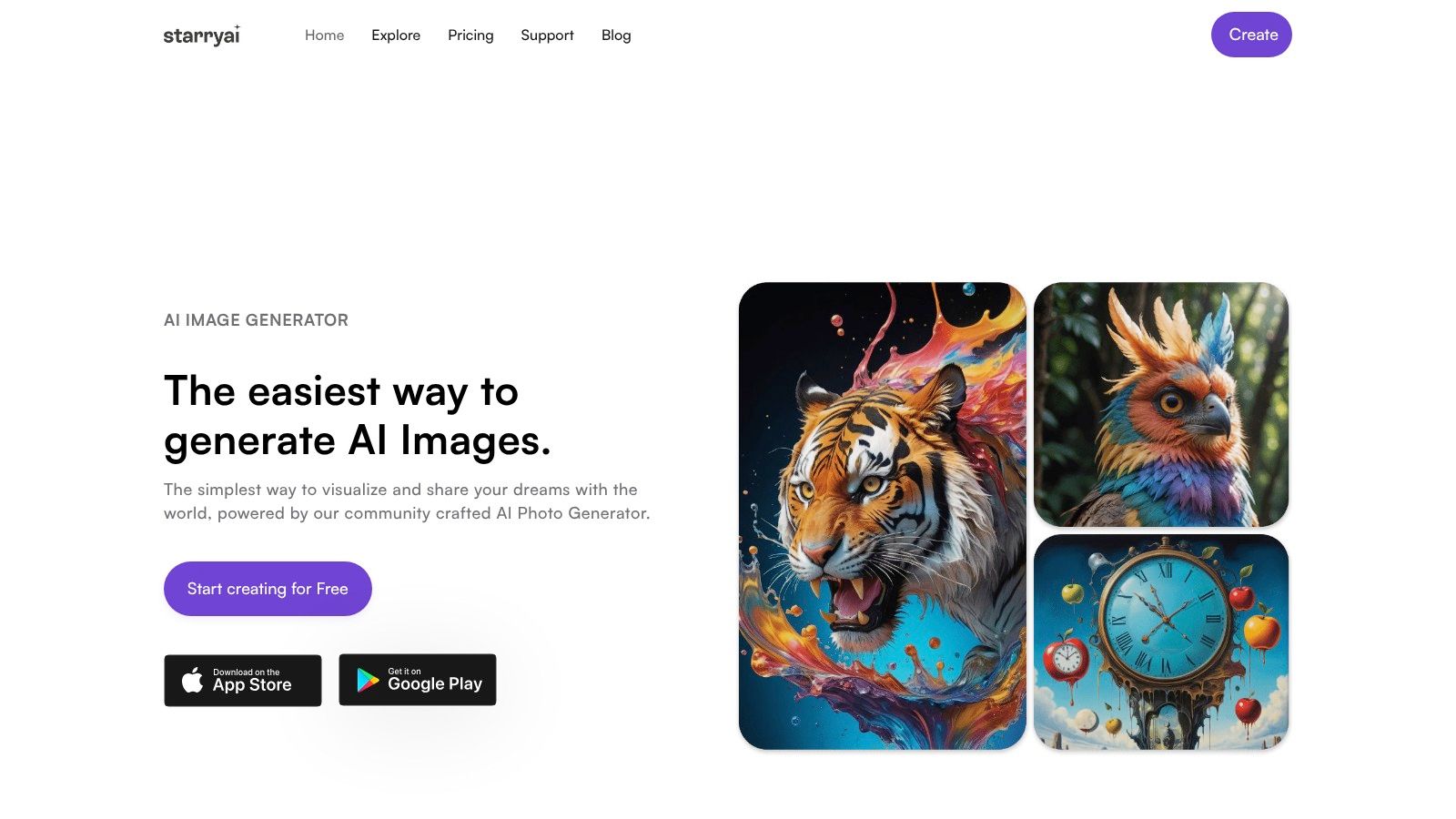
You have a decent selfie, but your ultimate goal is bigger than a profile photo. You want a fantasy character portrait for TikTok, a sharper author image for your site, and maybe artwork you can sell. starryai fits that kind of workflow better than selfie apps built around one preset pack.
What stands out in practice is range. starryai gives creators room to move from stylized portraits to concept art, branded visuals, and social graphics without changing platforms every few minutes. Analysts at SoMake note that the app offers a large preset library and works across iOS, Android, and web with syncing between devices, which supports a faster test-and-iterate process for creators who do not stay in one format for long (starryai review).
The output style reflects the product's roots. starryai has publicly discussed its use of Stable Diffusion in its earlier workflow, which helps explain why it tends to perform well for stylized portraits, mood-heavy artwork, and prompt-driven experimentation instead of pure one-tap realism (how AI art generators are changing digital art). If your goal is “make me look polished and realistic with minimal input,” other tools in this list may be faster. If your goal is “turn this selfie into something concept-driven that still feels usable,” starryai is a stronger match.
That difference matters commercially. starryai is one of the more practical picks here for users who care about ownership rights, not just aesthetics. If the image is heading to a product page, print run, ad concept, or creator brand kit, clearer commercial-use positioning reduces risk and cuts down on second-guessing later.
Use the filters second. Check rights first.
For more polished portrait work, starryai also offers an AI headshot generator and dedicated selfie editing tools for refining portrait-style outputs. That gives it a wider operating range than apps that only handle avatar packs.
starryai is a strong fit for:
The trade-off is straightforward. starryai rewards better prompts and better input photos. Clean lighting, a clear face, and a specific creative direction improve results a lot. It is also less instant than apps built around tightly packaged selfie effects, so users who want the fastest possible social avatar may prefer a narrower tool.
Lensa still earns a spot because it knows exactly what it is. This is a mobile-first portrait app built for people who want polished avatar packs, quick retouching, and social-ready edits without touching a desktop workflow. If your end goal is “make me look better, faster,” Lensa does that well.
Its Magic Avatars feature remains the core draw. You upload selfies, choose the look you want, and get stylized portraits that fit neatly into TikTok, Instagram, and profile-image use cases. It's less open-ended than a creative suite like starryai, but that's also why it feels easy.
Lensa performs best when you already know you want avatar-style output and don't need broad commercial flexibility. It's good for:
A practical detail matters here. Tools that require model training tend to work best when users upload 5 to 10 photos from different angles, while significantly more than 20 can hurt output quality. Lensa belongs in that “curate your inputs” category. Don't dump your whole camera roll into it and expect better results. A smaller, cleaner set usually works better.
If you want broader style experimentation beyond avatar packs, starryai's avatar tools give you more room to move. If you want a polished mobile flow with minimal friction, Lensa stays competitive.
The main downside is that it's app-first and some of the most desirable outputs sit behind paid add-ons. That's fine for casual use. It's less ideal if you want a repeatable desktop workflow for brand assets.
Website: Lensa
Remini is the tool I'd put in the “fix the source before you stylize it” category. It's known for enhancement, restoration, and detail recovery, and that makes it unusually useful when your selfie isn't great to begin with. Many people don't need a wild transformation. They need a blurry, flat, badly lit image to look presentable.
That focus changes the workflow. Instead of asking the AI to invent everything, Remini often works best when you use it to recover face detail, clean up color, and sharpen the portrait before generating new looks from it.
Remini is a strong choice for:
A lot of selfie failures come from bad inputs rather than bad software. PixelPanda's guidance says many users search for a free AI selfie generator without realizing that poor lighting and non-front-facing photos are a major reason outputs fail, and that a single well-lit portrait often works better than overcomplicated upload sets in newer tools (practical input guidance from PixelPanda). That lines up well with how Remini behaves. Give it one clear portrait, and it has a much better chance of producing something useful.
Good AI selfies usually start as good selfies. The app can help, but it can't fully rescue a face hidden by shadow, sunglasses, or an awkward angle.
If your priority is restoration and realism, Remini is a smart pick. If your priority is surreal styles, fantasy concepts, or broader visual ideation, starryai's selfie editing tools open more creative directions.
Website: Remini
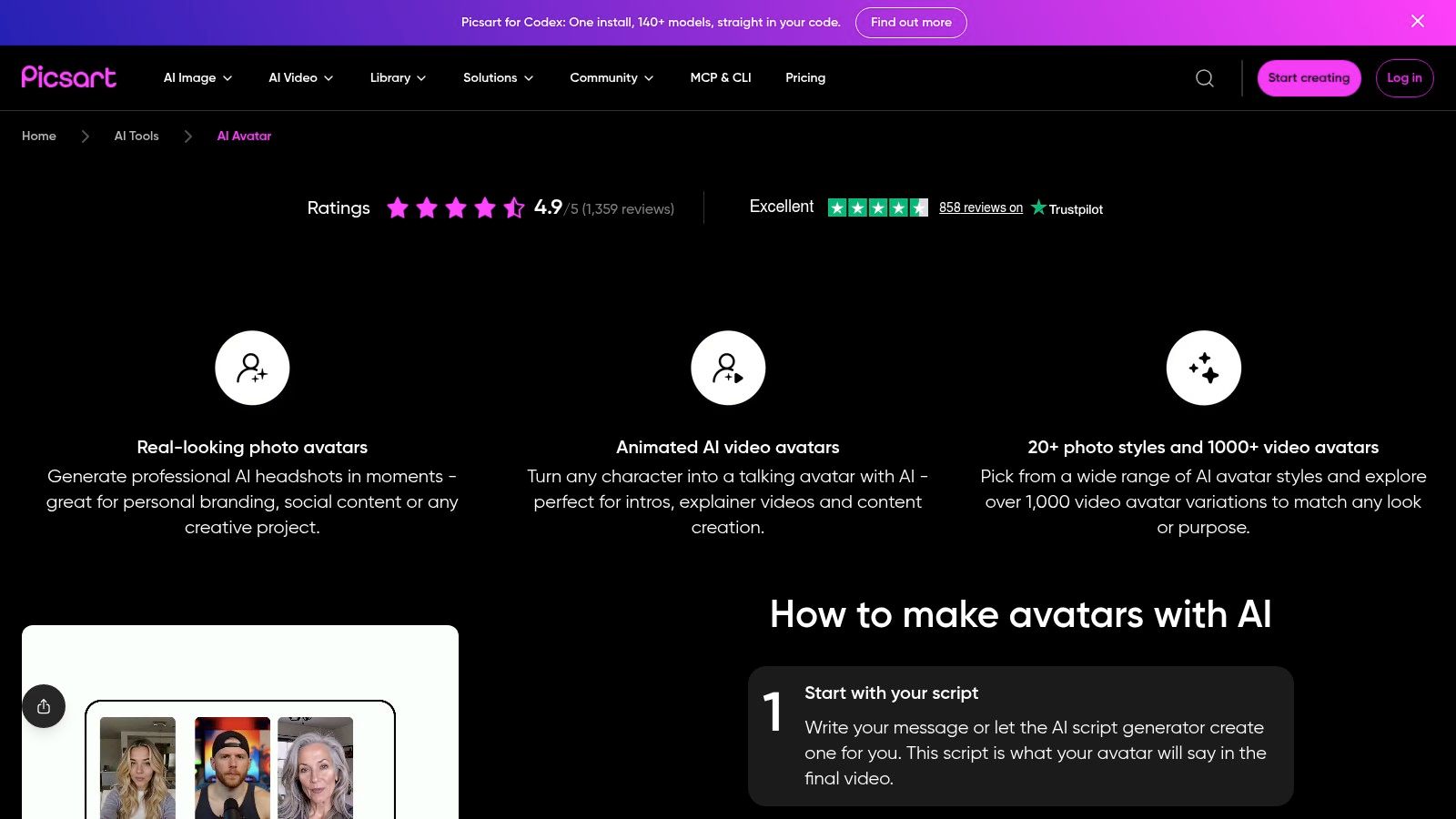
Picsart AI Avatar makes sense for people who don't just want generated selfies. They also want a full editing bench after the image is made. That's the difference. Many selfie apps end at generation. Picsart starts there, then gives you retouching, background editing, object removal, templates, and broader design controls in the same ecosystem.
That makes it more practical for social media managers, creators making thumbnails, and small teams producing content variations. You can generate the avatar, then turn it into a post asset without leaving the platform.
Picsart fits best when you need:
The downside is complexity. If Lensa feels like a guided experience, Picsart feels like a toolbox. That's useful once you know what you're doing, but it can feel busy if all you wanted was a polished avatar pack by lunch.
For commercial users, I'd treat Picsart as a production environment rather than a rights-first choice. It's very capable, but if ownership clarity is central to your workflow, starryai has the cleaner positioning for creators selling what they make.
Website: Picsart AI Avatar
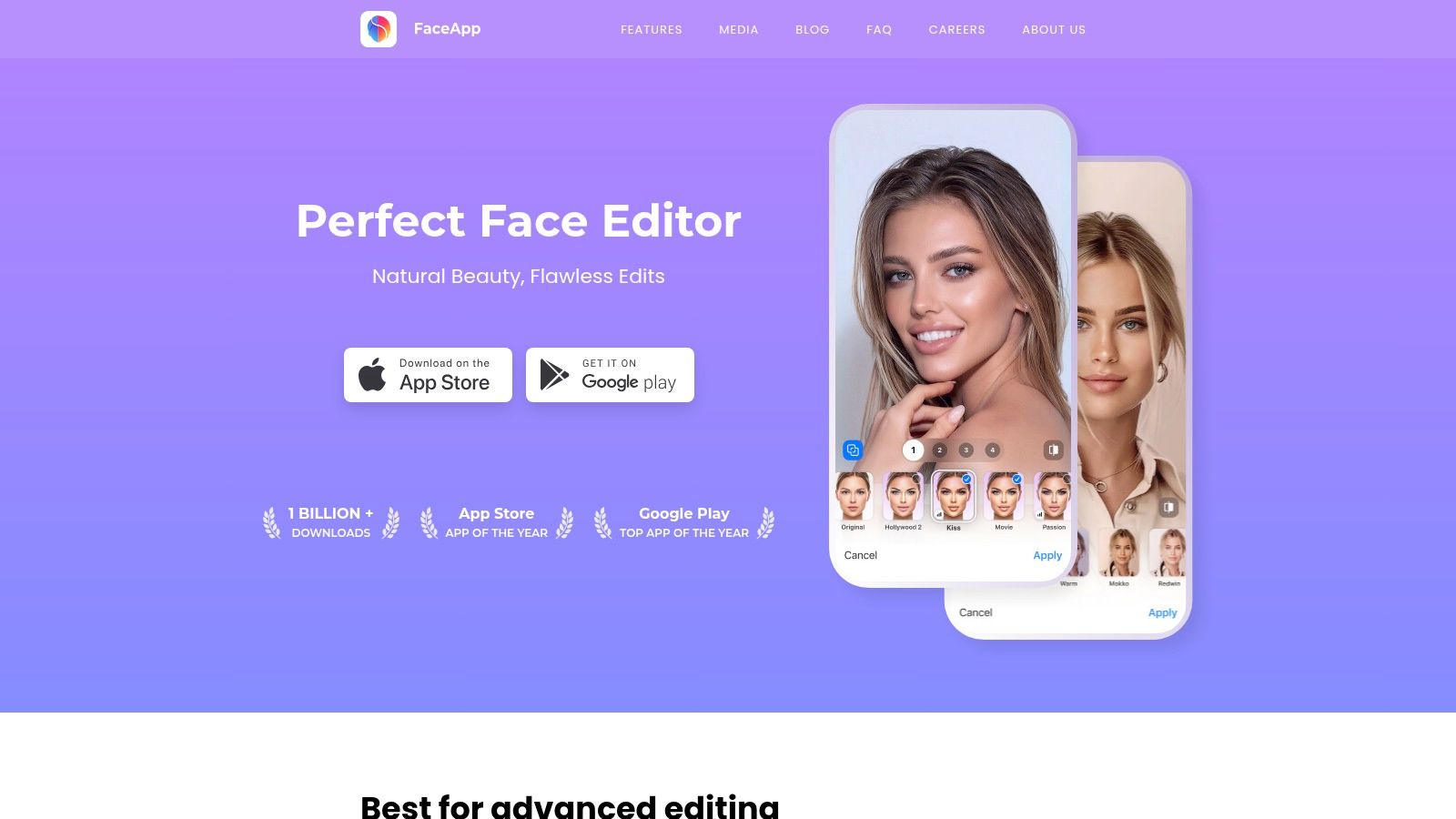
FaceApp is still one of the easiest ways to change a face without making the result scream “AI.” That's its lane. It isn't trying to be a full avatar generator or a concept art platform. It's a face-editing app with very fast transformations for age, hair, makeup, smiles, and other portrait-specific adjustments.
If you've ever wanted to test a look before posting, FaceApp is useful because it's direct. You don't need to learn prompting. You choose an effect, apply it, and keep moving.
This app works well for:
FaceApp also benefits from the fact that instant filter-style apps can work effectively from one photo, unlike training-based systems that need a curated image set. That makes it convenient when you want a quick answer, not a mini production process.
Its limitation is obvious. FaceApp edits a photo. It doesn't give you the same breadth of styles, fantasy directions, or commercial design possibilities you'd expect from a larger AI image platform. If you want to look like a cleaner version of yourself, it's great. If you want a cinematic warrior portrait or an original character identity, you'll hit the ceiling quickly.
Website: FaceApp
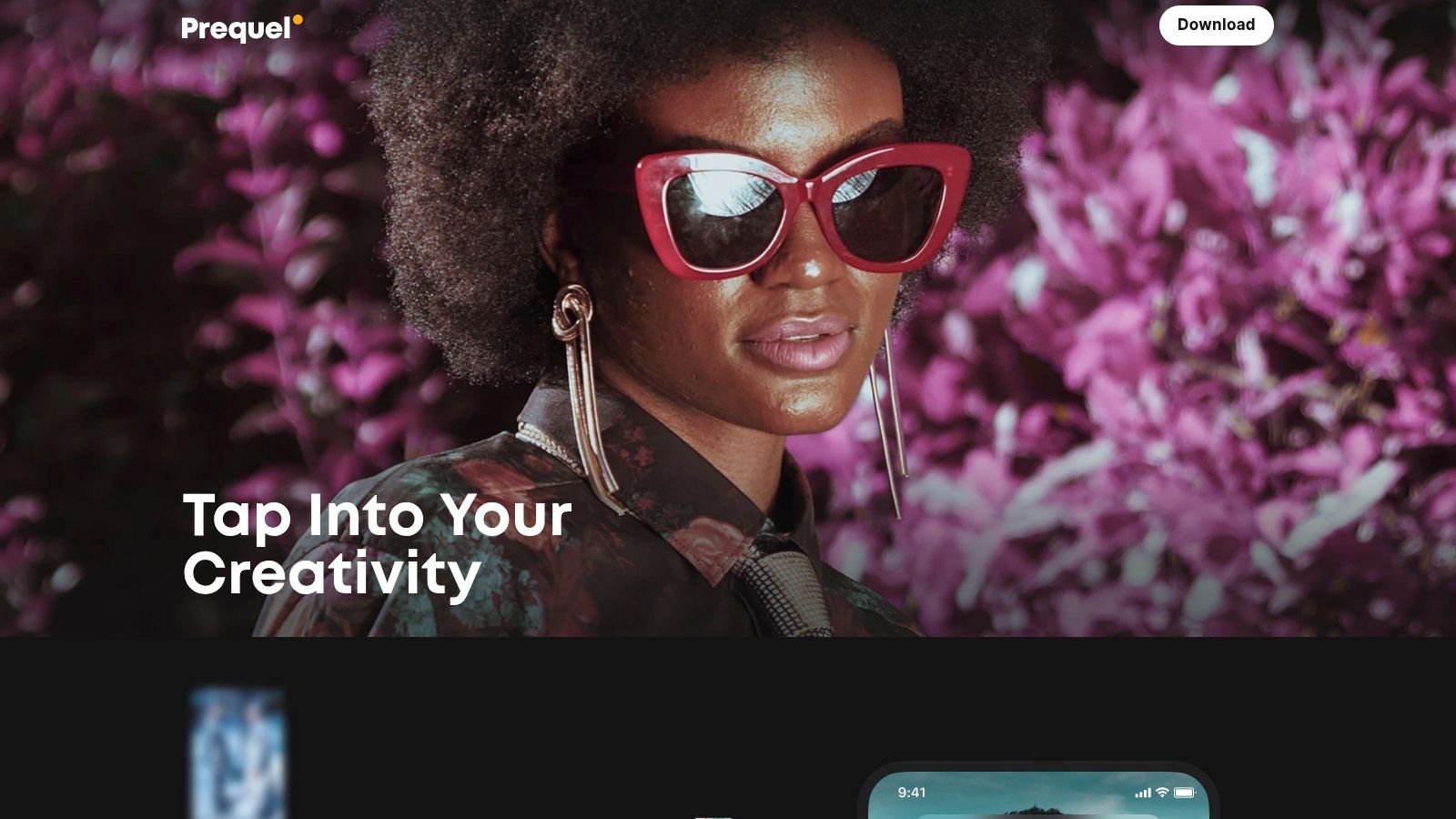
Prequel is for people chasing mood, not realism. It's one of the better options when your goal is to make a selfie look like it belongs inside a trend cycle. Comics, dreamy edits, stylized portraits, cinematic looks, and app-native aesthetics are where it earns attention.
You can think of Prequel as a style accelerator. It's less about building a controlled identity model of your face and more about turning a selfie into a piece of visual culture that feels current enough to share.
Prequel is a good fit for:
Field note: If the image is mainly for a trend post that will disappear in a day, speed matters more than perfect facial fidelity.
The trade-off is longevity. Trend-driven filters can look stale fast, and they're rarely the right choice for a professional bio photo or paid campaign asset. Prequel shines when your main metric is whether the image feels native to a social feed right now.
Website: Prequel
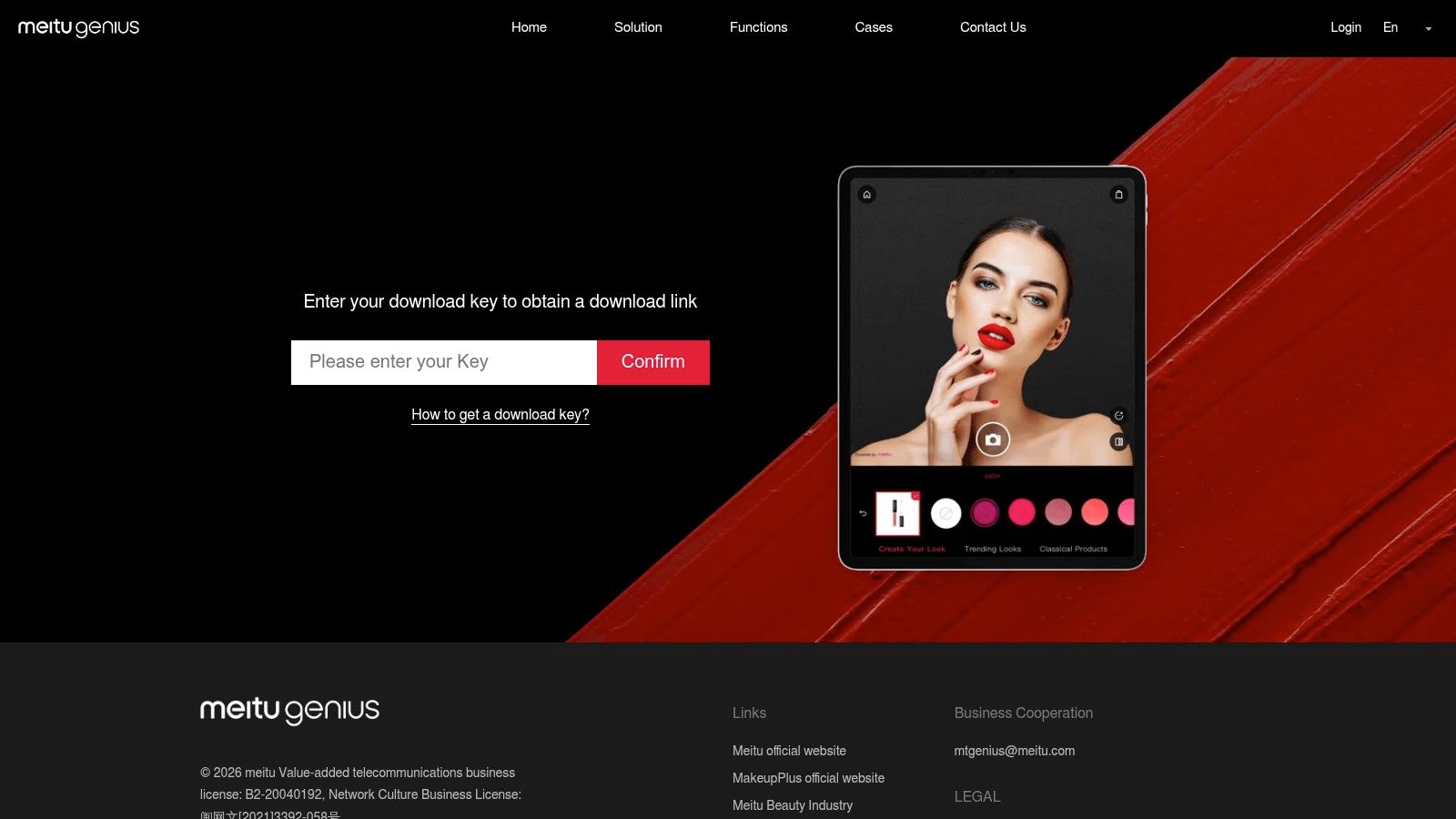
Meitu has long been strong at beautification-first selfie editing, and that still defines why people use it. If your idea of the best AI selfie generator starts with skin smoothing, makeup enhancement, facial refinement, and trend-driven portrait filters, Meitu has a clear role.
It's also one of the better-known apps for anime and cartoon-adjacent stylization. That makes it appealing to users who want selfies that feel polished but still playful.
Meitu tends to work well for:
Where it can be less ideal is consistency across audiences. Beautification-heavy results can look great on some feeds and feel overprocessed on others. For personal content, that's a taste call. For brand work, you need to be more selective.
If you want your selfie generator to act like a beauty app first and a broader creative tool second, Meitu deserves consideration. If you want flexible commercial visuals, concept art, or more varied non-beauty aesthetics, you'll probably want a wider platform.
Website: Meitu
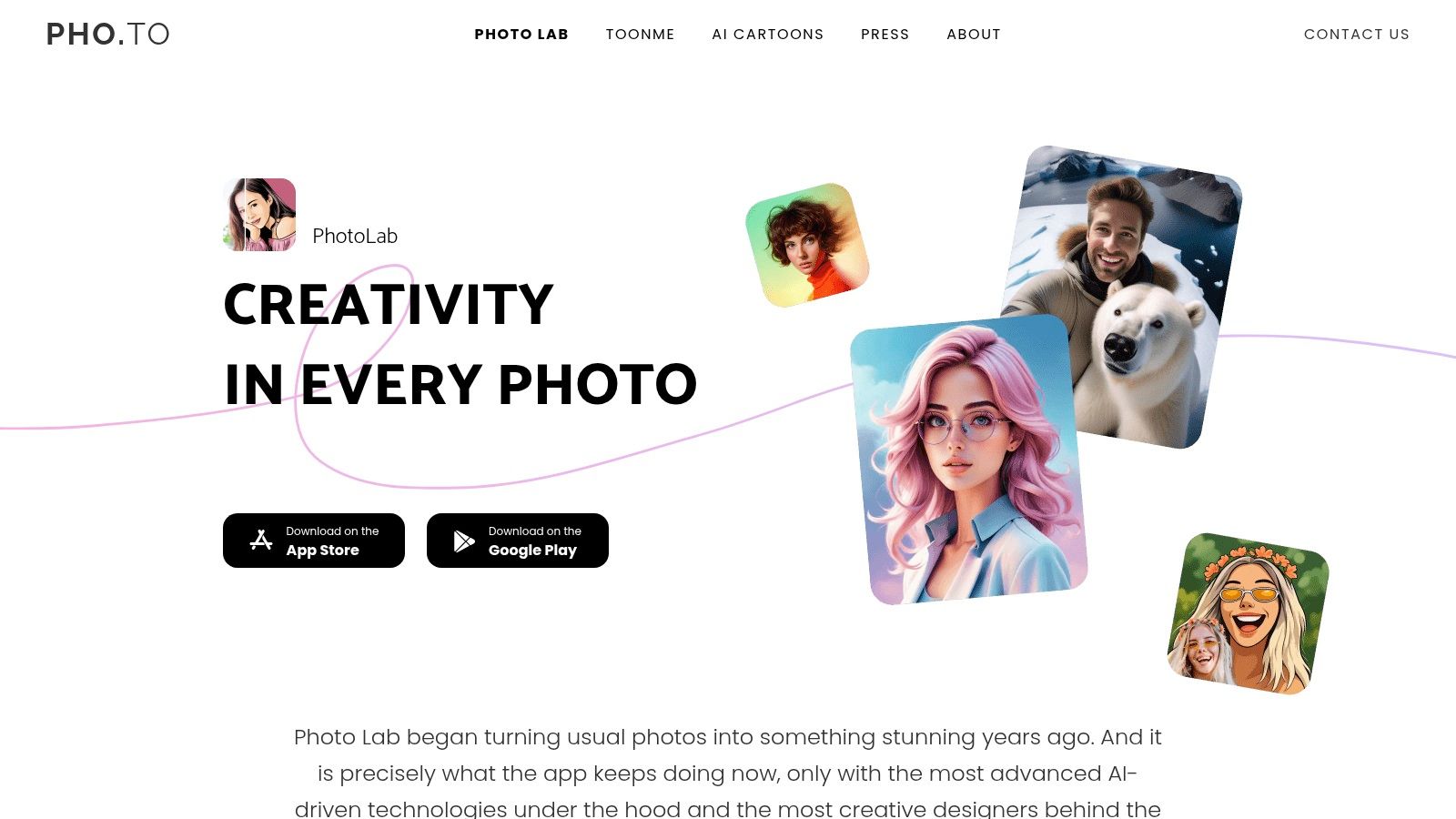
Photo Lab is a volume play. It gives you lots of templates, lots of effects, and lots of quick visual routes from a single selfie. If you enjoy trying many looks with minimal setup, it's fun and efficient.
Its DreamLook positioning is useful for people who want variety more than precision. You can get realistic or artistic transformations, but its main appeal is speed of exploration.
Photo Lab works best for:
There's an important free-use trade-off in this part of the market. Some browser-based selfie generators such as Magic Hour and PixelPanda are structured to offer exactly 3 free generations per day without account creation, with unlimited use only after signup. Photo Lab sits in a similar practical category of “easy to try, but don't expect unlimited free production forever.” If you generate often, limits, ads, watermarks, or upgrade prompts become part of the workflow.
That doesn't make it a bad tool. It just means it's better for dabbling and quick content than for serious production pipelines.
Website: Photo Lab
Artisse is one of the strongest options here for people who want their AI selfies to pass as real photos rather than stylized outputs. It's aimed at photorealistic personal imagery, and that focus shows in how much attention it gives to resemblance, pose, clothing, and broader scene control.
This is the tool I'd consider if you need professional-looking portraits, lifestyle visuals, or polished personal brand imagery from a desktop-friendly workflow. It's less playful than Prequel and less stylistically expansive than starryai, but it's more deliberate about realism.
Artisse is a good match for:
The trade-off is effort. Artisse rewards users who are willing to fine-tune and compare outputs. If you want one-tap fun, this isn't the easiest option. If you care about how your hands, pose, clothing, and face all work together in a realistic final image, that extra control is useful.
From a strategy standpoint, Artisse is one of the clearest choices when “best AI selfie generator” really means “best AI personal photo generator.”
Website: Artisse
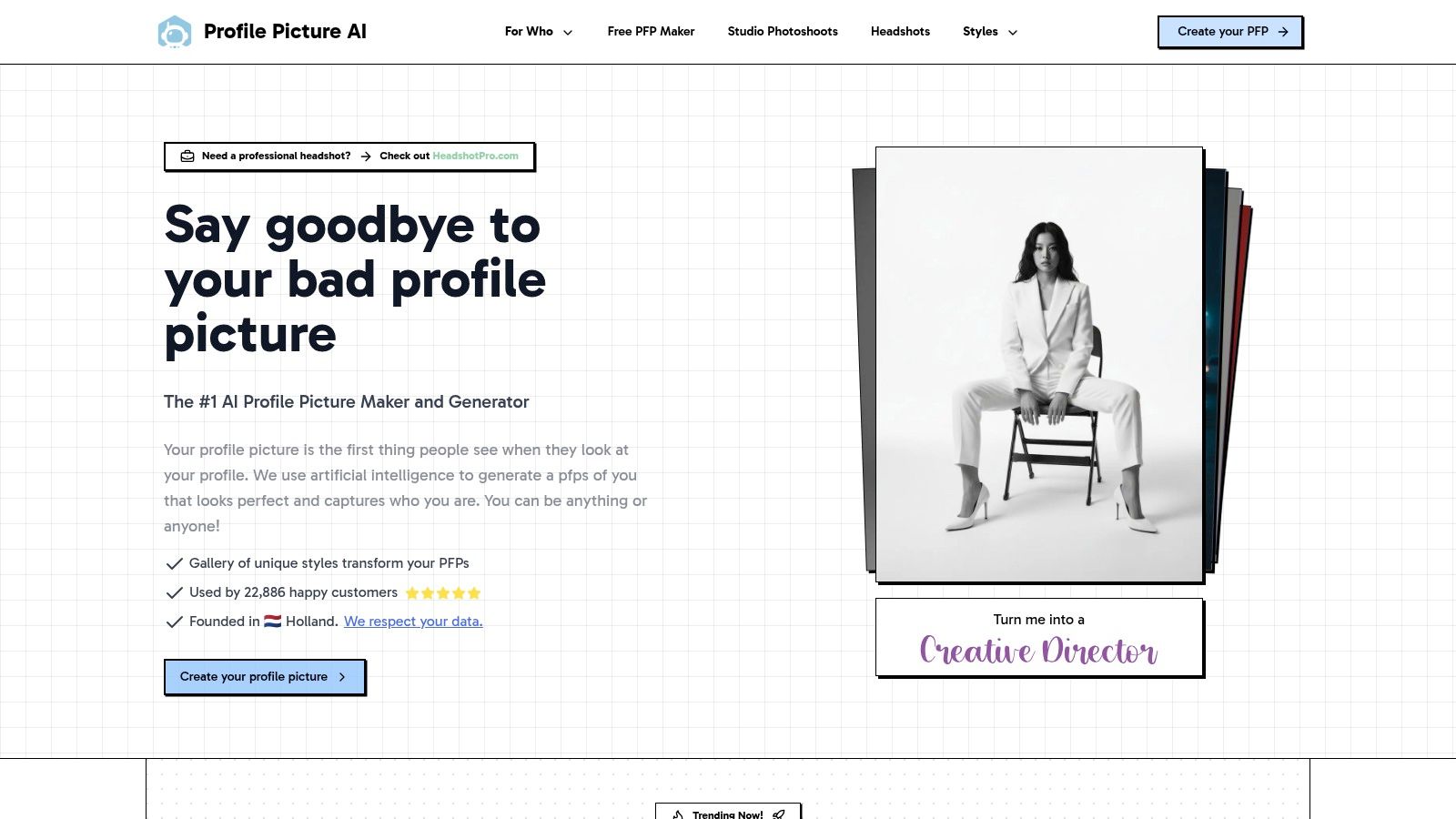
ProfilePicture.ai is the specialist on this list. It doesn't try to be your video editor, full design suite, or style laboratory. It focuses on one use case: turning your photo into a polished profile image or headshot from the browser.
That focus is its advantage. If you don't need broad editing controls and you don't want to install another app, a browser-first workflow is a relief.
PFP.AI fits best for:
The main limitation is scope. It's not meant for complex composites, fantasy art, or ongoing content production. You're using it because you want a better profile picture, not because you need a multi-purpose AI studio.
If that's exactly your use case, specialization helps. You get less clutter, less experimentation, and a cleaner path to a usable portrait.
Website: ProfilePicture.ai (PFP.AI)
| Product | Core Features ✨ | UX / Quality ★ | Value 💰 | Audience 👥 | Unique Edge 🏆 |
|---|---|---|---|---|---|
| starryai 🏆 | Selfie/text/emoji AI gen, 1000+ styles, upscaler & bg removal | Fast mobile/web, social-ready, 4.7★ (~40k) | 💰 Free start + daily free no‑watermark; credits/subs for volume | 👥 Social creators, indie authors, merch sellers, SMBs | 🏆 Free daily no‑watermark + full commercial rights |
| Lensa (Magic Avatars) | Magic Avatars, one‑tap retouch, bg/object removal, filters | Polished mobile UX, fast, ★★★★☆ | 💰 App-based; avatar packs & some features paid | 👥 Mobile creators seeking polished avatars | ✨ One‑tap retouch + stylized avatar packs |
| Remini | AI Photos, face enhance, color fix, restoration | Natural‑looking enhancements, web+mobile, ★★★★ | 💰 Freemium; in‑app pricing varies by region | 👥 Users restoring photos & realistic selfie makers | ✨ Strong photo restoration & detail enhancement |
| Picsart AI Avatar | AI avatar sets + full editor, templates, dev APIs | Robust cross‑platform editor, ★★★★ | 💰 Subscription with AI limits; team plans/APIs | 👥 Designers, teams, creators needing toolkit | ✨ All‑in‑one editor + developer APIs |
| FaceApp | Extensive face filters: makeup, hair, age/gender | Realistic face edits, simple workflow, ★★★★ | 💰 Free + FaceApp Pro for best features | 👥 Users wanting natural facial transformations | ✨ Highly realistic facial transformations |
| Prequel | AI stylizations: comic/cartoon, cinematic presets | Trend‑savvy, tap‑to‑apply for Reels, ★★★★ | 💰 App‑based; some packs/subscription paid | 👥 TikTok/Instagram creators chasing trends | ✨ Trend-driven filters optimized for social |
| Meitu | AI beautify, anime/cartoon stylizations, portrait tools | Powerful beautification pipeline, ★★★★ | 💰 Free base; VIP for advanced tools | 👥 East Asian creator communities & beautify fans | ✨ Robust portrait beautify + trend effects |
| Photo Lab | DreamLook styles, wide template/effects catalog | One‑tap playful transforms, ★★★½ | 💰 Free tier may watermark/ads; premium paid | 👥 Casual users wanting quick, fun edits | ✨ Huge template library for fast social posts |
| Artisse | Photorealistic AI photos, pose/clothing control | Desktop+mobile workflow, photorealism, ★★★★ | 💰 Subscription/credit tiers for volume | 👥 Creators & marketers needing headshots/brand visuals | ✨ Fine‑grain control for photoreal headshots |
| ProfilePicture.ai (PFP.AI) | Studio‑style headshots & creative PFP packs (web) | Streamlined browser flow, polished results, ★★★★ | 💰 Paid packages at checkout (one‑time) | 👥 Creators, teams, professionals needing PFPs | ✨ Browser‑based polished PFPs with clear policies |
Getting a strong result isn't just about downloading the right app. Input quality still decides whether the AI has something usable to work from. Clear, front-facing, well-lit selfies consistently outperform dramatic shadows, group shots, or photos where accessories hide key facial details.
If you're deciding between tools, start with your actual goal rather than the flashiest marketing. A professional headshot, a fantasy RPG avatar, a TikTok trend post, and an Etsy merch concept all need different strengths. That's why the best AI selfie generator for one person can be the wrong one for another.
A few practical rules help:
Commercial use is where many people make the wrong call. They choose the prettiest result first and only think about ownership later. If the image is tied to revenue, brand identity, or client work, rights clarity matters as much as output quality.
My final take is simple. For creative flexibility, social-ready visuals, and commercial-friendly positioning, starryai is the most well-rounded choice on this list. It's the tool I'd recommend to creators, indie authors, side hustlers, and marketers who want more than a novelty selfie app. For controlled photorealism and polished personal branding, Artisse is the better fit. For quick mobile avatar packs and familiar social aesthetics, Lensa still has a place. If you mainly want face edits rather than generated identities, FaceApp and Remini are the safer picks.
The right choice depends on what you need the selfie to do after it's generated. If it only has to entertain, almost any decent app can work. If it has to represent your brand, support your content strategy, or become part of something you sell, choose more carefully.
If you want a tool that can handle stylized selfies, headshots, avatar concepts, merch-ready art, and social visuals in one place, try starryai. It's a strong fit for creators who want speed, style range, and clearer commercial freedom without getting stuck in a complicated editing workflow.


.svg)