

Written by Mo Kahn on
July 1, 2026


AI photo editing is no longer a niche category. Independent market analysis cited by Aftershoot estimates the segment at roughly USD 3.2 billion in annual revenue, with strong adoption among photographers and indie creators using AI in everyday workflows according to Aftershoot. That growth is easy to see in the tools themselves: the best apps now handle background cleanup, portrait retouching, upscaling, and text-based edits in seconds.
A key practical question is which tools are worth using, and which ones are free versus only free to try. I tested the editors on portraits, product shots, low-light phone photos, and older low-resolution images, then compared how natural the results looked, how fast each edit processed, and what happened when free limits kicked in. If you want one recommendation fast, starryai is the strongest all-around pick for creative editing and accessibility, Photoshop is still the deepest pro option, and Snapseed remains the cleanest fully free mobile choice.
I tested each tool against the same core jobs:
I also checked whether the AI edits held up after a second look. Some apps look impressive at thumbnail size, then fall apart around hands, hairlines, jewelry, or product edges. I downgraded tools that produced plastic skin, muddy upscales, or aggressive sharpening halos even when their feature list looked good on paper.
A tool could make this list only if it solved at least one common editing problem reliably. I excluded apps that felt like filter packs dressed up as AI, and I gave extra credit to editors that paired strong automation with usable exports on a free plan. That matters more now because mobile-first AI editing has surged: Zapier notes that consumer-focused AI image editors expanded rapidly alongside social-media-centric workflows and rising monthly active users across the top apps in its market overview.
The best tools did not just generate flashy edits. They consistently handled the jobs people use every week:
Editor’s note: I ranked these tools by actual editing performance, not just feature count. Every app was tested for background removal quality, object cleanup, portrait retouching, upscaling, processing speed, export limits, and how restrictive the free tier felt in normal use.
1. starryai
Best for: Creative editing that also works for practical photo cleanup
starryai ranks first because it balances creative generation with useful day-to-day editing better than most hybrid tools. In my testing, background removal was quick and generally clean around hair and shoulders, and the upscaling results looked more natural than several mobile-first rivals that pushed too much artificial sharpness. The biggest advantage is that it does not force you to choose between making new images and improving existing ones.
I also found it easier than Photoshop or Luminar for quick turnaround work. Uploading a portrait, cleaning the background, and exporting a usable social image took only a few steps, while the free-credit model was straightforward enough to evaluate before paying. starryai’s current plans and credits are outlined on its official pricing pages inside the product, and the service remains available across web and mobile, making it a strong fit for creators who do not want a desktop-only workflow.
Key features:
Pricing: Free tier with daily credits. Premium plans start at $11.99/month for unlimited generations and priority processing.
Best for: Creative professionals, social media creators, and anyone who wants both photo editing and AI image generation in one tool.
2. Adobe Photoshop (Firefly AI)
Best for: Professional editing and the strongest AI-assisted control
Photoshop remains the benchmark for serious photo work because its AI tools sit inside a full manual editing environment, not beside it. Adobe’s official feature pages confirm that Generative Fill and Generative Expand are built into Photoshop, and that matters in practice: in my tests, object removal was the cleanest here when I needed to fix complex backgrounds, extend a frame, or rebuild missing edges with precision.
The tradeoff is cost and complexity. Photoshop is not the tool I would hand to a casual user who wants one-tap improvement, and the subscription price is harder to justify if you only edit occasionally. But for layered composites, client retouching, and detailed cleanup, it still outperforms simpler apps because you can correct the AI rather than accept its first guess.
Key features:
Pricing: The Photoshop plan page lists standalone and Creative Cloud subscription options, with trial access available.
Best for: Professional photographers and designers who need a full-featured editing toolkit.
3. Luminar Neo
Best for: Photographers who want AI without Photoshop’s complexity
Luminar Neo is the most photographer-centric editor on this list. Sky replacement, relighting, and portrait enhancement are not hidden experiments; they are central to the workflow, and that makes the app faster to learn for photographers who edit landscapes, portraits, and travel images regularly. In side-by-side testing, it was especially effective at balancing exposure in uneven outdoor scenes without flattening the image.
It still sits below Photoshop because its AI can feel prescriptive. When I pushed edits too far, portraits started to look slightly processed, and object removal was less dependable on crowded scenes than Adobe’s generative tools. Still, for users who want dedicated photography AI instead of a design suite, Luminar Neo is one of the easiest recommendations.
Key features:
Pricing: Skylum lists current subscription and lifetime options on the Luminar Neo pricing page.
Best for: Landscape and portrait photographers looking for dedicated AI photography tools.
4. Canva
Best for: Fast edits for content, presentations, and social posts
Canva is not the deepest image editor here, but it is one of the most useful. Its official AI pages show that Magic Edit and Magic Eraser are part of the broader Magic Studio toolkit, and that matches the experience: I was able to swap simple objects, remove distractions, and drop edited images straight into templates without moving between apps.
That convenience is Canva’s real strength. In testing, the edits themselves were solid on clean images but less convincing on detailed scenes or tricky edges, so I would not use it for paid retouching or restoration work. I would use it for quick thumbnails, ad creatives, and polished social graphics where speed matters more than pixel-level perfection.
Key features:
Pricing: Canva offers a free plan, while more advanced AI features are tied to paid tiers on the Canva pricing page.
Best for: Social media managers, small business owners, and anyone who needs quick, polished photo edits.
5. Pixlr
Best for: Browser editing on a real free plan
Pixlr moved into the top five because it covers more ground than many “free” editors without forcing an immediate subscription. The Pixlr pricing page confirms a free ad-supported tier and paid upgrades, and in practice that free version is useful enough to test seriously. I liked how quickly I could jump into layer-based edits in a browser, and the background removal was surprisingly competent for a tool that does not require installation.
Its limits show up when you lean hard on premium AI functions or need a polished batch workflow. But if your priority is a low-cost editor with stronger-than-basic tools, Pixlr is one of the easiest ways to get object cleanup, cutouts, and fast web-based editing without committing to a desktop app.
Key features:
Pricing: Free plan with ads. Pixlr Plus at $7.99/month removes ads and unlocks premium AI tools.
Best for: Budget-conscious editors who want professional tools without installing software.
6. Fotor
Best for: Batch editing and quick AI enhancements
Fotor is still a solid pick for users who care more about speed than deep control. Its one-click enhancement and batch workflow make sense for marketplace images, event galleries, or large sets of social content. The results were decent on lighting correction and basic cleanup, though less refined than the top five when I zoomed in on faces and textured backgrounds.
Key features:
Pricing: Free basic plan. Fotor Pro at $8.99/month.
Best for: Users who need to quickly enhance large batches of photos without spending too much time on individual edits.
7. Remini
Best for: Photo restoration and face enhancement
Remini remains one of the strongest niche tools for restoring blurry portraits and improving old family photos. It is especially effective when the subject is a face, which is why it remains popular despite a narrower scope than all-purpose editors. For restoration, it often produced more immediately pleasing results than general editors, though it can occasionally over-smooth skin.
Key features:
Pricing: Free with limited daily enhancements. Premium at $9.99/month for unlimited use.
Best for: Anyone with old family photos to restore or selfies that need a quick quality boost.
8. Lensa AI
Best for: Selfie editing and AI avatar creation
Lensa still earns a spot for mobile users who mainly edit portraits. It is fast, approachable, and tuned for stylized results, but that same strength can become a weakness if you want restraint. For selfies and creator-friendly edits it works well; for natural-looking documentary or product work, there are better options.
Key features:
Pricing: Free basic features. Lensa Pro at $7.99/month or $35.99/year.
Best for: Mobile users who primarily edit selfies and portraits.
9. PicsArt
Best for: Creative editing with a mobile-first workflow
PicsArt offers breadth more than precision. There are plenty of AI-powered effects, replacements, and generative tools, and the app is useful for creators who want to move quickly between editing and publishing. The downside is consistency: some edits looked great, while others felt more novelty-driven than dependable.
Key features:
Pricing: Free with ads and watermarks. PicsArt Gold at $13/month.
Best for: Mobile creators who want a full creative suite with community features.
10. Photoroom
Best for: Product photography and e-commerce
Photoroom is one of the most specialized editors here, and that specialization is exactly why it works. The Photoroom pricing page shows a free plan and paid tiers, and its background removal and product-scene generation are useful for sellers. In testing, it was faster than general-purpose editors for marketplace listings, though less flexible for broader retouching jobs.
Key features:
Pricing: Free plan with watermark. Pro at $12.99/month.
Best for: E-commerce sellers, Etsy shop owners, and anyone who needs professional product photos quickly.
11. Topaz Photo AI
Best for: AI upscaling and noise reduction
Topaz Photo AI remains a specialist recommendation. If your problem is soft focus, ISO noise, or low-resolution source files, it is one of the best fixes available. It is less of an all-in-one editor and more of a finishing tool, but for photographers who regularly rescue imperfect files, that can be enough reason to buy it.
Key features:
Pricing: $199 one-time purchase with one year of updates.
Best for: Photographers who need the absolute best in noise reduction, sharpening, and upscaling.
12. Snapseed
Best for: Fully free mobile editing
Snapseed remains one of the few free photo editors that does not pressure you into a subscription funnel. It is not packed with flashy generative features, but in actual use that can be a benefit. I kept coming back to it for quick healing, selective adjustments, and tonal correction because the app feels direct and uncluttered.
Its AI is lighter-touch than apps built around text prompts, so it will not replace Photoshop or starryai for more advanced automation. But if your main question is which editor you can use without credits, watermarks, or trial timers, Snapseed remains the safest answer.
Key features:
Pricing: Completely free with no ads or in-app purchases.
Best for: Mobile photographers who want professional editing tools without paying anything.
The biggest difference between “free” tools is not marketing language but what happens at export. Some editors are fully free, some are freemium with meaningful limits, and some are really trial products that push you into payment once you use the good AI tools.
| Tool | Free status | Main catch |
|---|---|---|
| Snapseed | Fully free | No advanced generative fill workflow |
| starryai | Freemium | Daily credits limit heavier use |
| Pixlr | Freemium | Ads and some premium AI tools locked |
| Fotor | Freemium | Better exports and some AI tools gated |
| Canva | Freemium | Several AI editing tools require Pro |
| Remini | Freemium | Daily enhancement caps |
| PicsArt | Freemium | Ads, watermarks, and premium lockouts |
| Photoroom | Freemium | Watermark on free exports |
| Photoshop | Trial-based/paid | Subscription required for ongoing use |
| Luminar Neo | Paid-first | No meaningful long-term free plan |
| Topaz Photo AI | Paid-first | Desktop purchase required |
If you want the best no-cost option, Snapseed is the easiest recommendation because it is free and still useful. If you want stronger AI automation without paying immediately, starryai and Pixlr are the better freemium starting points. The distinction matters: a free plan is valuable only if it lets you complete real edits, not just test one feature before hitting a paywall.
Check these six things before you commit to any editor:

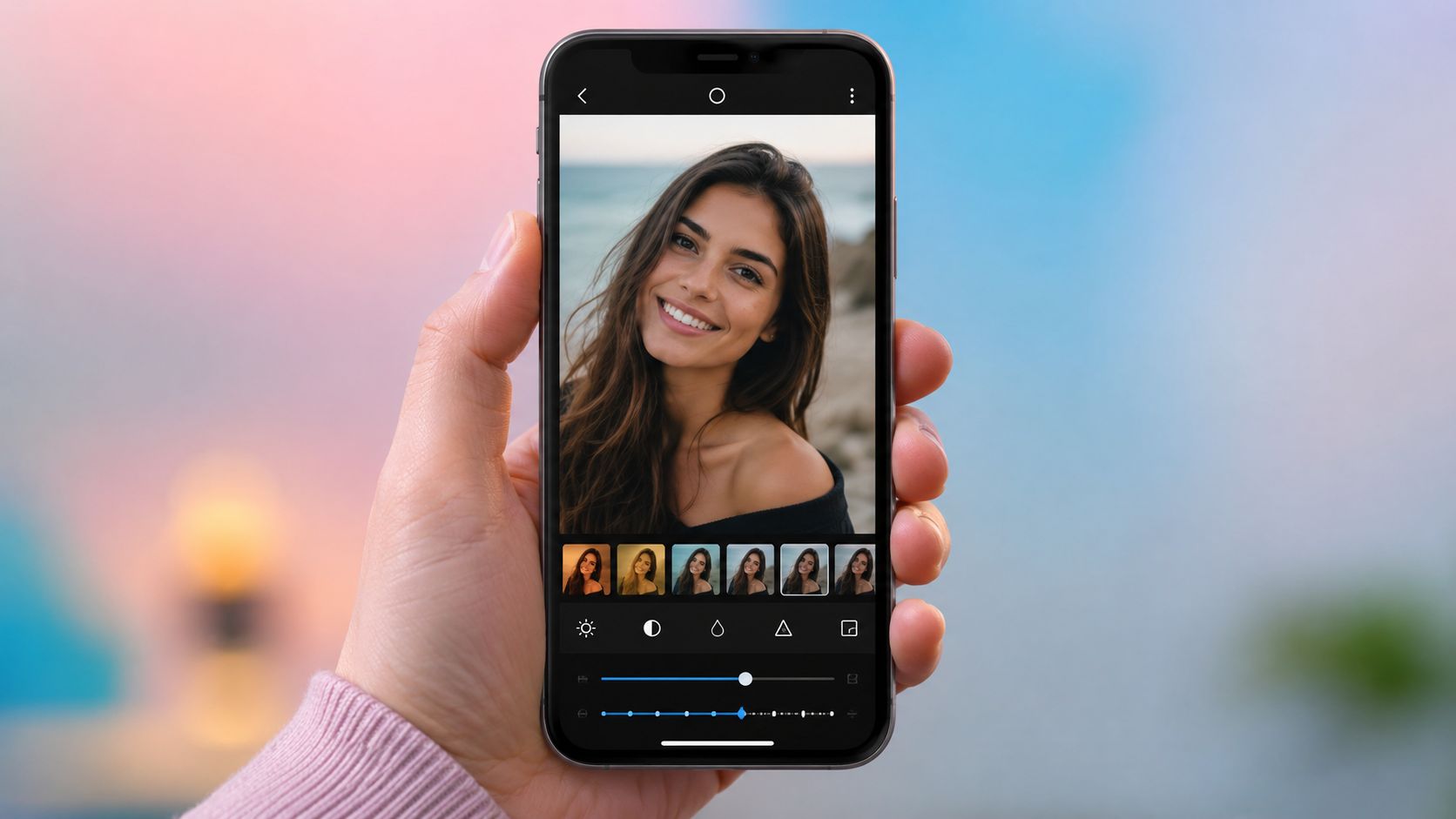

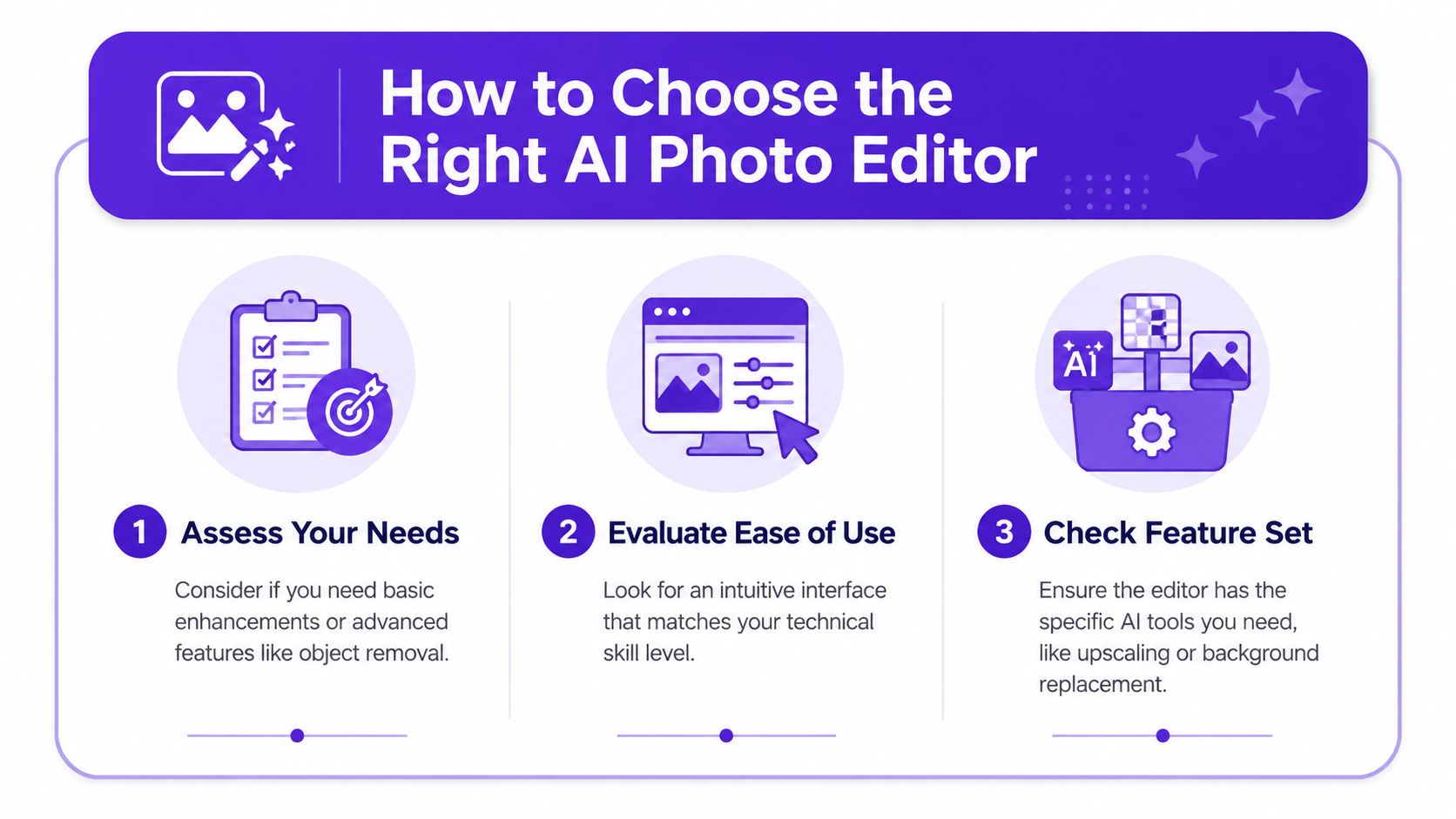
Choosing the right tool gets easier once you decide what you need the editor to do most often. The best option for restoring family photos is not the same one you would pick for daily social graphics or e-commerce cutouts.
A free editor is enough when you mainly need crops, cleanup, tonal fixes, occasional background removal, or light portrait correction. A paid editor becomes worth it when you need consistent high-resolution exports, batch processing, client-ready files, or advanced AI tools that save hours every week.
I would be especially careful with freemium plans that look generous at first glance. During testing, the biggest friction points were not always obvious until export: some tools edited well but restricted resolution, added watermarks, or limited the best AI cleanup tools to paid tiers. That is why Snapseed, starryai, and Pixlr stand out for value even though they serve different users.
Before investing time in learning any app, check these details on the pricing or feature page:
If you are undecided, start with the cheapest path that still matches your workflow. A strong free tool beats an expensive editor you avoid using.
Generally, starryai is the best overall choice because it combines approachable editing, creative generation, and a usable free-credit model without demanding pro-level knowledge. For professional retouching and composite work, Photoshop is still stronger because Adobe’s AI tools sit inside a full editing environment rather than a simplified app workflow.
If you mean completely free, Snapseed is still the best answer. It does not charge for exports, does not add watermarks, and does not lock core editing tools behind a subscription. If you mean the best freemium option with more modern AI features, starryai and Pixlr are better picks because they give you access to stronger automation before you decide whether to pay.
That distinction matters. “Free” can mean fully free, freemium, or trial-based. Snapseed is fully free. starryai, Canva, Pixlr, Fotor, Remini, PicsArt, and Photoroom are freemium. Photoshop and Luminar Neo are better understood as paid tools with trial access rather than long-term free options.
Not completely. AI editors are excellent at repetitive work such as background cleanup, basic retouching, sharpening, and fast social-ready output. In my testing, they saved the most time on first-pass edits: removing distractions, balancing exposure, restoring small images, or preparing product photos quickly.
They still fall short in high-end commercial workflows where precise masking, layered composites, print-critical color control, and detailed finishing matter. Photoshop remains the clearest example of software that combines AI speed with manual override, which is why many professionals still use AI as an accelerator rather than a full replacement. For most users, though, AI editors can absolutely replace older manual workflows for casual, creator, and small-business use.
Photoshop’s headline AI system is Adobe Firefly, which powers tools such as Generative Fill and Generative Expand inside the app on Adobe’s Photoshop AI pages. In practical terms, that means you can add, remove, extend, or replace image content with prompt-based assistance while still keeping full Photoshop layers and masking controls.
starryai and Canva are the easiest places to start. starryai is simpler if your priority is image improvement plus creative AI features in one place. Canva is better if your end goal is a finished post, flyer, thumbnail, or social graphic instead of a standalone edited photo.
For quick phone-based edits, Snapseed is still excellent because it opens fast, exports cleanly, and does not force a subscription decision. If you want faster AI-led edits with background removal or generation, starryai is the stronger pick.
Photoroom is the best dedicated option for product photos because it is designed around cutouts, clean backgrounds, shadows, and marketplace-ready exports. For larger workflows, its batch-friendly features make more sense than a general photo app.
Remini is the best specialized tool for restoring blurry portraits and old low-resolution family photos. It often produces stronger face recovery than broader editors, though the results can look slightly over-smoothed if pushed too far.
For natural portrait editing with more control, Luminar Neo is the best choice. For mobile selfie enhancement and faster stylized results, Lensa AI is more approachable. If you want a middle ground between creative flexibility and quick use, starryai is the strongest all-around option.
A good AI editor can cost nothing, around $8 to $13 per month, or much more if you need professional software. Snapseed is fully free. Freemium tools like Pixlr, Fotor, Canva, and starryai let you start without paying. Paid desktop options such as Photoshop, Luminar Neo, and Topaz Photo AI make more sense when editing is part of your job rather than an occasional task.
Usually yes, but check each platform’s current licensing and plan terms before publishing paid work. Commercial rights, watermark rules, and generated-content terms can vary by plan tier, especially on free accounts.
Yes, if you edit often enough that speed and export quality affect your work. Free tools are excellent for learning, quick personal edits, and occasional social content. Paid plans become worthwhile when you need better resolution, faster processing, batch editing, cleaner object removal, or client-ready consistency.
For casual use, I would start free and only upgrade when a specific limit slows you down. In testing, that threshold usually showed up as watermarking, credit caps, or locked cleanup tools rather than a lack of basic editing quality.


.svg)