

Written by Mo Kahn on
July 1, 2026


You're probably in one of two situations right now. You either need a logo fast because the store, channel, book, or landing page is already waiting on it, or you've generated a few AI images and realized none of them are ready to become a real brand mark. That gap is where most logo advice falls apart.
A logo isn't just a nice-looking image. It has to stay clear at tiny sizes, survive on packaging, work in one color, and still make sense when you strip away the trendy effects. That's why the best AI image generator for logos isn't always the tool that makes the prettiest first result. It's the one that fits your workflow, gives you usable files, and doesn't leave you stuck rebuilding everything later. If you're thinking about color direction too, OneNine's blue logo insights are a useful reference for seeing how established brands use palette as a strategic signal.
Some tools are better at quick, packaged logo systems. Others are better at concept exploration, typography, or visual mood. The smart move is choosing based on what you need now, then knowing what extra step turns an AI concept into a professional asset.
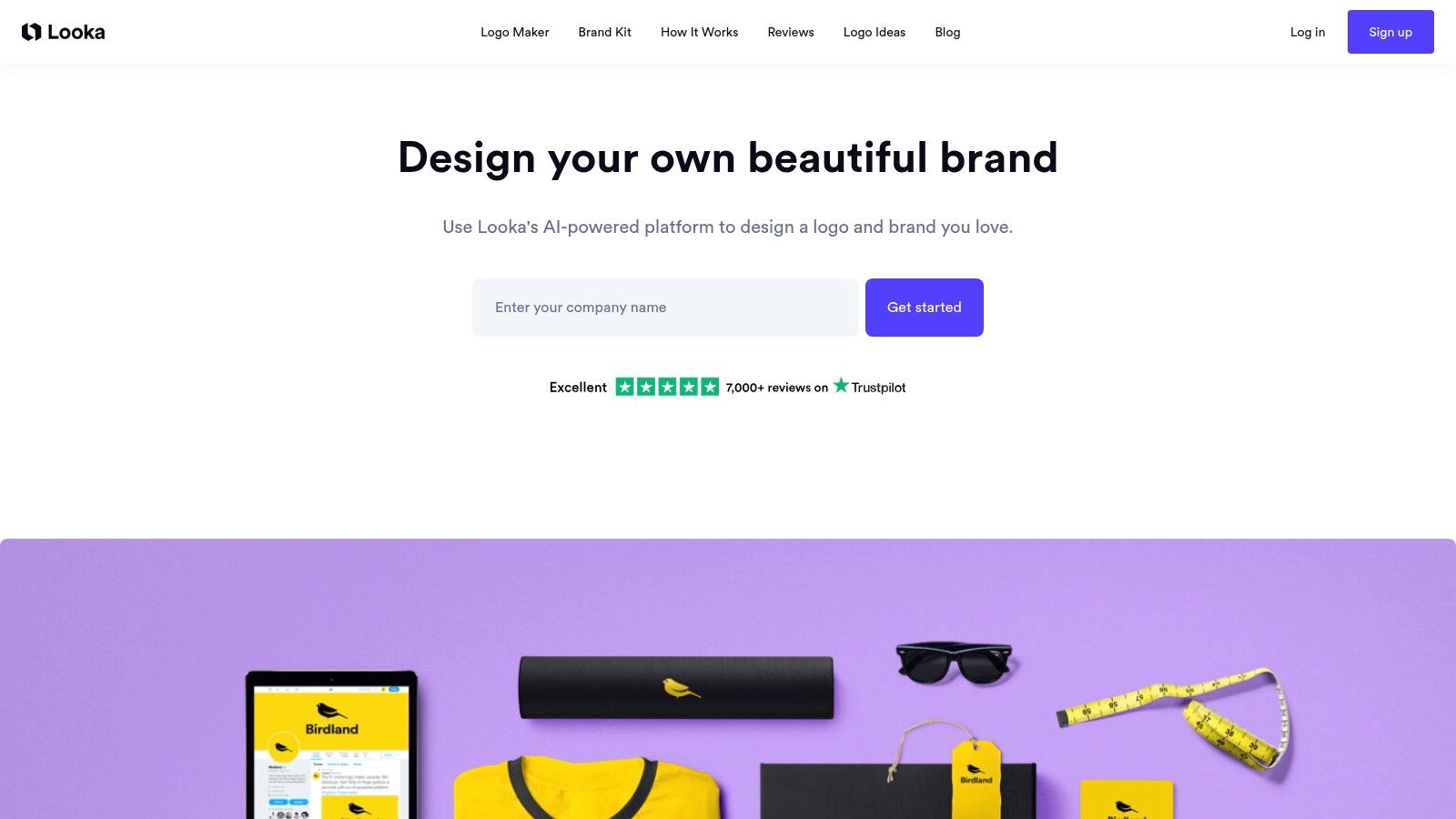
A common founder scenario: the business name is set, the site is going live this week, and the essential need is not just a logo. It is a logo, colors, social assets, and enough brand consistency to stop every post and page from looking improvised. That is the job Looka handles well.
Looka works best as a starter branding system. You enter the brand name, select a visual direction, review generated routes, and refine the result in a guided editor. The process is fast and easy to follow, which matters for solo creators, first-time sellers, and service businesses that need usable files more than design exploration.
The trade-off is originality. Looka can produce clean, competent marks, but the strongest results usually come from wordmarks, simple icons, and familiar category cues. If the brand depends on distinctive symbolism, custom illustration, or a logo that needs to look unlike anything else in the category, the output can start to feel assembled from known patterns.
Looka makes sense when the logo is only one checkpoint in the workflow. The bigger value is getting a starter identity package that can carry a launch.
I usually recommend Looka for businesses still proving demand. At that stage, speed, consistency, and decent export options often matter more than a highly custom mark. Later, if the company grows into packaging, retail, or a more competitive visual category, the AI concept can become a draft for a designer rather than the finished identity.
For a broader look at the AI-to-final-file process, starryai has a useful guide to AI logo design software workflows.
Use Looka if you want a credible logo and a ready-made brand starter pack. Choose another route if the logo itself has to carry a unique visual idea from day one.
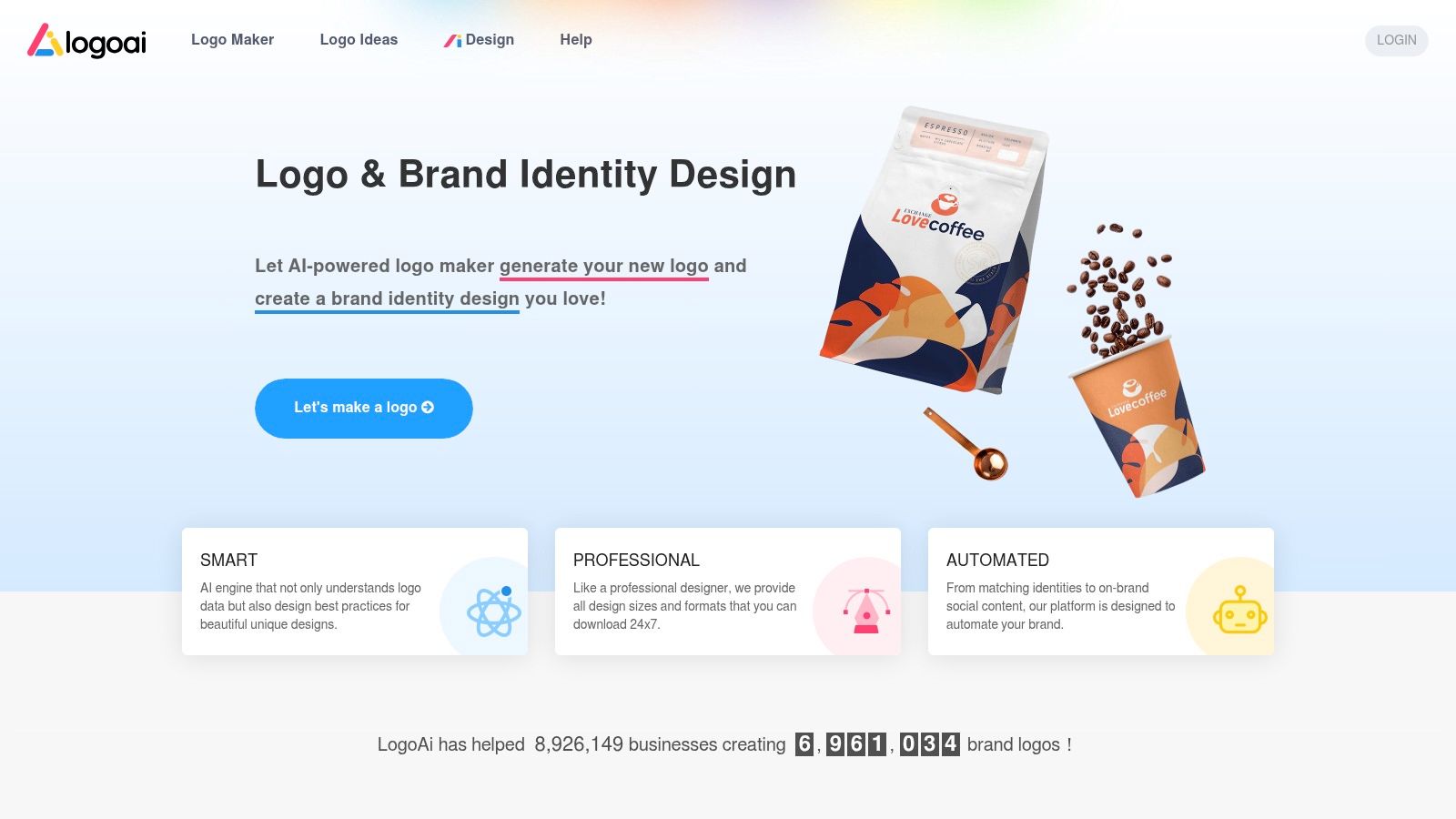
LogoAI is for people who want the process to stay simple. Generate options, edit the layout, buy the one you want, and keep moving. That one-time-purchase feel is attractive if you don't want another monthly tool sitting in your stack.
The platform leans practical more than expressive. You're not coming here for wild experimentation. You're coming here because you need a usable mark, editable layouts, and a straightforward path to downloads without committing to a bigger design ecosystem.
LogoAI makes the most sense for small operators who already know the rough direction of the brand. It doesn't ask you to become a designer, and it doesn't pretend to be a full creative studio.
A useful signal here is user fit. Cropink's 2026 roundup notes that LogoAI claims usage by more than 1 million businesses, which lines up with how the product feels in practice. It's built for broad accessibility, not niche design sophistication.
If you already know your business name, your category, and whether you want a wordmark or icon-led layout, LogoAI can get you to a workable result quickly.
Keep expectations in check. The lighter brand-kit depth means you may still need another tool for campaign graphics, packaging mockups, or more advanced layout adjustments. But for direct logo purchasing, LogoAI is one of the easier options to recommend.
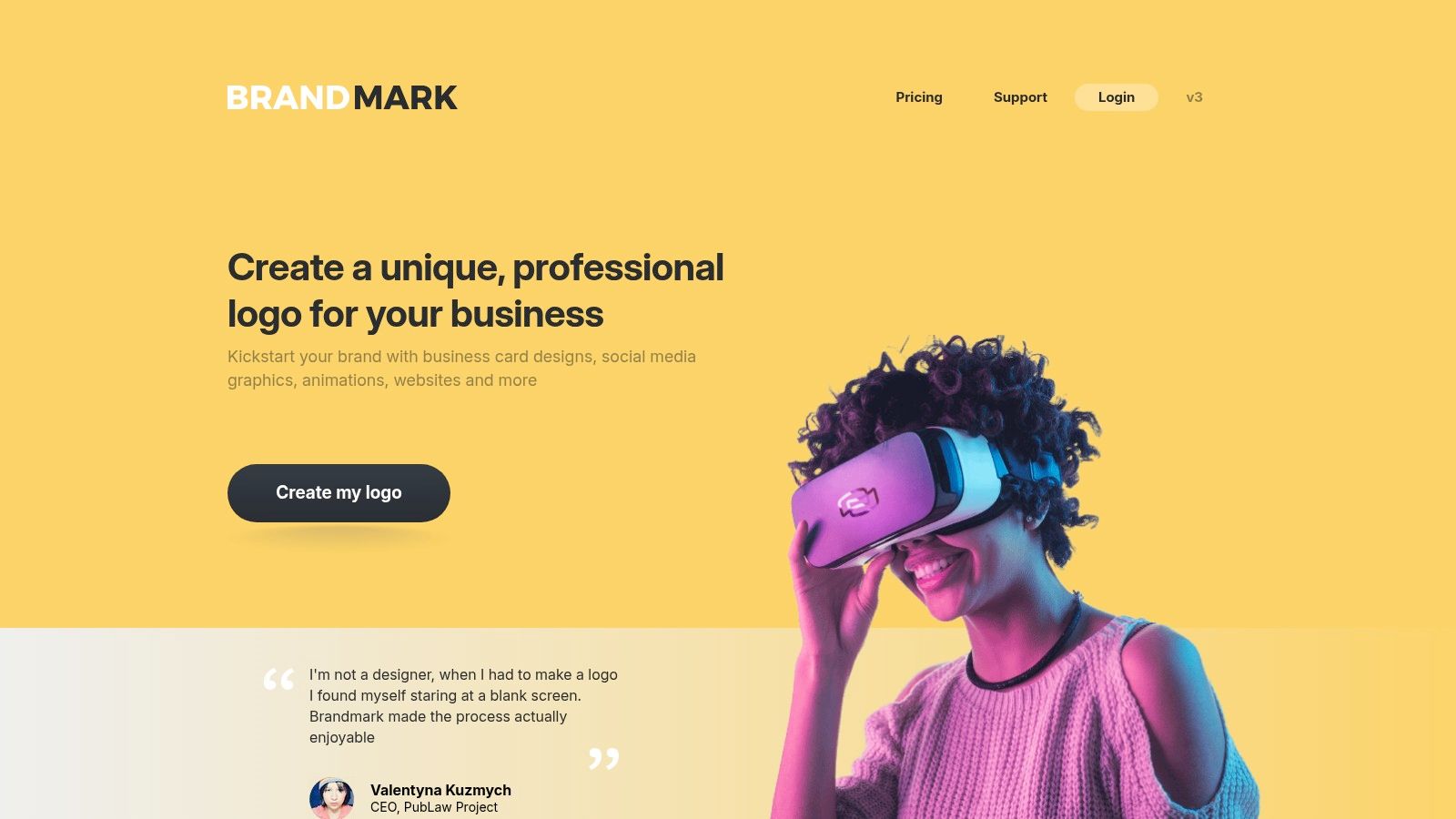
Brandmark sits in a useful middle ground. It's more structured than an open-ended image generator, but it often gives you a little more room to refine than the most rigid logo makers. If your main concern is getting vector-ready exports and paying once, it's a solid contender.
I tend to recommend Brandmark to founders who want a logo that will leave the browser and go into real use quickly. Website header, email signature, packaging sticker, slide deck. That's the lane.
Brandmark is most convincing when you want a basic identity system without a subscription relationship. The public one-time structure also makes it easier to evaluate before you invest time.
A few trade-offs matter:
2026 review coverage also positioned Brandmark as more flexible than some older logo generators, while still feeling less distinctive than the newest wave of image-based design tools. That feels accurate in practice. Brandmark is a practical buy, not an avant-garde one.
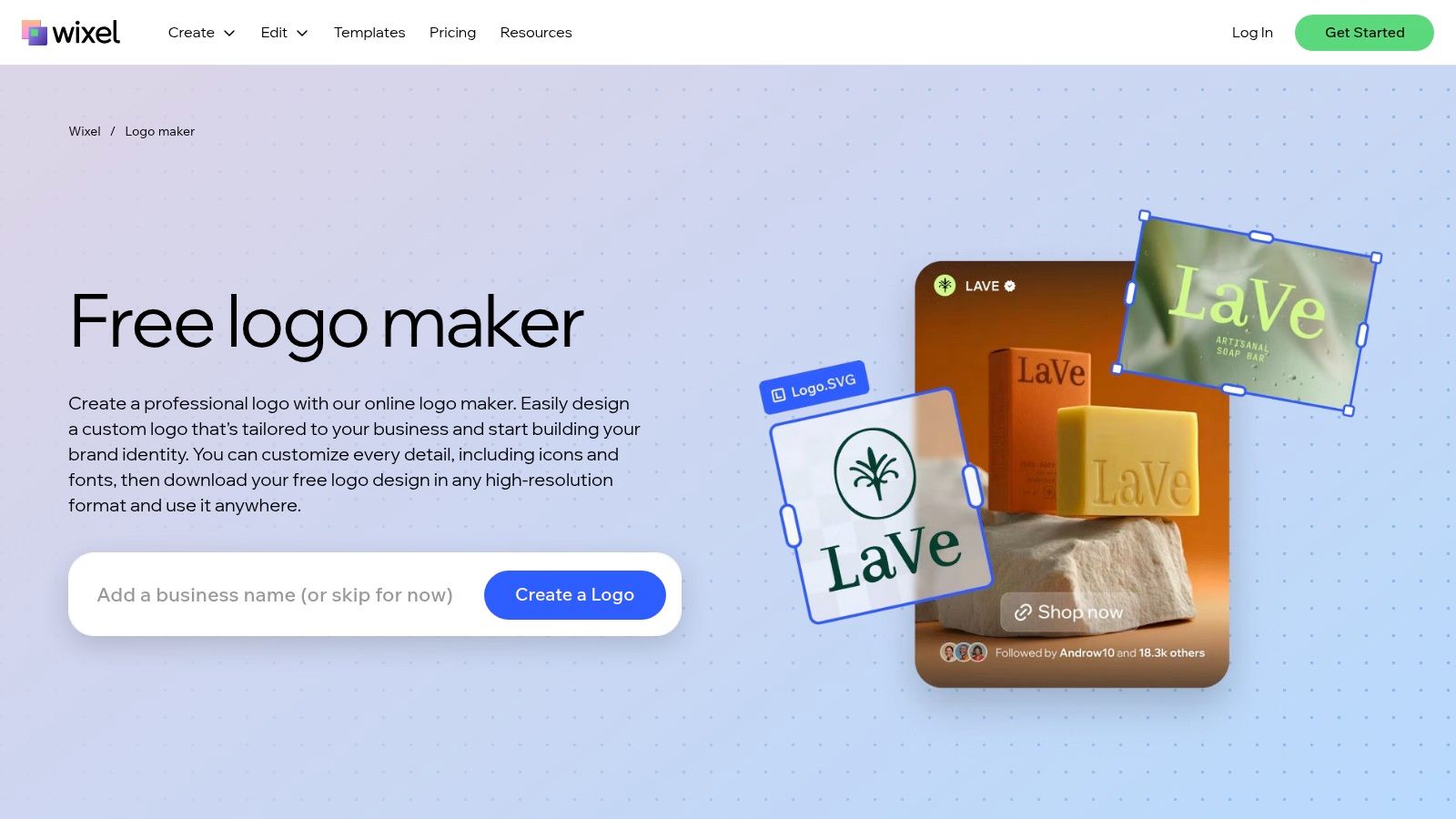
Wix Logo Maker is most appealing when the website and the logo are part of the same decision. If you're already considering Wix for the site, staying in one ecosystem reduces friction. You can generate a mark, refine it, and move straight into site assets without exporting your whole brand process into separate software.
That doesn't mean it's only for Wix users. Its editor gives enough control to be useful on its own. But the integrated value is what separates it from many pure-play logo tools.
The main question is whether you want a logo in isolation or a logo connected to a broader launch workflow. Wix is better in the second scenario.
Wix also documents commercial usage rights with paid downloads, which matters if the logo is heading into client-facing business use. For entrepreneurs who care more about operational efficiency than design experimentation, Wix Logo Maker is a sensible pick.
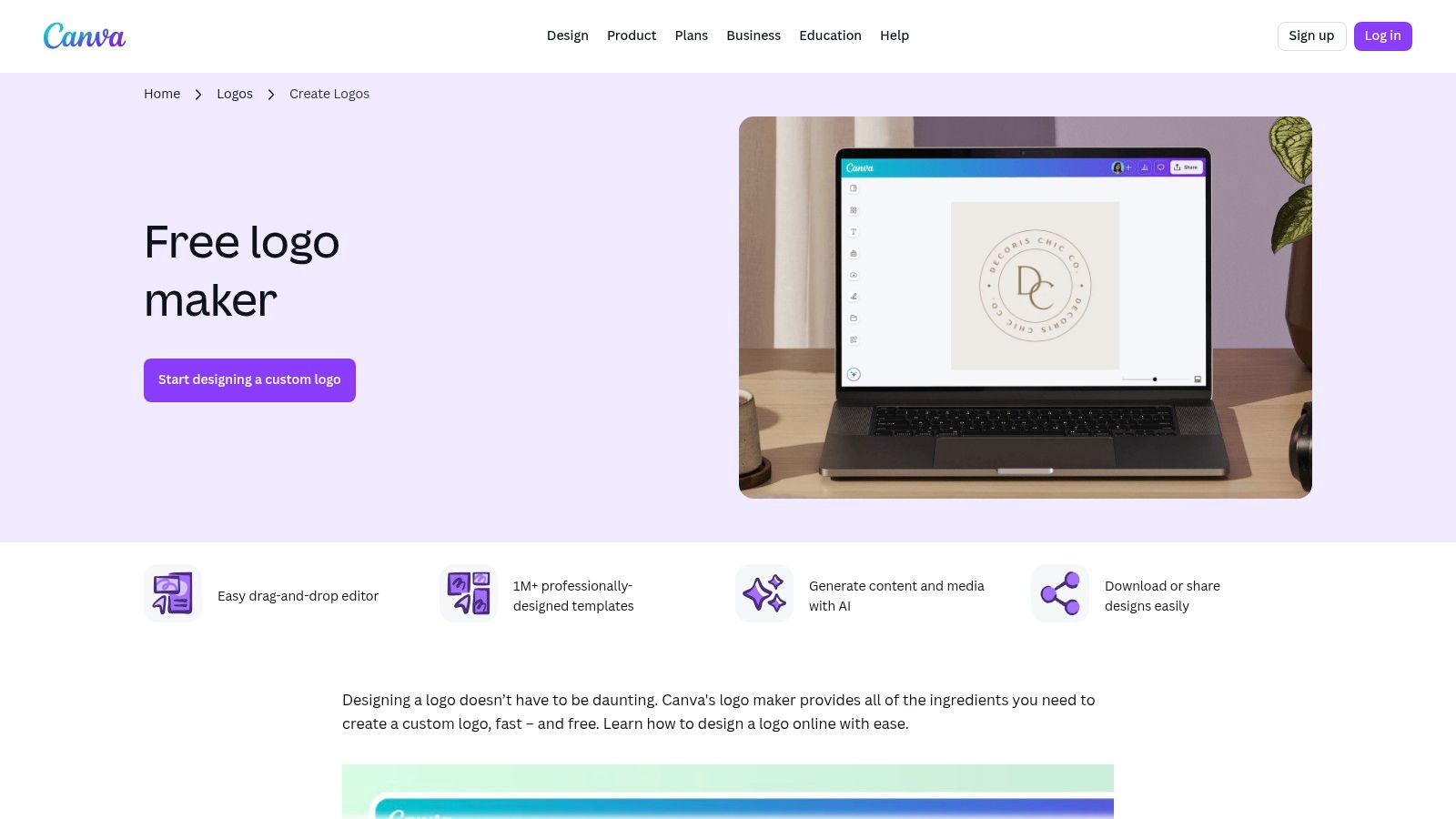
Canva has become much more relevant for logo work because it no longer sits outside the branding workflow. If you're a creator, Etsy seller, course builder, or author, the logo often isn't the final deliverable. You also need banners, pins, thumbnails, listing images, social headers, and promo graphics. Canva handles that chain well.
That's why it's easy to underrate it if you judge only the logo itself. Canva's advantage is momentum. You can create a starter mark and immediately apply it across everything else.
In 2026 review coverage, Canva was described as a legitimate branding workflow option after integrating AI logo generation into its broader suite, which matches how many non-designers now use it. It's not only about making a logo. It's about keeping the logo attached to daily content production.
There are still limits. If you lean too hard on stock elements, trademark confidence and uniqueness become harder conversations. Canva is best when you use it as a structured assembly and refinement tool, not as a shortcut to originality.
A logo that looks fine inside a Canva post can still fail as a standalone mark. Test it small, in black and white, and without effects.
For creators who want a quick path from concept to social-ready assets, Canva Logo Maker is hard to ignore. If you want to compare that workflow with a prompt-based alternative, starryai's free AI logo generator is worth a look.
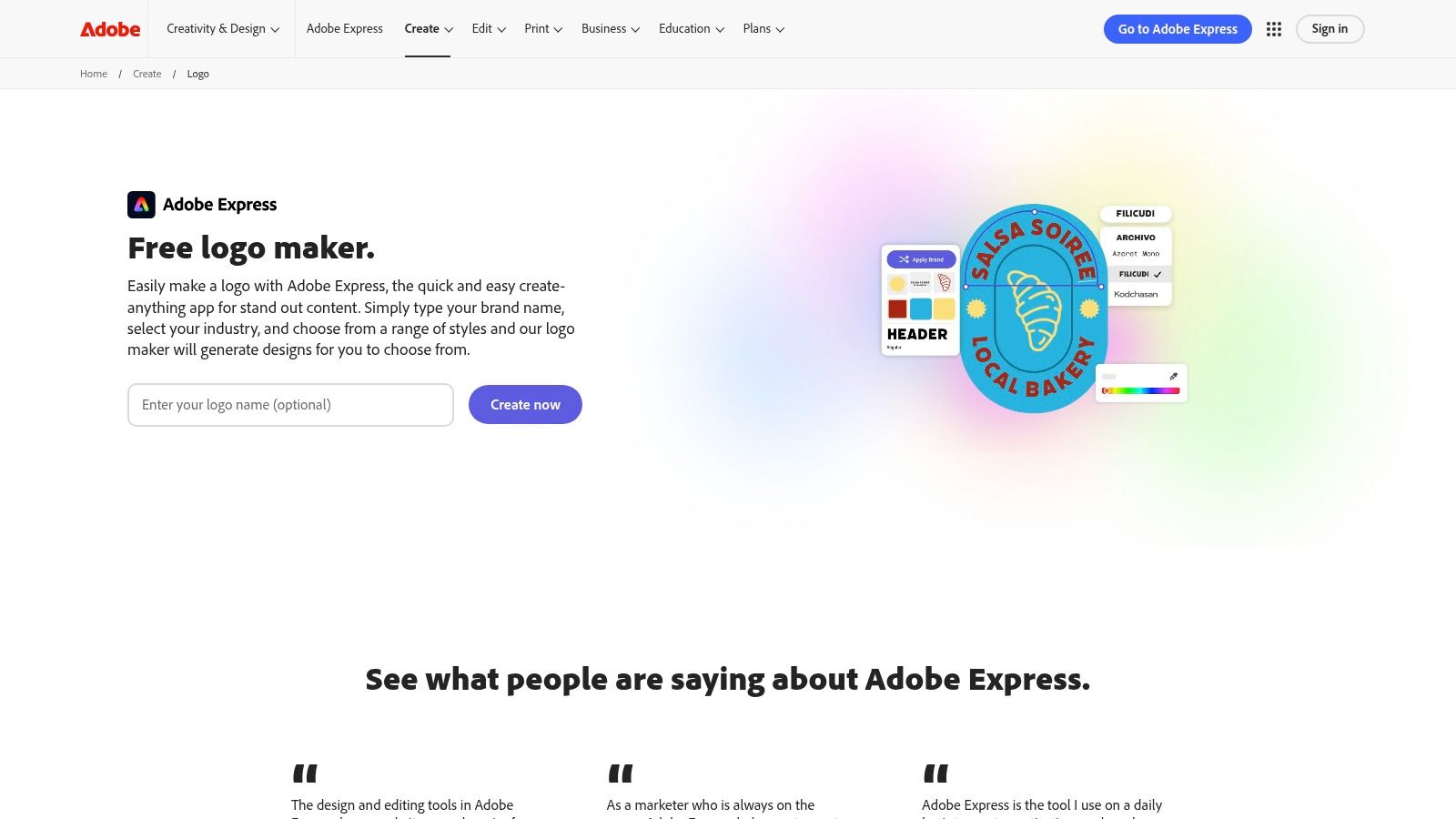
Adobe Express Logo Maker works best as a bridge. It's not the most advanced logo ideation environment on this list, but it becomes more useful if you already live in Adobe's world and know the logo may need further refinement elsewhere.
That matters more than people think. A lot of logo projects don't fail at the concept stage. They fail at the handoff stage, when the draft needs to move into Illustrator, Photoshop, or broader brand production.
If your team already uses Adobe apps, Adobe Express can be a convenient starting point for rough direction and repeated content output. The Brand Kit features also help keep related assets visually aligned after the first logo pass.
A broader industry comparison published by SentiSight found that Adobe Firefly was identified as the strongest choice for professional logo work among five major AI image generators, while also generating photorealistic images up to 2K resolution. That doesn't mean Adobe Express and Firefly are the same product, but it does reinforce Adobe's relevance in logo-adjacent AI workflows.
Use Adobe Express Logo Maker when you value Adobe ecosystem continuity more than raw logo originality.
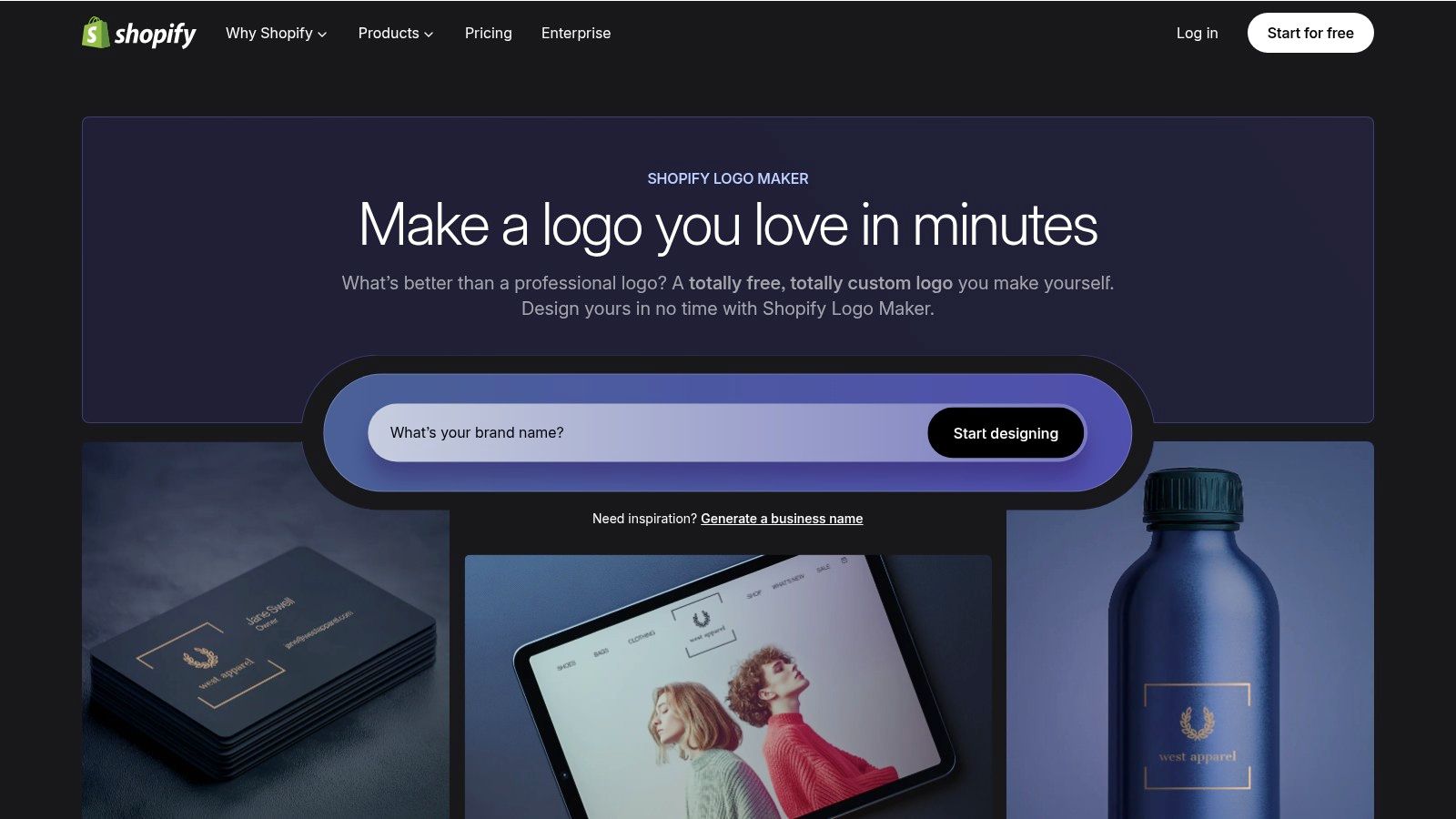
Shopify Logo Maker is one of the easiest tools to classify. It's for getting moving, not for crafting a long-term identity system with nuance. If you're launching an MVP store, testing a product line, or validating a niche, that can be exactly the right approach.
Its biggest strength is that it doesn't make the decision feel heavy. New sellers often get stuck trying to perfect the brand before they've sold anything. Shopify's tool pushes you toward action.
The output is practical for web and social use, especially if your store needs something presentable right now. But the PNG-only limitation matters. If you later want large-format print, cleaner scaling, or more polished production files, you'll need to rebuild or redraw.
If you're opening a storefront this week and need a logo before you need a strategy deck, Shopify Logo Maker does the job.
A common founder mistake is buying a full creative suite to solve a single logo problem. Designs.ai Logomaker fits teams that will keep producing assets after the logo is done, not just founders who need one mark by Friday.
That use case changes the value equation. If you need logo drafts, supporting brand graphics, social assets, and other marketing materials in one place, the platform can save time. If your goal is primarily to get to a polished logo file with as little friction as possible, the extra interface can feel heavy.
The logo tool is useful because it supports exports that are easier to carry into real business use, including cases where clean scaling matters. That makes it more practical than lightweight generators that stop at basic web files. The trade-off is focus. A dedicated logo tool usually gets you to a decision faster, while Designs.ai asks you to work inside a larger system.
I usually point small teams to Designs.ai when the logo is part of an active content pipeline.
The practical question is simple. Will you use the rest of the toolset this month? If yes, Designs.ai Logomaker can be a sensible hub. If not, a narrower tool will usually get you to a cleaner decision faster.
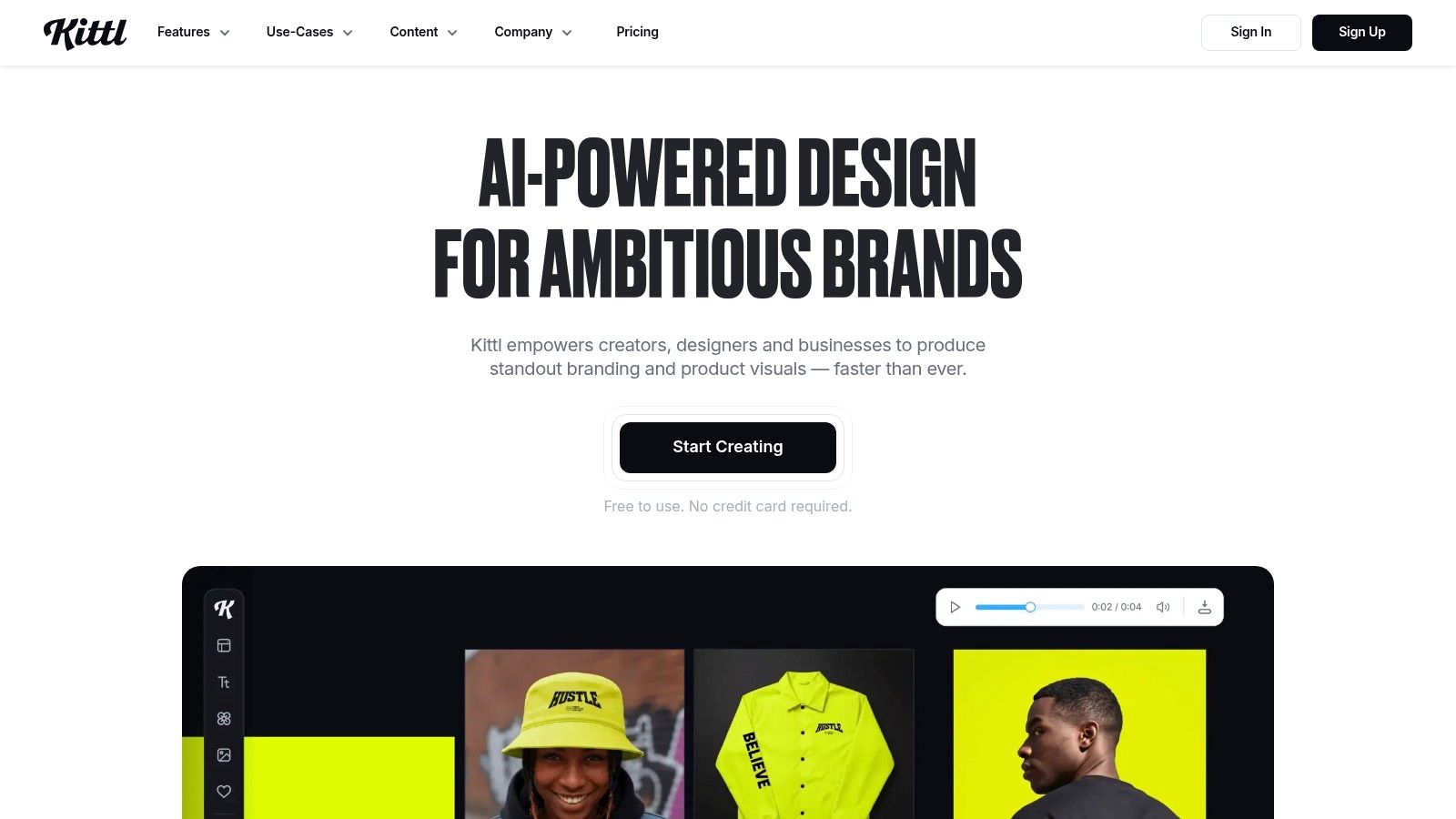
Kittl is where things get more interesting for people who care about type. A lot of AI logo tools are passable at symbols and weak at typography. Kittl feels more like a design app with AI inside it, which changes the quality of control you get over wordmarks, lettering, spacing, and composition.
That makes it especially attractive for brands where the name itself should do most of the work. Authors, apparel sellers, newsletters, game projects, coffee brands, beauty labels. Wordmark-heavy identities often benefit from stronger type handling more than they benefit from a clever icon.
Kittl isn't as frictionless as a barebones logo maker, and that's part of the point. It asks for a bit more from you, but it also gives back more control.
If your logo needs to look designed rather than merely generated, Kittl is one of the more compelling options in this list.
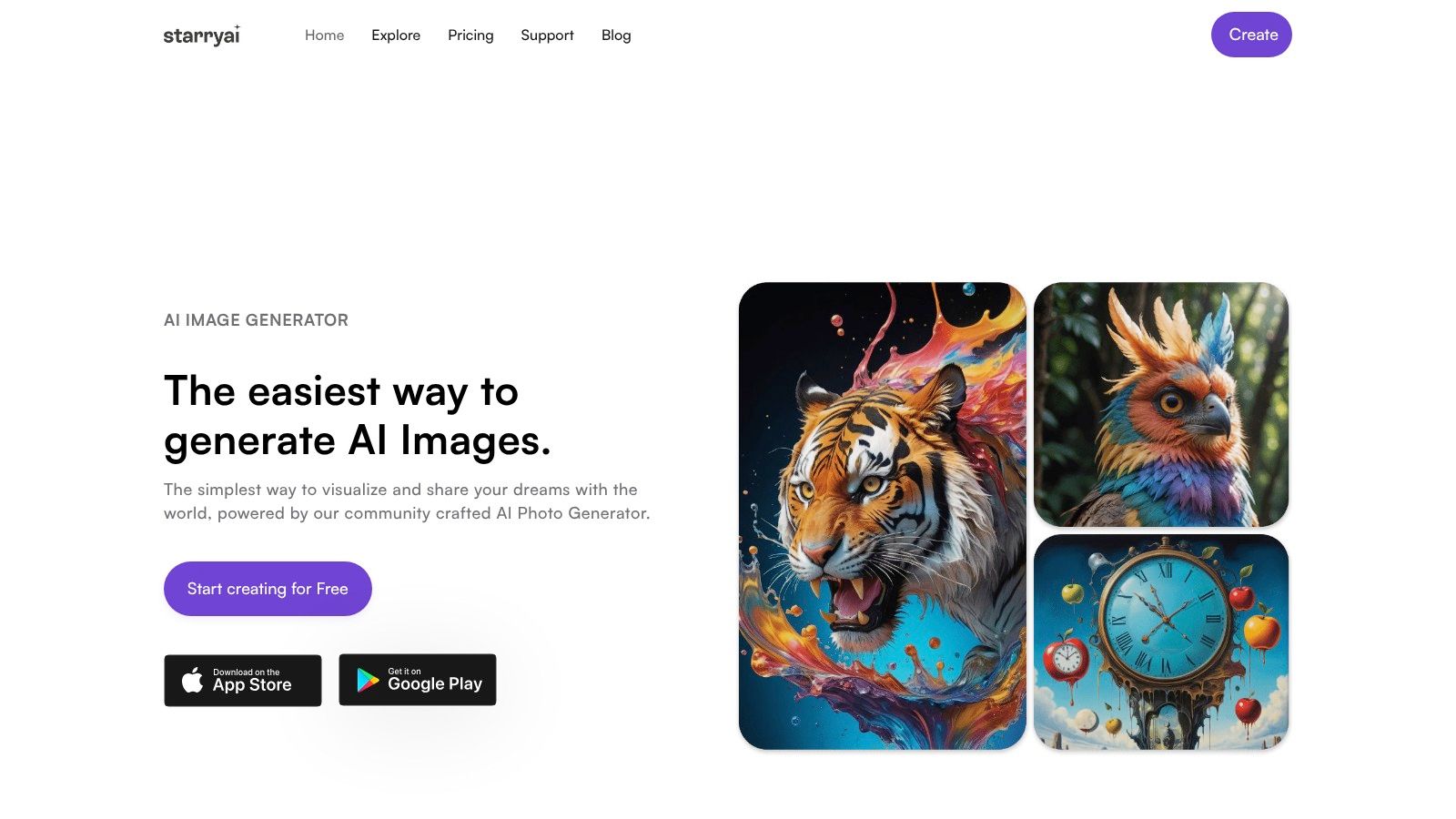
A founder has a product name, a rough audience, and no clear visual direction yet. That is the moment starryai can help.
starryai works best at the concept stage. It is useful for generating visual directions fast, especially if you are still testing motifs, moods, and stylistic territory before turning anything into a real logo system. For authors, Etsy sellers, course creators, and solo brands, that can save hours of staring at a blank page.
The trade-off is straightforward. starryai gives you inspiration, not a finished identity package. If you need a clean vector mark, consistent spacing, file variations, and print-ready exports, plan on a second step in Illustrator, Canva, Kittl, or with a designer.
I would use it to answer questions like these: Should this brand feel mystical or minimal? Should the icon be celestial, botanical, hand-drawn, or geometric? Does the idea work better as a badge, emblem, or character-based mark?
That makes it more strategic than it first appears. A good AI image tool can shorten the messy middle between "I know my niche" and "I know what my brand should look like."
For anyone building a logo through an AI-assisted workflow, starryai fits near the front of the process, not the end. Its own article on the benefits of using AI image generators for creatives and designers lines up with that use case.
| Platform | Core features | Quality (★) | Price / Value (💰) | Target (👥) | Unique selling point (✨) |
|---|---|---|---|---|---|
| Looka | AI logo gen + interactive editor, Brand Kit & vector exports | ★★★★ | 💰 One-time or annual Brand Kit (paid) | 👥 Startups & SMBs wanting full brand systems | ✨ Extensive Brand Kit & editable vectors |
| LogoAI | Template-driven AI logos, editable layouts, designer fixes | ★★★ | 💰 One-time purchase, budget-friendly | 👥 Cost-conscious buyers wanting perpetual downloads | ✨ Simple ownership + optional manual fixes |
| Brandmark | Instant concepts, SVG/PNG/PDF exports, asset packs | ★★★★ | 💰 Transparent one-time tiers | 👥 Small businesses needing vector files | ✨ Clear pricing with vector/source files |
| Wix Logo Maker | AI suggestions, easy editor, logo + website bundles | ★★★ | 💰 'Just Logo' or bundled with Wix plan | 👥 Users who want logo + website in one ecosystem | ✨ Seamless Wix integration & handoff |
| Canva Logo Maker | Drag‑drop editor, 1M+ templates, collaboration | ★★★★ | 💰 Free + Pro features (paid) | 👥 Creators & social marketers needing fast assets | ✨ Massive template & asset library |
| Adobe Express Logo Maker | Guided AI prompts, Brand Kit, Adobe app handoff | ★★★ | 💰 Free tier; Premium/Firefly paid | 👥 Teams already in Adobe ecosystem | ✨ Smooth workflow into Photoshop/Illustrator |
| Shopify Logo Maker | Guided flow, PNG sets, Shopify-ready assets | ★★★ | 💰 💰 Free | 👥 New store owners / MVP founders | ✨ Fast, no-cost brand starter tailored to stores |
| Designs.ai Logomaker | Logo + brand narrative, SVG/PDF exports, creative suite | ★★★★ | 💰 Subscription for suite access | 👥 Agencies & teams wanting multi-tool workflows | ✨ Integrated video/image/copy tools with vector output |
| Kittl | AI logo prompts + advanced typography & vector editor | ★★★★ | 💰 Paid plans for full vector & AI | 👥 Designers focused on type & refined wordmarks | ✨ Strong type controls + Vector Suite |
| starryai 🏆 | Text/emoji/image → visuals, 4K upscaler, mobile-first ideation | ★★★★ | 💰 Free-first app; in-app upgrades available | 👥 Social creators & moodboard-focused designers | ✨ Rapid social-first concepting & vibe exploration |
You open a logo generator, type your brand name, pick a style, and get 40 options in two minutes. Then the important work starts. Which tool gives you a logo you can readily use on a book cover, product label, storefront, website header, or packaging file without rebuilding it later?
The right choice depends on the job. Founders who need a usable logo package fast should start with dedicated logo makers such as Looka or Brandmark. They tend to produce cleaner brand kits, clearer file exports, and fewer handoff problems. The trade-off is predictability. You get speed and structure, but often less originality.
Creators, authors, and early-stage sellers usually need something different first. They need direction. An image-first tool such as starryai can help you test symbols, moods, and visual themes before you commit to a mark. That matters because a logo rarely fails at the idea stage for lack of options. It fails because the concept was vague from the start.
Budget also changes the right answer. Earlier in the article, the pricing spread across AI logo tools showed how quickly costs can climb once you need premium exports, brand assets, or more generation volume. Canva often works well for operators who need a logo that immediately carries into thumbnails, social posts, lead magnets, or storefront graphics. If color is part of the decision, OneNine's blue logo insights are a useful reference for how established brands use blue to signal trust, clarity, and stability.
Use a simple workflow. Start with concept exploration. Narrow to one direction that matches your audience and category. Refine the typography, spacing, icon shape, and color choices. Then secure a vector file, such as SVG, EPS, or an editable source file, because that is what turns an AI draft into a logo a printer, developer, or designer can work with.
This is the point many teams miss.
A polished PNG can look finished on a screen and still break when you need signage, embroidery, packaging, favicon sizes, or dark-mode variations. AI is strong at generating options. Judgment still decides whether the mark is distinctive, legible, and flexible enough to survive real use.
If you are naming the business while shaping the visual identity, a tool like this Brand Name Generator can help tighten the early branding process. Use it to get candidates, then test whether the name and mark support the same positioning. The goal is not to collect more ideas. The goal is to leave this process with a logo file set you can launch with.


.svg)