

Written by Mo Kahn on
August 5, 2026


You've probably got the brief already: a character in your head, a deadline on the calendar, and too many AI tools promising the same thing. The problem isn't generating one decent image, it's finding a tool that can keep a face, outfit, and mood consistent across scenes, covers, avatars, or concept sheets without making you fight the interface. The best ai for character design isn't a single winner, it's the tool that matches your workflow, your style, and how much control you want. If you're building fast social content, a book character, a game avatar, or a polished pitch deck, the right choice changes fast.
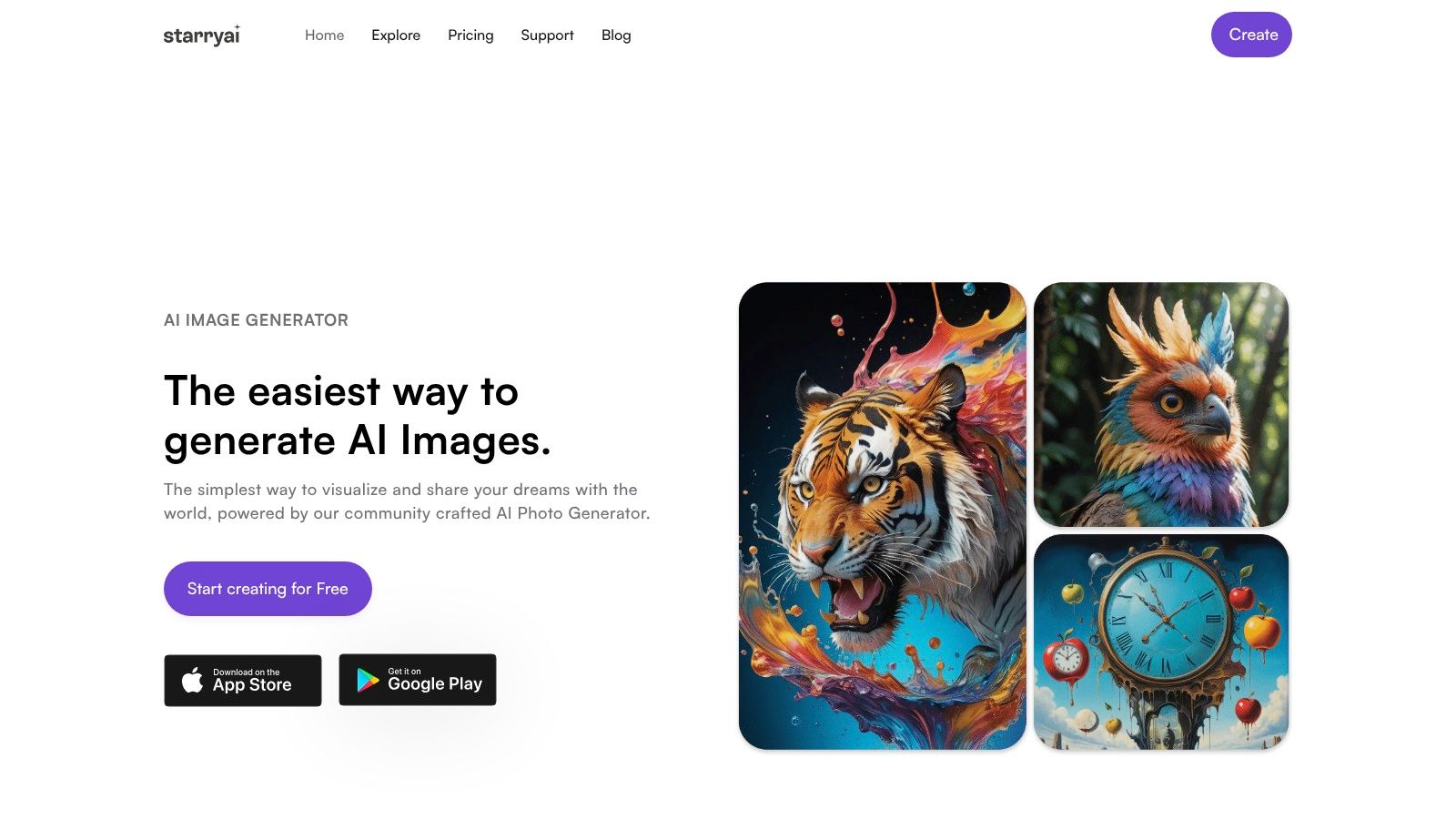
starryai is the easiest place to start when you need character concepts that look good fast and don't trap you in a technical workflow. It turns selfies, text prompts, and even emojis into visuals in seconds, which makes it especially useful for creators who want to test a character idea before sinking time into a more complex pipeline. The platform's direct appeal is simple, a mobile-first creative suite with daily free AI images without watermarks, full ownership and commercial rights, and a frictionless signup that gives new accounts 5 lumens, or 25 AI images.
If you're working on TikTok content, indie books, Etsy art, or a quick avatar refresh, that speed matters more than exotic controls. starryai also gives you 1,000+ styles and models, plus built-in enhancement, upscaling, and background removal, so you can move from rough idea to something postable without jumping into Photoshop. The user experience is part of the draw too, with a 4.7/5 rating from about 40k reviews, which supports what creators already feel, this is a tool built for fast iteration, not setup fatigue.
Practical rule: use starryai when the character needs to be finished enough to share, sell, or test today, not when you want to spend an hour tuning one prompt.
A strong way to use it is to treat the first generation as a visual sketch, then quickly spin variations for hair, costume, or attitude. That workflow suits brand teams and solo creators who care about output volume, ownership, and momentum more than deep parameter control. If your benchmark is “can I get a clean character image and a usable variation in a few taps,” starryai belongs near the top of the list.
If you want a direct comparison point, the midjourney guide on consistent character workflows is useful only as a contrast. starryai wins when you want less friction and more speed, not when you want a Discord-first power workflow.
Website: starryai
Midjourney is the tool you reach for when the character needs to look art-directed, cinematic, and polished from the start. Its Character Reference and Style Reference features make it a strong choice for recurring protagonists, recurring brand mascots, or any project where the final image has to feel designed rather than merely generated. The trade-off is obvious, though, Midjourney asks you to work inside Discord or its web app, and it's subscription-based.
That workflow suits artists who already think in mood boards and art direction. It's especially strong when you want a recurring character to keep the same visual language across shots, because the system supports both appearance continuity and a stable style vocabulary. For many professionals, that matters more than pure prompt freedom. A clean, finished look can save a lot of postwork later.
Midjourney is the better bet if your project depends on aesthetic consistency across covers, splash art, or pitch visuals. It's also a good choice when you want strong community documentation and active feature updates. The downside is simple, the interface and billing model are not lightweight, and there's no pay-per-image alternative.
If you're deciding between speed and finish, starryai is the easier entry point. If you're deciding between fast output and a controlled visual identity, Midjourney gives you more of the latter. The project type should decide it, not the hype.
Website: Midjourney
Leonardo AI fits creators who want a real production stack, not just a prompt box. It's built around character consistency, a Canvas editor with inpainting and outpainting, multiple in-house models, and training options, so it works well for game art, merch concepts, and indie publishing pipelines. If you need to keep a character alive across a series of assets, Leonardo gives you more structural tools than a pure one-shot generator.
The practical advantage here is workflow depth. You can explore a concept, refine it, and build on it without leaving the platform every five minutes. That makes it useful for teams and solo makers who are moving from concept to usable asset. It also helps when you need a more controlled style range, because you're not stuck with one generator behavior.
Leonardo is a solid choice for creators who care about repeatability and who don't mind a slightly heavier interface. Its free tier lets you test the stack, but the more advanced tools sit behind paid plans, and active usage can burn through tokens faster than newcomers expect. That makes it better for deliberate production than casual browsing.
If you want a simpler, more social-first workflow, starryai is easier to live with. If you want to build and refine a character system inside one suite, Leonardo is the more serious production choice.
Website: Leonardo AI
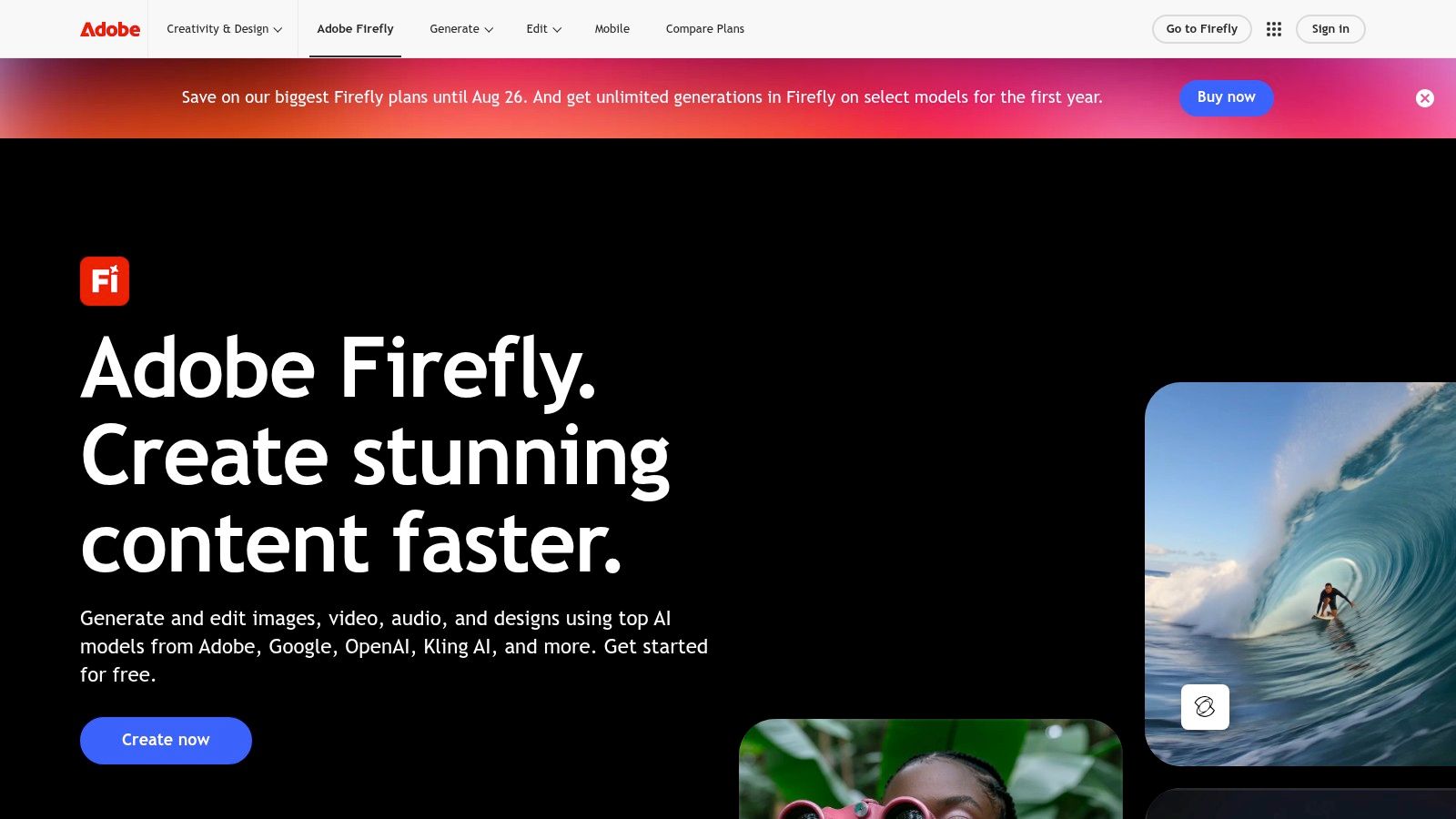
Adobe Firefly is the safest pick when the character work has to live inside a professional Adobe pipeline. It's designed for image generation with structure and style references, and its real strength is how smoothly it hands off to Photoshop, Illustrator, and Express for serious postproduction. For brand teams, agency work, and commercial workflows, that integration matters as much as the generation itself.
The other reason Firefly stands out is its commercial posture. Adobe pushes an enterprise-friendly model, including indemnity options and asset management through Creative Cloud. That doesn't make it the most playful tool, but it does make it easier to justify in client-facing environments where rights and workflow governance matter. For character design, that's a major advantage when the art has to be approved, reused, and edited downstream.
Use Firefly when a character is part of a larger brand system, not just a standalone illustration. It's especially good for composite work, layout prep, and refinements that need to move from concept to polished deliverable. If you already live in Adobe apps, the friction stays low.
The biggest value here is not novelty. It's the ability to generate, refine, and package character assets without leaving the Adobe ecosystem.
If you're an individual creator who wants speed, a generous free tier, and full ownership without an Adobe-heavy setup, starryai is the simpler path. If you need governance and downstream polish, Firefly is the more corporate-friendly option.
Website: Adobe Firefly
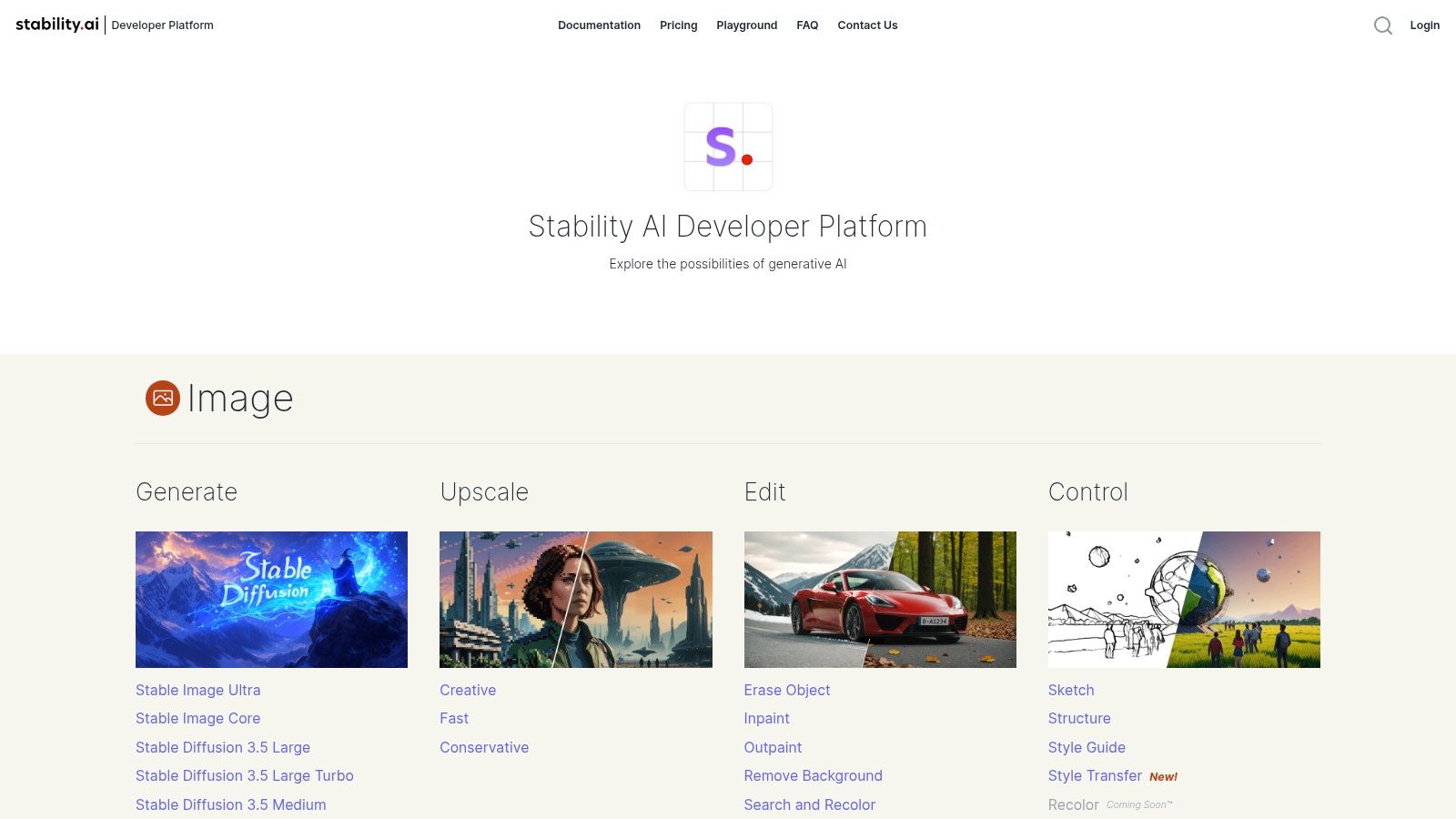
Stable Diffusion through Stability AI is for creators who want control first and convenience second. You get access to a model ecosystem built around flexible prompting, ControlNets, LoRAs, and third-party checkpoints, which makes it a serious choice for users who like to fine-tune every part of the character result. That's valuable when you're building a repeatable style or working with reference-heavy character systems.
The appeal is technical latitude. Brand Studio and the API give you a path into pay-as-you-go generation, so you can keep cost tied to usage instead of committing to a broad subscription just to experiment. That helps developers, power users, and teams building custom character workflows. It's less approachable than a polished one-click app, but that's the trade.
It shines when the character process is part of a broader creative system, especially if you want open-ecosystem flexibility. If you need to integrate generation into a pipeline or experiment with third-party models, this is one of the strongest choices. The downside is that the interface and feature set vary depending on whether you're using the hosted studio or the API, so consistency of experience isn't its strongest point.
A practical guide to Stable Diffusion usage is useful if you want to understand the mindset behind this kind of workflow, but the main thing to remember is that this option rewards users who like knobs, not shortcuts.
If you want a cleaner, app-based workflow with less technical overhead, starryai is easier to adopt. If you want control over every moving part, Stable Diffusion is a better fit.
Website: Stability AI
FLUX is a strong choice when you want high-quality character images with transparent per-image pricing. The FLUX family is built around speed and quality trade-offs, and the playground plus API setup makes the pricing model easier to understand than some subscription-heavy competitors. That makes it attractive to freelancers and teams that want to know exactly what each generation costs.
The bigger point is that FLUX competes well on quality-per-price, while still giving you a model-level choice between variants. If you're comparing tools for character design, that kind of flexibility matters because different projects need different balances of polish and iteration speed. A splash image and a turnaround reference do not deserve the same cost structure.
FLUX is well suited to users who want a clean playground, straightforward credits, and solid instruction following. It's less about a huge all-in-one ecosystem and more about getting quality images from a focused generation stack. That can be a good thing if you don't want your character workflow buried inside a giant product suite.
Choose starryai instead if you want an all-in-one mobile app with built-in editing tools and a broader style library. Choose FLUX if you want a leaner, more technical path with clear pricing and strong model performance.
Website: Black Forest Labs
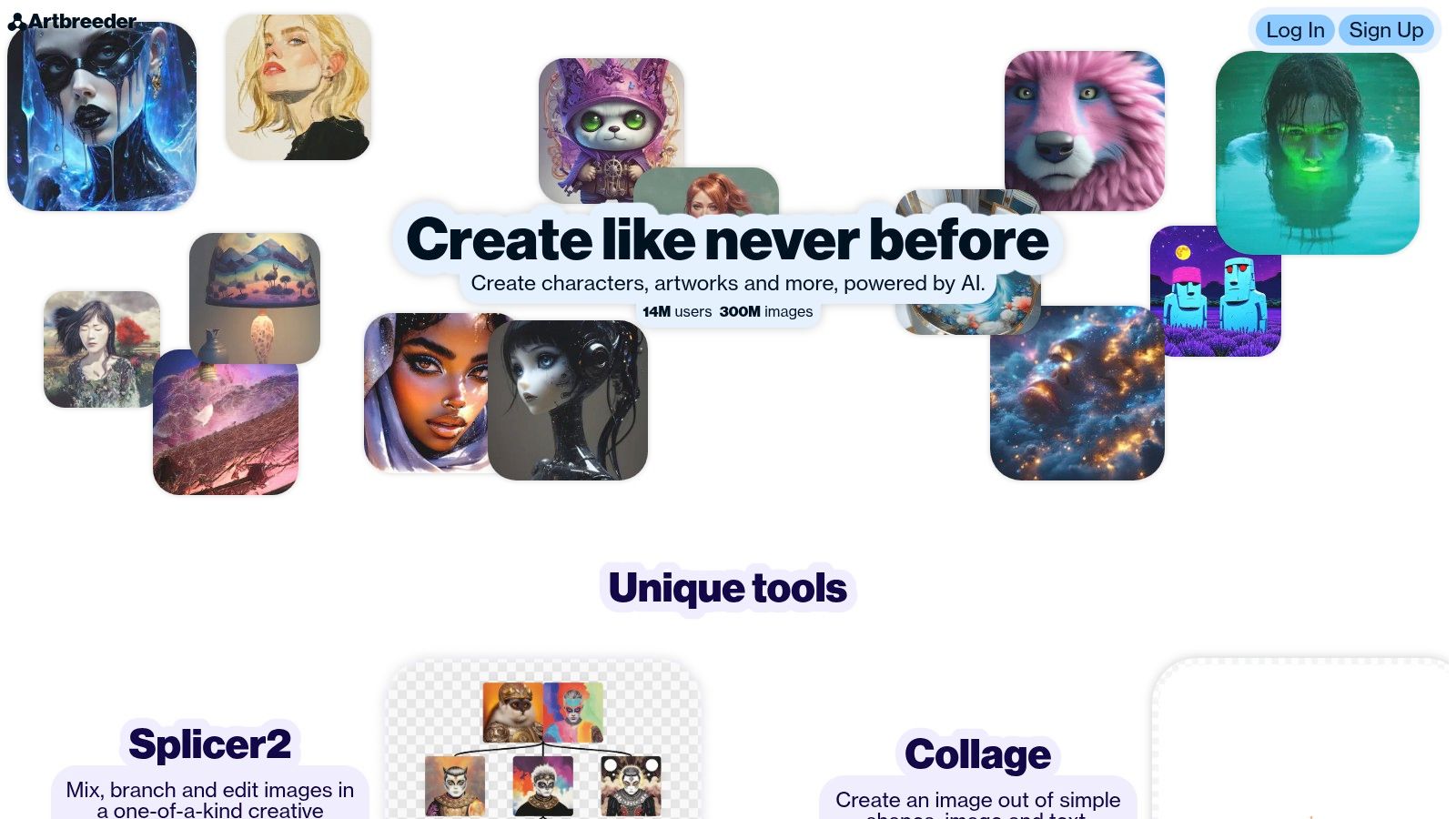
Artbreeder is still one of the easiest ways to dial in a face when you care more about controlled variation than full-scene generation. Its slider-based genetics approach works well for iterating age, expression, and facial features without needing to become a prompt engineer. That makes it a useful tool for authors, RPG players, and anyone building a character sheet from a single starting point.
The limitation is also its identity. Artbreeder is excellent at blending and modifying existing looks, but it's not the right tool when you need a dramatic environment, a full costume scene, or a more cinematic composition. It's a character-shaping tool first, a scene generator second.
It works best when you already know the rough face you want and need to explore variants quickly. If you're building an ensemble cast or locking a protagonist's features for later use, it can save time because the slider logic is intuitive. That simplicity is why beginners often stick with it.
Practical rule: use Artbreeder to shape identity, then move elsewhere when the character needs a world around them.
If you need complete scenes or characters from text and photos, starryai is more flexible. If you want to sculpt a face and keep the process simple, Artbreeder still earns its place.
Website: Artbreeder
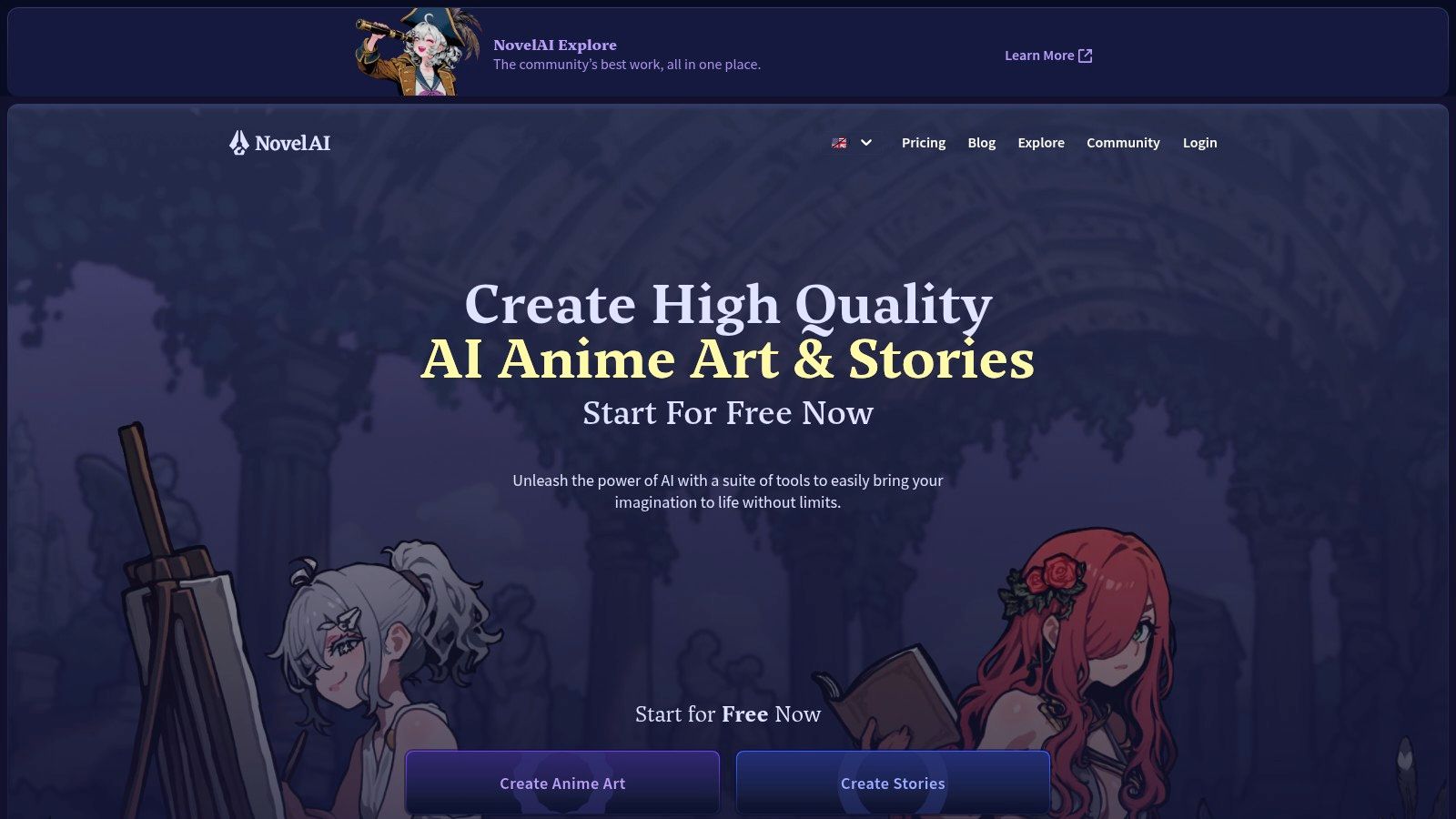
NovelAI is purpose-built for anime and furry character work, and that specialization is exactly why people choose it. Its tag-based prompting and in-house diffusion models make it strong at consistent stylization across multiple poses, which is useful for manga covers, light novel art, and VTuber assets. If your visual world already lives in that lane, the platform is focused in the right direction.
The learning curve is real, though. Tag syntax and its credit system can feel opaque at first, especially if you're coming from a softer prompt interface. Once learned, the system becomes predictable, which is a big advantage for serial content.
NovelAI makes sense when style consistency matters more than broad style range. It is not trying to be everything to everyone, and that's part of its appeal. It gives dedicated anime creators a tighter environment for repeated characters, group scenes, and familiar visual language.
If you want photorealism or a wide style range, starryai is the better alternative. If you want a focused anime pipeline with predictable results, NovelAI is one of the safest bets.
Website: NovelAI
Playground AI is a practical browser studio for creators who want to mix generation and editing in one place. It supports multiple models, has an in-canvas editor, and gives you masking, inpainting, and outpainting tools, which makes it good for character sheets, posters, and storyboard-style work. If you like refining inside the same workspace where you generate, this is a comfortable middle ground.
Its biggest strength is approachability. The interface is straightforward, the feature set is broad enough for many concepting tasks, and the project history makes it easier to stay organized. The drawback is that there's no unlimited path, so heavier users need to watch plan limits.
Playground AI is useful for character creators who want to iterate quickly without becoming dependent on a single model behavior. Because it can sit over multiple generation engines, it gives you a wider test surface for concepts and refinements. That makes it handy for early-stage ideation.
The best use of Playground AI is as a flexible draft room, not as the final stop for every polished asset.
Choose starryai instead if you want the fastest path from idea or selfie to a finished, shareable image on mobile. Choose Playground AI if you want a browser-based workspace with more room to refine as you go.
Website: Playground AI
Mage.space is a strong pick for creators who want reusable character systems without immediately training a custom model. Its Characters feature is built for locking in a look and reusing it across images, and it also supports style and face references, LoRA imports, and image-to-video. That makes it useful for serial content, recurring personas, and projects where a character needs to stay recognizable over time.
The platform's flexibility is the main draw. You can work with different models, bring in custom assets, and move toward motion when needed. The caution is privacy and plan clarity, because lower tiers can default to community-style exposure and the wording around unlimited use needs a careful read.
Mage.space is best when you want a reusable subject with minimal setup and enough model flexibility to keep experimenting. It sits between fully technical tools and pure consumer apps, which makes it attractive for creators who like control but don't want to build everything from scratch. That's a useful middle lane for ongoing character projects.
Choose starryai instead if you want a simpler mobile interface, daily free credits, and quick one-off creations. Choose Mage.space if your project needs repeatable characters with more technical flexibility.
Website: Mage.space
| Product | Core Features | 👥 Target | ★ Quality / UX | 💰 Pricing & Value | ✨ Unique Perk |
|---|---|---|---|---|---|
| starryai 🏆 | Mobile-first selfies/prompts/emojis, 1,000+ styles, upscaler & bg remover | Creators, TikTok trend-hoppers, indie sellers | ★★★★☆ 4.7/5 (stable, intuitive) | 💰 Daily free images + 25 starter images; no-watermark; commercial rights | ✨ Huge style library + one‑tap social-ready outputs |
| Midjourney | Discord/web app, --cref / --sref, cinematic finish | Professional artists & art-directed work | ★★★★☆ Polished, consistent | 💰 Subscription only (no pay-per-image) | ✨ Strong art-directed cinematic outputs |
| Leonardo AI | Canvas editor (in/outpaint), multiple models, LoRA training | Game artists, merch creators, indie publishers | ★★★★☆ Consistent character & production flow | 💰 Free tokens to start; pro tools behind paid plans | ✨ Canvas + training options & motion models |
| Adobe Firefly | Generative Fill/Expand, brand controls, CC integration | Design teams, enterprises, pro editors | ★★★★☆ Pro-grade with smooth handoffs | 💰 Credits + Creative Cloud plans; enterprise indemnity | ✨ Legal/enterprise indemnity & CC integration |
| Stability AI (Stable Diffusion) | SD 3.5 models, ControlNets, API & Brand Studio | Developers, studios, power users | ★★★★☆ Fine-grained control & fidelity | 💰 Pay-as-you-go credits; clear per-image pricing | ✨ Open-ecosystem & checkpoint flexibility |
| Black Forest Labs, FLUX | FLUX variants, playground + API, pay-per-image credits | Cost-conscious creators & devs | ★★★☆☆ Competitive quality-per-price | 💰 Transparent per-image credit pricing | ✨ Fast T2I with simple pricing tiers |
| Artbreeder | Slider "genes" for faces, blend/mix images | Authors, RPG players, beginners | ★★★☆☆ Extremely beginner-friendly | 💰 Free/basic; paid for privacy & hi-res | ✨ Intuitive genetic sliders for character traits |
| NovelAI (Diffusion) | Anime/furry diffusion, tag-based controls, batch | Anime artists, VN authors, VTubers | ★★★★☆ Predictable anime/furry results | 💰 Credit system (Anlas) / subscription tiers | ✨ Purpose-built anime/furry stylization & tags |
| Playground AI | Multi-model studio, in-canvas editor, project history | Concept artists, storyboarders, editors | ★★★★☆ Versatile studio & editing tools | 💰 Metered plans; some advanced features paid | ✨ All-in-one workspace with in/outpainting |
| Mage.space | Reusable Characters system, LoRA imports, image→video | Serial creators building personas/series | ★★★★☆ Fast for recurring characters | 💰 Tiered plans; "unlimited" varies by plan | ✨ Characters system for reusable, consistent subjects |
The best AI for character design is the one that fits the job in front of you, not the one with the loudest marketing. For a polished, repeatable visual identity, Midjourney and Leonardo AI are strong picks because they lean into consistency and art direction. For mobile-first speed, fast iteration, and a wide style range, starryai is the easier tool to keep using day after day.
There's another factor buyers keep underestimating, and it's the one that matters when you intend to monetize. Rights, ownership, and commercial-use risk still shape whether a character is just a fun image or an asset you can sell, publish, or license. That broader uncertainty matters because the U.S. Copyright Office reaffirmed in 2024 that purely AI-generated material without sufficient human authorship isn't copyrightable, while AI copyright and training-data disputes are still unresolved across major markets, as noted in the legal and policy guidance cited earlier. If your work touches client deliverables, merch, or publishing, that question comes before style.
Prompt quality still matters too, even with the strongest generator. Build prompts in layers, starting with core identity, then key features, then setting and mood, then style. A prompt like “A stoic female elf warrior” is too thin on its own, but “A stoic female elf warrior with silver braided hair, glowing blue eyes, and intricate silver armor, standing in a misty ancient forest at dawn, fantasy concept art, hyperdetailed, cinematic lighting” gives the model a real brief to work from.
The workflow lesson is simple. Use a tool that matches your output target, then iterate with intent instead of hoping the model guesses right. If you want fast, shareable, ownership-friendly character images, starryai is built for that kind of pace and simplicity, and it's the easiest place to turn a rough character idea into something you can use.


.svg)