

Written by Mo Kahn on
July 22, 2026


You've built the setting. You know the villain's motive, the shrine's hidden trap, and the exact rumor the barkeep drops after the second ale. Then a player asks, “What does Emberfall look like?” or “Can I see the cursed blade before I attune to it?” That's where prep often stalls. Description carries a lot, but visuals land faster.
AI image tools changed that for DMs. A good generator lets you produce a moody warlock portrait, a relic handout, or a last-minute NPC token without turning session prep into another full hobby. A bad one wastes an hour, ignores your prompt, and gives your dwarven cleric six fingers and sci-fi pauldrons.
This guide is for that exact problem. It narrows the field to tools that are useful for D&D tasks like character portraits, battle maps, item cards, recurring NPCs, and campaign handouts. The focus isn't abstract “best overall” talk. It's practical fit. Some tools excel at dramatic fantasy portraits. Some are better for consistency across sessions. Some are best treated as support tools instead of your main generator. Even projects like Fundl's Sight Ai project reflect how much interest there is in making visual creation more immediate and accessible.
If you're looking for the best AI art generator for DnD, the answer depends on what you need on game night.
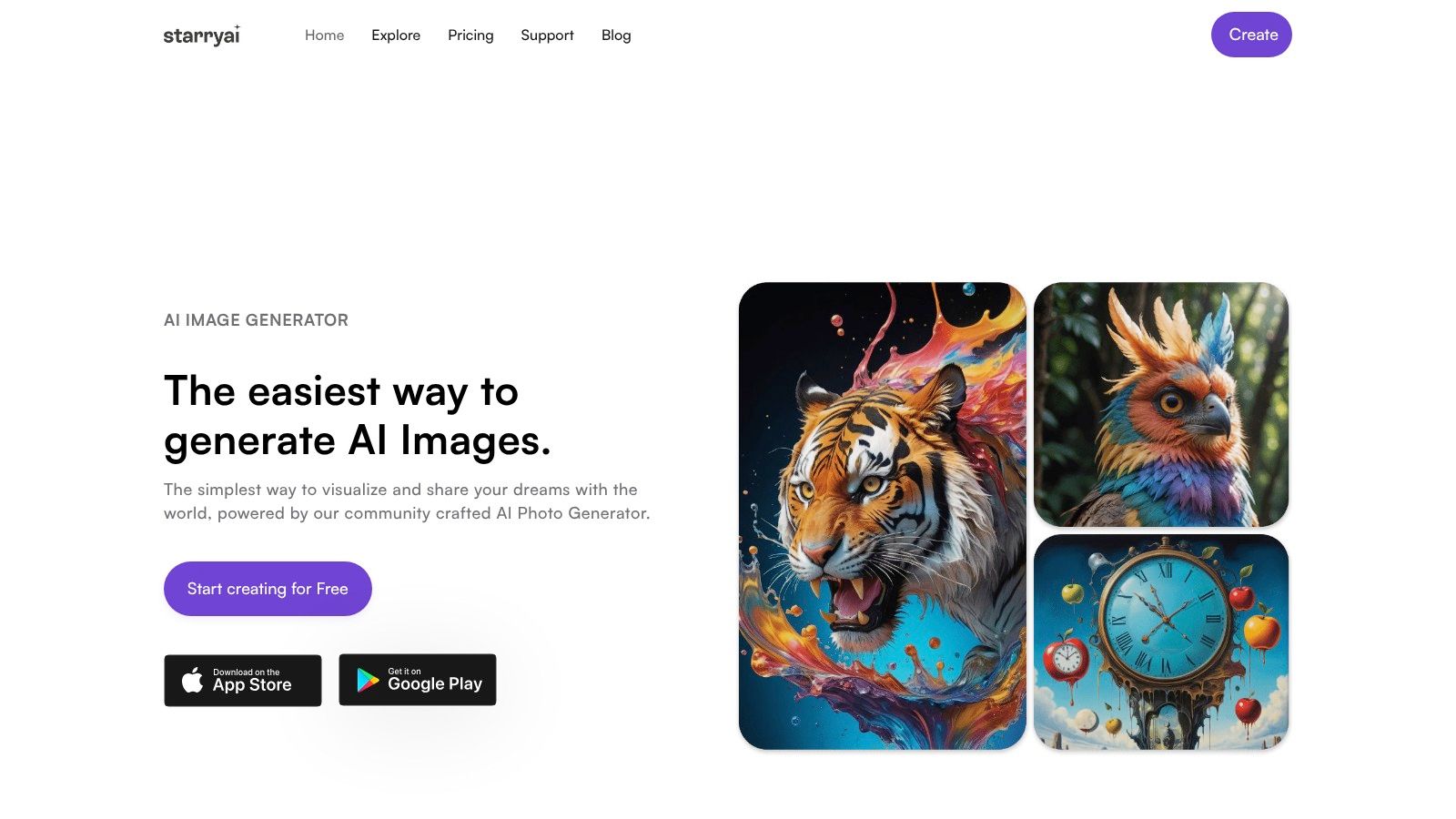
A DM has 45 minutes before game night, a new NPC needs a face, the cursed blade needs handout art, and nobody at the table cares how advanced your workflow is if the image works. That is the lane starryai fills well. It is fast to learn, fast to iterate in, and forgiving when you only have a rough visual idea.
starryai makes the most sense for early-stage campaign art and quick-turn assets. I use tools like this when I want options on screen now, not after a half hour of parameter tweaking. For D&D, that usually means character concept passes, item illustrations, faction posters, tavern signs, and creature mood shots.
starryai handles loose briefs better than rigid production work. If your note says “gloomy elf spymaster with silver jewelry and a court-poison vibe,” it can give you several directions quickly. That makes it useful for the part of prep where you are still deciding what the world looks like.
It is also approachable for DMs who are not interested in becoming image model hobbyists. You can start from text, use lighter creative prompts, and clean up outputs with built-in tools such as upscaling or background removal. That is practical for printable handouts, VTT tokens, and recap graphics.
The trade-off is consistency. If you need the same paladin to keep the same pauldrons, tabard, age, face shape, and holy symbol across ten separate generations, starryai starts to show its limits. Use it to discover the look first. Then move that approved design into a workflow built for tighter continuity if the campaign needs it.
Practical rule: Use starryai to explore, shortlist, and ship quick assets. Do not make it carry long-run visual continuity by itself.
The strongest D&D use cases are the ones where speed matters more than exact repeatability:
If you want a fast creature brainstorming tool, its mythical creature generator fits D&D prep naturally.
Prompting works best when the request is specific about subject, gear, mood, framing, and background treatment. These templates give clean starting points:
One small workflow tip helps a lot. Generate broad first, then narrow. Start with three or four variations of the same concept, pick the image that has the right silhouette and mood, then rewrite the prompt around what worked. That saves time compared with forcing precision too early.
starryai also gives free images at sign-up and notes that creators keep ownership and commercial rights to images made on the platform. For DMs, that matters if a home campaign turns into printable item cards, a paid module, or convention handouts later.
I would not choose it for my final showcase portrait if I wanted maximum artistic drama. I would choose it for the dozens of small art problems that come up while building a campaign world and getting a session ready on time.
A player sends their level 9 hexblade backstory two hours before session start and wants art that looks good enough to become their permanent token, character sheet portrait, and Discord avatar. Midjourney is the tool I reach for in that moment.
It still sets the bar for dramatic fantasy images. For D&D use, that makes it strongest for showcase character portraits, villain reveals, monster splash art, and chapter-opening scene pieces. If the job is to make one image feel memorable, Midjourney usually gets there faster than tools built around tighter control.
Midjourney handles fantasy visual language well. It responds well to material cues like tarnished silver, rune-carved bone, velvet, ash, cathedral light, swamp fog, and volcanic glow. That matters for DMs because D&D art often lives or dies on atmosphere, not anatomy alone.
The trade-off is consistency. A cleric you generate today may come back with a different jawline, haircut, or armor silhouette next week unless you spend time steering the prompt and reworking references. I use Midjourney for the art that needs impact, not for assets that must stay identical across a whole campaign packet.
Its workflow also shapes who will enjoy it. The Discord-first setup is fine once you know the rhythm. It feels indirect if you prefer a traditional canvas, visible layers, or slider-heavy controls.
Use Midjourney for tasks where style matters more than exact repeatability:
I would not use it as my primary battle map tool or as my main system for recurring NPC continuity. Other tools are easier to control for those jobs.
Midjourney usually performs better with focused prompts than overloaded ones. The sweet spot is a clear subject, one or two distinctive gear details, a lighting choice, and a composition target.
Use this order:
Examples:
One practical habit helps a lot. Run a broad first pass for mood, then revise only the winning image direction. Midjourney responds better to selective iteration than to stuffing every idea into the first prompt.
Midjourney earns its place in a DM workflow when the image has to sell the scene before a single word of narration lands.
That is why I treat it as a specialist. For portraits that need drama, it is one of the best options in this list. For campaign production work, it usually works best beside a more controlled tool.

Leonardo AI is the tool I'd reach for when the campaign has moved beyond “cool portrait” and into “this NPC is now recurring and can't keep changing face shape.” It's one of the most practical picks for DMs who care about continuity.
That strength isn't just anecdotal. In 2026, Leonardo AI emerged as a leading platform for character consistency in D&D art, especially for recurring campaign characters, according to CharGen's comparison of AI image generators for D&D.
Leonardo AI does well when you need the same rogue in a tavern portrait, on a wanted poster, in a torchlit dungeon scene, and later in coronation clothes. Midjourney can sometimes get close. Leonardo is usually the more practical system for holding identity together over time.
Its fantasy and RPG-friendly model ecosystem helps. You can generate portraits, item art, and scene variations while keeping a tighter grip on how the visual language stays aligned.
A lot of DMs realize the best AI art generator for DnD isn't one tool. It's one tool for beauty and another for continuity.
Leonardo AI has a good balance of pro controls and usability. You get tools like image-to-image editing, prompt tuning, background adjustments, and model workflows without needing a local setup. That means fewer barriers for DMs who want more control but don't want to run a full custom pipeline.
Use it for:
A practical prompt pattern here is to separate stable identity from changing context.
The main drawback is the credit or token mindset. It's not hard, but it does add a small learning curve. If you only generate one or two images a month, that may feel like overhead. If you're building a campaign bible with recurring art, it's worth it.
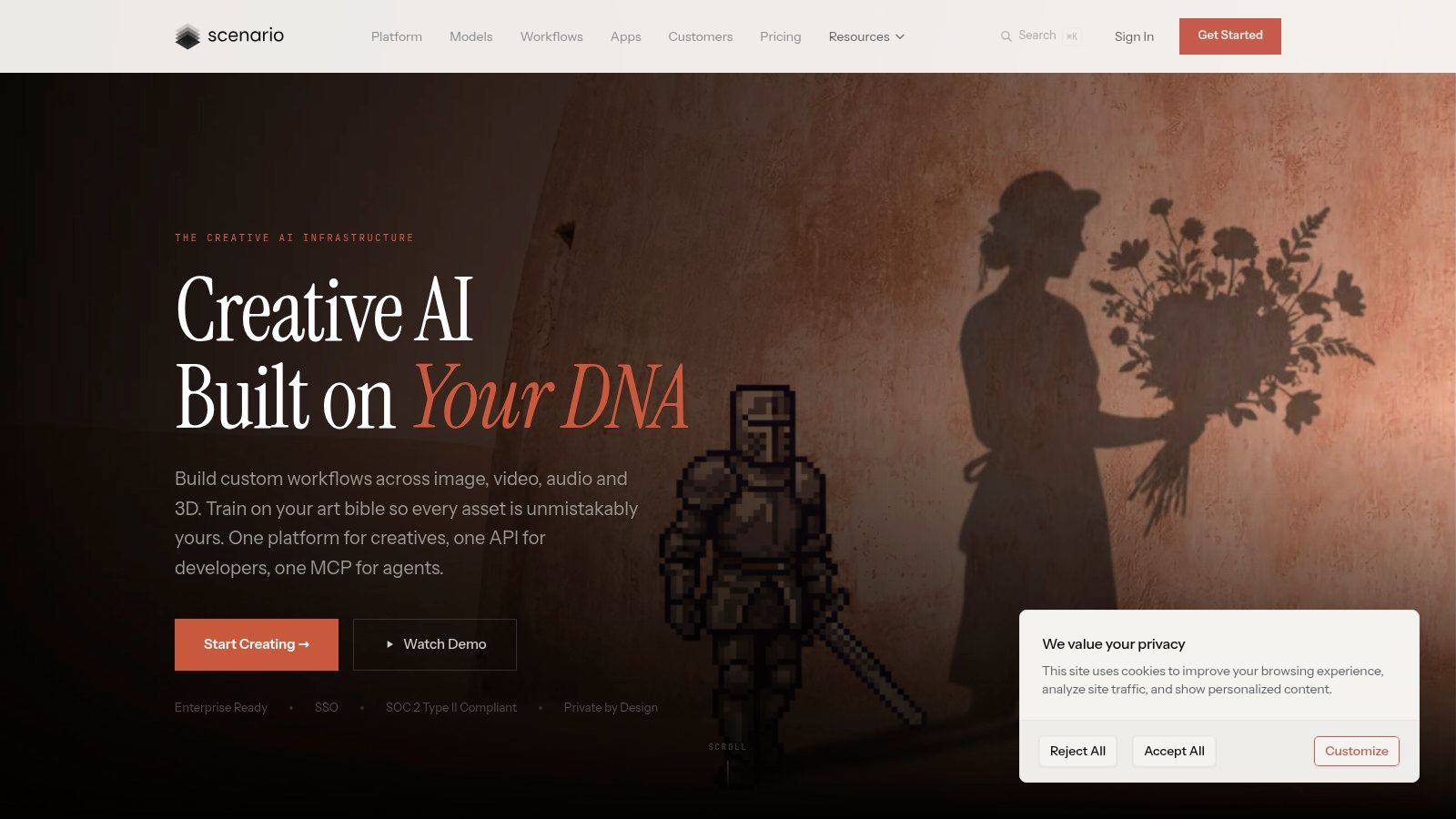
Scenario feels less like a toy and more like a small production shop. That's exactly why some DMs will love it and others won't. If you're making a one-shot, it's probably too much. If you're building a long campaign setting with a unified art direction, it starts making a lot of sense.
Its game-art focus is the appeal. Scenario is designed around repeatable asset workflows, not just isolated pretty images.
Scenario is strong for campaigns that need the same visual language across multiple asset types. Character portraits, icons, props, item cards, map embellishments, and faction insignias can all feel like they came from the same book line rather than five unrelated generators.
That's valuable if you're producing:
What separates Scenario from more casual tools is the emphasis on custom models, automation, and team-style workflows. That sounds heavy, but in practice it means you can stop reinventing your visual style every week.
The trick with Scenario is not to overbuild. Most DMs don't need an industrial asset pipeline. They need a repeatable setup for a handful of categories.
Start narrow:
The more style decisions you make upfront, the less cleanup you do later.
Scenario's privacy and ownership posture will also matter to some users, especially small studios or creators working with collaborators. The downside is obvious. If you just want to type “orc barbarian portrait” and move on, Scenario can feel more production-oriented than necessary.
Clipdrop is useful when you don't just want to generate an image. You want to fix it immediately. That's why it earns a place on a D&D list. Raw generation is only half the job. DMs also need to remove backgrounds, relight a portrait, upscale a token, or clean a handout before session time.
As a browser-based way to work with SDXL plus editing utilities, Clipdrop is practical in a way some prettier tools aren't.
For D&D use, Clipdrop is best treated as a concept-and-polish station. Generate a goblin shaman. Remove the cluttered background. Upscale it. Drop it onto a token template. Done.
That's also why it works well for:
The all-in-one browser workflow is the selling point. You don't have to bounce between too many apps to get from rough image to usable table asset.
A solid Clipdrop workflow looks like this:
Prompt example:
Clipdrop's weakness is that some features are gated by plan or quota structure, and those limits vary by tool. That's manageable, but it means power users should pay attention before building a heavy weekly workflow around it.
If you're mostly making polished support assets rather than signature hero art, Clipdrop is often more useful than more glamorous platforms.

Some tools are about one perfect image. getimg.ai is better when you need twenty decent ones. That difference matters more in D&D than people expect. Most campaign prep isn't a single masterpiece. It's a stack of NPCs, item variants, and creature lineups that need to be ready by tonight.
Its multiple model options, editing tools, batch generation, and API path make it one of the more useful volume-oriented platforms on this list.
getimg.ai works well for repeat production:
If I needed a thieves' guild roster with a dozen distinct but visually related members, this is the kind of tool I'd consider. It handles “many assets quickly” better than “single legendary portrait with maximum flair.”
Batching works when the visual frame is stable. It fails when every image needs bespoke drama.
Batch these:
Don't batch these:
A strong batch prompt starts with fixed setting rules. For example:
“Series of fantasy item illustrations, isolated objects, parchment-neutral background, consistent painterly style, readable silhouettes, no text, no hands visible”
That gives you outputs that can live together on a handout page. getimg.ai's credit logic takes a little orientation, but the platform is efficient once you know what you're asking it to mass-produce. It's a worker tool, and that's praise.
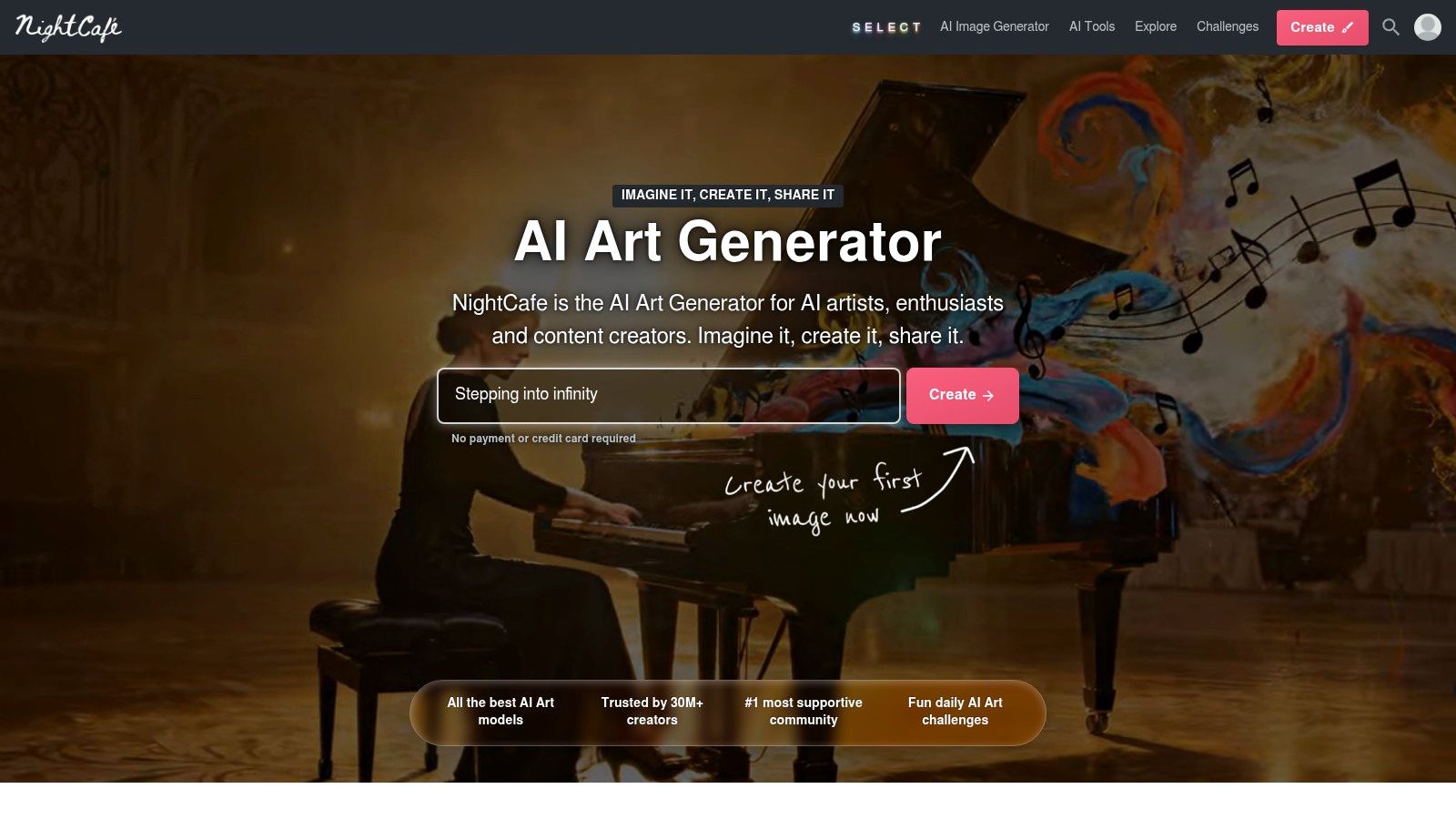
NightCafe Studio makes sense for players and DMs who want a friendly starting point, not a deep production system. It has been around long enough to develop a community-driven rhythm, and that helps if you learn best by seeing what other people are making.
Some tools assume you already know the visual result you want. NightCafe is better when you're still exploring.
If your group wants to generate a few character portraits before session zero, NightCafe is a comfortable option. The interface and community challenge model give newcomers enough structure that they don't feel stranded.
That makes it good for:
The outputs can be attractive, and the barrier to entry is low. That matters more than raw control for many tables.
NightCafe's biggest strength is that it gets people creating before they overthink the tooling. There's value in that. A campaign with slightly imperfect but finished visuals beats the campaign with a folder full of abandoned “perfect” prompts.
Use it when:
Its limitation is also obvious. You won't get the same professional control as more advanced suites. Credit economics can take a minute to understand, and if you're trying to standardize visuals across a long campaign, you'll probably outgrow it.
Still, for casual D&D use, NightCafe does what many people need. It gets the art on the page.

A player asks for art of their warlock ten minutes before session zero. Then they want the same character as a token, a journal sketch, and a full portrait after you mention their patron. ChatGPT handles that kind of back-and-forth better than tools that expect a polished prompt up front.
For DMs, the main advantage is workflow speed. You can write lore, refine an NPC concept, and generate the image in the same conversation. That matters when you are building assets by use case instead of treating every image like a standalone art project.
ChatGPT Images fits tables that need quick visual support during prep, not a long production pass with heavy controls.
It works well for:
I use it most for character and prop work. If the job is “make this idea clearer,” ChatGPT is strong. If the job is “give me strict composition control and repeatable style consistency across twenty assets,” other generators usually hold up better.
That trade-off is worth stating clearly. ChatGPT is better at conversation than precision.
Start with campaign art direction, then move to the specific asset. This keeps the model from drifting into generic fantasy sludge.
Style pass:
“Grounded high fantasy. Worn practical fabrics. Realistic proportions. Muted medieval palette. No modern objects. No text. Painterly but readable.”
Asset pass:
“Create a waist-up portrait of a female dwarf magistrate, late middle age, braided iron-gray hair, ceremonial burgundy robe, stern but fair expression, interior candlelight.”
Then revise in plain language:
That plain-English revision loop is the product. You do not need to memorize prompt syntax to get useful results.
For map work, I would still use a dedicated tool such as starryai's AI map generator for encounter layouts or another map-first workflow. ChatGPT can brainstorm room ideas and visual themes, but battle maps need cleaner spatial logic than chat image tools usually provide.
The weak point is control at the edges. Fine-grained posing, exact equipment continuity, and rigid campaign-wide style matching can take more correction than they do in tools built around parameter tuning. For DMs who prototype visually through conversation, though, ChatGPT earns its place fast.

Adobe Firefly isn't my first pick for raw fantasy wow factor. It is one of my first picks when the output needs to look finished, printable, and integrated into real campaign materials. That distinction matters.
Many DMs don't just need portraits. They need handouts that look like actual props. Posters. Item cards. Spell slips. Royal decrees. Journal inserts. Firefly fits that part of the workflow well.
If your prep includes Photoshop or Illustrator already, Firefly becomes more attractive fast. Generate a base asset, then refine it inside Adobe's ecosystem. That's much smoother than exporting from one generator, opening another app, and patching problems manually.
Firefly is useful for:
It also benefits creators who care about commercially safer sourcing language and content credentials in their workflow.
Firefly works best as a finishing station or handout generator, not necessarily as your sole fantasy art engine. Generate a portrait elsewhere if needed, then bring it into Photoshop for layout, cropping, text placement, distressing, and final print prep.
A smart D&D workflow with Firefly looks like this:
This is especially useful for published or semi-polished campaign materials. If you're making a one-page prophecy handout or a faux medieval item card deck, Firefly plus Adobe apps can get you closer to “finished object” than many image-only tools.
The downside is value. If you're not already in the Adobe ecosystem, it may feel like paying for a workshop when you only need a hammer.
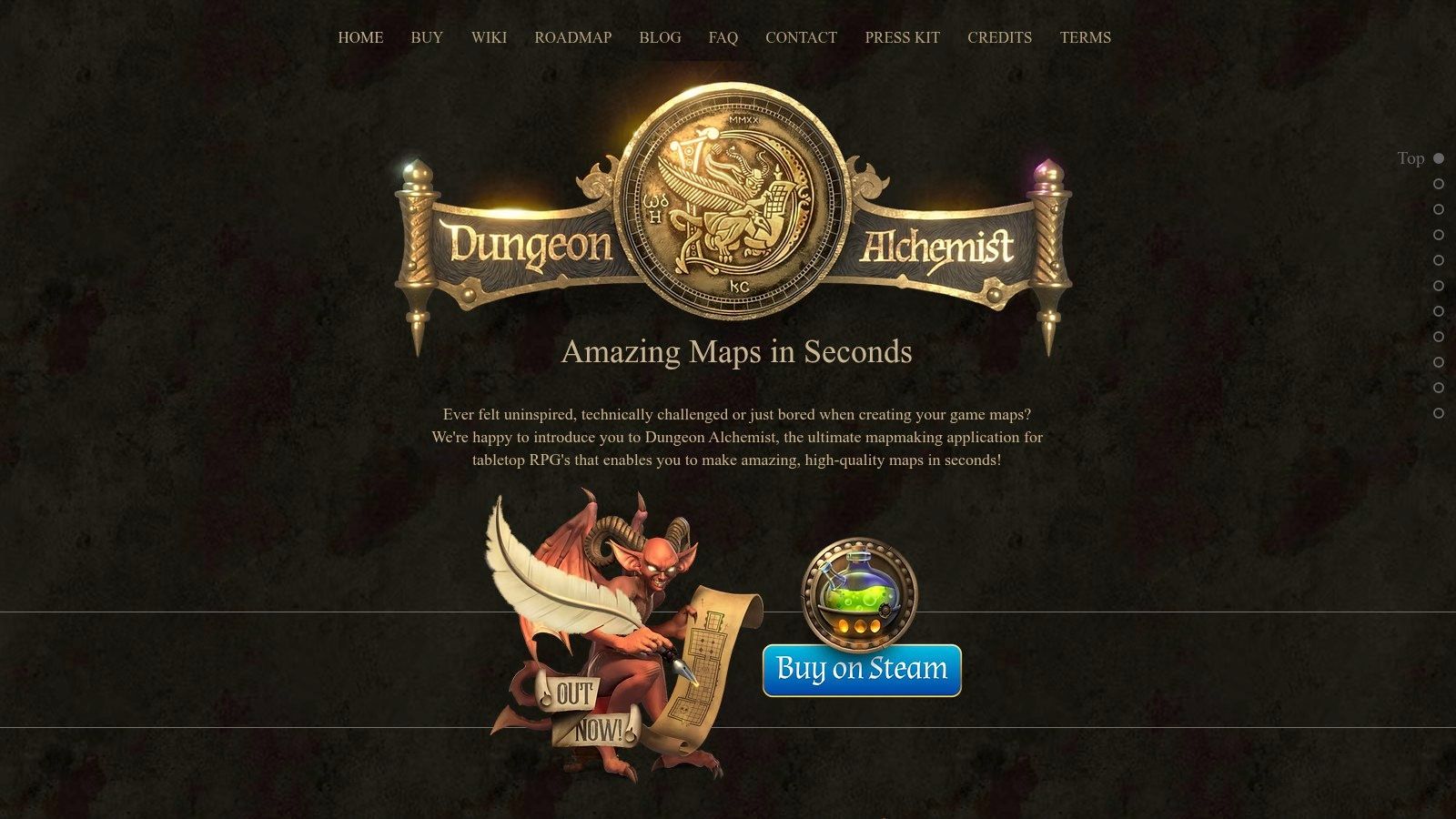
Dungeon Alchemist is the only tool on this list that earns its place by not trying to do everything. It's for maps. That focus is why it's so good for DMs. Most image generators can create map-like images. Very few create battle maps that are playable.
That difference is huge. Pretty maps aren't enough. Encounters need legible rooms, usable layouts, and exports that fit virtual tabletops.
Dungeon Alchemist is excellent for rapid interior and outdoor map creation. It understands room logic, furnishing, terrain, and fantasy dressing in a way that supports gameplay instead of fighting it.
Use it for:
If you want to supplement it with a broader fantasy map art workflow, starryai also offers an AI map generator that can help with visual concepting.
The best use of Dungeon Alchemist is speed with restraint. Build the encounter space first. Don't overdecorate every corner just because the tool makes it easy.
A practical workflow:
The advantage is obvious when prep time is short. You can produce a room that looks good and runs cleanly. That's why I rate it so highly for battle maps even though it's not a character art tool at all.
Its limitation is equally obvious. If you need portraits, monster art, or item cards, look elsewhere. Dungeon Alchemist is a specialist. For DMs, that's often exactly what you want.
A DM usually does not need one AI art tool. A DM needs the right tool for the job at hand. The table below is more useful if you read it by campaign task: portraits, recurring NPC consistency, item cards, handouts, token art, or battle maps.
| Product | Best D&D use case | Core features | Quality ★ | Price/value 💰 | Best fit 👥 | What it does well |
|---|---|---|---|---|---|---|
| starryai 🏆 | Fast character concepts, magic item art, simple social-ready visuals | Selfie + text-to-image, large style library, upscaler, background removal, video options | ★★★★☆ | Free start with paid credits or subscriptions for heavier use | DMs, casual creators, indie sellers | Quick results with low setup friction and commercially usable outputs |
| Midjourney | Hero portraits, villain splash art, cinematic scene pieces | Discord-based image generation, remastering, upscales, stylize controls | ★★★★★ | Subscription makes the most sense if you generate often | Fantasy artists, D&D creators, concept-driven DMs | Strong dramatic fantasy mood and striking composition |
| Leonardo AI | Recurring NPCs, party portraits, campaign art that needs visual continuity | Personal model training, canvas tools, prompt controls, API, team workspaces | ★★★★☆ | Credit system with more serious tools on paid tiers | Game artists, studios, DMs who reuse characters | Better control over consistency across multiple generations |
| Scenario | Item sets, game assets, faction packs, production pipelines | Custom model training, workflow builder, API, privacy controls | ★★★★ | Team-oriented pricing and production plans | Small studios, asset teams, organized worldbuilders | Good fit for structured asset creation with tighter workflow control |
| Stable Diffusion XL (Clipdrop) | Token art, monster edits, portrait cleanup, fast browser-based experimentation | SDXL generation, relight, cleanup, background removal, upscaler | ★★★★ | Free tier exists, paid plan opens stronger features and higher limits | Concept artists, VTT users, token makers | Flexible editing in one browser workflow |
| getimg.ai | Bulk NPC portraits, variations on a theme, asset batches | SDXL and FLUX models, image-to-image, upscalers, batch tools, API | ★★★★ | Straightforward credit pricing with team options | Studios, high-volume creators, DMs building large libraries | Efficient batch generation and broad model access |
| NightCafe Studio | Early ideation, style testing, low-pressure experimentation | Multiple models, generation modes, credits, community galleries | ★★★★ | Pay-as-you-go or subscription options | Beginners, hobbyists, inspiration-driven users | Easy onboarding with plenty of room to experiment |
| OpenAI ChatGPT (Images) | Conversational revisions, handout concepts, fixing prompt direction midstream | Chat-based image generation with iterative refinement and enterprise controls | ★★★★ | Access depends on plan limits and business tiers | Writers, DMs, collaborative teams | Strong for back-and-forth prompt refinement without restarting from scratch |
| Adobe Firefly | Printed handouts, item cards, polished marketing-style assets | Text-to-image, vector tools, style presets, Adobe app integration | ★★★★ | Best value for people already paying for Adobe tools | Designers, print-focused creators, agencies | Clean handoff into Photoshop and Illustrator |
| Dungeon Alchemist | Battle maps, encounter spaces, playable interiors and outdoor layouts | Auto-generated rooms and biomes, furnishing, VTT export, printable export | ★★★★ | One-time purchase through Steam-style software licensing | Game Masters, VTT users, encounter-focused prep | Rapid map creation built around playability |
The trade-offs matter more than the star ratings.
Midjourney still produces some of the strongest high-drama fantasy art in the group, but it asks for more iteration and a taste for its style bias. Leonardo AI is usually the better pick if the same cleric, innkeeper, or rival warlock needs to stay recognizable across sessions. ChatGPT Images is slower for volume work, but it is one of the easiest tools to correct in plain language when a handout image is close and not quite right.
For practical DM prep, the categories split cleanly. starryai and NightCafe are easier to pick up for quick concepting. Leonardo AI and Scenario make more sense once continuity and asset organization start to matter. Firefly helps when the final output needs to look clean on a printable card or a prop handout. Dungeon Alchemist stands apart because it solves a different problem entirely: encounter-ready maps.
If I were building a simple campaign workflow, I would not force one platform to do everything. Use a portrait-first tool for characters, a conversational editor for revisions, and a map specialist for tactical spaces. That approach gets better results with less prompt wrestling.
The best AI art generator for DnD depends less on hype and more on the job in front of you. If you need a breathtaking character portrait that feels like cover art, Midjourney still sets the tone. If your campaign lives or dies on recurring faces staying recognizable, Leonardo AI is the stronger practical choice. If battle maps are the bottleneck in your prep, Dungeon Alchemist saves time in a way no portrait tool can.
This is a key lesson after using these platforms in a tabletop context. There usually isn't one perfect answer. There's a best fit for character art, a best fit for continuity, a best fit for rapid ideation, and a best fit for mapmaking. DMs who get the most out of AI usually stop asking for one universal tool and start building a workflow that matches how they prep.
For many tables, that workflow is simple. Use starryai when you want fast concept art, stylish item shots, or easy experimentation without a steep learning curve. Use Midjourney when the art needs to feel epic. Use Leonardo AI when a beloved NPC keeps returning and can't look different every session. Use ChatGPT images when you want to revise through conversation instead of starting over. Use Firefly when handouts need polish. Use Dungeon Alchemist when the map has to run cleanly on game night.
There are also meaningful differences in temperament between these tools. Some reward patience and iteration. Some reward planning and structured prompts. Some are built for creators who think in finished assets. Others are better for idea generation and momentum. The right pick isn't always the one with the prettiest sample gallery. It's the one that helps you finish prep without wasting your evening.
A few hard-earned rules help no matter which platform you choose:
The biggest mistake DMs make is trying to force one generator to do every job. That usually leads to frustration. Portrait tools struggle with maps. Map tools can't replace character pipelines. Conversational tools are great for iteration but not always ideal for strict visual continuity. Once you accept those trade-offs, AI art becomes much more useful.
And useful is the point. These tools don't replace your worldbuilding, your pacing, or your improvisation at the table. They support it. They turn your city descriptions into skyline art, your rumors into wanted posters, your magic items into handouts players remember, and your boss fights into scenes with visual weight before the initiative roll even starts.
If you've been waiting to bring more visuals into your campaign, start small. Pick one use case. Make a portrait for the next major NPC. Generate an item card for the relic your players are chasing. Build the tavern map before Friday's session. That single asset often changes how the whole table engages with the scene.
The right generator won't make your campaign good. Your storytelling does that. But the right visual tool can make a good campaign feel bigger, sharper, and easier for players to hold in their heads. That's more than enough reason to start.
If you want the easiest place to begin, try starryai. It's fast, approachable, and useful for D&D concept art, item illustrations, creature ideas, and shareable campaign visuals. For DMs and players who want strong results without a technical setup, it's one of the simplest ways to start turning session notes into art.


.svg)