

Written by Mo Kahn on
September 4, 2026


You've got an anime avatar idea, a selfie, or a character sketch that looks great once. The problem starts when you need that same character for a profile image, a story scene, a thumbnail, or cover art. A single attractive generation isn't yet a usable character system.
An anime character template is a starting structure for recognizable features, styling, pose, color, and presentation. It can be a layered avatar maker, a guided portrait, a slider-based design, a 3D model, or a reference image paired with a structured prompt. The right choice depends on whether you value speed, customization, consistency, licensing clarity, or a reusable model.
This comparison groups resources by the kind of starting material they provide, then shows how to carry the useful traits into a repeatable workflow in starryai. Compare each option by its output type, level of control, likely consistency, intended use, and practical limitations.
A template is a character foundation, not a guarantee of identical generations.
Anime character design also benefits from structure rather than random detail. A large-scale study examined more than 27,000 anime titles and over 130,000 characters spanning 108 years, identifying 8 recurring personality archetypes and tracking changes in character psychology and visual design over time (the anime character archetype study). That history reinforces a practical point: stable character patterns matter. Choose a base you can describe, reproduce, and adapt.
The En Ai Character Generator is the most direct starting point when you already have a selfie, a text idea, or even an emoji and want polished character art quickly. It turns those inputs into stylized people, avatars, and fantasy characters without requiring complex editing, making it a strong fit for social posts, profile art, quick story concepts, and playful transformations. You can explore the tool through the starryai AI Character Generator.
Its advantage is low friction. Trend-aware presets help you test seasonal looks, viral aesthetics, and dreamlike transformations without building a detailed prompt from scratch. For a creator who wants an anime-style selfie today, this is more useful than a technically powerful tool that takes hours to configure.
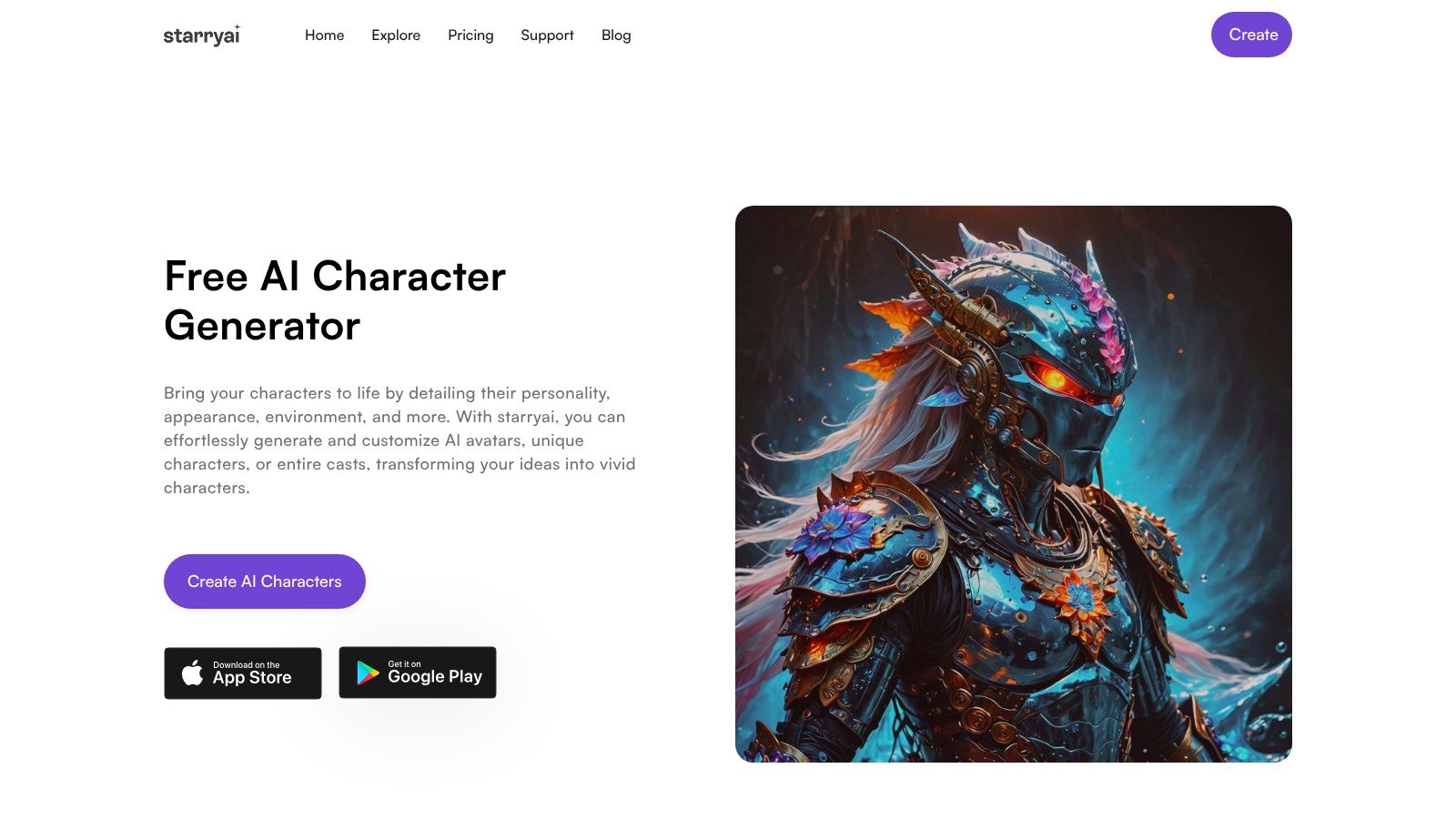
The trade-off is precision. AI-driven results can vary, so a first attempt may capture the mood while missing the exact fringe, eye shape, outfit detail, or framing you had in mind. Treat the strongest result as a visual reference, then record the stable traits before generating more assets.
For starryai, extract the character's hair silhouette, eye color, outfit, palette, expression, and camera framing. Keep those descriptors together as your character DNA, then vary only the scene or pose in later prompts. The tool is free and accessible as part of starryai's creative suite, but “fast” still means you may need several attempts when the brief is highly specific.
Picrew is a browser-based image-maker platform where independent artists publish avatar and character creators. You choose from creator-defined options for hair, eyes, clothing, accessories, and palettes, then assemble an anime-style original character without writing a prompt.
That layered approach is useful because it exposes the design decisions directly. Instead of asking an AI model to infer a character from prose, you can select a clear hairstyle, eye treatment, outfit direction, and accessory set. Picrew works especially well for profile images, tabletop RPG tokens, quick original-character references, and early concept exploration.
Read the individual maker's terms before using the result beyond personal inspiration. Commercial permissions differ by creator, and the platform's 2D templates generally limit poses, framing, and output controls. A portrait that works for an avatar may not give you enough information for a full-body cover or turnaround sheet.
Use the finished Picrew image as a visual anchor in starryai, not as proof that every later generation will match it. Describe the visible traits in a fixed block, then add the desired output separately.
For a practical walkthrough of the next stage, use this guide to make an anime avatar.
CHARAT is more useful than a portrait-only maker when your character needs a complete outfit and readable body design. Its anime-styled hub includes full-body and chibi creators such as GENESIS2 and DRESSUP, with browser-based editors and specialized options for avatar, VTuber, PNGTuber, and tabletop RPG work.
The practical strength is cohesion. Hair, face, clothing, and accessories are selected within one visual system, so the finished character usually feels designed rather than assembled from unrelated parts. That makes CHARAT a useful source for establishing silhouette, costume hierarchy, and the colors you want starryai to preserve.
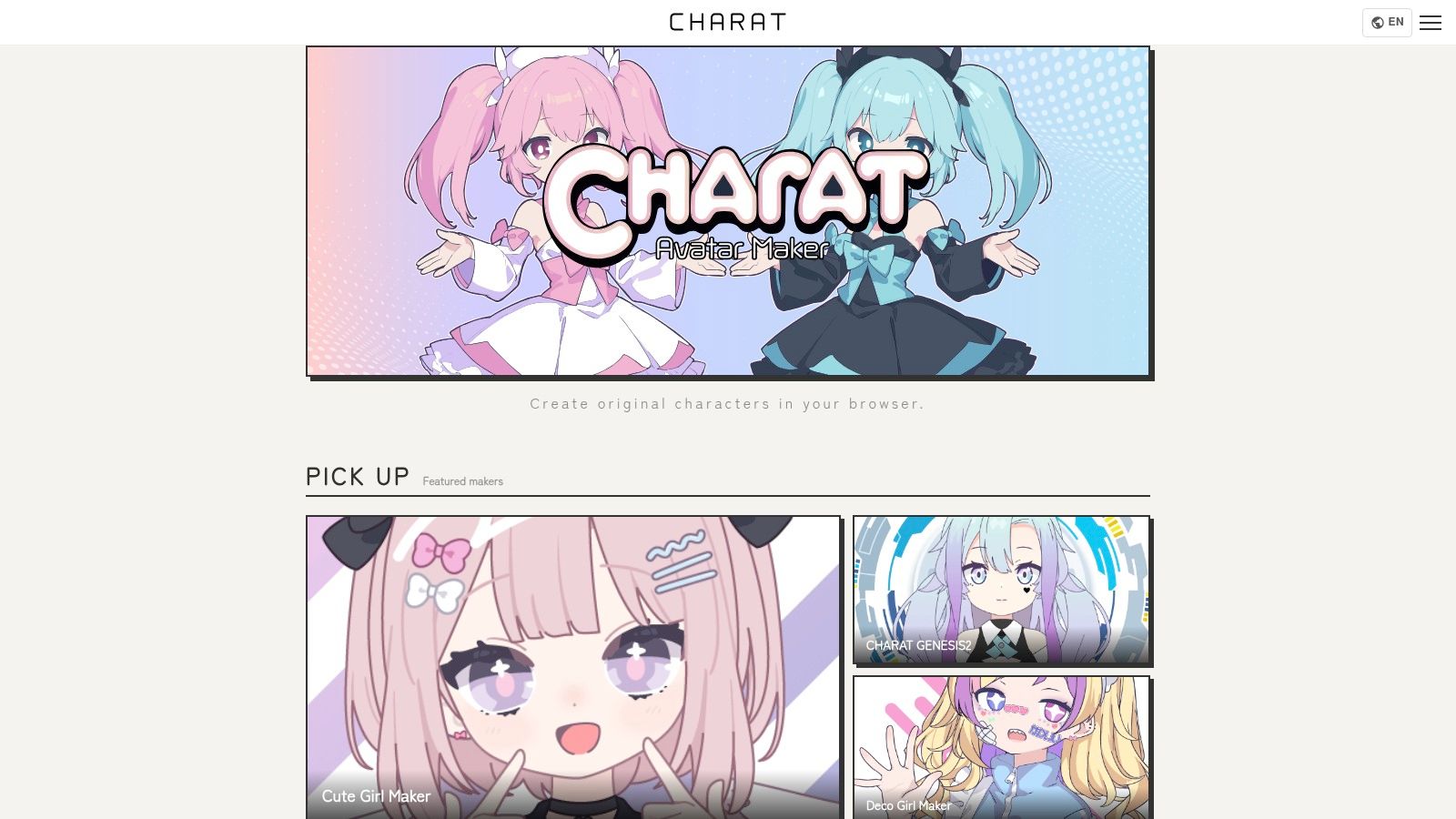
Export controls are basic, and you shouldn't expect a finished cover illustration directly from the maker. The platform's usage guidelines can help with common personal and some commercial uses, but they also restrict selling the created digital data itself and certain forms of large-scale commercial distribution. Check the current guidelines for your exact project.
In starryai, use the full-body result to define clothing construction, body framing, and the character's overall silhouette. For a close-up, retain the face and hair descriptors but remove unnecessary full-body instructions. For a cover, add a separate layout instruction for title space, focal placement, and background atmosphere.
Waifu Labs takes a guided route. Instead of writing prompts or adjusting many individual controls, you move through a selection process that progressively refines an anime portrait. That makes it approachable for someone who knows the character's mood but doesn't yet know how to describe the design precisely.
The output focuses primarily on head and upper-body portraits. It's a good match for an original-character headshot, profile icon, or visual reference for a story, especially when speed and a pleasing style matter more than exact pose control. Its V2 experience supports backgrounds and male characters, which broadens the type of initial concept you can build.
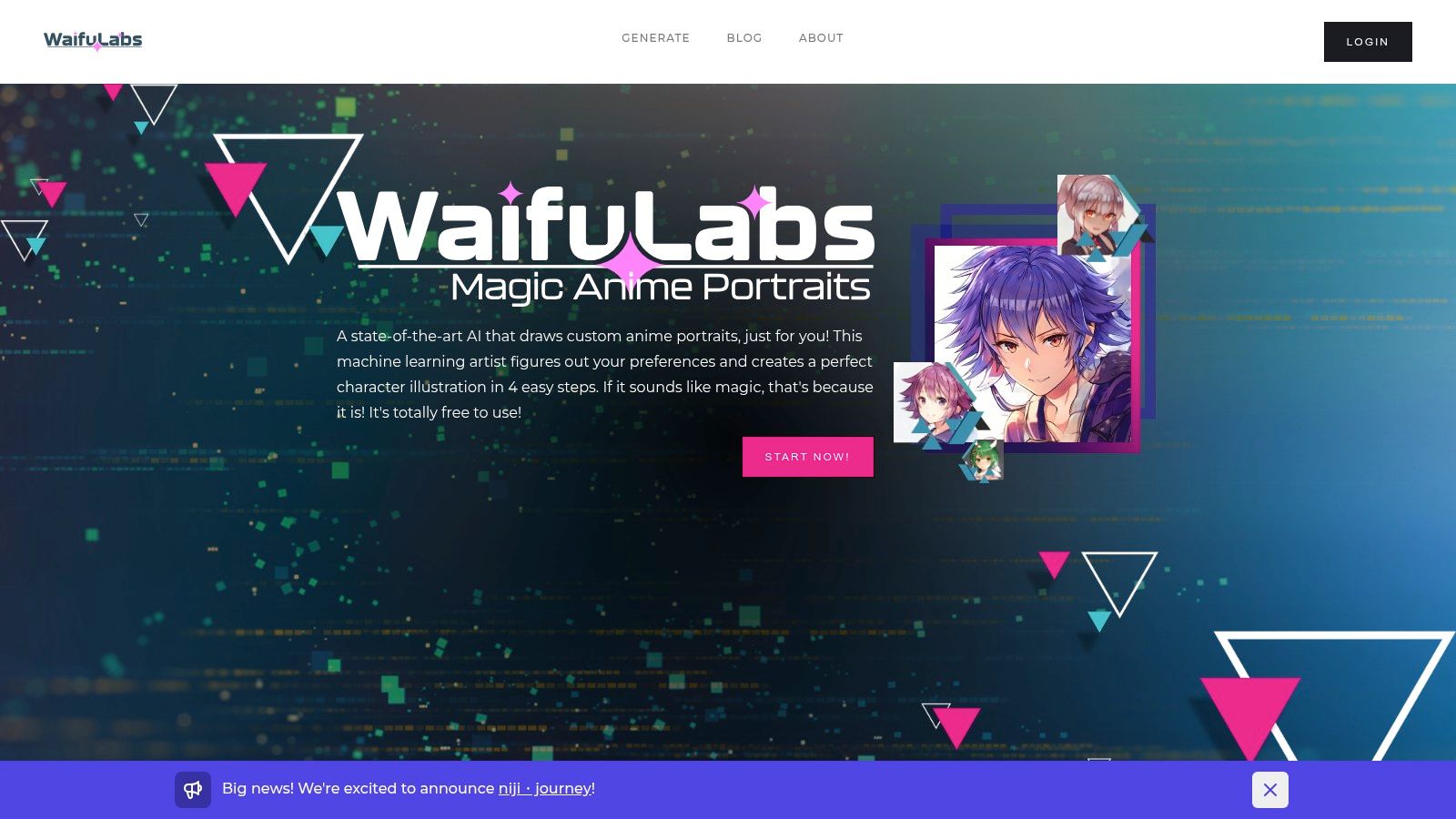
The limitation is that guided selection doesn't give you the same granular control as a manual editor or reference-driven workflow. You may get a strong face but lack a dependable full-body costume, turnaround, or action pose. Commercial and print usage also requires checking the current terms rather than assuming that free generation covers every application.
In starryai, use the portrait to capture identity traits, then build a structured prompt around them. The starryai AI Anime Generator can help you move from that reference toward anime-style scenes, avatars, and more flexible compositions.
Crypko approaches anime character creation through parameter control. Its attribute sliders let you adjust traits such as age, hair and eye color, and expression, while character fusion can combine visual qualities from multiple designs. That makes it more useful than a purely random generator when you want to explore a controlled family of related portraits.
The browser-based workflow suits repeated refinement. You can begin with a face that has the right appeal, adjust one attribute, and compare the change without rewriting an entire prompt. For a recurring avatar, that helps separate intentional variation from accidental drift.
Crypko remains more generator-first than template-first. It concentrates on high-quality anime faces and upper bodies, so it won't replace a full character sheet when you need exact body proportions, costume turnaround, or production-ready layout. Full access and commercial permissions may also depend on paid or credit tiers, so confirm the current terms for your intended use.
A useful starryai handoff starts with a small set of approved traits. Don't copy every slider state as a long description. Instead, record the resulting visual identity in plain language, such as the hairstyle shape, iris treatment, expression range, and clothing signature. Then keep those elements fixed while changing scene, crop, or lighting.
Controlled variation works best when you preserve identity traits and vary one design decision at a time.
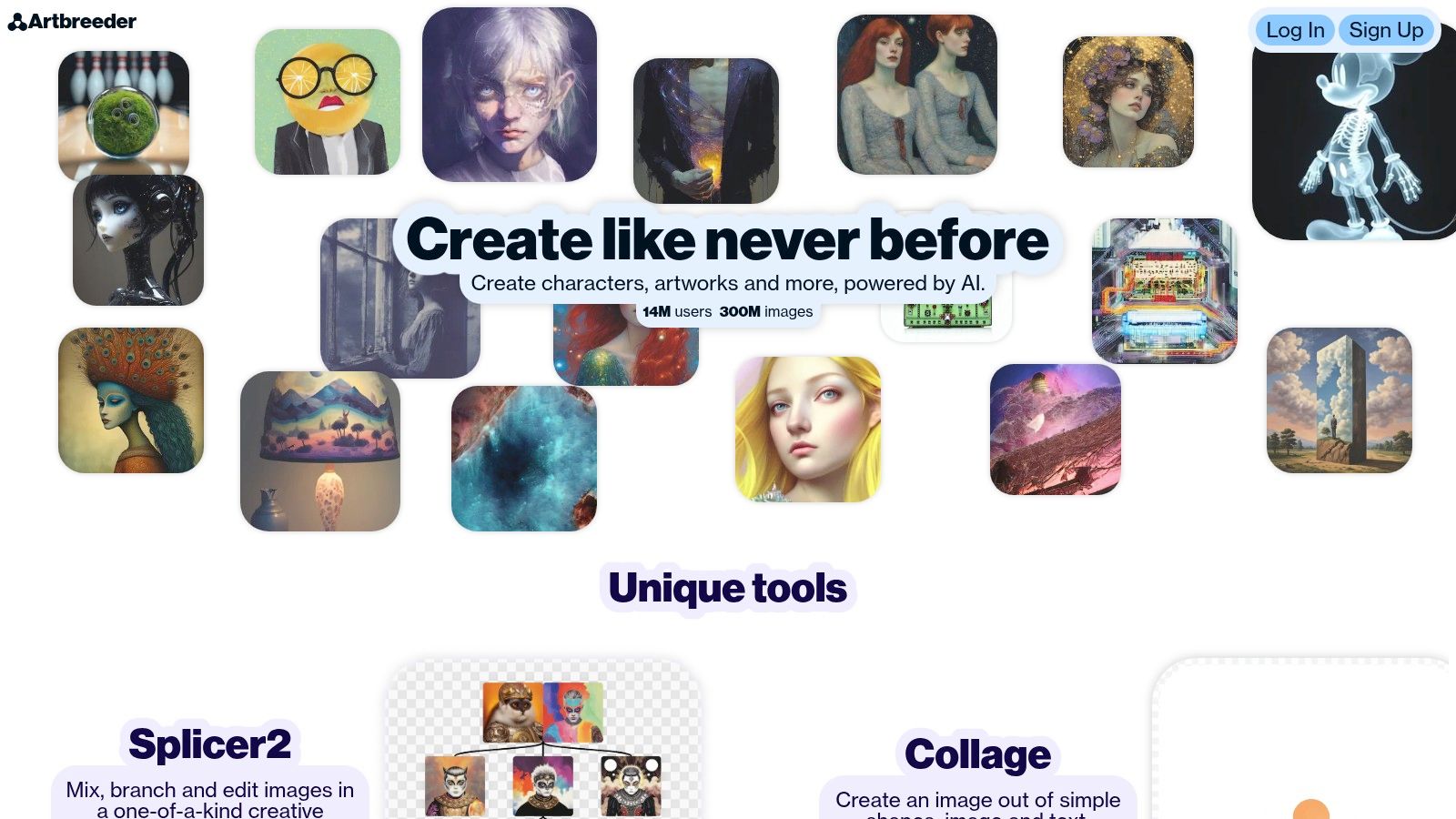
Artbreeder is built around image exploration rather than conventional prompt writing. Its slider-based breeding and splicing tools let you combine features, push a portrait toward a new direction, and evolve a base character into a curated set of variants. That makes it valuable when you have a vague visual idea but don't want to commit to one design immediately.
The discovery process is the appeal. You can explore facial structure, hair direction, mood, and stylization intuitively, then save the versions that feel related. Composer and Splicer modes support different kinds of image combination, while Pro features add options such as higher-resolution downloads and privacy controls.
The workflow takes more curation than a simple avatar maker. The credit system and model variety can require onboarding, and style consistency may drift as you push the sliders. A brand or serial story shouldn't use every attractive variation as if it belongs to the same character. Select a canonical version and treat the rest as controlled alternates.
In starryai, choose one approved reference and use the other Artbreeder outputs to identify what should remain stable. If the character's face changes too much between variants, simplify the reference set instead of averaging every version together. A focused template is easier to reproduce than a design assembled from conflicting traits.
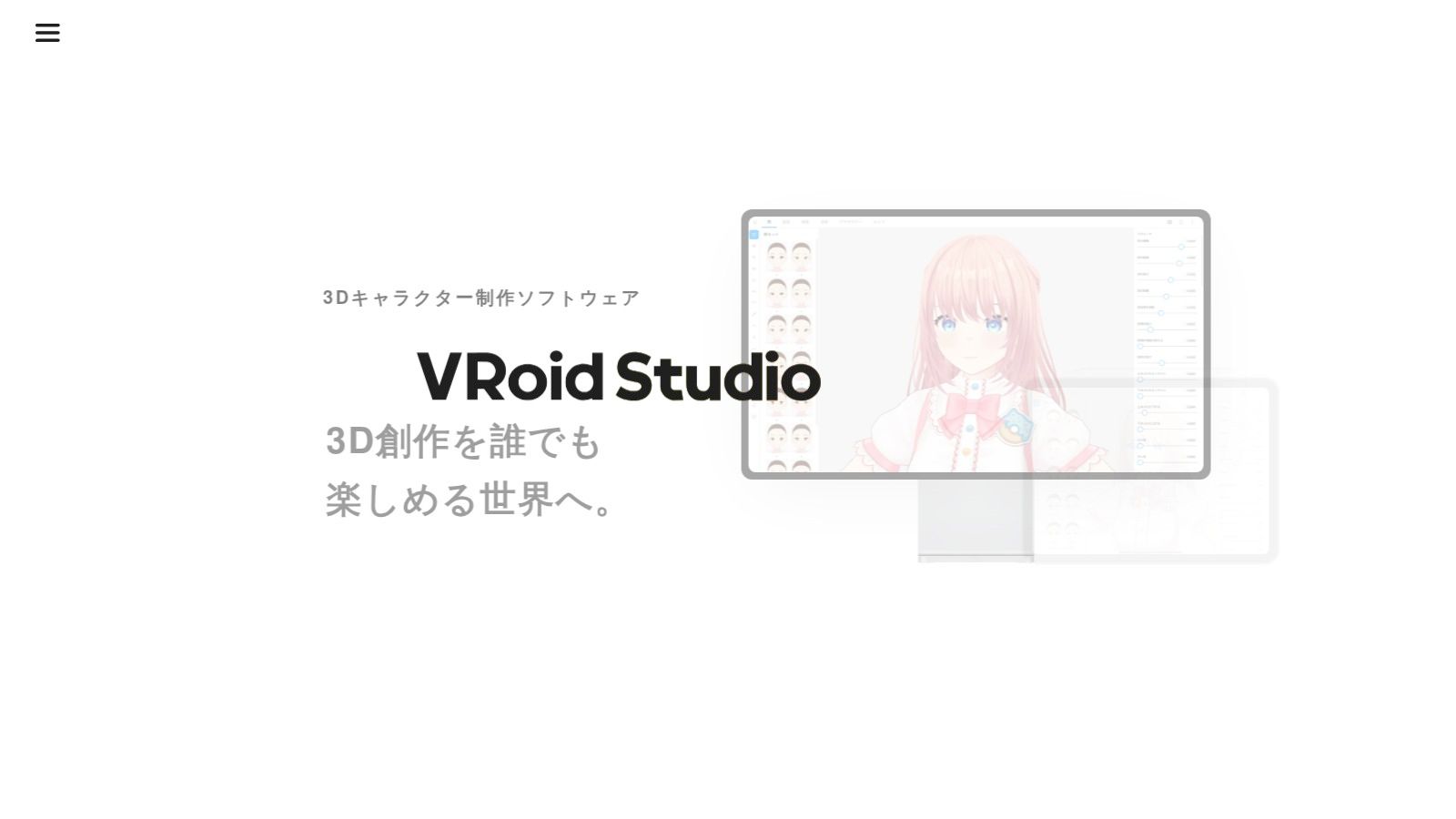
VRoid Studio is the strongest choice on this list when a character needs to exist beyond one static image. The free 3D creator runs on Windows, Mac, and iPad, and provides presets, real-time sliders, outfit options, texture painting, and VRM export. You can shape a model once, pose it from different angles, and use it as a more durable reference for future renders.
That durability comes with a learning curve. A 3D base gives you control over body proportions, camera angle, and pose, but you still need rendering and presentation tools to create polished cover art or thumbnails. The model itself isn't automatically a finished illustration.
VRoid's reference-sheet logic also aligns with established anime production practice. Anime reference sheets commonly use horizontal guides for the head, eye line, chin, shoulders, waist, hips, knees, and ankles, along with head-height proportions to keep different views aligned (anime reference-sheet guidance). Even if you don't produce a formal sheet, those guides help you notice when a generated full-body character changes scale between images.
Use VRoid to establish proportions, hairstyle volume, clothing layers, and signature colors. Then use starryai for the painterly or cinematic finish, keeping the model renders as reference material. A full-body starryai workflow benefits from a clean front-facing render, a clear three-quarter view, and a concise description of what must not change. More guidance is available in this resource on an anime character creator for full-body designs.
Canva isn't a character generator in the same sense as the other resources. It's a template-led design workspace with editable avatar layouts, including anime and kawaii options, that you can adapt for social icons, thumbnails, simple character sheets, and branded campaigns.
Its strength appears after the character exists. You can place an avatar into a repeatable visual system, apply brand colors and typography, collaborate with a team, and export in formats suited to different platforms. For a social media manager or author building a consistent series of posts, this layout control can matter more than another face generator.
The limitation is character freedom. Faces and poses remain constrained by the chosen template, and some premium assets require Canva Pro. Canva is best treated as the presentation layer, not the source of a customizable anime character.
A practical workflow starts in starryai. Generate the character image, choose a version with clean negative space, and place it into a Canva layout for banners, thumbnails, profile graphics, or a basic reference sheet. Keep the background and typography separate from the character so you can reuse the same art across formats. The design principles behind merch design fundamentals are useful when you're preparing character art for products, although licensing still depends on every asset involved.
PixAI.art is designed specifically around anime-focused AI creation. Its model and LoRA ecosystem, tag support, negative tags, reference-image workflows, community guides, and iterative generation tools make it a strong environment for creators who want more control than a one-click portrait generator provides.
The same flexibility can overwhelm beginners. A large model and settings library means you'll need to curate your workflow rather than chase every available option. Credit consumption can also vary with settings, so learn the platform's current usage rules before planning a large batch of assets.
PixAI is particularly useful as a reference-development resource for starryai. Build or refine a recurring character there, select the most representative image, and extract the features that survive across your preferred versions. Don't transfer every tag into a bloated prompt. Preserve the identity block, then write separate instructions for framing, environment, mood, and action.
For a selfie or avatar workflow, use the reference to answer concrete questions: Is the fringe asymmetrical? Are the eyes narrow, round, or heavily outlined? Does the outfit have one memorable color block or accessory? Those answers are more useful than vague style labels when you move into starryai.
Avachara is a lightweight, template-driven anime avatar maker for quick concepts. You can customize facial features, hair, clothing, and backgrounds through related makers such as AnimeGirl and AnimeBoy, without installing a demanding application or learning a complex editor.
That simplicity is the point. Avachara works for classroom avatars, team icons, basic profiles, and early character brainstorming where you need a visual direction rather than a production-ready asset. It's also useful when a creator wants to answer basic design questions quickly, such as whether a character reads better with short hair, a dark jacket, or a bright background.
The output has clear limits. Resolution and pose variety are modest, and the platform provides limited licensing or attribution guidance. Use the result conservatively for commercial projects, and don't assume that a quick browser export carries broad merchandising rights.
In starryai, treat an Avachara image as a rough design board. Extract the strongest elements, such as hair length, eye color, clothing category, and background contrast, then rebuild the character with a more structured prompt. Keep the prompt focused. Adding every possible accessory from the draft can make the character less stable, not more complete.
| Product | Core features | UX & Quality | Value & Pricing | Target audience | Unique selling points |
|---|---|---|---|---|---|
| En - Ai Character Generator (starryai) | Selfie + prompt + emoji → stylized characters, presets | ★★★★, fast, polished, social-ready | 💰 Free tier; in-app options | 👥 Social creators, casual users | ✨ Trend-aware presets, instant viral-ready art 🏆 |
| Picrew | Community-made layered avatar makers, many styles | ★★★★, instant, template-driven | 💰 Mostly free (creator rules vary) | 👥 Fans of anime OCs, rapid avatar creation | ✨ Massive style variety, no signup for many makers |
| CHARAT | Full-body & chibi creators, multilingual editor | ★★★★, cohesive full-body outputs | 💰 Free; some usage restrictions | 👥 VTubers, TRPG players, full-body avatar users | ✨ Clear usage guidelines, ad-free experience |
| Waifu Labs | Guided 4-step AI portrait generation | ★★★★, consistent, very fast | 💰 Free generation; check terms for use | 👥 Beginners, quick OC/headshot seekers | ✨ No prompts needed; iterative refinement |
| Crypko | Attribute sliders, fusion, PFN-quality models | ★★★★, professional-grade control | 💰 Paid/credit tiers for full access | 👥 Professionals needing repeatable anime portraits | ✨ Slider control + character fusion 🏆 |
| Artbreeder | Slider-based breeding/splicing of images | ★★★★, exploratory, iterative | 💰 Freemium; Pro for high-res & privacy | 👥 Designers iterating character variants | ✨ Combine images easily; evolutionary workflow |
| VRoid Studio (pixiv) | 3D modeler, real-time sliders, VRM export | ★★★★, powerful, steeper learning | 💰 Free download | 👥 VTubers, 3D creators, animators | ✨ Full 3D export (VRM) for avatars & pipelines 🏆 |
| Canva (Avatar Templates) | Editable templates, drag-and-drop editor | ★★★★, fast, brand-friendly | 💰 Freemium (Pro assets paid) | 👥 Social managers, teams, non-designers | ✨ Template-led branding + collaboration |
| PixAI.art | Anime-tuned models, tags, community tools | ★★★★, focused anime quality | 💰 Free daily credits + membership perks | 👥 Anime fans building consistent characters | ✨ Tag/LoRA support + community resources |
| Avachara | Lightweight template avatar maker | ★★★, very simple, low-res | 💰 Free | 👥 Educators, classrooms, quick icons | ✨ No account needed; extremely quick outputs |
The best resource depends on what you need before you open starryai. Picrew, CHARAT, and Avachara are fast template makers that give you immediate visual references. They're useful when you need to settle hair, eyes, clothing, and color without writing prompts, but their pose and export controls can be limited. Waifu Labs is better for guided portrait ideation, while Crypko and Artbreeder support more deliberate variation through selections or sliders.
Choose VRoid Studio when the character must work across angles, poses, or recurring scenes. A reusable 3D base takes more effort, but it gives you a stronger foundation for proportion and silhouette than a single portrait. Choose Canva when the character is already designed and your main problem is branded presentation across social graphics, thumbnails, or simple character sheets.
PixAI.art is the most reference-oriented option here for anime-specific iteration, especially when you're comfortable managing models, tags, negative tags, and references. The En Ai Character Generator is the quickest route from a selfie, text prompt, or emoji to a polished character concept, and it's the natural first stop when speed matters more than exact control.
Starryai works best when you bring it a clear design foundation rather than a vague request for “a cool anime character.” Start with the strongest reference you created, whether that's a selfie transformation, a full-body avatar, a guided portrait, or a VRoid render. Then record the traits that define identity:
Write those traits as a stable character DNA block. Add variable instructions afterward, such as a rainy city, a fantasy library, a selfie crop, or a cover-art composition. Change one variable at a time when testing. If you alter the outfit, camera angle, lighting, expression, and background together, you won't know which change caused the face or proportions to drift.
For a formal reference sheet, keep proportion guides visible and compare front, side, and three-quarter views. Anime character templates commonly organize guide lines around the head, eyes, chin, shoulders, waist, hips, knees, and ankles, which gives you a practical way to inspect consistency before you generate a larger asset set. If a feature is essential, state it directly and repeat it exactly. If it's decorative, let it vary only when the project benefits from variation.
Review creator-specific permissions before commercial use. Picrew maker terms, CHARAT guidelines, paid generator conditions, Canva asset licenses, and PixAI documentation can all affect what you may publish or sell. Uploading a personal selfie also brings privacy considerations, so check the relevant image-handling policies before using a photo in any online generator.
The commercial context makes this discipline worthwhile. The global anime and cartoon character licensing market was estimated at USD 13 billion in 2025 and is projected to reach USD 55 billion by 2034, with the source describing a 17% CAGR (anime and cartoon character licensing market data). Japan's character business market reached 2.8767 trillion yen in FY2025, up 3.2% year over year, according to Yano Research Institute's character business market report. Those figures don't guarantee that any individual asset will sell, but they do underline why reusable, commercialization-ready character systems deserve more attention than one-off images.
Save the final character description, the approved reference image, your successful prompt structure, and notes about what you changed. That saved package is your real anime character template. It turns a good avatar into a repeatable starting point for selfies, profile art, story scenes, thumbnails, and cover concepts in starryai.
starryai turns selfies, text prompts, and emojis into polished AI visuals, including anime-style character concepts for avatars, stories, and cover art. Build your character DNA from one of the resources above, refine it in starryai, and visit starryai to start creating your repeatable anime character workflow.


.svg)