

Written by Mo Kahn on
July 1, 2026


You need a full-body anime character, not just a nice face crop. Maybe you're putting together a VTuber model brief, building an OC reference sheet, testing avatar concepts for a game, or trying to get a profile image that shows the outfit you spent an hour describing. That's where the search gets messy fast. Some tools generate pretty images but fall apart when you need consistency. Others give you a usable avatar file but don't feel very anime. And some dress-up makers are great for concepting, yet too limited once you need production-ready assets.
That confusion makes sense because “anime character creator full body” can mean very different things depending on your end goal. A social post, a PNG character sheet, a VRM avatar, and a rigged model for streaming are not the same deliverable. The right pick depends less on hype and more on whether you need speed, control, export options, or repeatable character identity.
There's also a broader shift behind this. Grand View Research estimates the global AI anime generator market at USD 91.38 billion in 2024, projected to reach USD 384.40 billion by 2030 with a 27.7% CAGR from 2025 to 2030. The same report says web-based tools held over 67% of revenue share in 2024, which tracks with what creators prefer: fast, browser-accessible workflows that don't slow down ideation.
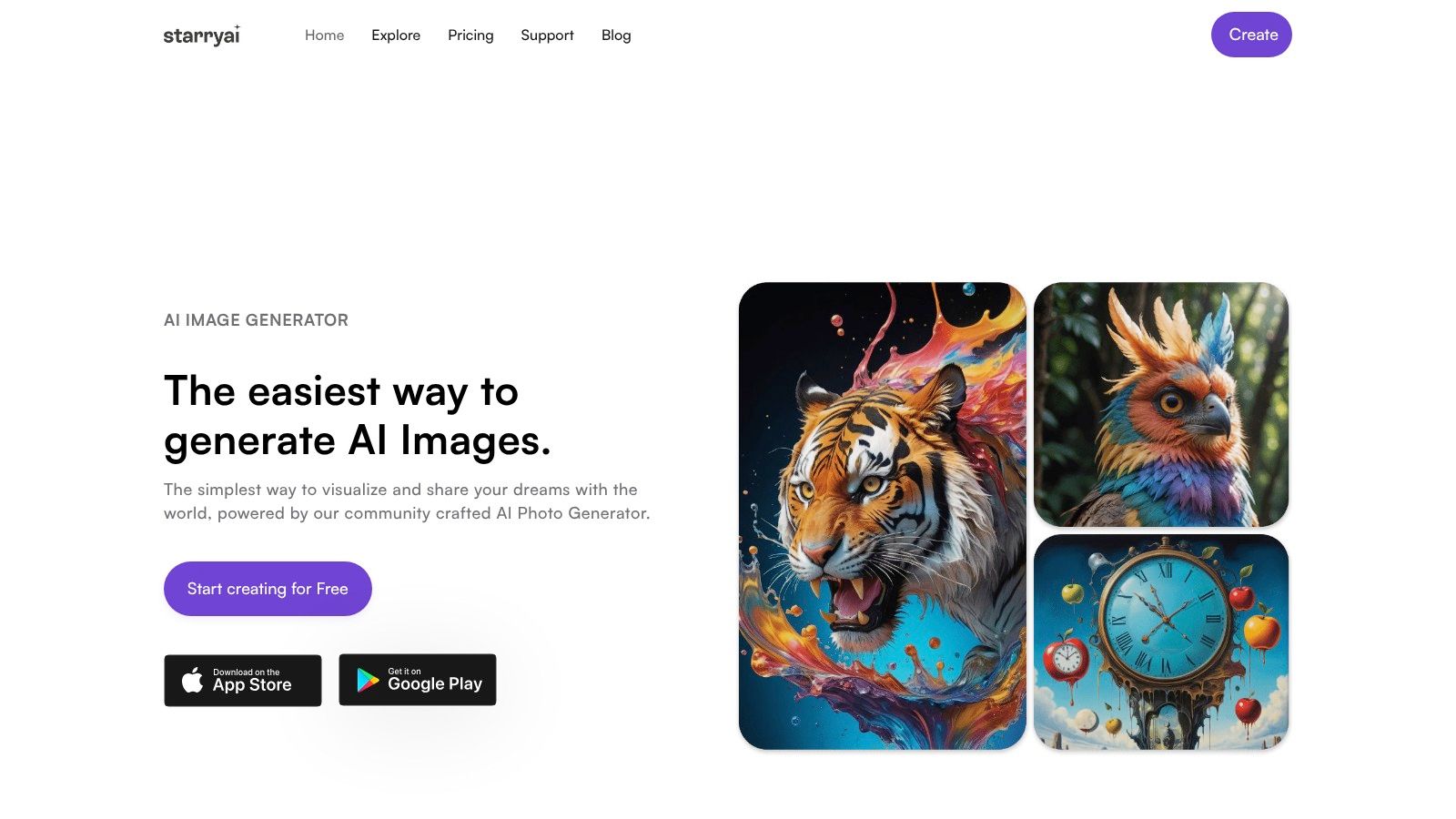
If you want the fastest path from vague idea to polished anime-style full-body art, starryai is the tool I'd put near the top of the list. It's built for low-friction creation, which matters more than people admit. A lot of full-body character ideas die in the gap between “I know the vibe” and “I can operate the software.”
starryai works especially well when your first need is concept output, not rigging. You can start from text prompts, selfies, or visual inputs, push toward anime styling, and iterate quickly enough to explore outfit direction, silhouette, color palette, and mood before you commit to a more technical workflow. If your project begins with “I need to see this character standing head to toe,” that speed is valuable.
A practical place to start is the platform's AI character generator for anime-style and full-body concept work. For creators building social visuals, book character art, campaign art, or early OC development, it's one of the easiest entry points.
The biggest strength here isn't just image generation. It's accessibility. starryai is mobile-first, easy to learn, and suited to fast iteration, which makes it useful when you're still discovering the character rather than refining a locked design.
That matters because full-body anime design is usually judged on proportion and silhouette before small details. A widely cited anime drawing guideline places most characters between 5.5 and 7 heads tall, with 6 heads described as the median. Even AI tools are implicitly working inside that visual grammar when they output a standing anime figure that reads as youthful, mature, cute, or heroic.
Practical rule: If the outfit matters, prompt for stance, footwear, and visible hands early. Full-body generations often break first at the legs, shoes, and hand pose.
starryai makes sense for creators who need shareable art fast and want clear reuse rights. That's a strong fit for indie authors, Etsy sellers, RPG players, and social creators who don't want to wonder whether the image can leave the app and become part of a real project.
A few things it does well in practice:
The main limitation is also the reason many people like it. It's image-first. If you need a VRM, a GLB, bone structure, or live avatar performance, starryai should be your concept stage or your final 2D art stage, not your whole pipeline. For full-body anime characters meant for posting, pitching, or visual development, though, it's an excellent first stop.
Website: starryai
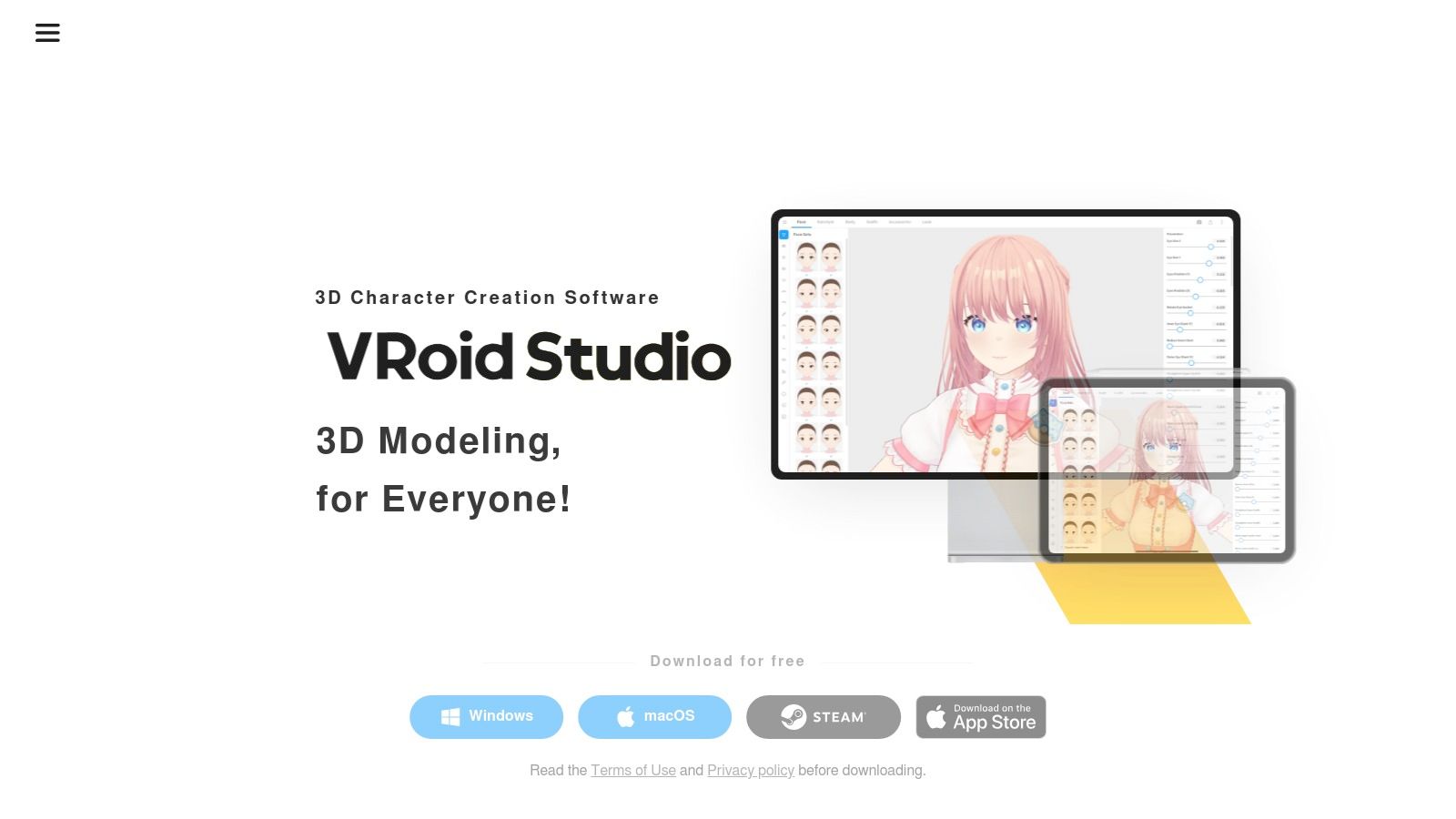
VRoid Studio is the safest recommendation when you don't just need a character image. You need a reusable anime person. That's a different category of problem, and VRoid solves it better than most image generators ever will.
It's a free desktop app built around anime-style 3D character creation. You shape the face, hair, body, clothing, and textures, then export a VRM avatar you can use in VTubing setups, real-time apps, or as a consistent posing reference for later illustration work. If your character has to exist again tomorrow and still look like the same person, VRoid is hard to beat.
The appeal isn't just customization. It's repeatability. A generated image might give you one strong full-body shot. VRoid gives you a character that can turn, pose, and keep their design logic intact across projects.
A lot of “anime character creator full body” tools are really illustration tools. VRoid is a character asset tool.
That distinction matters because creators often need downstream utility. One recurring gap in this space is production-ready export and rigging, not just attractive output. As noted in this anime-to-3D workflow discussion, many users need neutral references, proportion checks, and export formats like VRM or GLB so characters can move into Unity, Blender, VTubing software, or VR platforms.
VRoid's trade-off is the learning curve. It's easier than full 3D modeling from scratch, but it still asks you to think in model parts, materials, and topology-adjacent choices. If you enjoy tweaking sliders and editing details, that's fine. If you just want a cool image in under a minute, it'll feel slower than AI.
Website: VRoid Studio
Ready Player Me sits in an interesting middle ground. It isn't strictly anime-first, and I wouldn't pick it for a classic manga-style OC sheet. But it's very good when your priority is speed, browser access, and cross-platform avatar use.
If you need a full-body avatar for apps, community spaces, game integrations, or social identity across platforms, Ready Player Me is efficient. You can get from setup to usable avatar quickly, and that speed matters when the character is more functional than illustrative.
The reason to choose Ready Player Me is workflow convenience. No install, quick customization, and a structure that's already designed for use beyond a single image. It's a better pick for “I need an avatar that works” than “I need a distinctly anime illustration style.”
That trade-off is important. The more a tool optimizes for broad compatibility, the less specific its art language tends to feel. So if your standard is “looks like it belongs in an anime key visual,” Ready Player Me may feel too generalized. If your standard is “exports cleanly and works across multiple contexts,” it's much more compelling.
Use it when portability matters more than exact genre styling. Skip it when the project lives or dies on anime-specific facial language, costume detail, and silhouette nuance.
Website: Ready Player Me
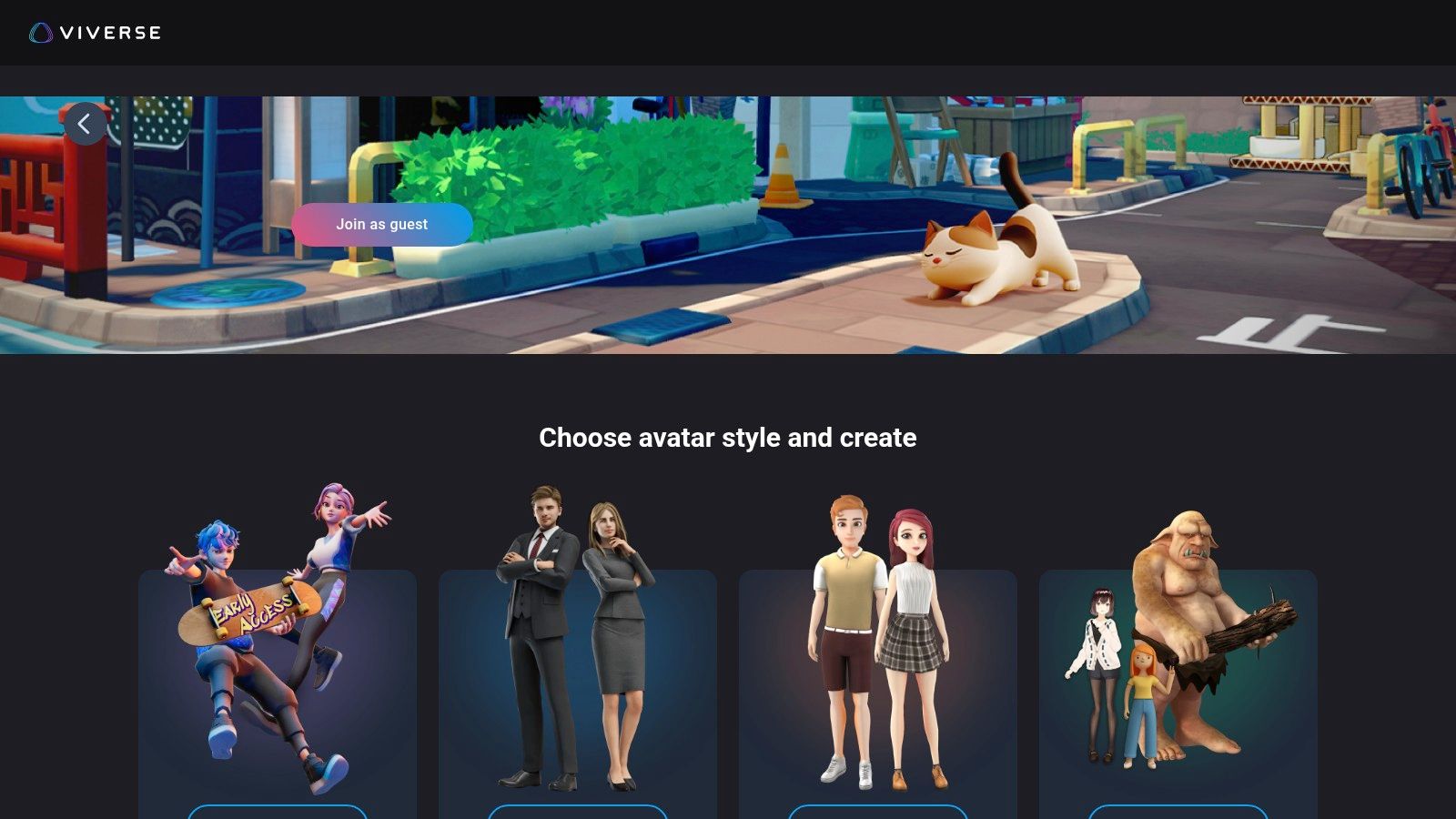
VIVERSE Avatar Creator is one of the better browser-based options if your end goal is a portable full-body avatar rather than a flat illustration. That alone makes it worth serious attention. A lot of tools can show you a character. Fewer can hand you something you can move into a VTubing or metaverse-adjacent workflow.
The platform is described in HTC VIVERSE's own overview as a free browser-based creator that builds a real 3D full-body anime character and exports a VRM file for VR, metaverse, and VTubing use, with no download or subscription required, as noted in this VIVERSE avatar creator announcement. That browser-plus-export combination is exactly why it stands out.
VIVERSE is a good pick when you want a full-body anime-friendly avatar without committing to a heavier desktop workflow. The guest-friendly start helps, and VRM import/export keeps it relevant beyond the initial creation step.
The main trade-off is control depth. It's useful, fast, and practical, but it won't give you the same level of anime-specific sculpting freedom as VRoid. Think of it as a strong bridge tool. More portable than a 2D maker, less demanding than a full modeling workflow.
For many users, that's enough. Especially if the main goal is to show up in a stream, social world, or VR-compatible environment with a decent-looking anime-style body model and move on.
Website: VIVERSE Avatar Creator
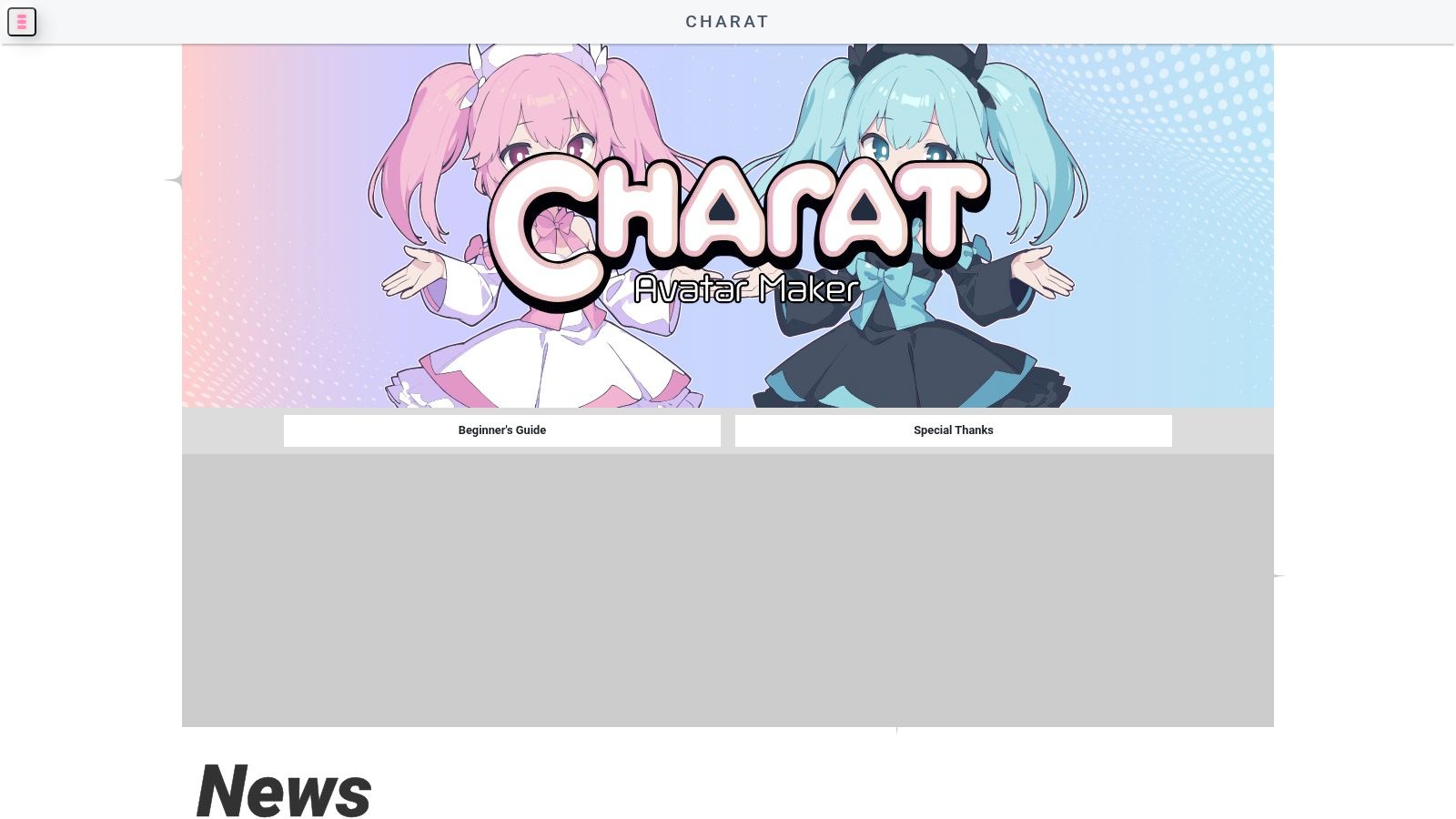
CHARAT is the opposite of a complex pipeline tool. That's why it works. When you need a clean full-body anime character fast and you don't want to draw, train prompts, or touch 3D, CHARAT gets out of the way.
Its strength is consistency through constraints. You pick from built-in parts, themed makers, and layered options, then produce a coherent result that already feels like a proper character sheet element. For thumbnails, lightweight OC planning, and visual references, that's often enough.
CHARAT is especially useful when you're still deciding the basics. Hair shape, eye color, wardrobe direction, school uniform versus fantasy outfit, casual versus formal. It's not flexible in the way AI is, but that limitation keeps the output tidy.
If you need a full-body anime character for reference, not final production art, a locked part library can actually save time.
The drawback is obvious. You're creating inside the boundaries of the maker's assets. Poses are limited, angles are limited, and the house style cannot be altered. You also need to check usage terms for the specific maker you use, especially if the image will leave personal use and become part of a commercial workflow.
CHARAT works best as a concepting shortcut. It's less useful once your project needs custom anatomy, distinctive silhouettes, or a reusable avatar file.
Website: CHARAT
Picrew is where you go when you care more about art style variety than system consistency. It's not one maker. It's an ecosystem of maker templates created by different artists, and that means the results can range from polished full-body anime dolls to very specific niche aesthetics.
That variety is Picrew's biggest advantage and its biggest headache. You can find looks that feel far more personal than the average generator, but each maker has its own rules, visual logic, and usage limits.
Picrew is great for profile images, OC experiments, fandom-adjacent avatars, and quick character visualization in a style you probably couldn't replicate yourself. If your priority is “I want this exact vibe,” it can be far more satisfying than a generic builder.
The downside is continuity. You can't assume one maker will support the pose, outfit, framing, or permission set you need. Even when you find a perfect face style, the same maker may not offer a strong full-body option, and another maker won't match it.
A practical way to use Picrew is to treat it as a style-finding tool. Build a character there, identify what you like about the silhouette or mood, then move that direction into a more flexible tool if the project grows. For casual avatar use and low-barrier experimentation, it remains one of the most enjoyable options.
Website: Picrew
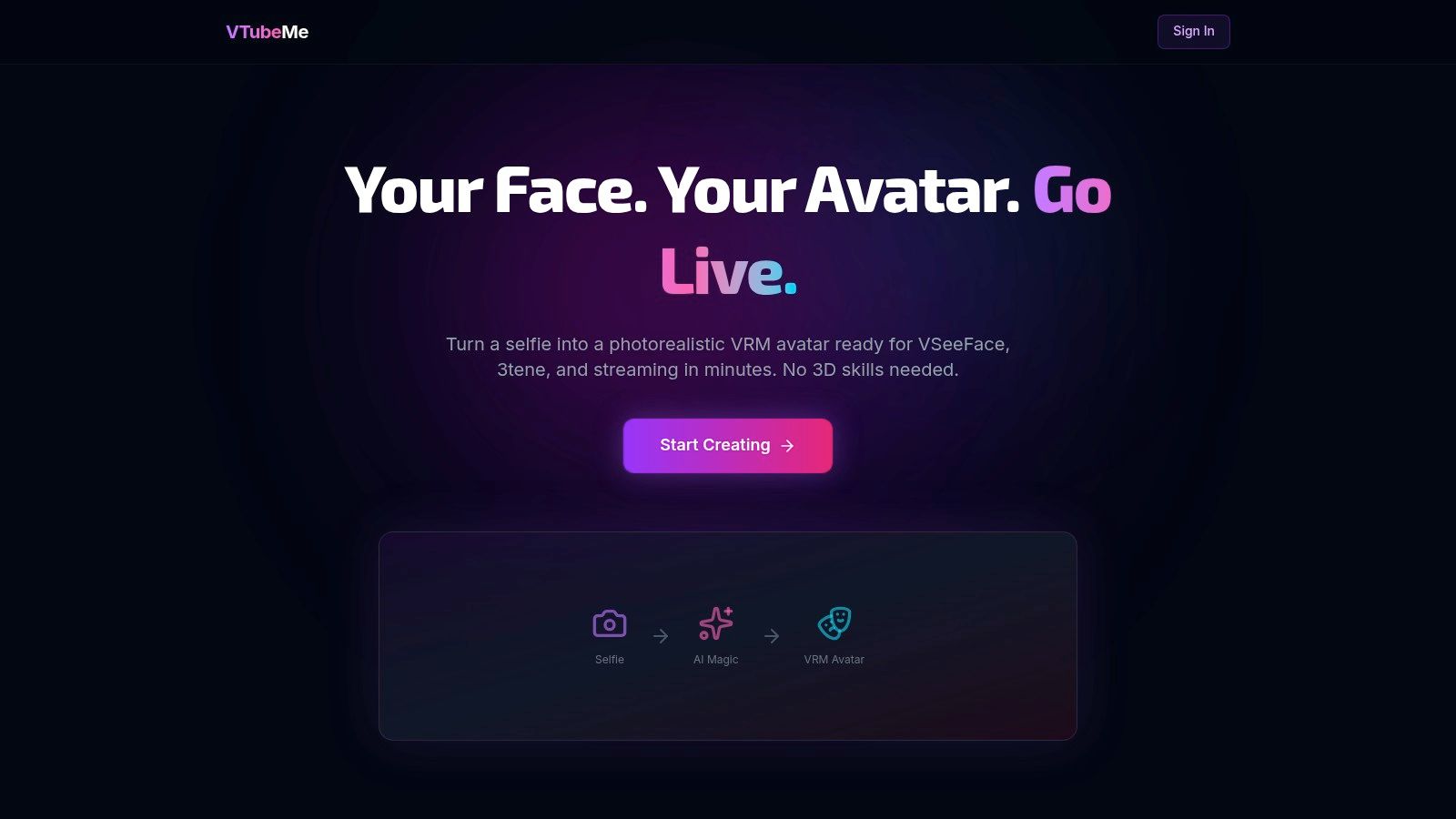
VTubeMe is built for a very specific person. Someone who wants a full-body anime-style avatar file, doesn't want to learn 3D modeling, and would rather start from a selfie than from sliders. If that's you, it's one of the most direct routes into a VTuber-ready asset.
This kind of workflow matters because the 3D avatar creator space is growing alongside demand for personalized digital identities and AR/VR use cases. DataIntelo describes the market as valued at USD 3.2 billion in 2025 and projected to reach USD 12.8 billion by 2034 at a 17.4% CAGR, with another estimate placing it at about USD 1.5 billion in 2023 and growing to USD 5.2 billion by 2032 at a 15.2% CAGR. The relevant takeaway isn't the forecast alone. It's that creators increasingly want avatars for practical applications, not just admiration.
VTubeMe's appeal is simple. You upload a photo, follow a guided flow, and get exportable avatar files like VRM and GLB without learning a full character-building suite.
That convenience comes with compromises:
For new VTubers, hobby streamers, or creators validating an idea before investing in a bespoke model, that trade can be completely worth it. VTubeMe is not the deepest tool here. It's one of the most practical.
Website: VTubeMe

getimg.ai becomes interesting the moment you care about character consistency. Plenty of AI tools can generate one attractive anime full-body shot. Fewer can help you keep the same OC recognizable across outfit swaps, scene changes, and multiple poses.
That's where its character-oriented workflow helps. The ability to save and reuse a character identity makes it much more useful for people building expression sheets, social content packs, recurring RPG art, or merch concepts around a single design.
In practice, getimg.ai is stronger as an iterative character system than as a pure one-click generator. You'll get more out of it if you treat the first few outputs as setup work. Lock the hair shape, clothing logic, body type, and face cues, then start branching into variations.
This makes it a good fit for creators who think in batches. Not one hero image, but multiple usable images of the same character. That's a real distinction, especially for full-body anime work where drift tends to show up quickly in accessories, proportions, and costume details.
The best AI character workflows don't start with “make me an anime person.” They start with “keep this exact person consistent while I change pose, outfit, and setting.”
The trade-off is prompt discipline. You usually won't get reliable full-body consistency by winging it. References, careful wording, and iterative cleanup matter more here than in casual image generation. If you're willing to do that, getimg.ai can be one of the more useful tools for ongoing OC development.
Website: getimg.ai – AI Character Generator
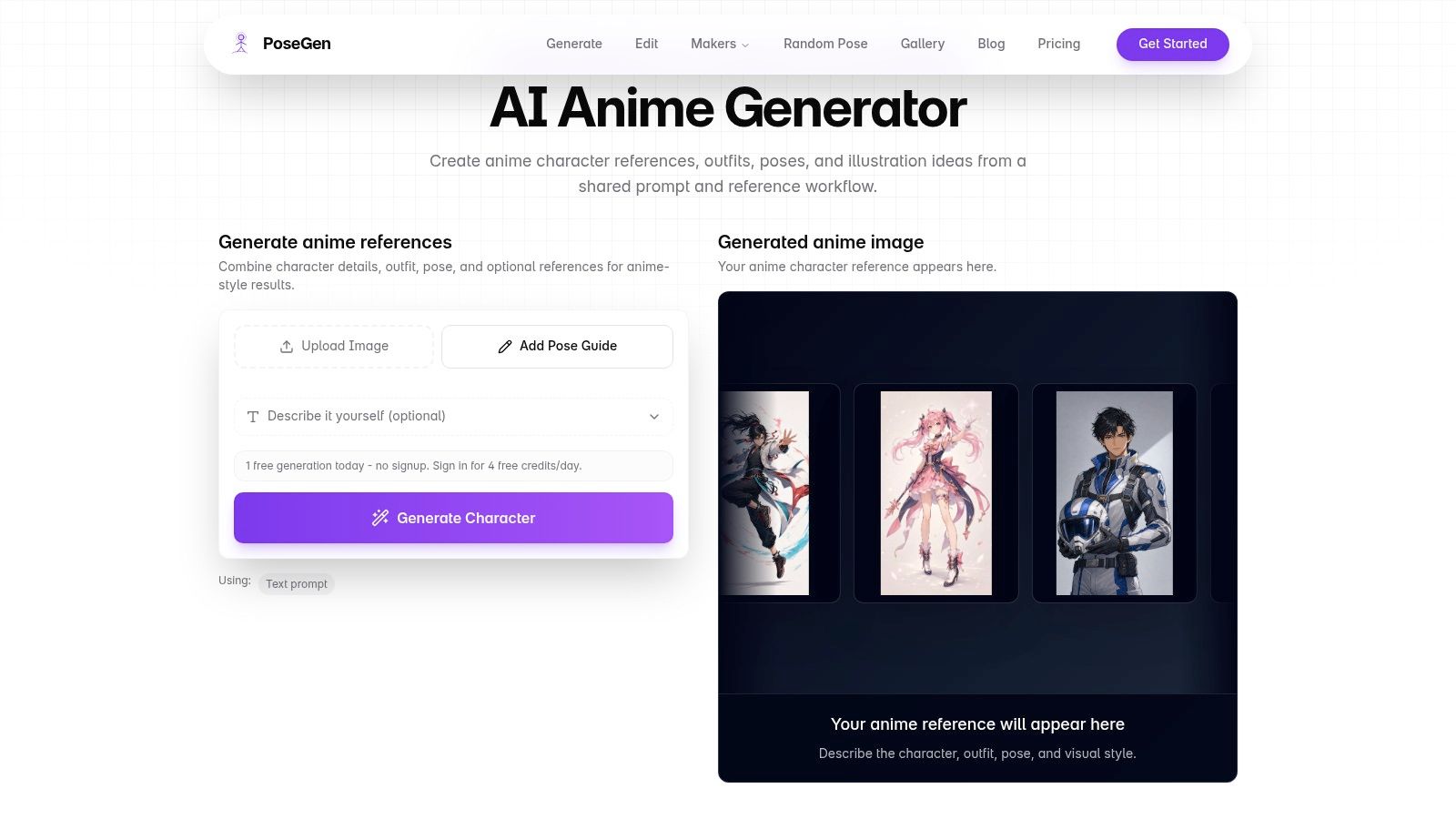
PoseGen makes sense when pose is the main problem, not style. That's a useful distinction because many anime generators are surprisingly bad at full-body stance control. They'll give you a nice face, a half-visible costume, and some invented lower body anatomy once the frame expands.
PoseGen leans into pose-driven generation, which makes it useful for standing references, action ideas, outfit tests, and quick manga-style concept boards. If you're trying to answer “what does this character look like in motion?” it's more focused than a broad image generator.
The strongest use case is reference development. You can combine outfit direction with pose guidance and iterate toward something an artist, rigger, or you yourself can use as a better starting point.
That makes PoseGen a good companion tool even if it's not your final platform. For example, creators who start with broad prompt exploration in a general tool may later want a more specific anime image workflow tuned to style generation when they refine the look.
Its limitations are straightforward. It produces 2D outputs, not reusable models, and the best results often come from clear inputs rather than vague creative prompts. Still, for brainstorming full-body anime poses, it solves a real pain point that many “all-purpose” tools only pretend to solve.
Website: PoseGen – AI Anime Generator
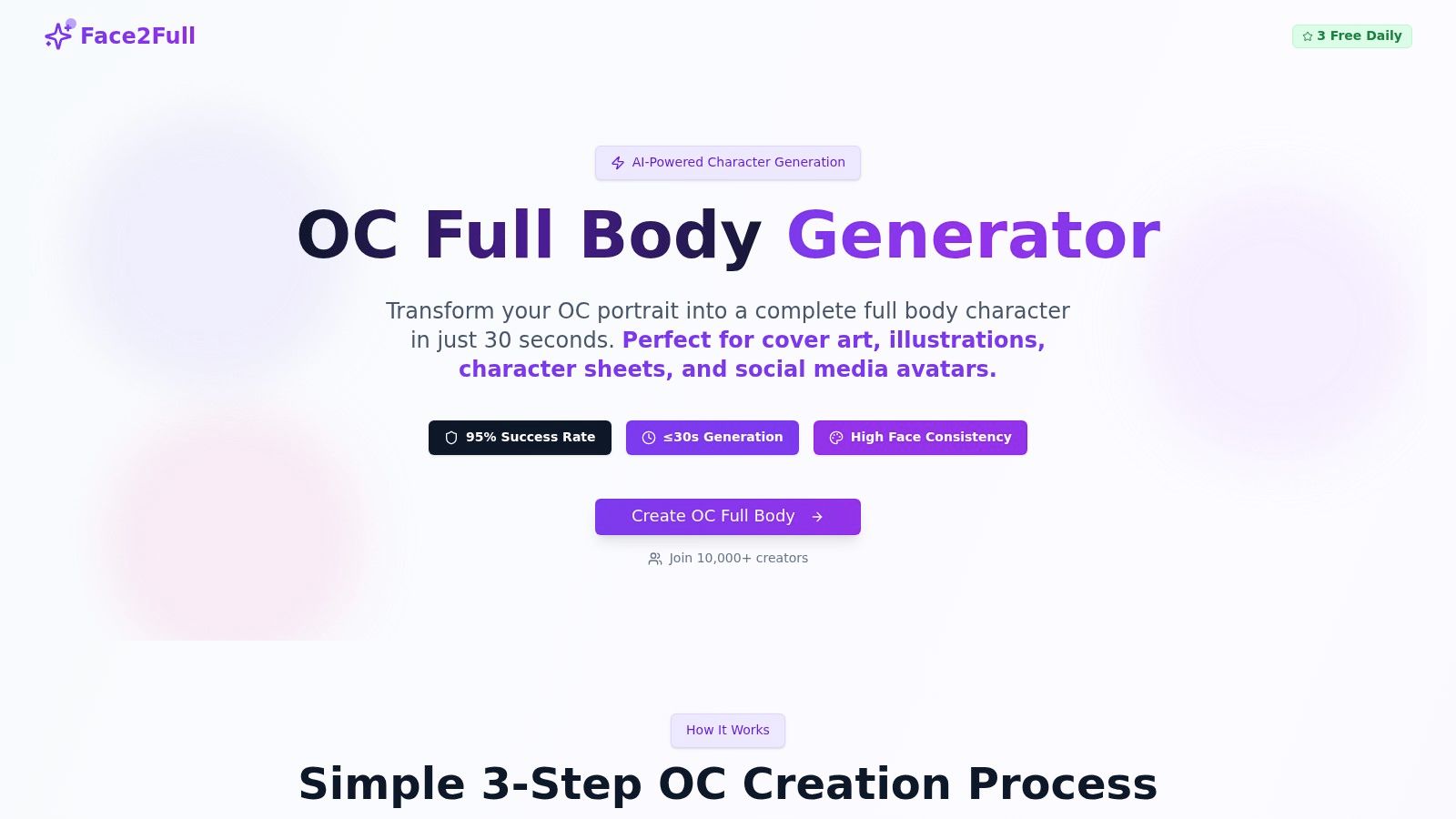
Face2Full tackles a very common workflow gap. You already have the face. Maybe it's an OC portrait, a profile icon, or a headshot-style concept. What you don't have is the rest of the character in a matching full-body view.
That's a narrower problem than “generate a character from scratch,” but it's also a very real one. Many creators don't need invention. They need extension.
Face2Full is useful because it starts from a known identity. Instead of asking an AI to invent everything, you feed it the part of the character that's already established and use preset poses and outfit structures to build downward into a complete figure.
That works well for social content, character reveals, and rapid OC sheet expansion. It's less ideal if your process depends on deep custom styling or unusual body language. The preset grid is the convenience and the limitation.
If your bigger issue is body language rather than identity matching, a dedicated AI pose generator for character planning may be the more relevant direction. But if you want “this exact face, now show me the whole character,” Face2Full answers that directly.
Website: Face2Full – OC Full-Body Generator
Choosing from this list gets easier once you sort the tools by what you need the final character to do. Some are built for fast AI image output. Some are built for reusable 3D avatars. Others are simple 2D makers that trade flexibility for speed. That distinction matters more than raw feature count.
If the job is a profile picture, character post, or quick concept sheet, AI-first tools are usually the fastest path. If the character needs to move, stream, export as VRM, or fit into a game pipeline, 3D modelers make more sense. If you just want a clean 2D avatar without prompting or rigging, the maker-style tools are still hard to beat.
| Tool | Category | Where it fits best | Main trade-off | Price / Value |
|---|---|---|---|---|
| starryai 🏆 | AI-first image generator | Social posts, cover art, OC ideation, fast full-body renders | Strong output speed, but less direct control than a modeler | Generous free tier, then paid credits or subscription |
| VRoid Studio (Pixiv) | 3D modeler | VTubing, VRM export, repeat-use character assets | Highest setup time here, but far better reuse | Free |
| Ready Player Me | 3D browser avatar creator | Quick cross-platform avatars, app integration, lightweight game use | Fast creation, but less anime-specific detail than VRoid | Free |
| VIVERSE Avatar Creator | 3D browser avatar creator | VRM-based workflows, virtual events, easy avatar setup | Convenient browser workflow, with fewer deep editing tools | Free to start |
| CHARAT (キャラット) | 2D maker | Character sheets, thumbnails, simple full-body avatar building | Fast and consistent, but style range is limited by each maker | Free, commercial terms vary by maker |
| Picrew | 2D maker | Style exploration, profile images, casual OC creation | Huge variety, but output quality and license terms vary widely | Mostly free |
| VTubeMe | 3D avatar pipeline | Fast selfie-to-avatar setup for VTubers | Great for speed, with less hand-tuned customization | One-time purchase |
| getimg.ai (AI Character Gen) | AI-first image generator | Repeating the same OC across multiple images | Better character consistency, but stronger results usually need paid tools | Free tier, then paid plans |
| PoseGen | AI-first pose tool | Action poses, manga reference, body planning | Better pose control than many AI tools, but narrower styling range | Free daily credits, paid upgrades |
| Face2Full | AI-first identity extension tool | Turning an existing portrait into a matching full-body image | Useful for continuity, but preset poses and outfits limit expression | Freemium, then paid options |
A practical way to read this table is by production goal, not by ranking. AI-first tools help with speed and visual exploration. 3D tools help with consistency and reuse. 2D makers help when you want something finished in minutes and do not need animation, export depth, or prompt tuning.
The best anime character creator full body tool depends on what the finished asset needs to do after you make it. That's the question that clears up most of the confusion. If the answer is “look great on social, in a post, or on a cover,” an AI image generator is often enough. If the answer is “move, export, stream, or load into another app,” you need a 3D-first workflow.
For fast 2D concept art and polished anime visuals, starryai is the most approachable option on this list. It's especially strong when you want quick experimentation without getting buried in setup. That makes it a smart starting point for social creators, indie authors, tabletop players, and anyone developing an OC visually before committing to more technical production.
VRoid Studio remains the most dependable choice for creators who need a true reusable anime character asset. If you're building for VTubing, repeated poses, or future rigging work, consistency matters more than instant output. VRoid gives you that consistency. VIVERSE Avatar Creator and VTubeMe sit nearby, but they solve different problems. VIVERSE is better when you want browser-based convenience and VRM portability. VTubeMe is better when you want to skip the modeling phase and get to an avatar quickly.
For 2D makers, CHARAT and Picrew are still worth using, but for different reasons. CHARAT is cleaner and more structured. Picrew is more varied and style-rich. CHARAT is ideal for a tidy reference or quick concept board, and Picrew is well-suited for delving into mood, niche aesthetics, or a specific artist-driven look.
Then there are the specialist AI tools. getimg.ai is the better choice when the same character needs to appear repeatedly without drifting too far. PoseGen helps when pose is the sticking point. Face2Full is useful when the face already exists and the job is extending that identity into a full-body design.
The bigger trend behind all of this is that anime character creation isn't just about a static picture anymore. More creators want exportable, reusable character assets. That shift is visible in browser-based full-body avatar tools and VRM workflows, and it lines up with the broader move from one-off illustrations to portable digital identity systems.
My practical advice is simple. Start with the deliverable, not the tool category. If you need art, use an art-first tool. If you need an avatar, use an export-first tool. If you need a repeatable character system, prioritize consistency over visual novelty. Match the tool to the job, and you'll spend far less time rebuilding the same anime character from scratch.
If you want the easiest place to begin, try starryai. It's a strong starting point for full-body anime concepts, social-ready character art, and fast visual exploration when you need results before you need a complex pipeline.


.svg)