

Written by Mo Kahn on
July 22, 2026


You're probably doing the same loop every week. Brainstorm a post idea, open three tabs for visuals, rewrite the caption twice, resize for different platforms, then remember you still haven't scheduled anything. Social media work looks fast from the outside, but most of the time goes into repetitive production tasks.
That's why AI tools for social media have moved from “nice to test” to standard workflow. The broader market reflects that shift. The global AI in social media market grew from USD 2.45 billion in 2024 to an estimated USD 3.34 billion in 2025, and one forecast projects it could reach about USD 54.07 billion by 2034, with a 36.26% CAGR from 2025 to 2034, according to Electro IQ's AI in social media tools statistics. In practice, that growth makes sense. Creators and teams want tools that handle scheduling, visuals, drafts, and optimization without slowing down the creative part.
You're spending hours brainstorming, creating visuals, writing captions, and scheduling posts. What if AI could handle 80% of that workload? This guide cuts through the noise to reveal the essential AI tools for social media that automate tedious tasks, spark creativity, and give you back your time. These picks are grouped by what they help with most: Visual Creation, Video Repurposing, and Writing and Scheduling.
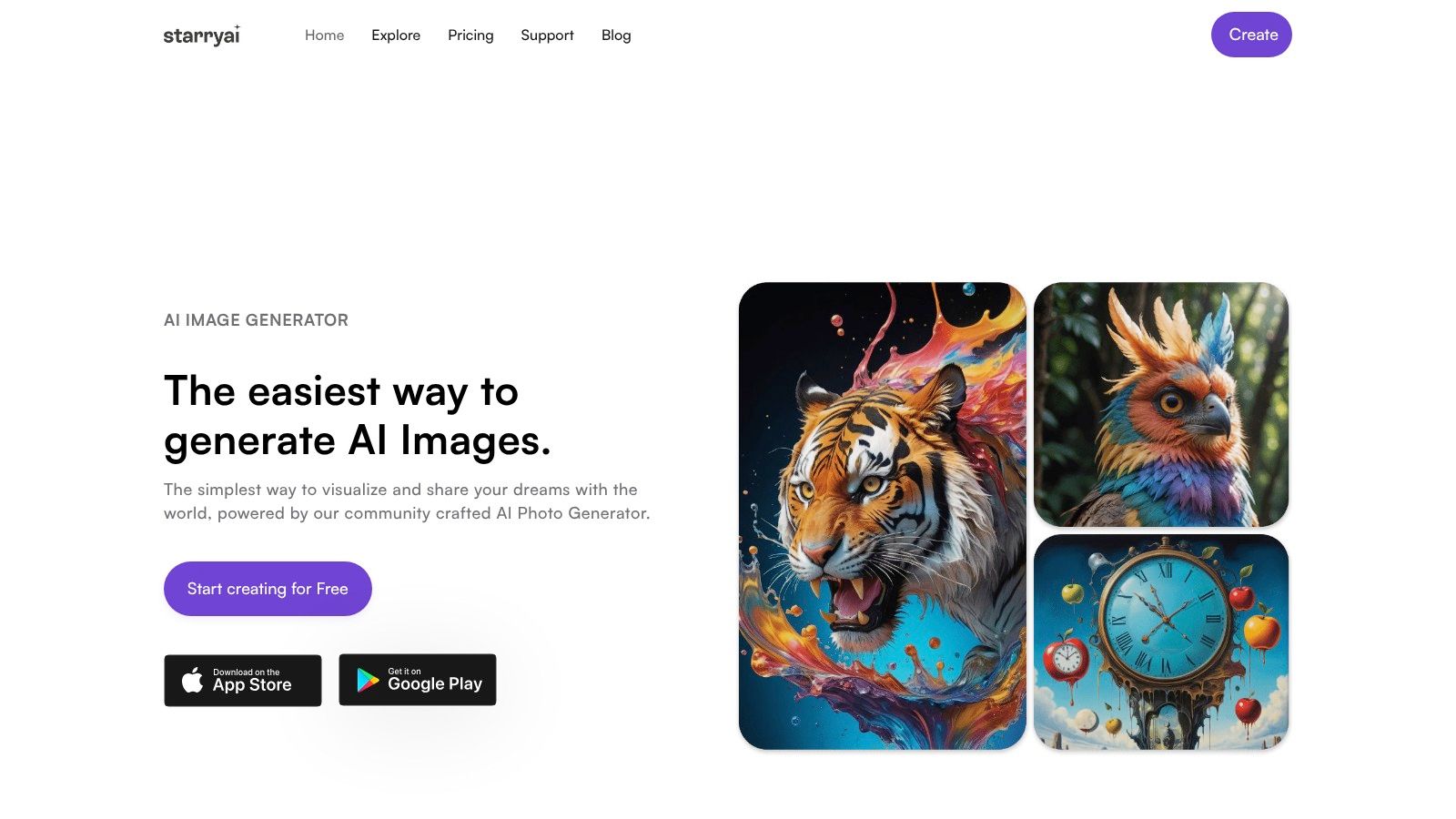
You have a post idea, but no visual. The campaign is due today, stock images look generic, and opening Photoshop for one social asset is a poor use of time. That is the job starryai handles well.
starryai fits the visual layer of an AI social media stack. I use it for original image concepts, stylized portraits, selfie-based transformations, cover art, and fast creative variations when the image needs to carry the post. It feels built for creators who publish often and need output quickly, not for designers working through a long approval cycle.
Its strength is speed. You can move from idea to first draft in minutes, which matters when you are testing hooks, building thumbnails, or trying multiple creative angles before choosing one. The style range also helps. You can go from polished avatar art to fantasy character concepts to product-style illustrations without switching tools.
The trade-off is control. starryai is strong at generating options, but weaker at exact continuity across a series. If you need the same character in five scenes, a precise product layout, or pixel-level brand consistency, plan for extra prompt iteration and some cleanup in another tool.
Use it for concept speed, visual hooks, and top-of-funnel creative testing.
For creators focused on short-form content, the AI reels maker for social-ready visual assets is worth a look because it shortens the path from idea to publishable creative.
The best results start with the content job, not the art style. Define what the image has to do first. Is it stopping the scroll, setting a mood for a carousel, introducing a character, or acting as a cover image? That one decision usually improves prompt quality more than adding extra adjectives.
Then build the prompt in four parts:
Sample prompts:
One practical note. Keep your first prompt specific, then change one variable at a time. Adjust lighting, then framing, then style. If you rewrite everything between generations, it gets harder to see what improved the result.
starryai works best at the front of the workflow. Generate the core visual here, then move it into your design tool later for text, branding, resizing, and final layout.
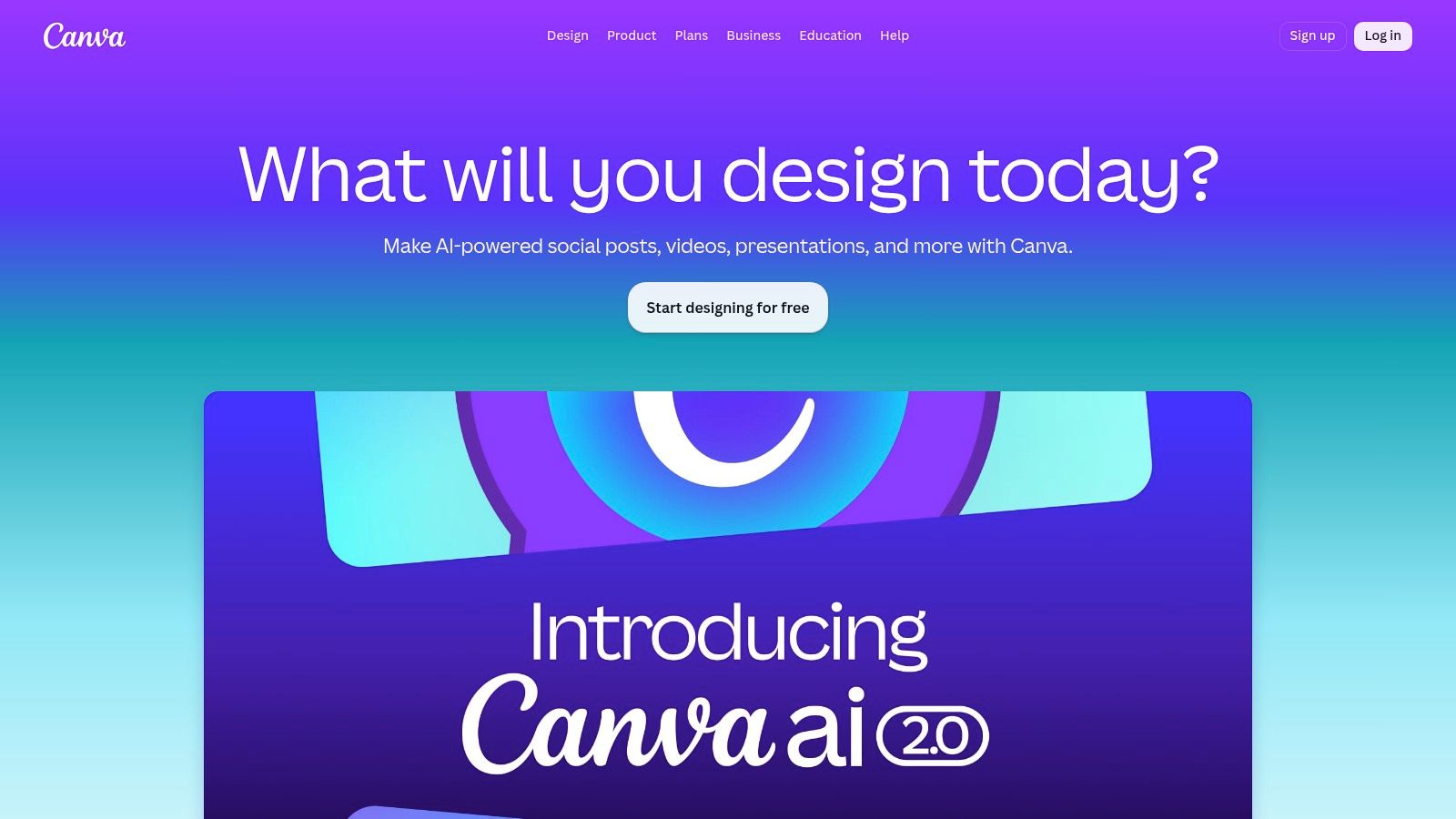
Canva is the easiest recommendation when your work lives in templates, brand kits, and repeatable social formats. Canva isn't the most advanced tool on this list in any single category, but it's one of the best at reducing friction across the whole workflow.
That matters because a lot of social output isn't pure art or pure editing. It's cover images, product promos, carousel pages, quote cards, story slides, and quick short videos that need to look on-brand without requiring a designer every time.
Magic Studio shines when you already know the content angle and need execution speed. Magic Design gets you a first draft. Magic Write helps with rough copy. Background remover, resize, stock assets, and scheduler keep the project moving without a lot of app switching.
What doesn't work as well is advanced video editing. Canva is fine for lightweight motion, intros, and simple social clips. It's not where I'd cut a trend-heavy talking-head reel or clean up speech rhythm in detail.
Use Canva when:
Canva is strongest when your bottleneck isn't creativity. It's packaging.
If you already have strong source visuals from starryai or another generator, Canva becomes much more useful. It's often the fastest place to turn raw assets into finished posts.

For short-form creators, CapCut is the most natural editing environment on this list. CapCut is close to TikTok-native in how it thinks about pacing, captions, trend formats, and vertical framing. If your content strategy depends on Reels, TikToks, or Shorts, this is usually where editing gets fastest.
Its AI features are practical rather than flashy. AutoCut, AI clipping, subtitle generation, translation, eye-contact correction, filler removal, and prompt-based video tools all solve problems creators hit every day.
CapCut works best when you're publishing often and don't want desktop editing overhead for every clip. It's especially good for talking-head videos, quick educational cuts, reaction content, and trend remixes where timing matters more than cinematic polish.
The downside is rollout inconsistency. Some AI features appear by region or platform first, so one creator may have a tool that another still can't access. Pricing and available plans can also differ depending on where you subscribe.
If you need inspiration for short-form creative directions before you edit, this guide to an AI reels maker is useful for thinking through how visuals and motion can work together.
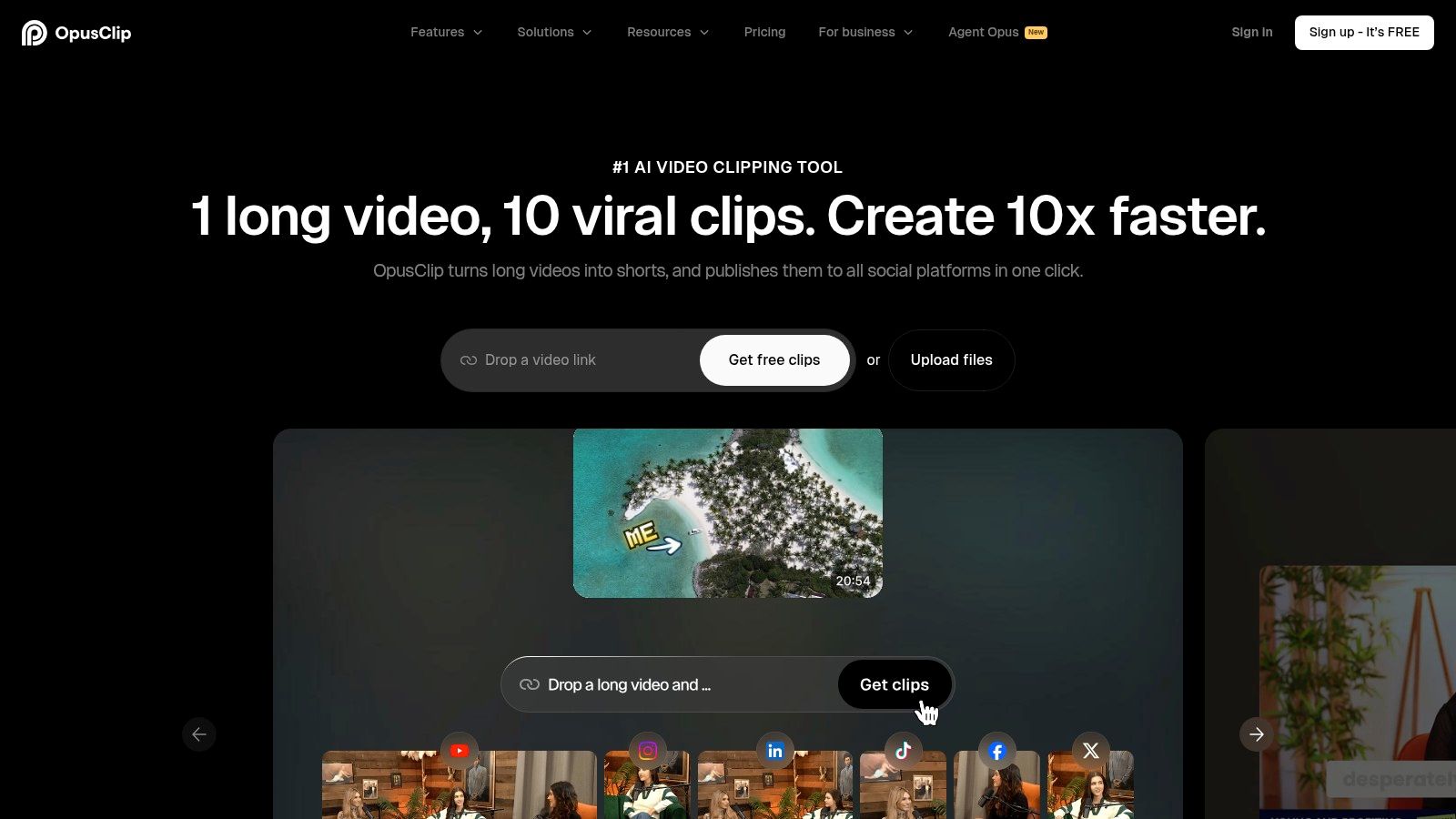
If you already have long videos, OpusClip can save a lot of production time. OpusClip is built for one job: turning long-form recordings into short clips with hooks, captions, and social-ready framing.
That sounds narrow, but it solves a common publishing problem. A webinar, podcast, stream, or interview often has enough content for weeks of social posts. The hard part is extracting usable moments without scrubbing through the full recording manually.
OpusClip is strongest when your source material is rich in spoken insight. Interviews, educational videos, product demos, and commentary clips work well because the software can identify chunks that already have a narrative arc.
Its caption styling and aspect-ratio handling are good enough for regular output. The built-in social fields and virality-style scoring also help teams decide which clips to publish first.
What doesn't work as well is nuance. The tool can find promising moments, but it can also overvalue emotionally expressive segments that aren't your best strategic clips. Human review still matters.
Review the top suggested clips, but publish the ones that match your audience's reason for following you, not just the most dramatic soundbite.
Credit management is also worth watching if you process lots of recordings each month. For teams posting daily from a podcast or webinar engine, it's still one of the most efficient repurposing tools available.
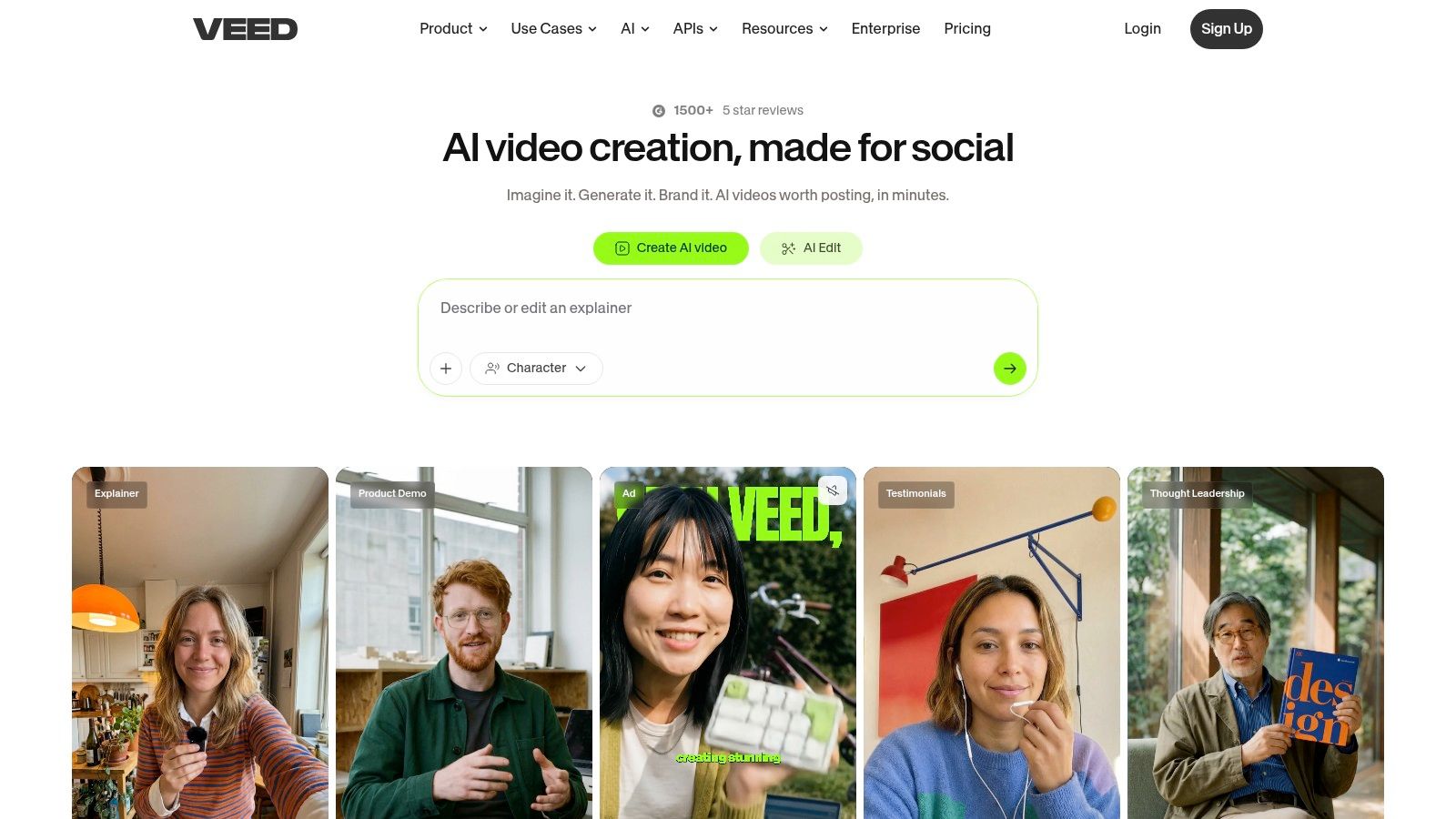
A common social workflow looks like this: someone records a product update on Zoom, sends over a rough file, and needs a captioned vertical cut by the end of the day. That is the kind of job VEED.IO handles well.
VEED.IO is a browser-based editor built for speed, collaboration, and low setup friction. Upload the clip, clean the audio, generate subtitles, resize for the platform, and export. No local install, no heavy project handoff, and fewer bottlenecks when multiple people need access.
VEED.IO works best as the fast-turn editing layer in your stack. I would use starryai for original visual assets, CapCut or OpusClip for specific short-form workflows, and VEED.IO when the priority is getting spoken content into publishable social formats quickly.
That matters for teams producing subtitled talking-head clips, UGC-style ads, internal expert videos, and localized versions of the same asset. Translation, voice tools, avatars, and light editing are all in one workspace, which reduces the number of tools a coordinator or freelancer has to touch.
Its strength is convenience.
Its trade-off is control. If you need dense motion design, precise timeline work, or aggressive trend editing, VEED.IO can feel limiting compared with a more editing-first tool. If your process depends on generating lots of AI video variations inside the platform, pricing tiers and usage credits also start to matter much more.
A practical way to use it is simple: create the source asset elsewhere, bring it into VEED.IO for cleanup, captions, aspect-ratio versions, and localization, then export platform-specific cuts. That keeps VEED.IO focused on the job it does best, fast finishing for social distribution.
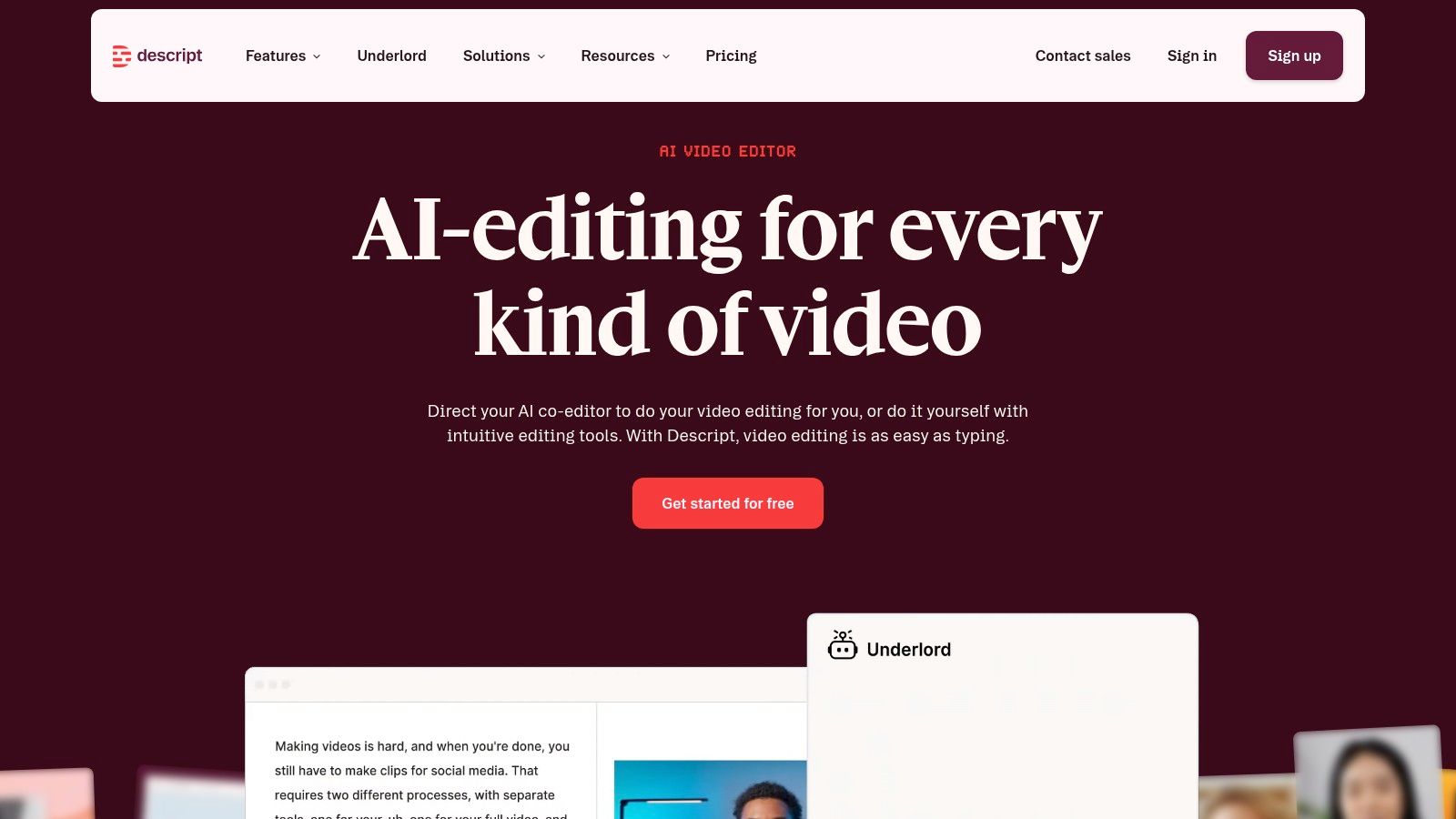
Descript solves a different problem than CapCut or VEED.IO. Descript is for people who think in words first. If you'd rather edit a transcript than drag clips around a timeline, it feels almost unfairly efficient.
That's why it works well for educators, podcasters, consultants, and founders who record a lot of spoken content and want fast social edits from that source material.
You edit the transcript, and the media follows. That text-first model makes filler removal, retake cleanup, and rough-cut shaping much easier for people who aren't traditional editors. Studio Sound and dubbing features also help bring low-friction recordings up to a publishable standard.
The trade-off is that Descript isn't always the best choice for trend-style editing. If your content depends on dense visual layering, meme timing, and rapid cut experimentation, CapCut usually feels faster.
A strong Descript workflow looks like this:
For creators who publish insight-heavy content, Descript can turn raw recordings into a week's worth of social assets with less editing fatigue.
Hootsuite is what I'd reach for when content creation is only one part of the job. If your team also needs publishing, inbox management, listening, reporting, and collaboration in one system, Hootsuite makes sense.
Its AI layer, branded as Wisdom, is more useful in context than in isolation. Drafting captions and post ideas is nice. Doing that inside the same environment where you schedule, monitor replies, and track trends is what provides time savings.
This is a better fit for agencies, in-house teams, and multi-stakeholder brands than for solo creators. The tool earns its keep when several people touch the same calendar or community inbox.
One broader adoption signal matters here. A forecast cited by SQ Magazine says that in 2026, over 80% of organizations globally are actively engaging with AI for social media, with 35% fully deployed and 42% piloting tools, while 13% have not started. The same roundup says 88% of marketers using AI do so to drive higher customer engagement through smooth brand experiences. You can review that in SQ Magazine's AI in social media tools statistics.
Hootsuite's downside is simple. It can be too much tool for a solo operator. If you don't need enterprise-style workflows, lighter schedulers are easier to live with and easier to justify.
Buffer is the cleanest option here for creators and small teams that want scheduling plus a bit of AI help without buying into a huge platform. It's simple, and that simplicity is the selling point.
The AI assistant inside the composer is enough for caption ideation, variations, and platform rewrites. You don't need a sprawling dashboard if your real need is “help me publish consistently without making this another full-time system.”
Buffer works well when you have a modest number of accounts and want straightforward scheduling. It also pairs nicely with stronger creation tools. Make visuals in starryai or Canva, cut clips in CapCut or Descript, then use Buffer to queue everything without overcomplicating the last mile.
Its weakness is depth. Analytics are lighter. Listening is lighter. Team workflows are lighter. That's fine if you know that going in.
For a lot of creators, that simpler stack is the right one. More features don't automatically mean more output.
Jasper is less about casual ideation and more about controlled brand production. If your social copy has to stay aligned with brand voice, legal guardrails, campaign themes, and reusable messaging rules, Jasper is built for that environment.
This isn't usually the first tool I'd hand a solo creator. It's the one I'd bring in when social content starts involving multiple contributors and higher review stakes.
Brand Voice, Style Guides, Knowledge, and workflow tools like Agents and Grid make Jasper attractive for agencies and in-house teams producing large campaign volumes. It's good at generating many variations while keeping language closer to an approved tone.
The downside is cost structure and complexity. Per-seat setups and credit-driven features can feel heavy for smaller teams. If your main need is just captions and post variations, Jasper can be more platform than you need.
One strategic gap in the broader AI tools for social media market is worth noting here. LinkedIn remains underserved by dedicated AI tooling, and one analysis highlights LinkedIn as the most underserved major social platform while also arguing that niche short-form optimization is underrepresented in top tool lists. That opportunity is discussed in Code Desk's piece on hidden AI tools for social media marketing.
That's where Jasper can still help. Even if it isn't a LinkedIn-native specialist, it's useful for brand-safe B2B content where voice discipline matters more than visual experimentation.
Predis.ai is one of the better all-in-one options for small brands that want social content packs instead of one-off assets. Predis.ai can generate images, carousels, captions, hashtags, and short-form content from a prompt or source input, then help schedule it.
That makes it useful for ecommerce brands, indie sellers, and lean marketing teams that need volume and consistency more than handcrafted originality in every post.
Predis.ai is at its best when you need “give me three campaign directions and package them fast.” It reduces the handoff between ideation, asset creation, copywriting, and scheduling.
The biggest trade-off is that high-volume months require attention to credits. It's easy to overgenerate when the tool makes everything feel quick. That's helpful creatively, but not always efficient operationally.
A practical use case is seasonal merchandising or promo runs. Generate a post image, a carousel variant, a caption, and tags around the same angle, then adjust the winners manually. If your weak point is keeping the content machine fed, Predis.ai can help close that gap.
For creators thinking more about shareability and content hooks, this guide on how to create viral content is a useful companion to any content-generation workflow.
| Product | Core features | UX & Quality (★) | Price / Value (💰) | Target audience (👥) | Unique selling points (✨) |
|---|---|---|---|---|---|
| 🏆 starryai | AI image gen (selfies, prompts, emojis); upscaler, bg removal, video support | ★4.7/5, mobile‑first, fast | 💰 Free start (daily free + lumens/credits) | 👥 TikTok creators, indie authors, Etsy sellers, social managers | ✨ No-watermark free images; commercial rights; vast styles |
| Canva (Magic Studio) | Magic Design/Write, templates, background remover, brand kits, scheduler | ★4.5/5, template-driven, easy | 💰 Freemium; Pro for stock & brand tools | 👥 Social creators, marketers, small teams | ✨ All‑in‑one design→schedule; huge template library |
| CapCut | AutoCut, AI Clipper, captions/translation, eye‑contact, prompt→video | ★4.4/5, viral-first, mobile native | 💰 Free + regional paid features | 👥 Short‑form video creators, influencers | ✨ Beat-aware clipping; quick trend remixing tools |
| OpusClip (Opus.pro) | Auto clip from long-form, animated captions, scheduling, Virality Score | ★4.3/5, fast repurposing | 💰 Credit tiers for heavy use | 👥 Podcasters, streamers, content teams | ✨ Virality Score & trend-aware slicing |
| VEED.IO | Web editor, auto-subtitles/translation, AI avatars, noise removal | ★4.2/5, reliable web workflow | 💰 Freemium; generative credits on plans | 👥 UGC creators, marketers, teams | ✨ Scalable subtitles/API + multi-model AI Playground |
| Descript | Text-based video/podcast editing, filler removal, Underlord AI, Studio Sound | ★4.4/5, powerful text-first editing | 💰 Freemium; paid media minutes/credits | 👥 Podcasters, solo creators, editors | ✨ Edit-by-text + advanced audio fixes |
| Hootsuite (Wisdom) | AI caption/image gen, trend forecasting, scheduling, listening & analytics | ★4.0/5, enterprise-grade suite | 💰 Paid tiers for teams/enterprise | 👥 Enterprises, social teams, agencies | ✨ Integrated AI + analytics + listening |
| Buffer (with AI Assistant) | AI captions/variations, hashtag manager, scheduling, basic analytics | ★4.1/5, simple & reliable | 💰 Low-cost per channel; AI limits on free plan | 👥 Solo creators, small teams | ✨ Budget-friendly scheduler with built-in AI |
| Jasper | Brand voice, Agents, Grid, APIs, governance & auditability | ★4.0/5, brand-safe & scalable | 💰 Per-seat + credit model | 👥 Agencies, marketing teams, brands | ✨ Governance, brand controls & automation agents |
| Predis.ai | Image/carousel/video generation, hashtags, scheduling, multi-brand workspaces | ★4.1/5, rapid social pack output | 💰 Credit-based plans; tiered pricing | 👥 Small businesses, indie sellers, brands | ✨ Fast "social packs" (image+caption+tags) for multi-brand use |
Monday morning looks the same for a lot of creators. The calendar has gaps, raw ideas are scattered across notes and voice memos, and the primary bottleneck is not creativity. It is production. The stack that works best fixes the slow parts first so content gets made, edited, packaged, and published without turning the process into busywork.
Build your setup by function. One tool should handle visuals. One should handle video. One should help with copy or asset packaging. One should handle scheduling and review. That structure keeps the workflow clear, and it makes it easier to spot overlap before you pay for tools that do the same job.
Analysts at Grand View Research expect continued growth in AI software built for social channels, according to Grand View Research's AI social media market report. The useful takeaway is practical: creators and teams now expect faster production, tighter iteration cycles, and a clearer link between what gets published and what performs.
AI should carry repetitive production work. Strategy, taste, positioning, and audience judgment still need a human operator.
For a solo creator or lean team, I would keep the stack tight:
The strongest workflow is simple. Start with a visual concept. Turn it into a post, carousel, or short video. Clean up the copy until it sounds like a person, not a generator. Schedule it. Review what earned reach, saves, clicks, or replies. Then keep the tools that remove real friction and drop the ones that only add novelty.
If starryai is your starting point, build a small prompt library before you add more software. A tested set of prompts usually improves output faster than adding another subscription. These are useful starting formats:
That is the practical angle behind this guide. It is not just a list of AI tools for social media. It is a working stack. starryai can handle concept generation. Canva can package the output into branded assets. CapCut or Descript can handle motion and editing. Buffer or Hootsuite can handle distribution. Jasper or Predis.ai can help once volume goes up and consistency gets harder to maintain.
Start with the tool that solves your biggest weekly constraint. Learn where it saves time, where it still needs cleanup, and where quality drops off. Then add the next layer with intent. That is how you build an AI content stack that stays efficient without making your content look generic.


.svg)