

Written by Mo Kahn on
July 1, 2026


You've seen the results already. A friend updates their LinkedIn photo without booking a photographer. Someone on TikTok turns a plain front-camera shot into a glossy cyberpunk portrait. A tabletop player suddenly has a party of polished character avatars that all look like versions of themselves. That jump from ordinary selfie to stylized identity piece is why the AI selfie generator free category keeps growing.
It also helps that selfies were already a massive behavior before AI entered the picture. One industry roundup cites research estimating 92 million selfies are taken every day worldwide, or about 33.6 billion per year. When a habit is that big, tools that make the result faster, cheaper, or more playful don't stay niche for long.
The best part is access. Some free tools now remove the usual friction with no sign-up flows or limited daily use, and one free AI selfie page describes a workflow of about 30 seconds, 12 style options, and 3 free generations per day. That's fast enough for casual experimenting, not just serious editing sessions.
This guide focuses on actual transformation, not basic beautify filters. If you want viral social content, a cleaner headshot, or a full fantasy avatar, these are the tools worth trying.
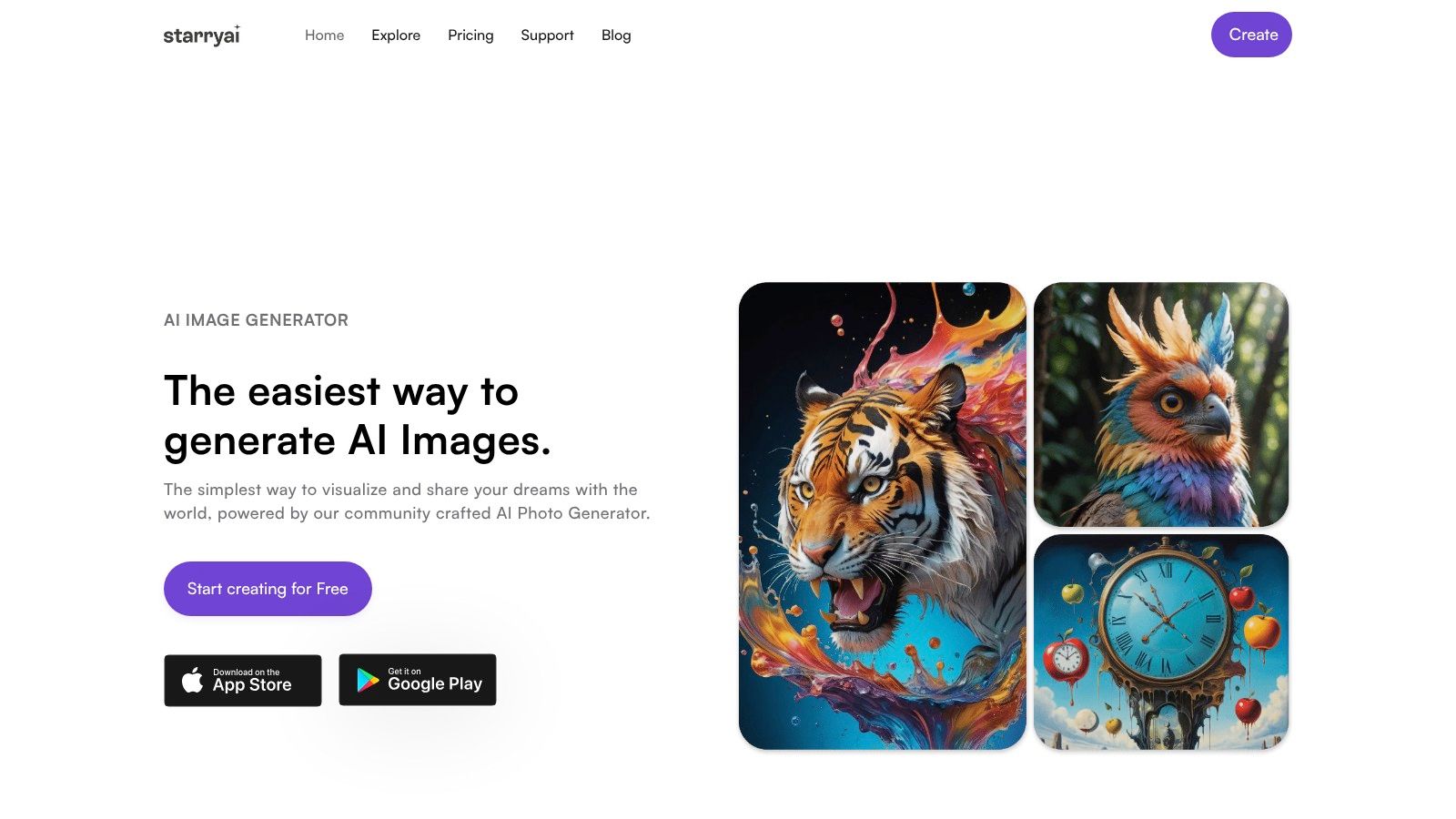
You upload a selfie expecting a small polish, then realize the stronger idea is a full reinvention. That is the job starryai handles well. It turns a face photo into something more intentional, whether you want a fantasy character, a dramatic poster-style portrait, or a stylized avatar that feels built for a personal brand.
Its value is creative range. Some tools on this list are better for fast social posting or minor cleanup. starryai is the one I would choose when the goal is transformation and variation. You can push a single photo into multiple directions, compare them, and keep the version that actually fits the identity you want to present.
starryai works well for people who care about art direction, not just filters. You can start with a prompt, an uploaded selfie, or both, then refine the result with tools like upscaling and background removal. That makes it useful when the selfie is only raw material for a bigger idea.
The strongest use case is complete visual reinvention. If you are planning a fantasy avatar set, eye-catching social graphics, or character-driven profile images, starryai gives you more room than template-heavy apps. If you want inspiration before committing to a style, this guide to AI avatar styles and creative use cases is a practical place to start.
I also rate it higher for projects where usage rights matter. That comes up fast with merch concepts, author photos, game profiles, and client-facing creative work.
Practical rule: Pick starryai when you want transformation, not cleanup. For a basic headshot refresh, lighter tools are faster. For a cinematic portrait, surreal character image, or a repeatable avatar series, this tool has the widest creative ceiling on this list.
Generative AI also feels familiar to a large share of users now. The St. Louis Fed reports that 39.4% of U.S. adults ages 18 to 64 had used generative AI in August 2024, with 32.6% using it at home and 28.1% at work. That broader familiarity lowers the learning curve for a tool like this.
Use starryai if you want the broadest creative ceiling on this list.
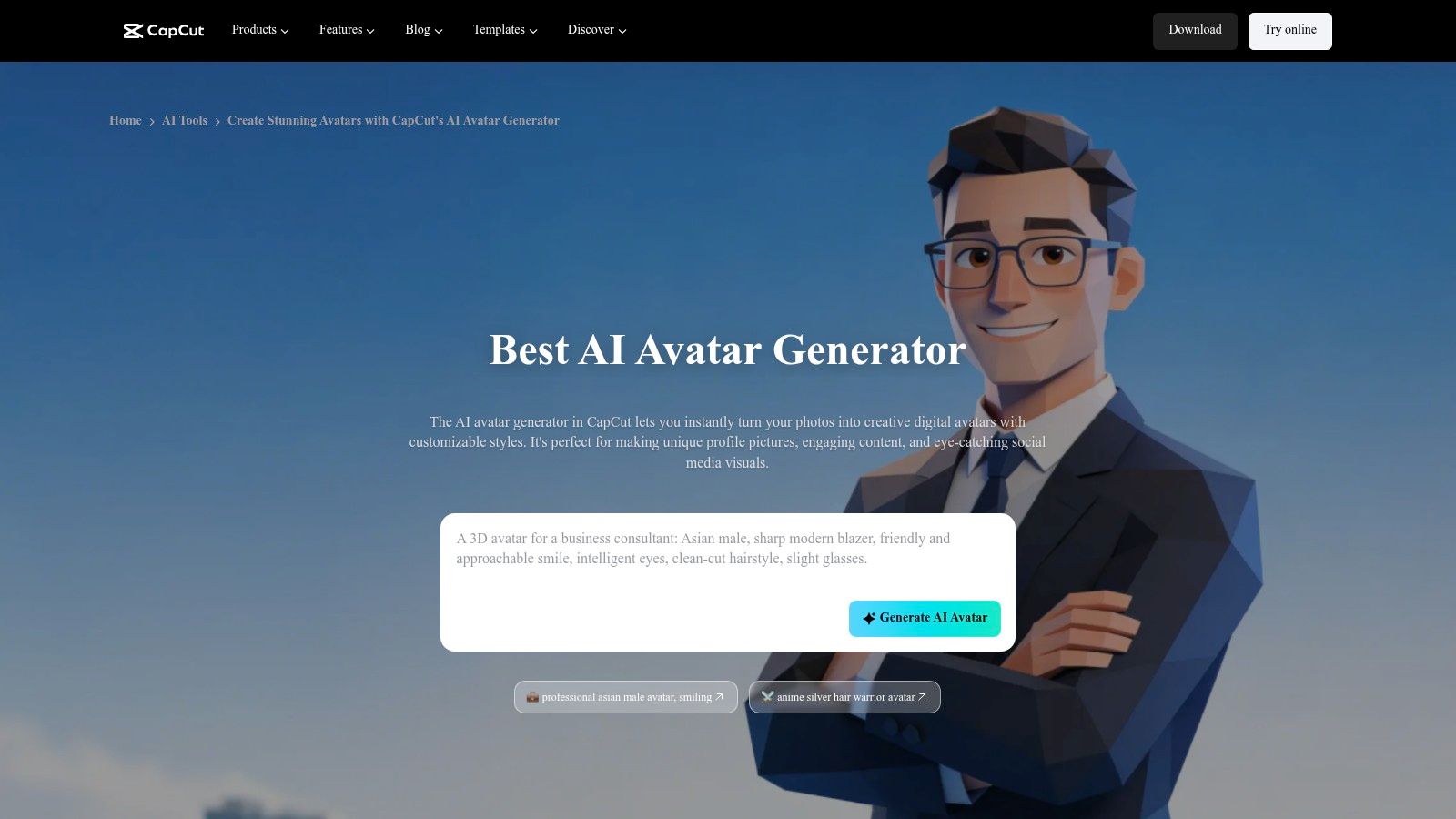
CapCut makes the most sense when your selfie is heading straight into a social post or short-form video. It's less about deep image crafting and more about speed, trend awareness, and getting from face photo to social-ready avatar without leaving your editing workflow.
That's the appeal. If you already edit reels, TikToks, or shorts in CapCut, using its avatar tools keeps everything in one place. You can generate a stylized look, drop it into a cut, add captions, and move on.
CapCut is strongest when the visual style is part of a broader content package. The output doesn't have to be the final art piece. It just has to grab attention quickly and fit the format people already scroll through every day.
If you're still deciding what kind of avatar look you want, it helps to browse different AI avatar styles and use cases before you commit to one template-heavy app.
CapCut is a strong pick when speed matters more than originality. If your goal is “post this today,” it's one of the easiest options.
Visit CapCut Avatar Maker.
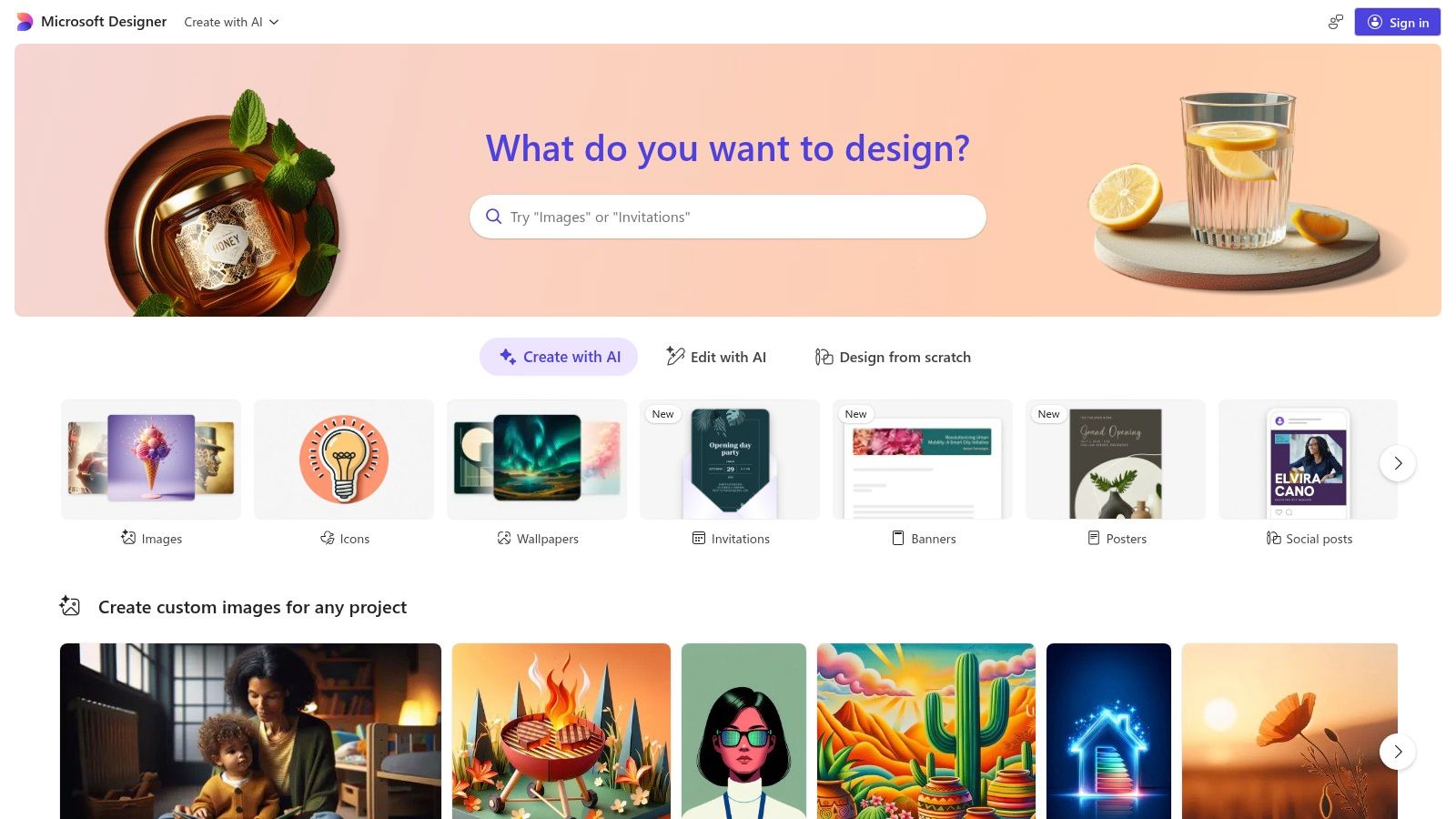
Microsoft Designer is for people who want a safer, tidier version of AI restyling. Upload a selfie, choose a guided look, and get something polished enough for a profile picture, team bio, or social image without falling into exaggerated fantasy territory.
That guided feel is the whole point. You're not steering a wild image model with dense prompts. You're picking from a controlled interface that tends to keep things usable.
This is one of the better choices for professional users who want AI help without looking obviously “AI generated.” Background changes, visual mood shifts, and preset aesthetics are easier here than full identity reinvention.
The trade-off is creative edge. Microsoft Designer is usually better at “clean and acceptable” than “unexpected and memorable.”
That can be a plus. For internal company pages, polished personal branding, and low-risk social images, it gives you a straightforward path.
Use Microsoft Designer if you want guided restyling with fewer moving parts.
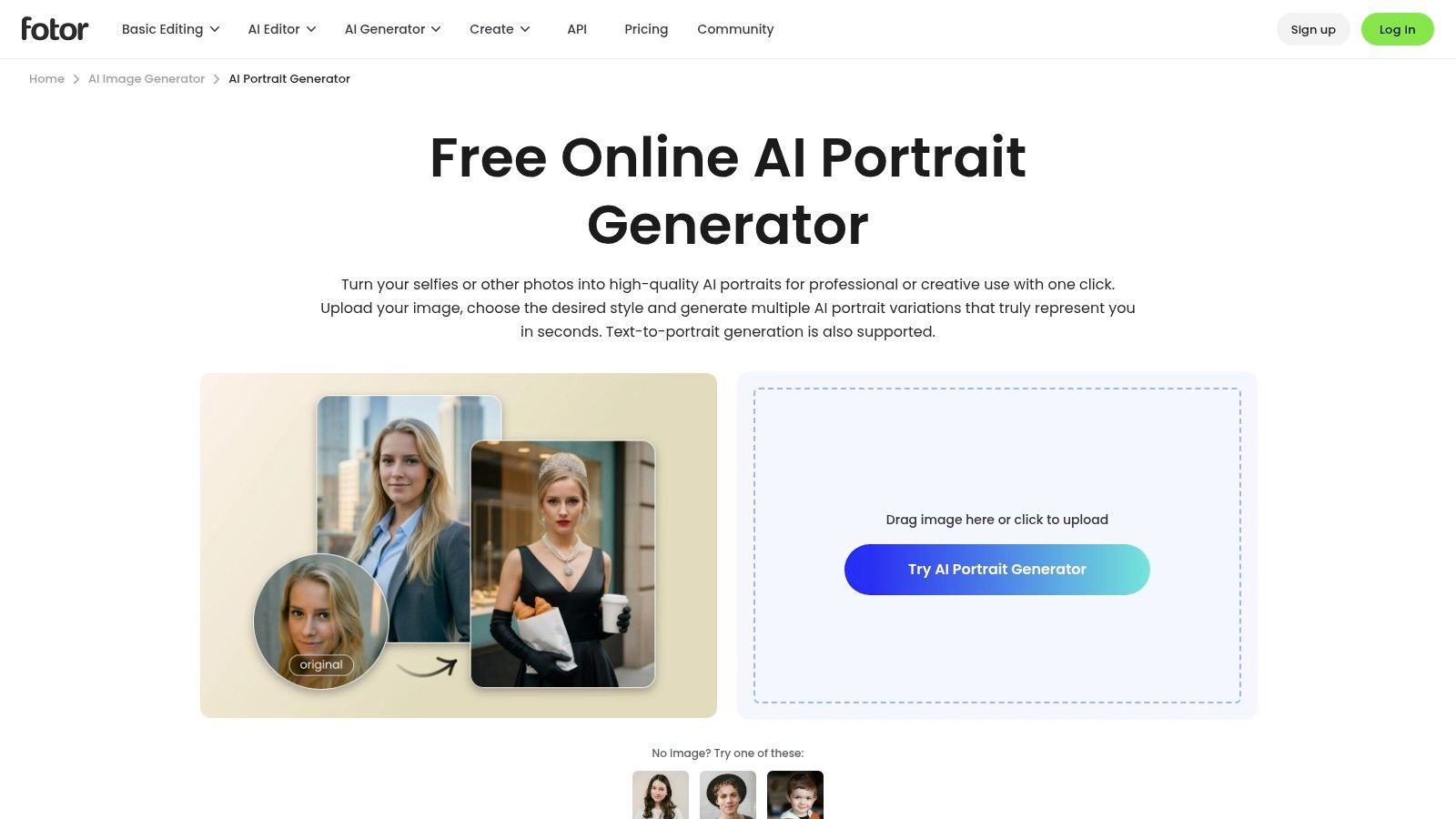
Fotor sits in a useful middle ground between avatar generator and classic photo editor. It's a solid option when you want your selfie to branch into themed portraits without opening a separate app for cleanup afterward.
That matters more than it sounds. A lot of AI selfie tools can generate a fun image, but then you still need another editor to fix the crop, remove the background, add text, or tweak the final presentation.
Fotor works well for people who like trying multiple aesthetics from the same source image. Professional-ish portrait, comic-inspired look, fantasy variant, stylized profile image. It's built for that kind of hopping between moods.
The practical strength here is convenience. If you want one workspace that handles both generation and polishing, Fotor's AI Portrait Generator is a good fit.
FaceApp is less about creating a new world around your face and more about making your face the entire event. Aging effects, hairstyle changes, makeup, and gender-swap style transformations are still its lane, and it's one of the easiest apps for instant before-and-after content.
That's why it stays relevant. It doesn't ask for much time, and it doesn't require prompt skill. You tap, preview, laugh, save, and share.
If you want people to still clearly recognize you, FaceApp often does better than more painterly generators. It's designed around facial transformation rather than total scene invention.
For creators who want a more illustrated version of that idea, a dedicated AI photo to cartoon tool can push the look further than FaceApp's standard effect-based workflow.
FaceApp is still one of the quickest routes from ordinary selfie to “send this to the group chat.”
Go to FaceApp.
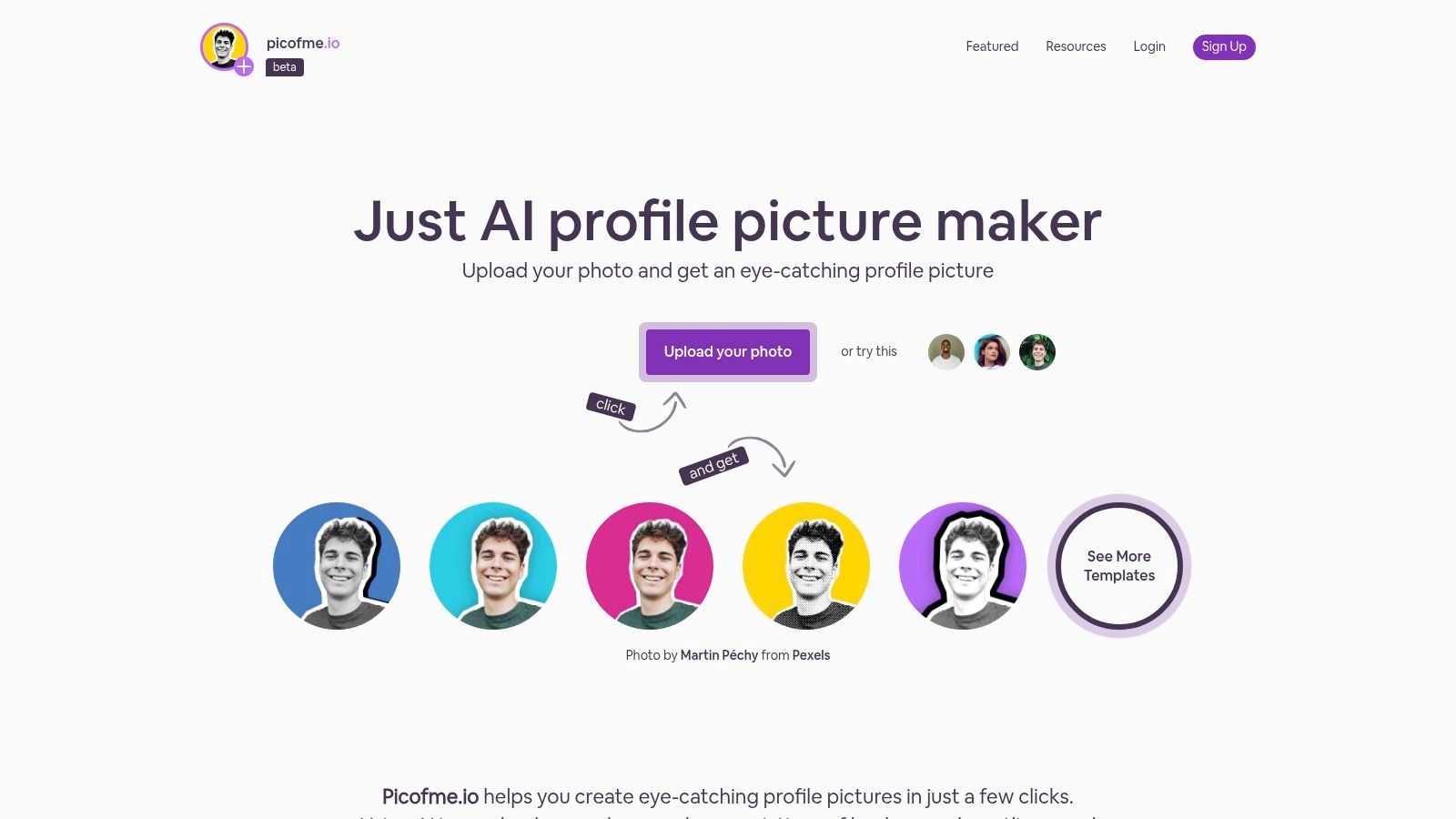
Picofme.io is the tool for people who don't want a whole creative session. They want a better profile picture in the next few minutes. It's browser-based, simple, and focused on the parts that usually matter for social avatars: background removal, framing, shape treatments, gradients, and clean export.
This isn't where you go for a fantasy sorcerer portrait or a cinematic character sheet. It's where you go when your current profile image looks flat and you want it to look intentional.
A key advantage is lack of friction. You don't need to think much. Upload the image, clean the background, add a graphic treatment, export, done.
If your selfie is already decent, Picofme.io often gets you farther than a “creative” AI tool that keeps changing your face more than you want.
That's the key trade-off. Picofme.io improves presentation more than identity transformation. For creators who already have a usable selfie and just need a stronger PFP, that's often enough.
Try Picofme.io.
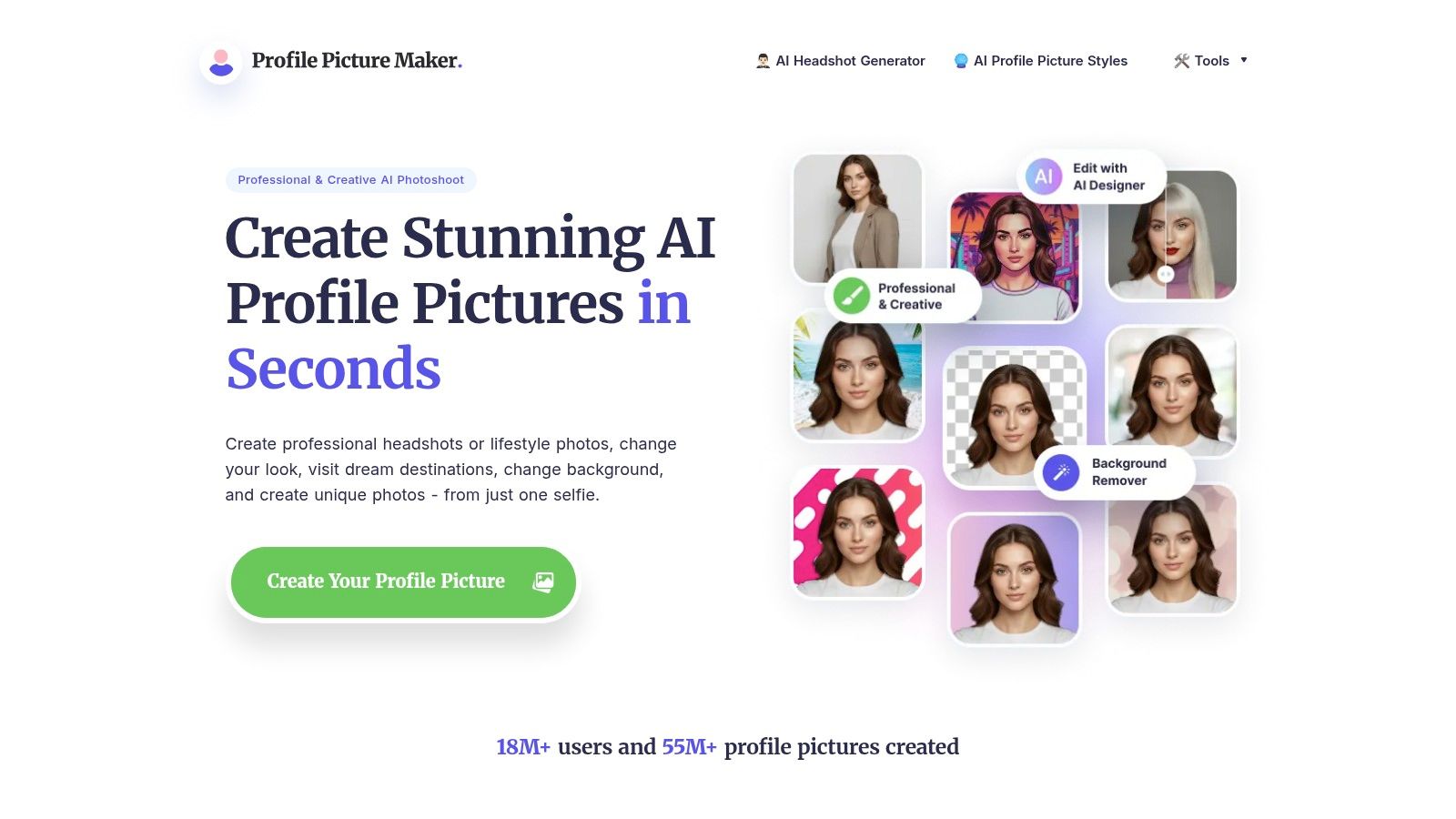
PFPMaker is one of the more practical picks on this list. It's good at turning a single selfie into multiple profile-ready variations that feel cleaner, brighter, and more platform-appropriate than the original upload.
I'd choose it for freelancers, founders, consultants, and anyone refreshing multiple social accounts at once. It doesn't try too hard to be a fantasy engine. It stays focused on profile utility.
PFPMaker works well when consistency matters more than spectacle. You can build several versions with different backgrounds and color treatments while keeping the same overall identity.
If you want more stylized options beyond a standard headshot pass, an AI profile picture maker with stronger creative variation can push things further.
There's also a broader market reason tools like PFPMaker keep showing up. The AI image generator market is projected to grow strongly, though estimates vary widely depending on how firms define the category. Fortune Business Insights projects USD 484.29 million in 2026 rising to USD 1,747.63 million by 2034 at a 17.4% CAGR, while MarketsandMarkets estimates USD 8.7 billion in 2024 rising to USD 60.8 billion by 2030 at a 38.2% CAGR. For users, the takeaway is simple: lightweight image tools are becoming standard software, not novelty products.
Use PFPMaker for fast headshots that still look like you.
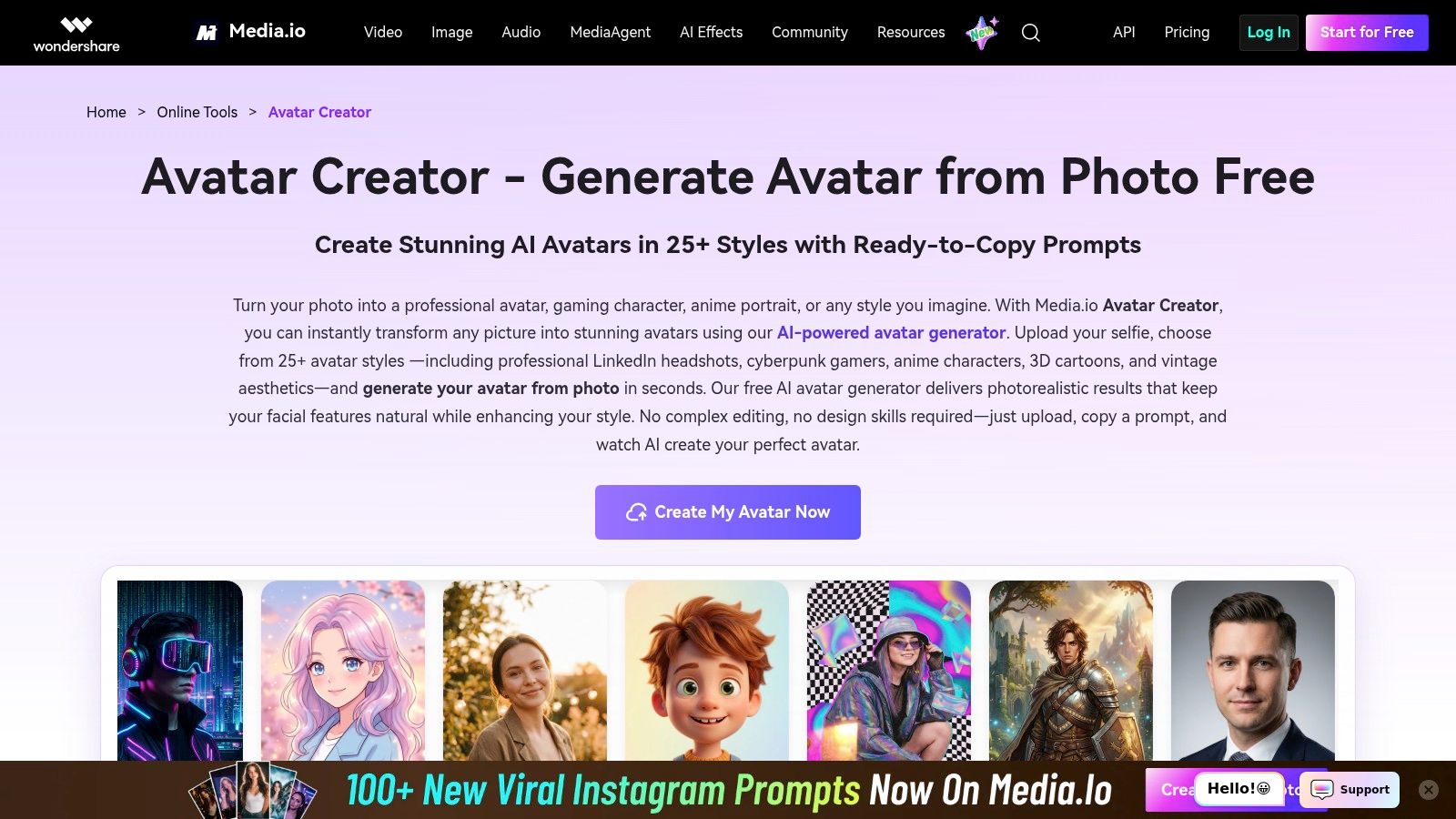
Media.io is a good one-off avatar tool. Upload a selfie, choose a preset style, and get a usable result without installing anything. That's appealing if you only need a gamer avatar, anime-style portrait, or casual stylized image for one project.
Its strength is speed through templates. You're not expected to fine-tune a lot. You pick a lane and move.
Media.io is at its best when you want a fast answer, not a creative rabbit hole. Professional, cartoon, anime, gamer, and other recognizable styles are easy to access through a browser.
The trade-off is control. Presets are convenient, but they can also feel limiting if you know exactly what visual identity you want.
A practical issue to keep in mind with many avatar tools is consistency across multiple renders. Some newer products now advertise multi-view output, including 12 camera angles from one photo or 4 photo-ID style views, which shows how much demand there is for subject consistency rather than a single flattering image. Media.io is best treated as a quick generator, not a full identity-preservation workflow.
Visit Media.io AI Avatar Generator.
Canva is the easiest recommendation for beginners who care about brand consistency more than AI novelty. If you need matching profile photos for a personal brand, podcast, small business, or team presence, Canva's template-first workflow is hard to beat.
It's not a true avatar engine in the same sense as starryai or Media.io. It's better thought of as a design platform that helps your selfie present well across channels.
Canva excels. You can create a clean profile image, duplicate the design, and adapt it for different platforms without rebuilding everything from scratch. Frames, colors, backgrounds, and layouts stay coherent.
If you care about how profile images appear on X specifically, Narrareach's X PFP results are a useful reminder that composition and crop matter almost as much as the original image.
Use Canva Profile Picture Maker when consistency is the primary goal.
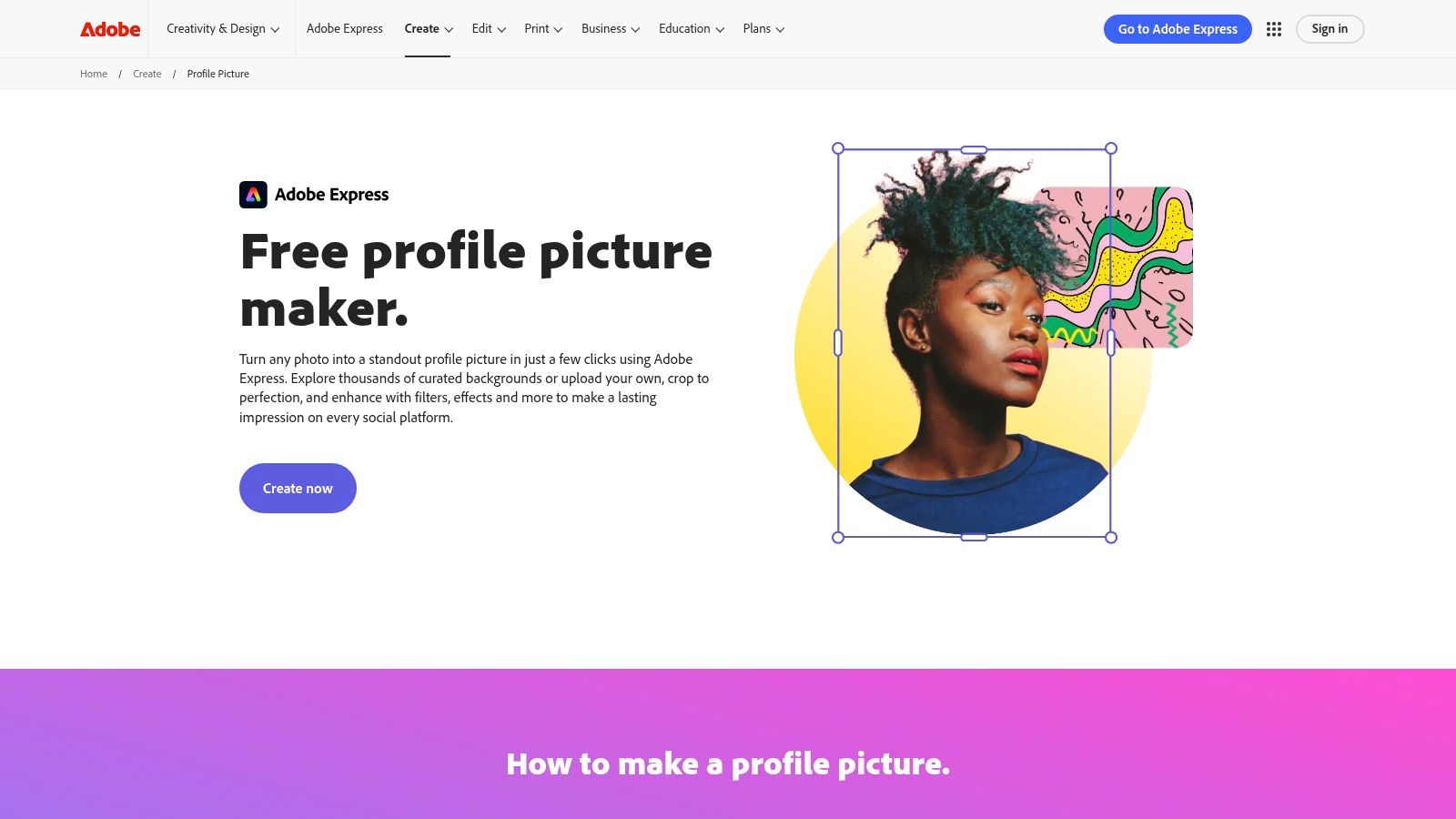
Adobe Express is the polished, no-drama option. If you want a profile photo that looks professional, cleanly cropped, and well-finished, it delivers with very little effort. Upload, adjust, swap a background if needed, apply light effects, and export for the right platform.
That sounds simple because it is. Sometimes simple is exactly what you need.
Adobe Express is strongest when the output needs to look dependable. Team pages, speaker bios, portfolio profiles, and business-facing social accounts all fit that use case.
A lot of people searching for an AI selfie generator free tool don't actually want “AI art.” They want a photo that looks more deliberate. Adobe Express handles that job well.
It won't give you the wildest transformation on this list. It will give you a result you're likely to keep using.
Try Adobe Express Profile Picture Maker.
| Product | Core features | UX & quality | Price / Value | Target audience | Unique selling point |
|---|---|---|---|---|---|
| starryai 🏆 | Mobile-first AI image gen; selfies, text, emojis; 1,000+ styles; upscaling & BG removal | ★4.7/5 (≈40k reviews); fast & stable | 💰 Free daily lumens; buy credits or subs for heavy use | 👥 TikTok creators, indie authors, Etsy sellers, social managers, gamers | ✨ Full commercial rights; huge style library; instant, viral-ready visuals |
| CapCut (Avatar Maker) | Selfie→avatars; templates; integrates with CapCut editor | ★, Fast, social-focused web & mobile UX | 💰 Free core tools; some AI features via credits/subscription | 👥 Short-video creators, trend experimenters | ✨ Tight integration with CapCut's editing & video tools |
| Microsoft Designer (Restyle) | Upload & restyle selfies with presets; guided workflow | ★, Clean, easy web UI | 💰 Free with Microsoft account | 👥 Casual users wanting tasteful profile/social images | ✨ Simple guided presets within Microsoft ecosystem |
| Fotor (AI Portrait) | Photo→portrait styles; retouching; BG removal; editor | ★, Wide style range; in-app post-editing | 💰 Free/earnable credits; premium packs paid | 👥 Creators needing themed portraits, character art | ✨ Built-in retouching + many aesthetic options |
| FaceApp | One-tap AI effects (age, hair, makeup, swaps) | ★, Extremely simple; viral-ready transforms | 💰 Free with ads; Pro subscription for premium effects | 👥 Viral-content creators, casual social users | ✨ Well-known, instantly recognizable viral effects |
| Picofme.io | PFP-focused bg removal, outlines, gradients, PFP exports | ★, Instant, no-account friction | 💰 100% free | 👥 Users wanting quick, no-friction profile pics | ✨ No watermarks; exports optimized for PFP sizes |
| PFPMaker | PFP/headshot studio; bg replace; filters & style library | ★, Easy, many style options | 💰 Free basics; paid for high-res & premium styles | 👥 Professionals & social users needing polished headshots | ✨ Quick headshots with large PFP style library |
| Media.io (AI Avatar) | 25+ avatar styles; image-to-image filters; face editing | ★, Template-driven & fast | 💰 Free trial/tools; paid for advanced/batch use | 👥 One-off avatar creators, gamers | ✨ Web-based avatars, no install, quick templates |
| Canva (Profile Pic Maker) | Upload selfie; templates, frames, filters, drag‑drop | ★, Beginner-friendly; consistent templates | 💰 Free; Canva Pro for premium assets | 👥 Brand managers, beginners, social teams | ✨ Large template library for on‑brand PFPs |
| Adobe Express (Profile Pic) | Crop, BG replace, filters; preset social sizes; editor | ★, Professional, reliable workflow | 💰 Free; Premium for advanced assets | 👥 Professionals seeking consistent, polished PFPs | ✨ Adobe-quality editing + preset social sizes |
The best AI selfie generator free tool depends on the outcome you care about most. If you want the biggest leap from ordinary selfie to creative asset, starryai is the strongest fit. It's the best choice here for turning one image into fantasy avatars, stylized portraits, character concepts, and social visuals that feel more like original artwork than edited photography.
If your priority is speed inside a social workflow, CapCut makes a lot of sense. If you want low-risk polish for business or personal branding, Microsoft Designer and Adobe Express are easier recommendations. PFPMaker and Picofme.io are practical when your target is a clean, platform-ready profile image and you don't need dramatic reinvention.
Fotor and Media.io sit in the middle. They're useful when you want variety without getting too technical. FaceApp still wins a specific lane too. It's one of the fastest ways to make recognizable, shareable face transformations that people instantly understand.
The bigger shift is that these tools no longer feel like niche curiosities. They fit a behavior people already have. Selfies were already everywhere, and generative AI is now familiar enough that even first-time users usually understand the basic exchange. Upload a photo, choose a look, generate a result, save the best one. That simplicity is why the category has become mainstream so quickly.
Still, not every tool labeled an AI selfie generator free option does the same job. Some are really profile picture polishers. Some are avatar template engines. Some are creative suites with enough depth to support merch ideas, indie publishing assets, game characters, or recurring social formats. Choosing well saves time.
A practical way to test them is to use the same selfie across two or three tools and compare for one specific purpose. Try one for a professional headshot. Try another for a fantasy avatar. Try a third for a viral social-style transformation. You'll see quickly whether the tool preserves your identity, over-stylizes your features, or gives you the right balance between realism and imagination.
Start with the outcome, not the feature list. If you need a clean headshot, use the simplest tool that gets you there. If you want to build a whole visual persona from a selfie, choose the tool with the widest style range and the best room to experiment.
Your next profile picture, character portrait, or viral post probably starts with a photo already sitting in your camera roll.
If you want one place to turn selfies, prompts, and rough ideas into striking shareable visuals, try starryai. It's especially good when a basic profile edit isn't enough and you want something more imaginative, more stylized, or more worth posting.


.svg)