

Written by Mo Kahn on
July 1, 2026


You're probably doing what many others do when their current profile photo starts feeling stale. You open your camera roll, scroll past a few decent selfies, reject the overly polished headshot from three years ago, and realize none of them match how you want to show up now. That's where the AI profile pic stopped being a novelty and became a creative shortcut.
The shift happened fast because the use case is obvious. People want a portrait that looks current, intentional, and visually sharp without booking a shoot, wrangling outfits, or waiting on edits. That change also shows up in hiring behavior. Industry reporting says 9% of job seekers used AI for headshots during the application process, and 73% of recruiters could not distinguish AI headshots from professional photos in one study, which helps explain why these images moved into everyday professional use rather than staying a gimmick AI headshot statistics.
A strong AI profile pic isn't just about looking better. It's about making a clear visual decision. Are you trying to look approachable on LinkedIn, magnetic on TikTok, polished on your author page, or slightly cinematic on Instagram? The image works when the style matches the role.
That's also why the usual advice about “just use a nice photo” falls short. A modern profile image has to survive tiny circular crops, dark mode interfaces, recruiter scrutiny, and fast social scrolling. If you're still shaping your overall avatar strategy, these tips for engaging Instagram profile photos are useful because they frame the picture as a branding asset, not just a headshot.
Your profile photo used to be a formality. Now it does real work. It signals taste, confidence, relevance, and whether you understand the visual language of the platform you're using.
That change matters because people don't read your bio first. They register your face, your framing, your styling, and the mood of the image in a split second. A flat office headshot can make a creator look generic. A hyper-fantasy portrait can make a consultant look unserious. The right AI profile pic sits in the middle. It's expressive enough to be memorable, but controlled enough to feel believable.
AI image tools solve a problem traditional photography doesn't always solve well. They let you test identity directions before committing to one. You can try polished editorial lighting, soft film color, clean founder energy, or stylized digital portraiture without rebuilding the whole shoot from scratch.
Practical rule: A profile image works when people recognize you instantly and remember the mood a few seconds later.
That's the core opportunity here. Not endless variations. Better direction.
The strongest images don't scream “made with AI.” They borrow from familiar visual codes. Clean skin texture, realistic lighting, coherent wardrobe cues, and a background that supports the face instead of competing with it. When people miss that balance, the result feels synthetic even if the rendering is sharp.
A good AI profile pic should answer three questions fast:
If you treat the process like branding instead of pure image generation, the quality of your choices improves immediately.
Most bad AI portraits are baked in before generation starts. People blame the tool, but the primary issue is usually the photo set. If the input is inconsistent, filtered, shadowy, or cluttered, the model has to guess what your face looks like.
That's why source selection matters so much. The quality of your source photos directly determines output quality, and the model's reliability across different faces, lighting, and cultures depends heavily on a varied and clear input set review of AI profile picture generators.
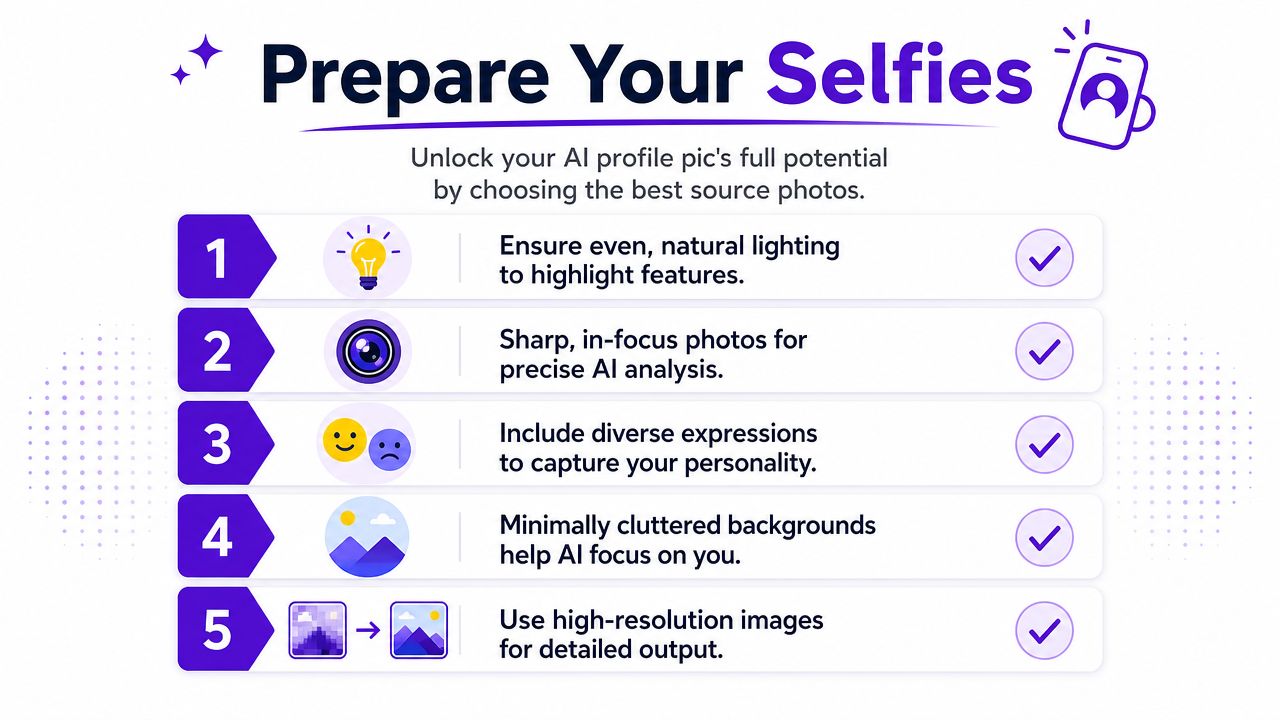
You're not curating your prettiest selfies. You're giving the model a usable map of your features.
Use a mix like this:
A single dramatic selfie won't carry the set. Filters, beauty smoothing, and heavy color grading often teach the wrong lessons.
Skip these:
If the model can't clearly see your real features, it won't invent accuracy. It will invent a version of you.
Before uploading, review your folder against this quick standard:
This is the least glamorous part of the workflow, but it decides almost everything that comes after. Strong source images give you room to stylize later without drifting into a stranger's face.
The easiest way to get a forgettable AI profile pic is to ask for “a cool portrait of me.” That prompt has no point of view. The model fills the gap with generic internet aesthetics, and the result usually lands in the uncanny middle.
A better approach is to define a visual lane before you generate anything. Think like a creative director. What references would you hand a photographer, retoucher, or illustrator if this were a real shoot?
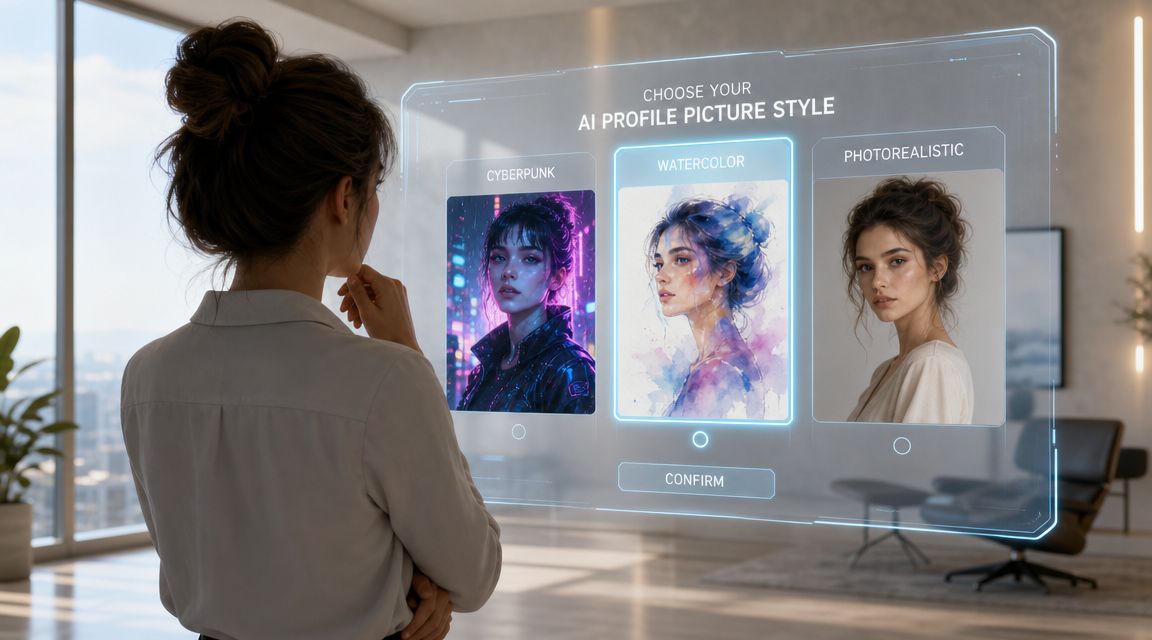
Three people can all ask for a polished portrait and need totally different images.
A startup founder usually needs crisp trust signals. Clean backdrop, confident eye line, appropriate outfit cues, natural skin, restrained color. A booktok creator can push mood further. Soft haze, richer color story, more dramatic lighting, maybe even a slightly painterly finish. A gamer or RPG creator may want a stylized hybrid portrait that keeps their likeness but leans into fantasy costuming or neon worldbuilding.
That's the difference between style and trend-chasing. Style has a job.
Here are a few useful directions and the visual DNA behind them:
The prompt should describe the image you want people to perceive, not just the effect you want the tool to add.
Prompting works better when you build in layers. Start with subject. Then define style, lighting, mood, camera feel, and background restraint. If you need help expanding your language, this guide to AI art prompts is useful for turning vague ideas into more precise visual directions.
| Style | Base Prompt Formula |
|---|---|
| Cinematic | realistic portrait of me, cinematic lighting, rich contrast, shallow depth of field, clean background, confident expression, natural skin texture |
| Painterly | portrait of me in a painterly editorial style, soft brush texture, muted color palette, elegant lighting, refined composition, natural likeness |
| Anime-inspired | stylized anime portrait of me, clean linework, expressive eyes, polished shading, simple background, recognizable facial features |
| Cyberpunk | futuristic portrait of me, neon rim lighting, moody city backdrop, high detail, sharp facial structure, bold color contrast |
| Minimal professional | professional portrait of me, soft natural lighting, neutral backdrop, realistic detail, polished wardrobe, approachable expression |
A few prompt-writing habits improve output fast:
If you want viral appeal, push one dimension at a time. Change the lighting. Or the texture. Or the wardrobe story. Don't turn every dial at once or the image loses a coherent identity.
Generation gets more useful when you stop expecting the first output to be the answer. The first pass is a sketch. Craft lies in how you react to it.
A standard AI headshot workflow usually involves uploading 7 to 40 source photos and waiting roughly 60 minutes to 48 hours for the system to generate many variations, which is why the process tends to trade control for breadth AI-generated headshot workflow.
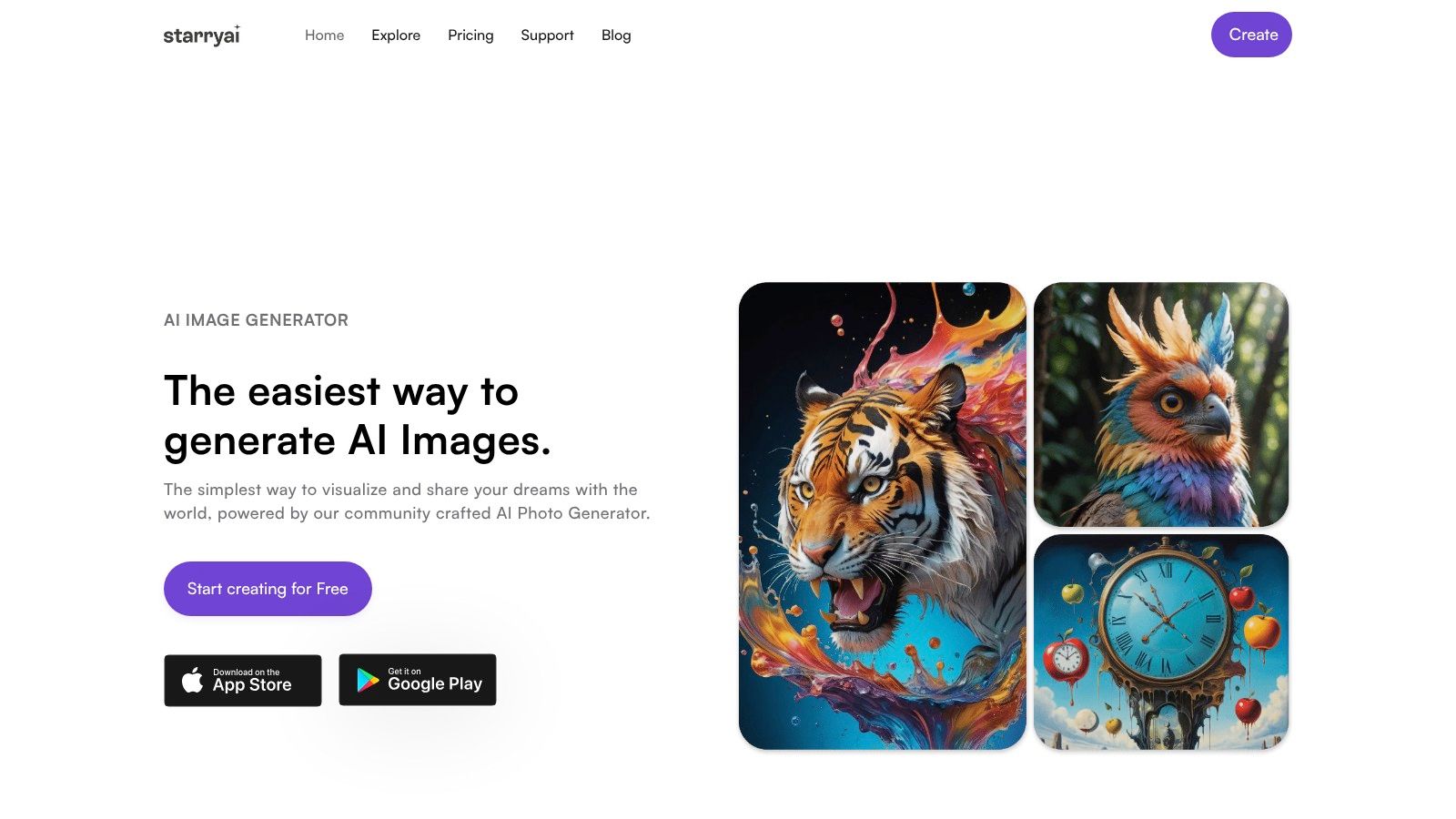
When you're ready to generate, start with a narrow brief. Upload your chosen photos, keep your prompt specific, and choose an output shape that matches where the image will live. starryai supports photo-based creation and editing, which makes it relevant for portrait-driven workflows, but the same discipline applies no matter which generator you use.
Use this sequence:
Upload a balanced photo set
Don't max out variety just because you can. If half the images are moody nightlife shots and the rest are plain daylight selfies, the identity model may split the difference in odd ways.
Pick one aesthetic direction
Start with one style prompt, not three competing ones. “Cinematic professional portrait” is easier to steer than “cinematic anime cyberpunk luxury founder headshot.”
Set a portrait-friendly frame
Most profile images need your face to read at small sizes. A composition that looks beautiful at full size can fail once it's cropped into a tiny circle.
Generate a batch, then compare instead of choosing immediately
The best option is often the one with the strongest structure, not the flashiest effect.
For a basic product walkthrough, the quick start guide for using the starryai app gives the interface context. What matters more creatively is how you judge the result.
A useful review pass asks five questions:
If the face is close but the mood is wrong, don't scrap everything. Adjust the mood language. If the mood is right but the face drifts, simplify the style pressure and reinforce realism. If the image is beautiful but unusable as a profile pic, the framing is the problem, not the concept.
Good refinement is usually subtraction. Remove conflicting style words before you add more detail.
A short visual walkthrough can help when you're calibrating the generation loop:
One more practical note. Variation is not the same as quality. Large batches can give you plenty of options, but they also produce identity drift, awkward hands near the face, inconsistent hair behavior, or over-smoothed skin. Save the outputs with the strongest bones first. You can finesse tone later. You usually can't rescue a portrait that never captured your face correctly.
The generation might be finished, but the profile pic isn't. Most portraits lose impact in the last mile because the crop is careless, the contrast is muddy, or the image was framed for a full screen instead of a tiny avatar.
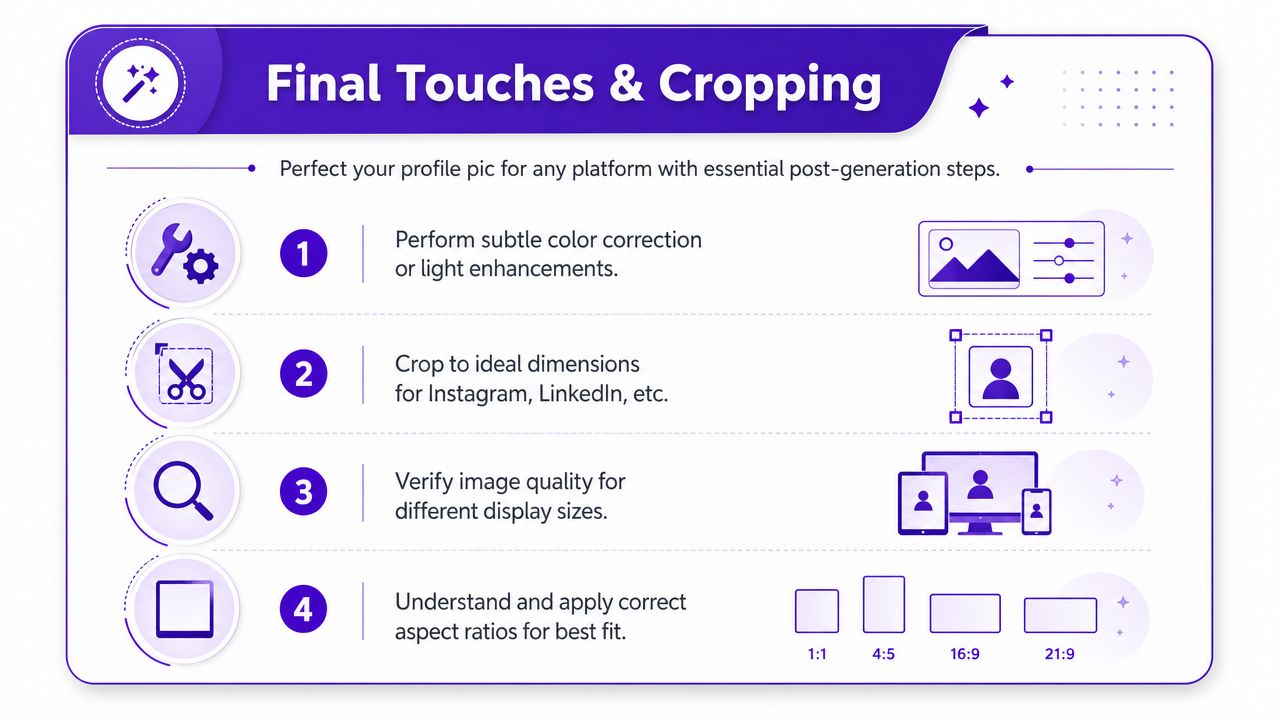
At this stage, subtlety wins. You're not trying to redesign the image. You're trying to improve legibility.
A few finishing moves usually help:
Minor edits can make a portrait feel intentional. Heavy edits tend to expose the AI origin.
Every platform frames faces differently. Some crop to circles. Some show the image tiny beside text. Some allow more breathing room around the shoulders. That means one master image rarely works unchanged everywhere.
Use these framing rules:
| Platform use | Crop guidance |
|---|---|
| LinkedIn and company bio | Keep the face centered, include head and upper shoulders, leave some space above the hairline |
| Instagram profile | Crop tighter than you think, because the circle cuts corners and reduces background details |
| TikTok and creator platforms | Let expression carry the image, with a slightly bolder crop and cleaner silhouette |
| Author page or portfolio | You can allow a bit more environmental context if the face still reads first |
The safest habit is to export one clean master, then create platform-specific versions from it. If you're adjusting crops inside a tool, this page on AI cropping is relevant because the crop itself changes how the portrait performs.
A final test catches most mistakes. Shrink the image on your screen until it's roughly avatar size. If the eyes disappear, the background steals attention, or the crop clips awkwardly, revise it before publishing.
A viral-looking profile image isn't random. It usually combines three things. A clear face read, a recognizable mood, and enough stylistic tension to make someone pause for half a second longer than usual.
Right now, the strongest images tend to avoid two extremes. They don't look like stiff corporate headshots, and they don't look like pure fantasy renders detached from a real person. They feel designed, but still socially believable.
That's especially important if the image connects to a broader brand system. Your portrait should match the voice of your captions, your color palette, and the kind of work you publish. If you're building a personal brand for a business, visual consistency matters just as much as naming and messaging. That's why tools related to slogan generation for small businesses can be surprisingly relevant. They push the same discipline. Decide how you want to be remembered, then make the visuals support it.
You don't need the most dramatic image. You need the most aligned one.
There's a real credibility line with AI portraits, especially in professional spaces. Existing guidance around AI headshots often stresses keeping the image close to your real appearance and avoiding edits that slide into deception, but the exact line is still debated discussion of authenticity in AI headshots.
That tension shows up clearly in recruiter sentiment. Reporting on recruiter and bias research says that while many AI headshots go undetected, 66% of recruiters said they'd be put off once they learned the image was AI-generated, and 88% believed disclosure should be required recruiter trust gap around AI headshots.
So what's responsible use in practice?
The AI profile pic is most powerful when it sharpens your presence without eroding trust. That balance is where the medium gets interesting. It isn't about pretending to be perfect. It's about choosing a visual language that feels current, memorable, and still true enough to hold up under a second look.
A strong AI profile pic starts with clear selfies, gets better with specific prompts, and only works long term if it still feels like you. If you want to experiment with that workflow, starryai gives you a way to turn photos and prompts into stylized portrait options you can refine for different platforms and branding goals.


.svg)