

Written by Mo Kahn on
August 23, 2026


You've typed “cinematic portrait of a fearless explorer,” clicked generate, and received a blurry face, muddy lighting, and a background that looks nothing like the scene in your head. That experience is common. An AI image generator from text doesn't read a prompt like a human art director. It interprets a bundle of language signals, predicts visual relationships, and turns those predictions into pixels.
The difference between an average result and a visual people want to share usually isn't a secret keyword. It's the creator's process: defining the subject, controlling composition, choosing a visual language, and iterating one meaningful change at a time. The tools are accessible, but strong results still depend on deliberate decisions.
A blank prompt box encourages vague thinking. You type “beautiful fantasy castle at sunset,” and the model has to decide what kind of castle, where the camera sits, how large the moon should appear, whether the scene looks like a painting or a photograph, and which details deserve emphasis. You haven't given it a visual plan, so it fills the gaps from patterns learned during training.
Most modern text-to-image systems use a diffusion process. In simple terms, the model starts with visual noise and gradually reshapes that noise into an image that matches the text representation of your prompt. It doesn't retrieve one stored picture and paste it onto the canvas. It generates a new arrangement of forms, colors, textures, and spatial relationships based on the instructions it can interpret.
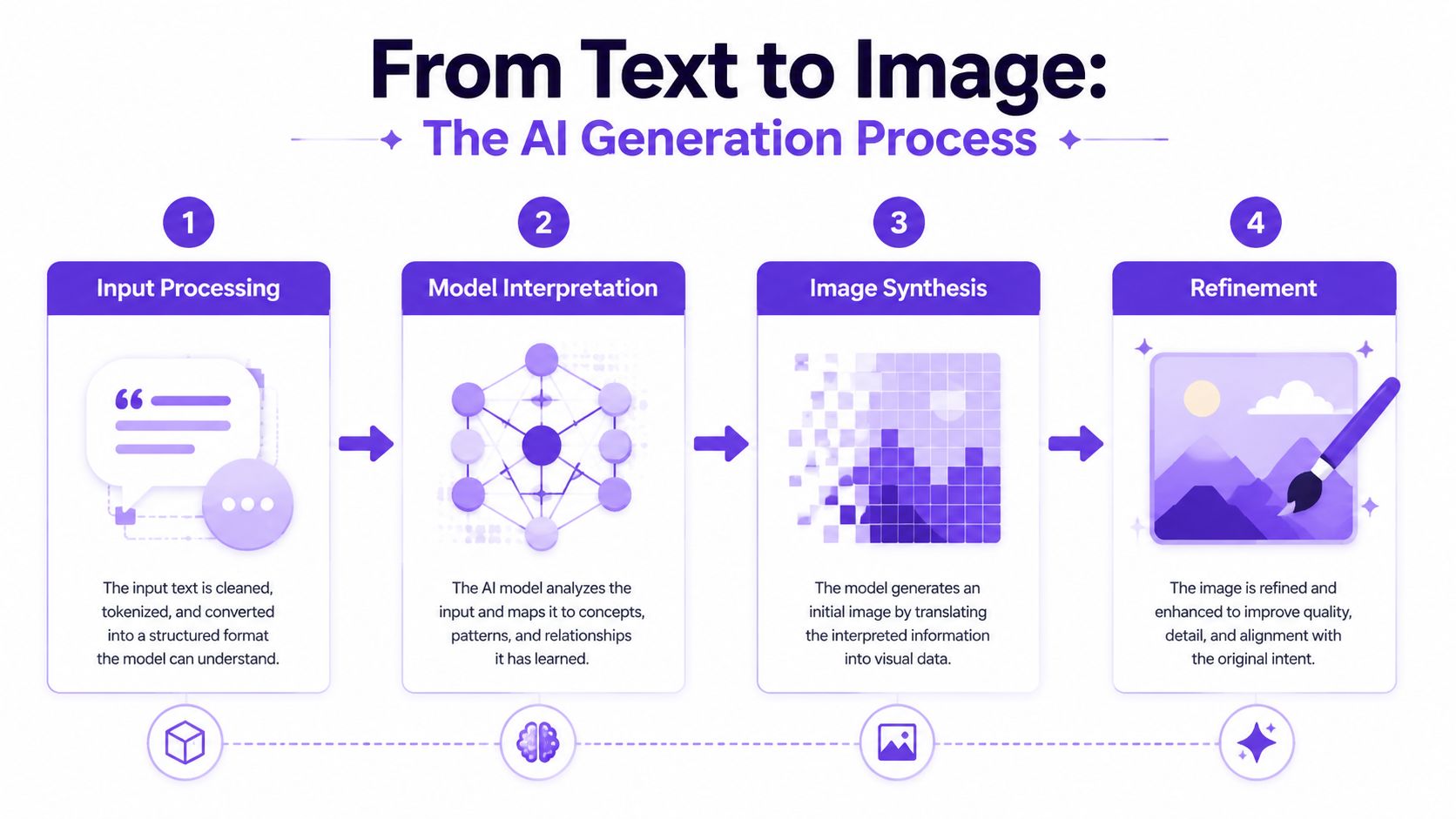
The model's work can be understood as four connected stages:
A prompt such as “red bicycle beside a lake” gives the system a subject and location, but not much hierarchy. “A weathered red touring bicycle leaning against a wooden dock beside a misty alpine lake, early morning backlight, documentary photography, muted green and rust palette, wide composition” supplies relationships the model can use. The second prompt doesn't guarantee success, but it reduces the number of major decisions left to chance.
For a broader look at the mechanics, this explanation of how AI artwork works offers useful context. If you're comparing access models while choosing a workspace, 12 AI image generators with free tiers is a practical reference because availability, editing tools, and usage terms differ across platforms.
The technology moved quickly from specialist research into everyday creative software. OpenAI introduced DALL·E in January 2021, followed by DALL·E 2 in April 2022 and DALL·E 3 in September 2023, milestones documented in the history of text-to-image models. Stable Diffusion's public release on August 22, 2022, made an open-weight diffusion model available for local use and experimentation. Stable Diffusion XL 1.0, released in July 2023, used 3.5 billion parameters, roughly 3.5 times larger than earlier versions, as described in this generative AI timeline.
That history matters for one practical reason. You're not directing a digital painter who understands intent. You're steering a probabilistic system. Every prompt choice either narrows the visual search or leaves the model more room to improvise.
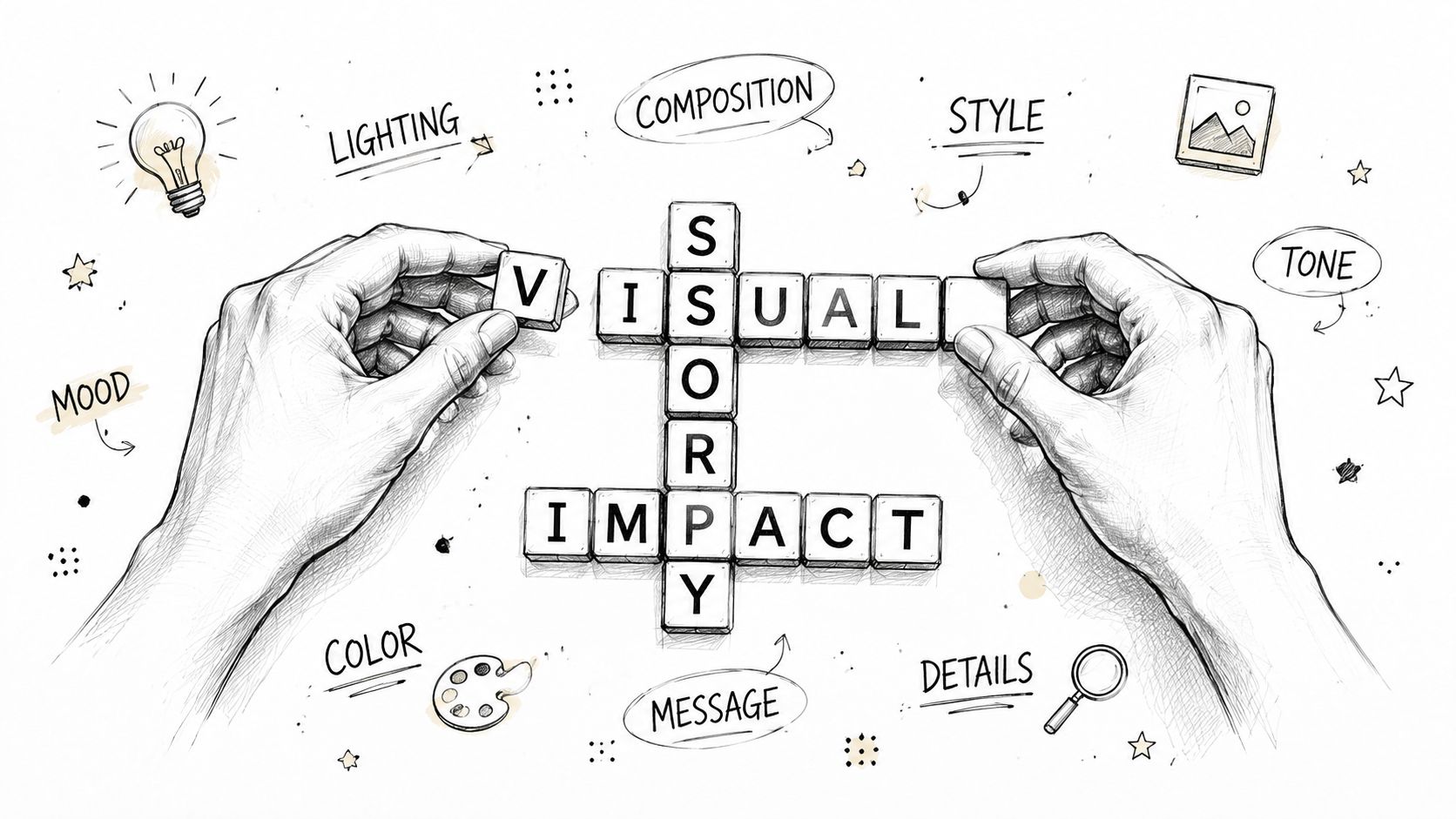
A prompt works better when it reads like a compact creative brief rather than a pile of adjectives. Start with the thing that must appear, then define its context, visual treatment, lighting, and emotional tone.
Use this order as a reliable starting point:
A weak prompt might say:
“A cool warrior in a forest.”
A more useful version is:
“A battle-worn female ranger standing on a moss-covered stone path in an ancient cedar forest, three-quarter portrait, leather armor with subtle bronze details, shafts of pale morning light through fog, grounded fantasy concept art, restrained green and amber palette, determined mood.”
The revised prompt tells the generator what deserves attention and how the viewer should encounter it. “Three-quarter portrait” affects framing. “Pale morning light through fog” creates a clearer atmosphere than “beautiful lighting.” “Restrained green and amber palette” limits uncontrolled color drift.
Don't add every appealing style word you know. “Cinematic, realistic, painterly, anime, editorial, surreal, minimalist” gives the model conflicting visual targets. Pick one dominant style and one supporting reference. For instance, “editorial fashion photography with cinematic backlighting” is more coherent than a list of unrelated aesthetics.
Negative prompts can help remove recurring defects, though their exact behavior varies by model. Use them for concrete exclusions such as “extra fingers, distorted hands, duplicate subject, warped text, watermark, cluttered background.” They're less useful when they become a long catalogue of every possible failure.
For text inside an image, be cautious. Many generators still struggle with precise lettering, so create the artwork with intentional empty space and add the headline later in a design tool when accuracy matters. Prompt iteration should also be controlled. Change the lighting first, compare results, then change the composition. If you rewrite the entire prompt after every attempt, you won't know which decision caused the improvement.
Practical rule: Change one major variable at a time, preserve the version that works, and keep a short note about what each revision changed.
The beginner's guide to prompt engineering is useful when you want more structured practice. The essential habit is simple: describe the visual relationship you need, not just the mood you want.
A banner, book-cover concept, and square social post can use the same subject yet require completely different compositions. Set the destination first. Decide which element must stay consistent, where text may sit, and which visual detail deserves the most attention.
Open starryai and build a baseline prompt around the subject, setting, composition, style, lighting, and mood. Select a canvas size and style that fit the intended placement. Its text-to-image workflow converts that description into artwork and lets you generate multiple versions, making side-by-side comparison more useful than judging one fortunate result.
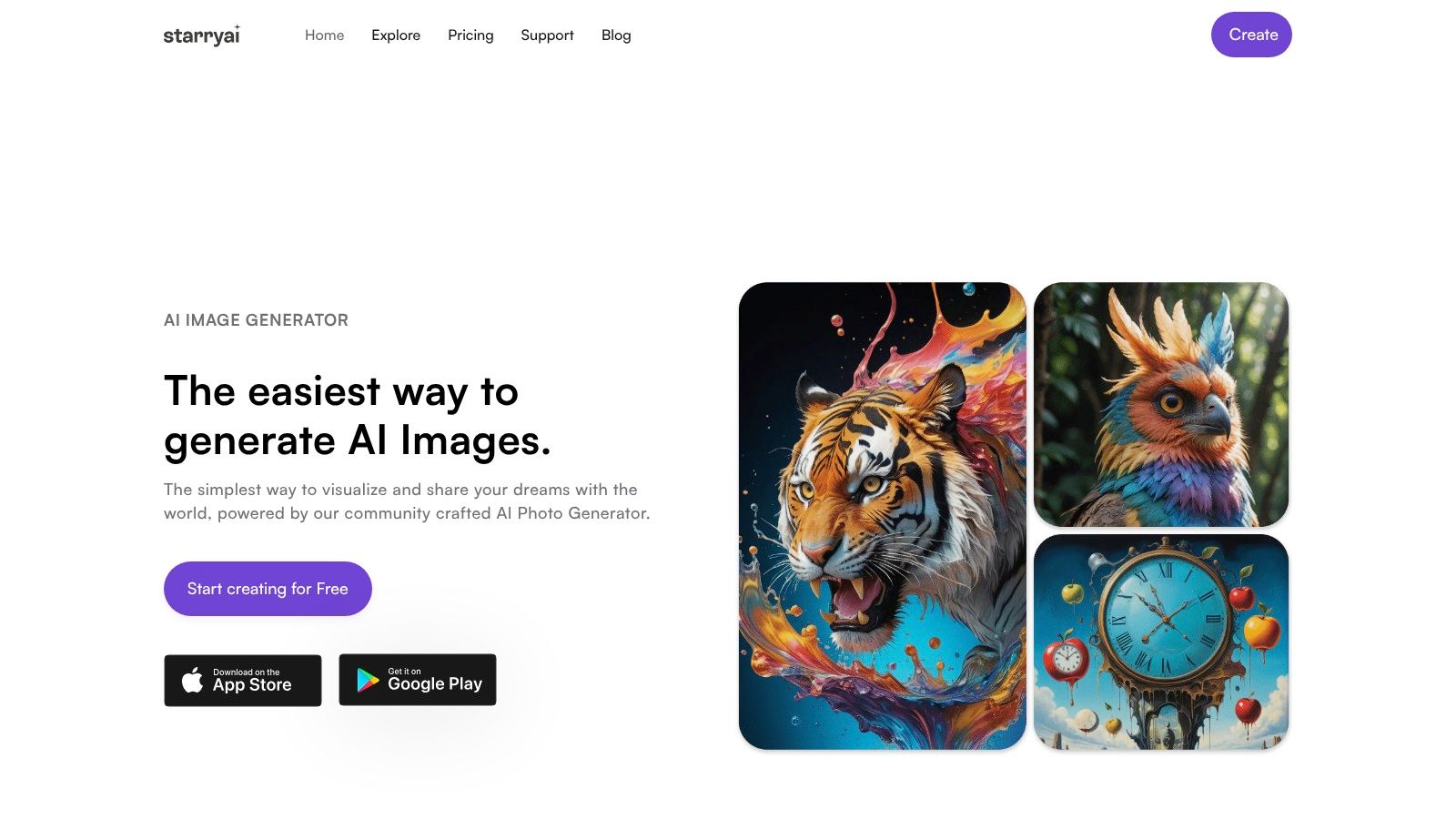
Begin with one clear prompt. Leave reference images, elaborate character histories, and competing styles for later passes. A simple first result shows how the generator interprets the subject and gives you a reliable point of comparison.
Generate several variations and evaluate the structure before judging fine detail. Look for a clear subject, convincing placement, and usable negative space. Save the strongest composition rather than automatically choosing the most polished-looking image.
Once the arrangement works, protect it. If a seed or related reuse control is available, keep it while testing secondary changes. This lets you compare clothing, lighting, or background adjustments without discarding the visual arrangement that already succeeded.
Canvas choice also affects the result. Use a portrait format for a book-cover direction or vertical social creative, and a wide format when the scene needs room on both sides. Selecting the ratio before generation is safer than cropping away a face, product, or intentional empty area afterward.
Targeted edits keep iteration informative:
Keep the chosen version and a short note about each revision. That record prevents repeated experiments and helps preserve credits and attention. The aim is a strong structure with deliberate refinements, not endless generations.
A short tutorial shows the interface and sequence in context:
Generation speed depends on the serving stack and hardware as well as the model. One engineering report measured average latency of 3.91 seconds on a default Stable Diffusion 2.1 setup, 2.55 seconds with DJL Serving plus Deepspeed, and 2.36 seconds with Inferentia 2 hardware. The report describes the fastest configuration as about 40% faster than the default and 8% faster than the DJL plus Deepspeed setup in that test, as documented in this Stable Diffusion latency case study. For creators, compare the complete iteration process, including generation, editing, and export, rather than model quality alone.
A prompt can fail even when the subject appears correctly. The useful question is what broke: object relationships usually point to ambiguity or semantic drift, while a missing rare costume, creature, artifact, or historical detail may reflect weak model coverage.
Text-to-image systems can generate incorrect content from natural-language prompts, and separate samples from the same wording may differ sharply. Research on rare concepts found that 25% of ImageNet concepts were poorly generated in a public diffusion model, with failures concentrated among concepts represented by fewer than 10,000 training samples. The findings appear in this research paper on rare concepts and diffusion models.
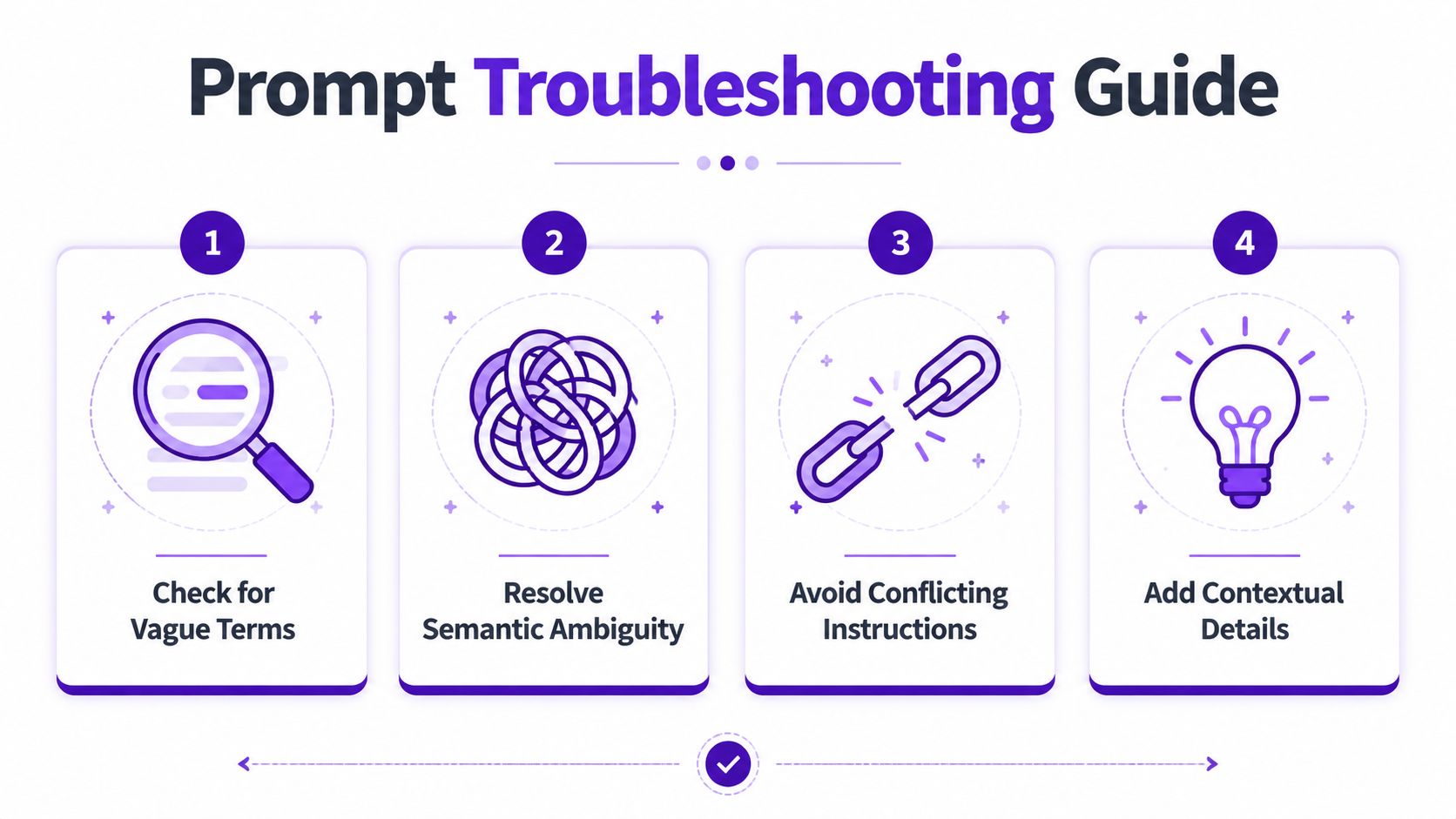
Start by classifying the error, then change one variable at a time:
Complex scenes work better when staged in parts. Establish the main character first, then build the environment, using references or editing tools when starryai supports them. For groups, specify depth, positions, and camera view. “Three people in a café” lists subjects; “two friends seated at a window table, barista in the background, eye-level medium shot, hands visible on the table” describes an image.
Prompt difficulty can also be assessed before generation. The PQPP benchmark uses over 10,000 manually annotated queries to evaluate generation and retrieval performance, offering a method for pre-scoring difficult prompts and directing ambiguous inputs to stronger models or rewriting workflows. Its methodology is described in the PQPP benchmark paper.
Rare concepts need concrete visual descriptors and, where permitted, a reference image. Extra adjectives cannot supply knowledge the model lacks. After several failed iterations, switch models or simplify the representation instead of spending more credits on near-identical prompts. Record the wording, change, and result so successful fixes remain reproducible.
Style determines composition, color behavior, surface texture, and emotional signal, making it a structural choice rather than a final polish. A single subject can read as trustworthy documentary photography, playful flat illustration, or fantastical painterly concept art.
| Direction | Visual effect | Useful for |
|---|---|---|
| Photorealistic | Natural materials, recognizable lighting, grounded detail | Product concepts, portraits, realistic scenes |
| Cinematic | Dramatic contrast, deliberate framing, stronger atmosphere | Campaign imagery, trailers, narrative posts |
| Anime | Stylized features, expressive poses, graphic color | Avatars, fandom content, character concepts |
| Watercolor | Soft edges, paper texture, restrained detail | Literary projects, stationery, gentle editorial work |
| Flat vector illustration | Clean shapes, limited palettes, readable silhouettes | Icons, explainers, simple merch designs |
starryai's built-in style presets can produce sharply different results from the same subject description. Treat the preset as a visual constraint, not a decorative button. It influences how the generator interprets lighting, edges, detail, and mood, so test the same base prompt before rewriting the wording.
For an indie book cover, a controlled palette and deliberate negative space must survive the preset's composition choices. An Etsy design needs a silhouette that remains readable at thumbnail size, while a gaming avatar needs a clear face, strong color separation, and a crop-safe pose. The most attractive preset in a full-size preview may fail once the asset is reduced or placed beside text.
Social content also demands quick recognition, but “viral” aesthetics do not describe one reliable style. A glossy selfie transformation, dreamy seasonal portrait, and retro gaming character rely on different palettes, lighting setups, and surface treatments. Specify those choices instead of asking for “TikTok style,” which leaves too much room for interpretation.
A practical starryai test uses one base prompt and several presets:
Keep the subject, camera view, and scene arrangement stable while changing the preset. Compare where each version places the focal point, how it handles the brightest area, and whether its texture survives cropping. Record the preset, prompt wording, and useful defects. A strange shadow or overly busy background can reveal a constraint to correct in the next iteration.
Creators who publish repeatedly should connect asset production with release planning. An artist social media scheduling workflow can organize variations, captions, and platform timing, but consistent visual direction still comes from a small, reusable style vocabulary.
Choose the style your audience can recognize quickly, then repeat its defining traits across related assets. A coherent series gives viewers a clearer sense of what belongs together than unrelated experiments, even when individual images look impressive.
The assumption that “I wrote the prompt, so I own the image” is unsafe. The U.S. Copyright Office's 2025 guidance says AI-generated output can be copyrightable when a human contributes sufficient expressive elements, but prompting alone isn't enough. Human editing or creative arrangement may qualify, depending on the work and the contribution.
That distinction matters to indie authors, Etsy sellers, and marketers. A platform may permit commercial use under its terms while copyright law still leaves uncertainty about exclusive protection or enforceability. The global picture also remains unsettled, with the U.S. Copyright Office report on generative AI addressing the human contribution standard and international uncertainty.
Keep records of your prompts, source sketches, reference assets, edits, and compositing decisions. Add meaningful human-created elements in an editor, especially when the image will support a product, book, advertisement, or brand identity. Review the generator's current terms before commercial publication because licensing, public visibility, training use, and paid-plan requirements can differ.
Training data creates another layer of uncertainty. A 2025 Berkeley legal analysis explains that generative image datasets may include scraped copyrighted and public-domain images, captions, or labels, and that datasets can themselves qualify as copyrighted compilations. The Berkeley analysis of AI generation and training data makes provenance a product and business concern, not merely a technical detail.
The EU approach also varies by exception and institution. The Copyright Office's generative AI training report explains that the EU's 2019 DSM Directive includes text-and-data-mining exceptions, with Article 3 limited to research organisations and cultural heritage institutions for scientific research. If you publish synthetic media in the EU, pay attention to disclosure requirements too. The European Commission says certain generated or manipulated content must carry visible labels and machine-readable marks, with rules applying to systems entering the EU market from 2 August 2026 and existing systems receiving an additional four months to comply, according to its AI transparency update.
For a practical commercial-use checklist focused on generated artwork, review starryai's commercial-use rights guidance before you publish or sell.
starryai turns written prompts into AI artwork and provides tools for generating variations, remixing, retouching, upscaling, downloading, and sharing. Try starryai with a specific visual brief, preserve the strongest composition, and build your final image through focused iterations rather than random prompt changes.


.svg)