

Written by Mo Kahn on
September 5, 2026


You're ready to post, but the visual still isn't. Maybe the TikTok needs a fast trend image, a readable cover slide, a vertical background, a recurring character, or a polished branded graphic. Those jobs look similar in a content calendar, yet they demand very different tools.
The best AI image generator for TikTok depends on the result you need, your tolerance for prompt iteration, how quickly you want to move from image to post, and whether the tool's credit model fits your publishing volume. It also depends on whether you need selfie editing, typography, brand controls, cinematic style, or consistent characters across a series.
This comparison evaluates each generator by the TikTok job it handles best, then connects that choice to a practical image-to-post workflow. starryai leads for simplicity-first experimentation, especially when you want to turn a selfie, emoji, or short prompt into a social-ready visual without a complicated setup.
starryai is the strongest starting point when the goal is fast social experimentation rather than maximum technical control. Its mobile-first workflow turns selfies, emojis, and text prompts into polished, dream-like images, so it suits creators who want to test a visual idea and move straight into a TikTok edit.
The app offers daily free images without watermarks and an immediate sign-up bonus of 5 lumens for 25 AI images, according to the product information provided for this comparison. Its library includes 1,000+ styles and models, with built-in tools for upscaling, background removal, and image enhancement. Creators can use those outputs for avatars, book covers, merch, character concepts, and transformation posts.
The practical advantage is low friction. You don't need to understand model settings before producing something usable, and the mobile workflow suits trend participation, selfie glow-ups, and visual experiments that need to happen quickly.
Start with a portrait or a concise transformation prompt. Generate several variations, choose the image with the clearest silhouette and strongest facial result, then use the in-app enhancement or background removal tools before importing it into your TikTok editor. For a reveal format, make the original image the first beat and the generated result the payoff.
Practical rule: Choose the image that creates the strongest contrast between the opening frame and the reveal, not necessarily the one with the most elaborate detail.
starryai states that creators retain full ownership and commercial rights for images they create, which makes it relevant to indie authors, Etsy sellers, gamers, and social media managers. Its advertised social proof includes a 4.7/5 rating across approximately 40,000 reviews, while heavy users should still review the current starryai pricing options because the lumen system can become a constraint for high-volume production.
For trend-specific inspiration, the TikTok glow-up transformation guide is a useful companion to the generator. starryai is especially effective when you want a polished result quickly, but perfect repeatability still requires prompt iteration. Generated faces, accessories, and small details can vary between attempts.
CapCut is the practical choice when the image is only one part of the TikTok and you don't want to move between separate apps. Its Dreamina and AI image tools support text-to-image and image-to-image generation, while the same mobile environment handles vertical editing, captions, transitions, and publishing.
That combination makes CapCut particularly useful for trend-hopping. Generate a background or cover, place it on the timeline, add a voiceover or existing footage, and export without rebuilding the project elsewhere. TikTok account linking supports direct publishing and draft synchronization on mobile, which keeps the image-to-video-to-post path compact.
Use it for quick thumbnails, cover slides, cutaway images, and visual posts that need immediate editing. Its extra AI utilities include Text-to-Design, inpainting, background replacement, and upscaling, so you can fix an asset without opening a separate editor.
The trade-off is control. Specialist image-generation platforms generally expose more granular model and style choices, while CapCut prioritizes speed and a complete editing workflow. Some users also encounter occasional AI watermarks on generated assets depending on the version or settings, so check the export before publishing.
A practical workflow is to generate several vertical concepts, select one with enough negative space for on-screen text, then build the complete TikTok in CapCut. The tool works best when your creative decision is, “I need this image inside a post now,” rather than, “I need to tune every generation parameter.”
For a closer look at the relationship between the editor and its AI tools, see this guide to AI features in CapCut.
Remini is built for the moment when the creator is already holding the raw material, usually a selfie, and wants a transformation that reads instantly on a phone screen. Its AI Photos presets, enhancement tools, upscaling, background editing, and rotating style packs make it a natural fit for face-centric TikTok formats.
The strongest use case is a before-and-after hook. Start with the unedited selfie, show a short reaction or prompt on screen, then reveal the Remini result with a beat change. Baby-style transformations, glow-ups, avatars, and portrait restyling all work because the viewer understands the input immediately.
Remini keeps the workflow simple, but that simplicity means less control over the exact visual direction. Style presets can change by app version or region, and a feature available in one account may not appear in another. Web and mobile subscriptions are also separate, so check where you plan to create before paying.
The app is better for fast participation in a recognizable selfie trend than for building a carefully controlled character universe. If you need a repeatable protagonist, fixed costume, or precise environment across many posts, a more control-oriented generator will be easier to manage.
Keep the first frame clean. A close-up original selfie, a short text hook, and a visually distinct reveal usually communicate more effectively than a crowded collage. The related guide to the best AI selfie generators can help when you're comparing portrait-first workflows.
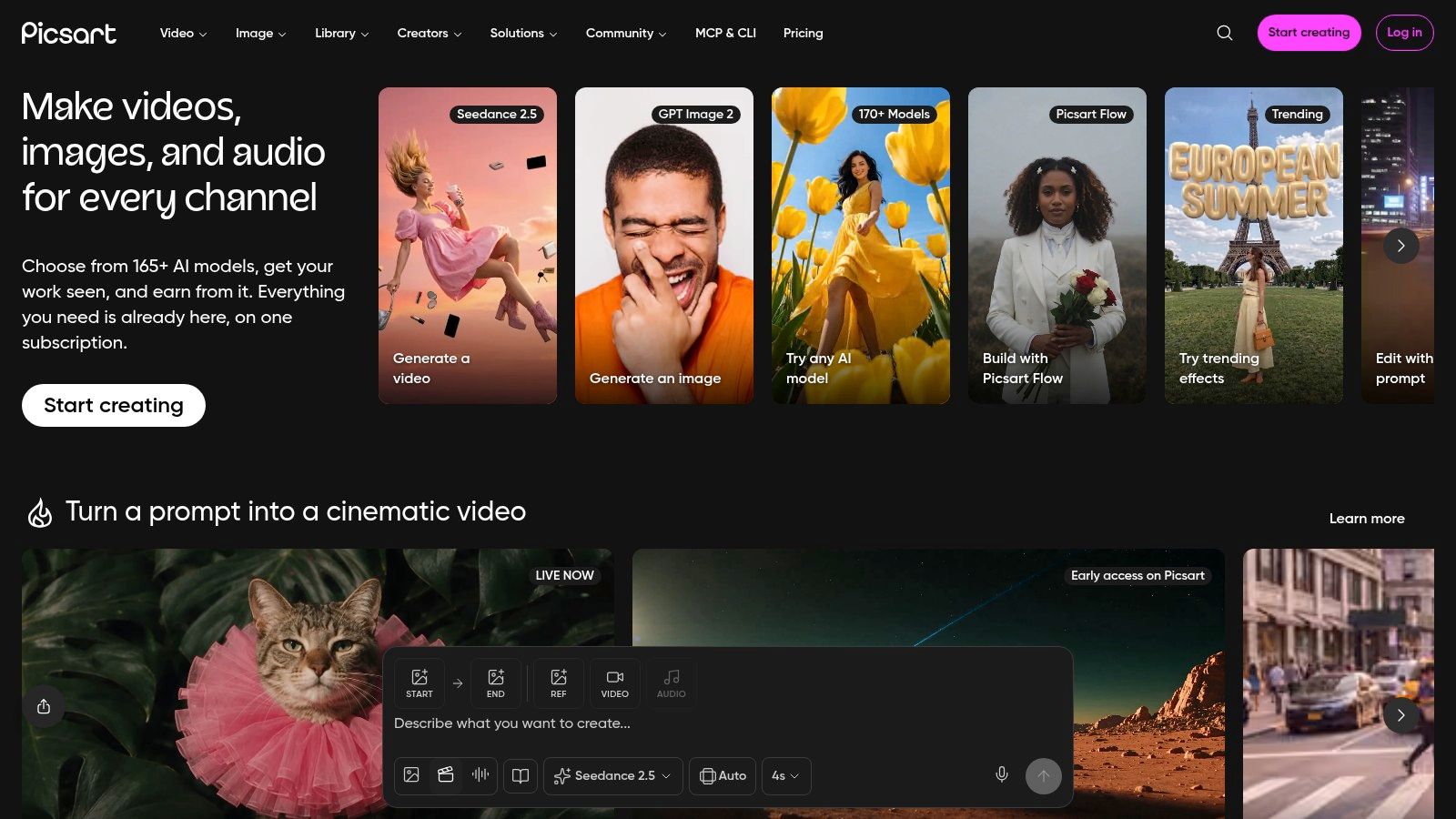
Picsart combines AI generation with templates, resizing, stickers, object editing, and video tools, making it a useful middle ground between an image generator and a social design suite. It works especially well for TikTok covers, branded stickers, product visuals, and vertical posts that need several design elements layered together.
Its text-to-image and AI logo tools can produce the starting asset, while background and object editing help adapt that asset for a specific post. TikTok-sized templates and vertical video templates reduce the amount of manual layout work, and Flow supports more automated vertical content production.
Picsart makes sense when the image isn't the final deliverable. You might generate a product scene, remove an unwanted object, place the result into a recurring cover template, then export a version for a video and another for a carousel. That kind of repetition is where a broader creator suite earns its place.
The downside is the credit model. AI usage sits inside subscription plans, and allowances and pricing can vary, so review the current plan details before building a high-volume workflow. Prompt controls are also simpler than those on platforms designed primarily for advanced image generation.
Use Picsart when brand consistency depends more on layout, logos, stickers, and reusable templates than on fine-grained image-model control. It's a strong choice for social teams that need to turn one generated asset into multiple vertical variations quickly.
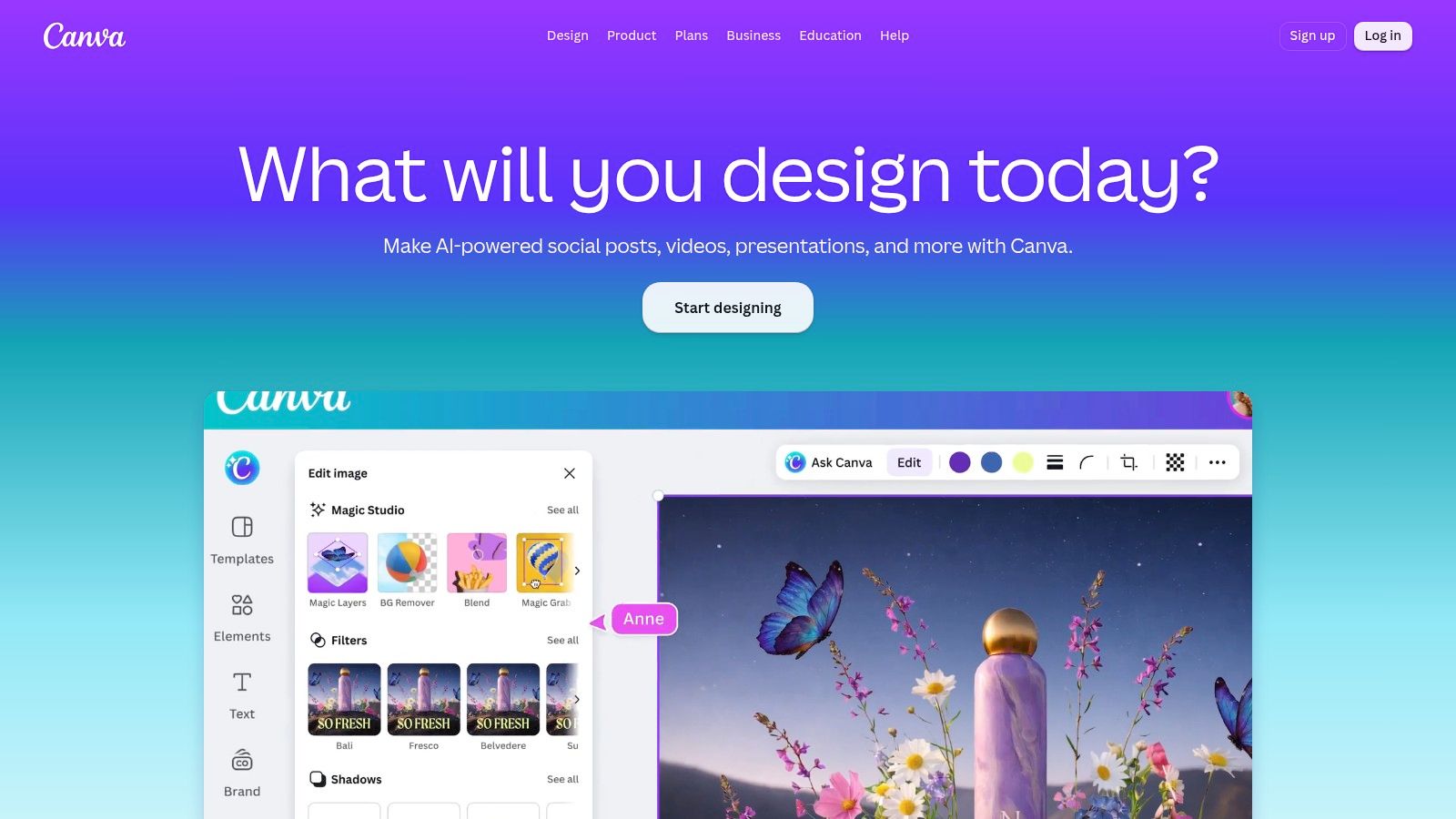
Canva Magic Media is the practical option for social managers who already work inside Canva and need generated visuals to obey a recognizable brand system. Text-to-image lives inside the broader editor, so you can create an image, apply brand assets, add captions and overlays, and export a TikTok-ready design without changing platforms.
The generator is most useful for cover slides, carousel pages, background textures, product announcement graphics, and repeatable layouts. Canva's template ecosystem helps teams standardize typography, spacing, colors, and calls to action across a content calendar.
A workable Canva process starts with a prompt that leaves room for headline placement. After generation, move the image into a saved vertical template, add the brand font and logo, check the safe area around interface elements, and export the completed design. This is less about creating a singular artistic image and more about producing an asset that fits a publishing system.
Image quality and consistency can vary compared with specialist generators. Generative credits are also allocated by plan, and those limits differ across plans, so frequent experimentation can require closer monitoring.
Canva is a good fit when multiple people need to edit the same visual language. It's less compelling when the central requirement is cinematic realism, complex character consistency, or deep prompt control.
Adobe Firefly suits branded TikTok work that needs to sit inside an existing Adobe workflow. Text-to-image generation connects with Adobe Express, Photoshop, and Illustrator, allowing a creator to move from concept to cleanup, compositing, and social export with professional editing tools available along the way.
Its commercial-use orientation, Content Credentials tagging, and Adobe ecosystem integration are useful for marketing teams that need more than a quick trend image. A typical workflow might involve generating a background in Firefly, refining the subject in Photoshop, assembling a vertical layout in Express, and exporting a campaign variation for TikTok.
Firefly's value is workflow continuity and a stronger emphasis on commercial-safety considerations. Adobe also reports that Firefly has produced 24 billion assets, a figure included in independent industry reporting on AI image generation market data. That figure signals broad usage, but it doesn't remove the need for a human review of recognizable people, logos, claims, and product accuracy.
Credit accounting can be complicated across Adobe plans, Firefly-specific plans, and add-ons. Premium features can consume more credits, so teams should test the exact workflow before estimating production capacity.
Firefly is a strong choice for branded work requiring Adobe editing and provenance features. For a creator who wants a fast selfie transformation, its setup may feel heavier than necessary.
Midjourney is the style-first pick for TikTok visuals that need to stop the scroll through atmosphere, composition, and cinematic character design. It works particularly well for story beats, fantasy scenes, dramatic thumbnails, imaginary worlds, and aesthetic series where the image itself carries much of the narrative.
The platform offers subscription tiers with different fast-hour and queue-priority arrangements, along with upscaling, variations, and stylistic controls. Its community also gives creators a large pool of prompt ideas and visual references to study.
A useful TikTok workflow is to generate a sequence of related frames rather than one isolated picture. For example, create an opening scene, a reveal scene, and a final close-up, then add motion, captions, or narration in a video editor. Midjourney gives you compelling raw material, but the TikTok-native pacing still has to be built elsewhere.
The main friction is access and workflow familiarity. Full access requires a paid subscription, and creators coming from mobile-first apps may find the Discord-first process or web interface less immediate. It can also take more prompt iteration to achieve the exact subject, pose, and continuity required for a multi-frame post.
Choose Midjourney for cinematic storytelling, not for the fastest route from selfie to upload. Its strongest contribution is a distinctive visual identity that can make a recurring series feel authored rather than templated.
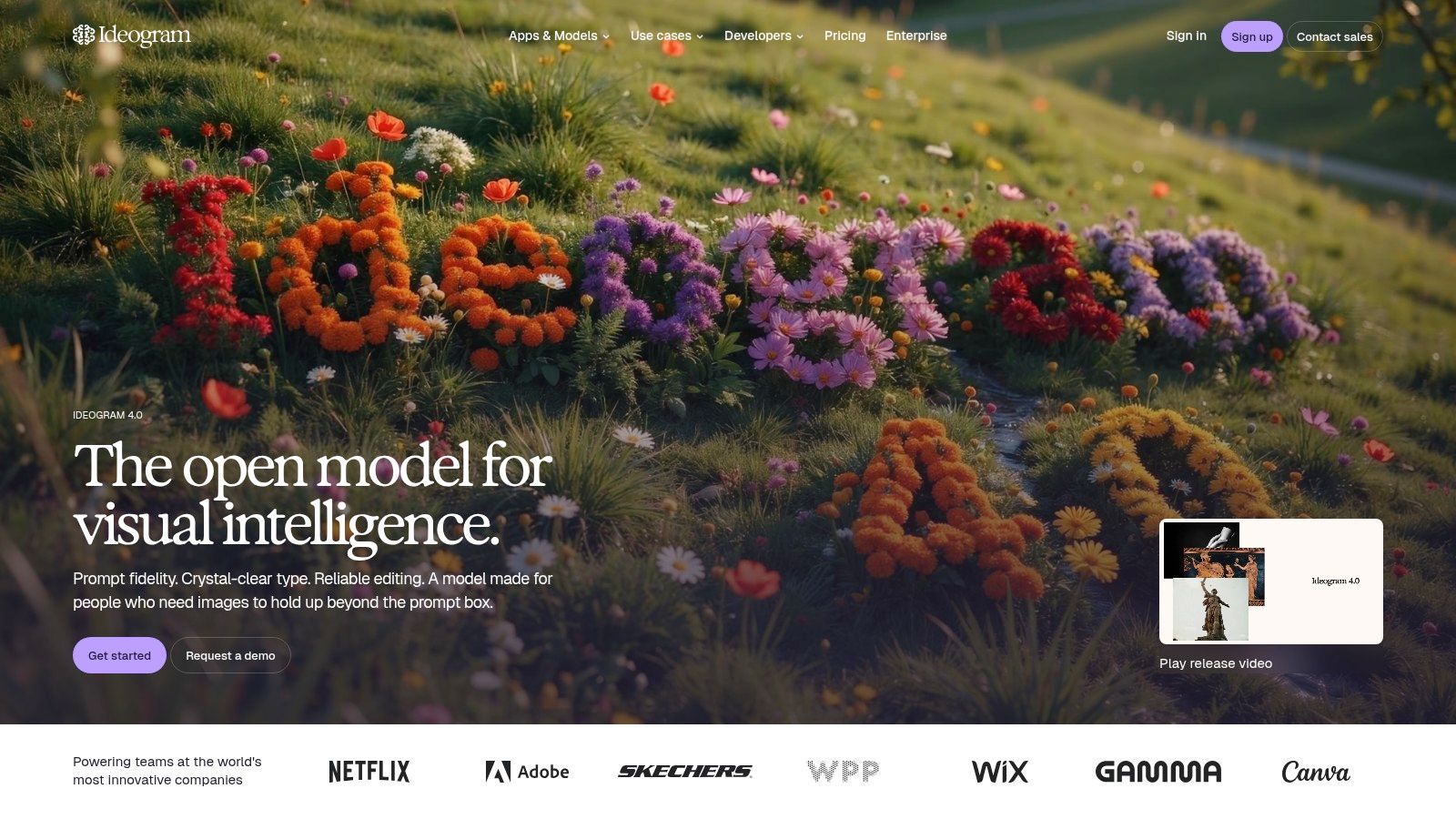
Ideogram is the specialist to reach when words inside the image matter. TikTok cover slides, meme formats, quote graphics, merch concepts, and announcement cards often fail because the generated lettering is distorted or unreadable. Ideogram focuses on typography and layout, giving it a practical advantage for designs where the headline is part of the visual.
Its feature set includes stronger in-image text handling, layout controls, batch generation, and paid priority credits. Model 4.0 adds bounding-box layout options, which can help position text and visual elements more deliberately.
Write the exact cover wording in the prompt, then inspect every letter at phone size. Don't assume an attractive composition will remain legible once TikTok compresses the image or places interface elements over it. Generate alternatives with shorter headlines, stronger contrast, and clear separation between the subject and text.
Ideogram provides commercial-use guidance and user rights information for outputs, but creators should still review brand names, likenesses, and third-party intellectual property before publishing. Some editing functions and faster generation require priority credits, while free queue access can be slower.
Ideogram is not the universal best generator for cinematic scenes or selfie transformations. It earns its place when typography is a functional requirement, not a decorative afterthought.
Leonardo.Ai is suited to creators who need a visual system that can continue across episodes. Its broad model selection, style presets, control tools, upscalers, and fine-tuning options make it useful for recurring characters, product scenes, game assets, and stylized series.
The central benefit is control without requiring several separate platforms. Creators can test different models, adjust a visual direction, and use tools such as control nets and upscaling while keeping the project inside one workspace.
Start by defining a character sheet in words: age range, clothing, hair, palette, props, expression, and setting. Use reference images where available, then keep the prompt structure consistent across scenes. Generate a batch, select the frames with the closest identity, and finish the TikTok in an editor with captions and movement.
Leonardo uses tokens, with token banks and rollover available on some plans. The token math and plan transitions, including changes involving PAYG API access, can be confusing, and pricing mechanics have changed historically. Check the current plan before committing a production series.
This tool is more involved than a one-tap mobile generator, but that extra setup pays off when a TikTok account depends on recognizable recurring visuals. It's a better fit for series-based content than for a single trend post made under time pressure.
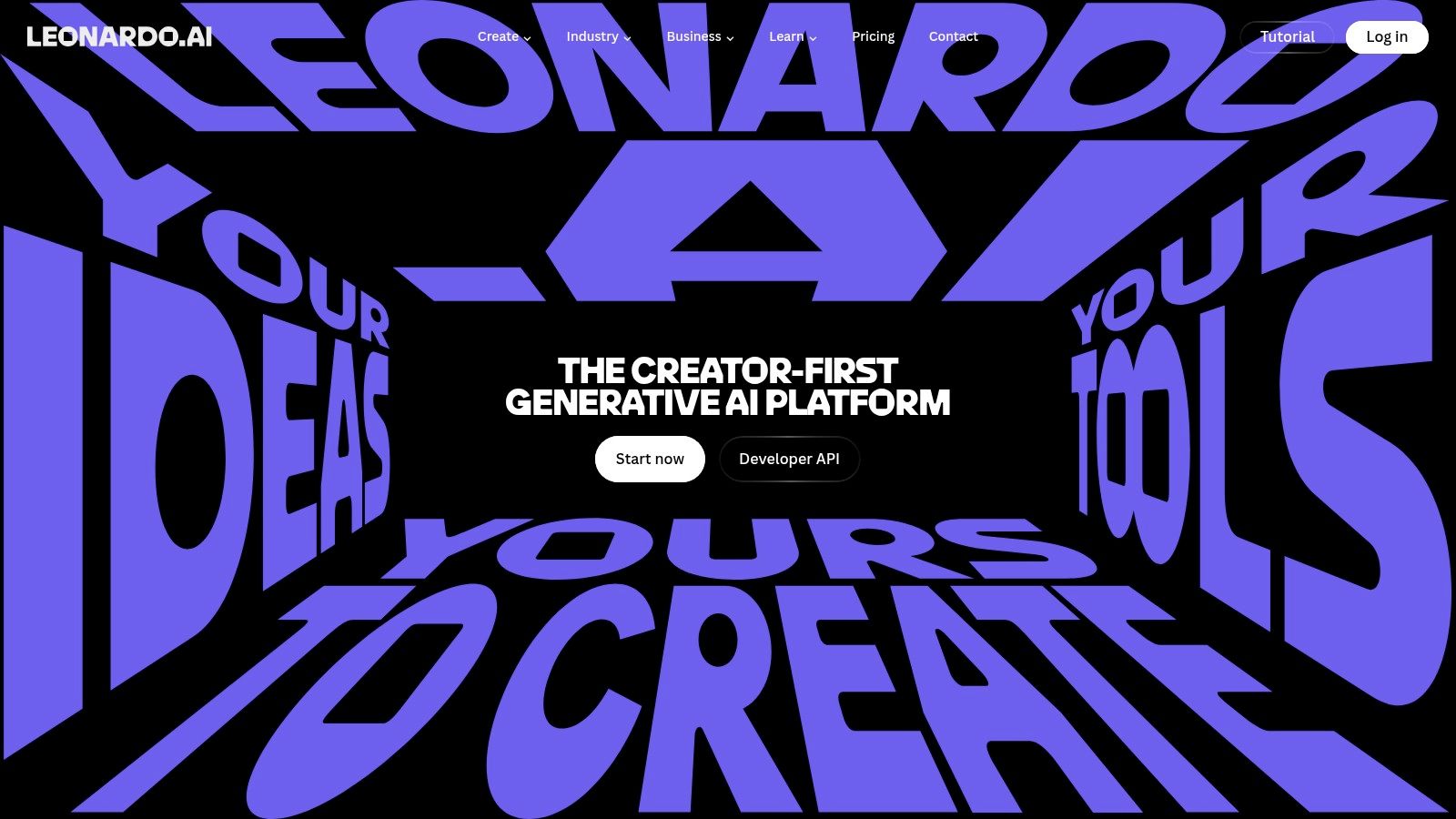
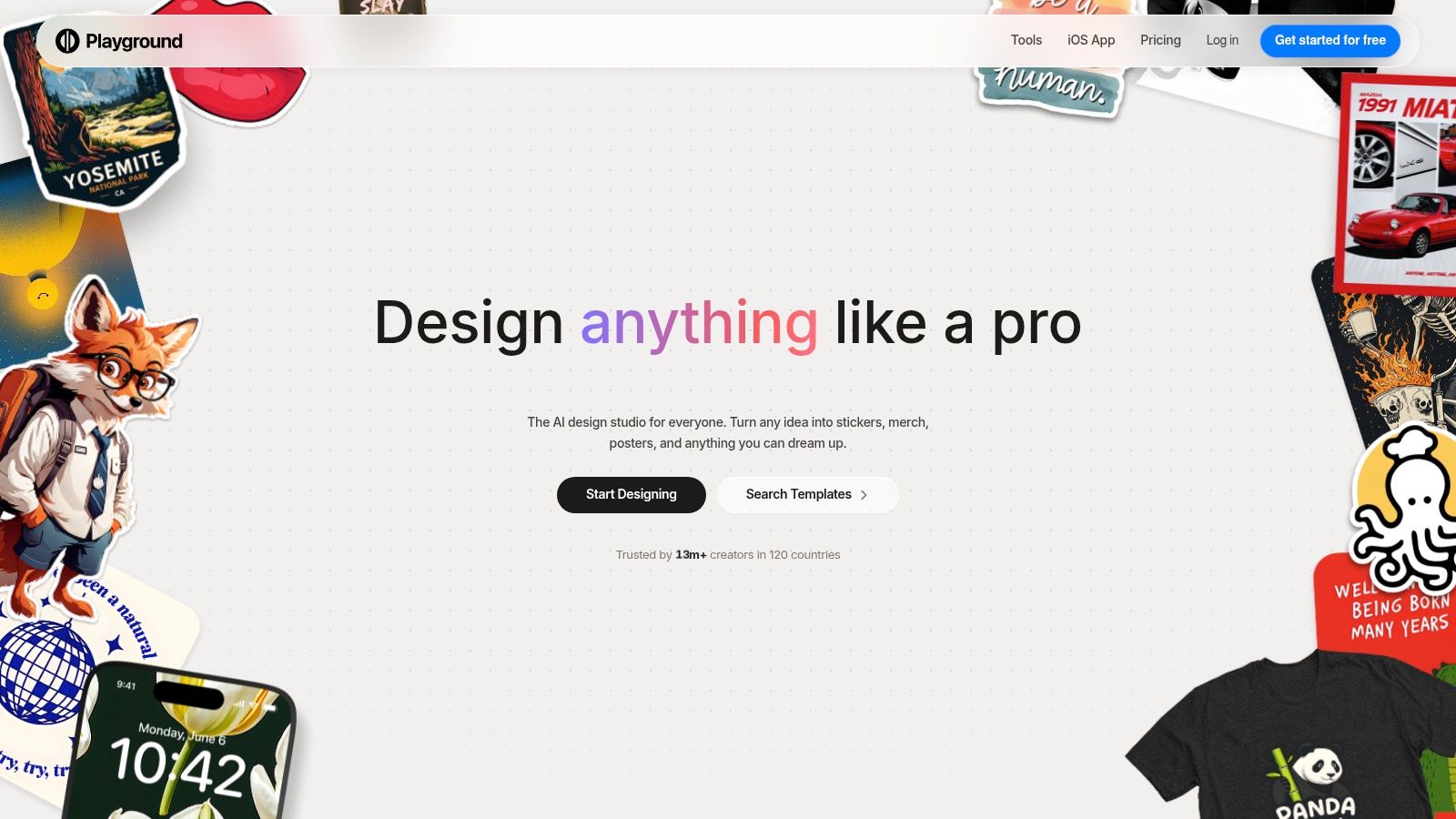
Playground is a low-friction web sandbox for creators who want to compare styles, try multiple models, and add AI elements before finishing a TikTok elsewhere. Its simple editing tools make it useful for ideation, character batches, background concepts, and quick visual experiments.
The platform provides multiple model options, in-app editing, download allowances, and clear quotas across free and paid plans. That transparency helps when you're testing whether a new visual format deserves a place in your content schedule.
A good Playground workflow is deliberately experimental. Generate several interpretations of the same concept, compare composition and color, save the strongest direction, then recreate or refine the final asset in the tool that best supports your publishing needs.
The limitation is that model availability and free allowances can change. There's no unlimited usage, and plan or model access can shift, so verify the current limits before depending on Playground for a scheduled campaign.
Playground works best as a creative sandbox rather than a complete TikTok production environment. It helps you discover a direction quickly, but you'll usually need another editor for final typography, motion, captions, and publishing.
| Product | Core features | UX & Quality | Price / Value | Target audience | Unique selling point |
|---|---|---|---|---|---|
| starryai 🏆 | Selfie/text/emoji → images; 1,000+ styles; upscaler & bg removal | ★4.7 / 5 (~40k reviews), fast, mobile-first | 💰 Daily free images (no watermark); lumen credits; sign-up bonus | 👥 Creators, indie authors, Etsy sellers, social managers, gamers | ✨ Full ownership & commercial rights; instant viral-ready styles |
| CapCut (Dreamina + AI tools) | Text→image & image→image; inpainting; TikTok publishing | ★★★★, seamless image→video pipeline | 💰 Free app; some AI limits; occasional watermarks reported | 👥 TikTok creators, short-form editors | ✨ Direct TikTok integration & in-app editor |
| Remini | Portrait style presets; enhance & upscale; background edits | ★★★, ultra-simple selfie glow-ups | 💰 Freemium; separate web/mobile subscriptions | 👥 Casual users, selfie trend creators | ✨ Quick, face-centric viral transformations |
| Picsart AI Image Generator | Text→image; templates; background & object editing | ★★★★, creator suite with templates & flows | 💰 Subscription with credit-based AI usage | 👥 Social creators, editors, sticker makers | ✨ TikTok-sized templates & automated vertical workflows |
| Canva Magic Media | Text→image inside full editor; TikTok exports; templates | ★★★★, design-first, consistent layouts | 💰 Generative credits by plan; freemium tiers | 👥 Social managers, brand teams | ✨ End-to-end branded templates & exports |
| Adobe Firefly | Text→image; Content Credentials; CC app integrations | ★★★★, pro-grade, brand-safe workflows | 💰 Credits across Adobe plans; enterprise options | 👥 Agencies, brands, pro designers | ✨ Content Credentials & Adobe ecosystem |
| Midjourney | Style-forward generation; upscaler; variation tools | ★★★★★, cinematic, standout outputs | 💰 Paid subscriptions with priority queues | 👥 Artists, creators seeking high-impact visuals | ✨ Consistently striking aesthetics & active community prompts |
| Ideogram | Strong in-image typography; layout & bounding-box controls | ★★★★, excels at readable text in images | 💰 Free queue + paid priority credits | 👥 Marketers, merch designers, meme creators | ✨ Superior typography and clean layout controls |
| Leonardo.Ai | Wide model selection; upscalers; token-based generation | ★★★★, balanced quality & control | 💰 Token plans (rollover on some tiers); complex pricing | 👥 Series creators, character artists | ✨ Centralized access to many models & fine-tuning tools |
| Playground (Playground AI) | Multiple model options; simple editing; exports | ★★★, low-friction sandbox for iteration | 💰 Freemium with quotas, day-passes & subscriptions | 👥 Experimenters, rapid ideation users | ✨ Quick model comparison and fast prototyping |
The right choice becomes clearer when you start with the post rather than the platform. starryai is the fastest fit for simple, social-first experimentation, especially selfies, emojis, trend visuals, avatars, and dream-like transformations. It also supports a wider creative range when the same account produces book concepts, merch art, or character ideas.
Choose CapCut when generation and TikTok editing need to stay together. It's the most practical route for creating an image, placing it into a vertical edit, adding captions and sound, and moving toward publication without unnecessary tool switching.
For selfie transformations, Remini is the more focused option. It reduces the distance between an original portrait and a recognizable before-and-after reveal. Picsart and Canva are better for template-led design, where the final asset needs logos, brand colors, text overlays, stickers, or repeatable layouts.
Adobe Firefly makes more sense for Adobe-centered branded work, especially when the team needs professional editing and provenance-oriented features. Midjourney is the stronger choice for cinematic style and dramatic story frames. Ideogram should be near the top of the list when readable text is the central requirement. Leonardo.Ai is the better fit for consistent character series and controlled visual worlds. Playground is the broad experimentation option when you're still deciding what visual direction deserves production time.
TikTok's scale explains why these workflows matter. Estimates for 2026 place its global monthly active audience at about 1.59 billion, while other estimates place it near 1.9 billion monthly active users or above 2 billion adults reachable through ads, according to TikTok audience estimates for 2026. A visual can travel widely, but reach doesn't excuse weak disclosure, misleading edits, or careless use of real people.
TikTok also said it would automatically label AI-generated images and videos uploaded to the platform using Content Credentials, including media created outside TikTok, according to Reuters' report on TikTok's labeling approach. That doesn't replace your own disclosure decision. If the image could confuse viewers about whether a person, event, product result, or location is real, label it clearly and review the post before publishing.
If portrait work is your priority, compare these options with the best headshot tools from AiHeadshots. The strongest workflow isn't the one with the most features. It's the one that produces a clear visual, preserves trust, fits your credit budget, and gets from concept to a finished TikTok without unnecessary friction.
starryai turns selfies, text prompts, and emojis into polished visuals quickly, with social-friendly styles, enhancement tools, and commercial rights for images you create. Visit starryai to test a simpler AI image generator for TikTok and start building your next transformation, cover, character, or branded visual.


.svg)