

Written by Mo Kahn on
September 28, 2026


A caption can feel unfinished when emojis land at the end as random decoration. Choose the right combination, though, and the symbols establish color, mood, and visual rhythm before anyone reads the sentence. That's the practical value of aesthetic emojis: curated symbols, pairings, and layouts chosen to support a specific style instead of decorating by default.
The best approach depends on what you're making. Some options are quick copy-and-paste combinations for messages and stories. Others give you licensed or open-source assets for brand systems, while custom generation works better when you need a finished image, sticker, cover, or social graphic. The seven tools below move from instant emoji mashups to reusable libraries and custom visuals made with starryai.
starryai is the strongest choice when your emoji mood needs to become more than a line of symbols. You can start with an emoji concept, a text prompt, or a selfie, then turn that idea into a polished visual for a post, profile graphic, sticker, character concept, book cover direction, or product mockup. It's built for fast experimentation, which matters when a trend has a short lifespan and manual editing would slow you down.
The practical advantage is control over the whole mood, not just the icon. A prompt such as “✨🫧🤍, dreamy translucent bubble aesthetic, soft pearl white and lavender, glossy 3D emoji-inspired objects, clean centered composition, vertical social post” gives you a starting point for color, material, lighting, and layout. You can then iterate toward a softer pastel result, a darker gothic version, or a more editorial graphic.
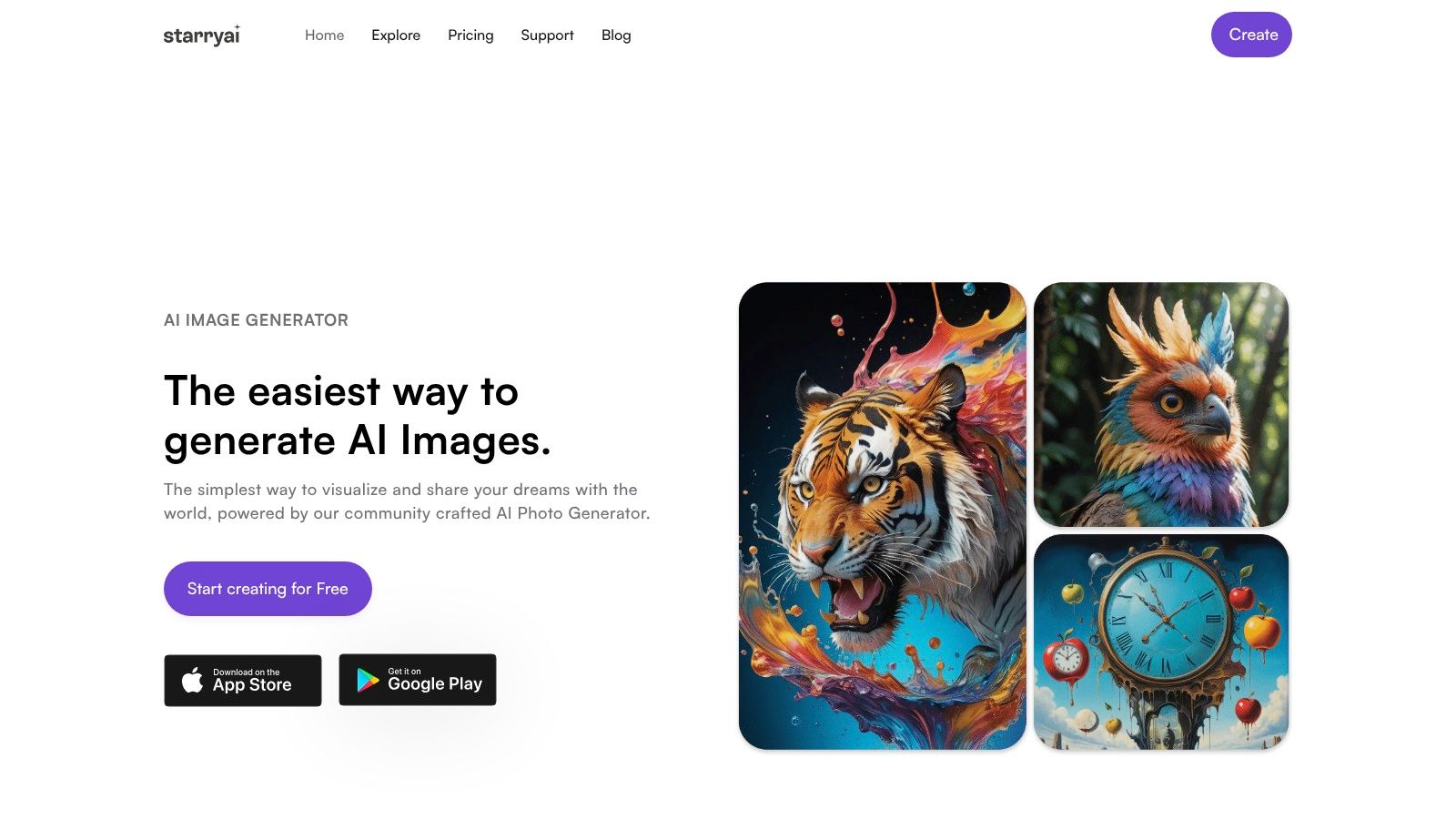
The platform combines image generation with practical editing tools, including upscaling, background removal, and image enhancement. It offers 1,000+ styles and models, spanning illustration, anime, headshots, interiors, AI painting, and other visual directions. The free experience includes daily images without watermarks, and sign-up provides 5 lumens, equal to 25 AI images, so you can test a concept before committing to a larger workflow.
Ownership and commercial use also matter. starryai says creations are yours and cleared for commercial use, which makes the tool more suitable for merch, covers, paid social work, and side-hustle products than an informal screenshot of a third-party sticker. The trade-off is that free credits are limited for heavy production, and generated details can vary. Pixel-perfect work may still need several prompt iterations or manual refinement.
Practical rule: Use emojis as the semantic brief, then describe the material, palette, composition, and format separately.
For a more direct workflow, use the custom emoji creation guide. A useful starting prompt is “🥀🖤🕯️, romantic gothic emoji-inspired emblem, black velvet texture, muted burgundy accents, delicate silver highlights, isolated transparent-style background, square social avatar.” If you want a sticker rather than a full composition, move from the mood to a bold silhouette, limited palette, and clean outline.
Pros
Visit starryai when a copy-and-paste emoji combination needs to become a distinctive visual asset.
Gboard's Emoji Kitchen is the quickest route from a normal emoji to a playful mashup. On Android, you combine two emojis and receive a stylized sticker that often feels more expressive than either symbol alone. Pair a heart with a dark or unusual object for a gothic variation, combine sparkle with a face for a soft reaction, or use contrasting symbols to create the visual tension that performs well in casual posts.
The tool is especially useful for messages, comments, TikTok replies, Instagram stories, and quick social experiments. Google's designers create thousands of handcrafted mashup stickers, and the collection receives updates that reflect current emoji sets and trends. Because the result is designed for immediate sharing, you don't need a separate editing app or a design background.
The limitation is production control. Creation is tied to Gboard on Android, while iOS users can view stickers they receive but can't create them within Gboard. The outputs are raster stickers rather than vector artwork, so they're a poor fit for large prints, detailed merch, or a brand asset library.
For creators who want to build on a mashup idea, save the sticker as a mood reference and then use an AI sticker maker to develop a cleaner, more original design. Keep the original pairing's emotional signal, but specify outline thickness, background, palette, and intended placement.
Best use: fast, informal combinations where novelty matters more than asset control.
JoyPixels suits teams that need one polished emoji language across a campaign. Its glossy, cohesive look is easier to manage than a collection of screenshots pulled from different devices. The library is available in PNG, SVG, and webfont formats, so a designer can use the same visual system in social graphics, interface elements, web pages, and print layouts.
The biggest advantage is consistency. Native emoji rendering changes by operating system, browser, and app. A brand that relies on a recognizable visual identity shouldn't assume that a symbol will look identical everywhere. JoyPixels gives the team a defined asset style and licensing options for digital products, marketing, and merchandise.
SVG files are the important differentiator for large-format work. You can scale an icon for packaging, posters, or a display graphic without treating a small raster sticker as if it were production artwork. The cohesive finish also helps when a campaign uses many symbols, because the icons look like parts of one system rather than unrelated downloads.
The cost is licensing complexity. Most commercial uses require paid plans, and larger organizations may need to examine enterprise terms, permissions, and indemnity requirements before publishing. That extra diligence is worthwhile when a brand needs defensible asset ownership, but it's unnecessary for a casual private message.
For a more bespoke campaign, use JoyPixels as a reference for icon consistency, then explore an AI icon generator for original supporting graphics. Keep the visual language coherent by repeating the same line weight, color family, and corner treatment.
Best use: brand-safe marketing, apps, product interfaces, and merchandise where consistent rendering matters.
Microsoft Fluent Emoji offers a soft, dimensional look that works well when flat symbols feel too plain. The set includes both 2D and 3D assets, with broad Unicode coverage and SVG and PNG files suited to web layouts, thumbnails, motion graphics, and social overlays. Its clay-like depth gives ordinary reactions a more tactile presence.
This isn't a keyboard-based mashup tool. You download assets from the official GitHub repository and integrate them into a design, animation, interface, or editing workflow. That extra step makes Fluent Emoji slower than Emoji Kitchen for a quick reply, but it gives creators more control over placement, scale, layering, and export.
The repository publishes the assets under the MIT license, with the required license notice. That makes the set practical for commercial projects, provided the implementation follows the license terms. Developers can bake the images into an interface or video so the appearance stays consistent instead of allowing each platform to substitute its native emoji design.
That distinction matters for social publishing. If you type a native emoji into a caption, the audience's device may render a different version. If you place a Fluent asset inside the exported image, you control the appearance. The trade-off is that the asset pack requires design integration, and native text fields may still render platform-specific emoji.
A custom image preserves the mood better than a typed symbol when the visual itself is part of the message.
Best use: thumbnails, motion graphics, overlays, and commercial designs that need a soft 3D signature.
Noto Emoji is a useful foundation for creators who want a clean, Google-style visual system without starting from a proprietary library. The project includes color and monochrome emoji, source SVG and PNG assets, metadata, and a font workflow. That combination makes it suitable for apps, websites, overlays, educational materials, and internal brand systems.
The font approach is efficient. A developer can integrate emoji into an existing pipeline, while a designer can export selected characters as images when consistent rendering matters. The project's fonts use the SIL Open Font License, and related tooling may use Apache 2.0, so commercial teams should check the specific component and its terms before shipping.
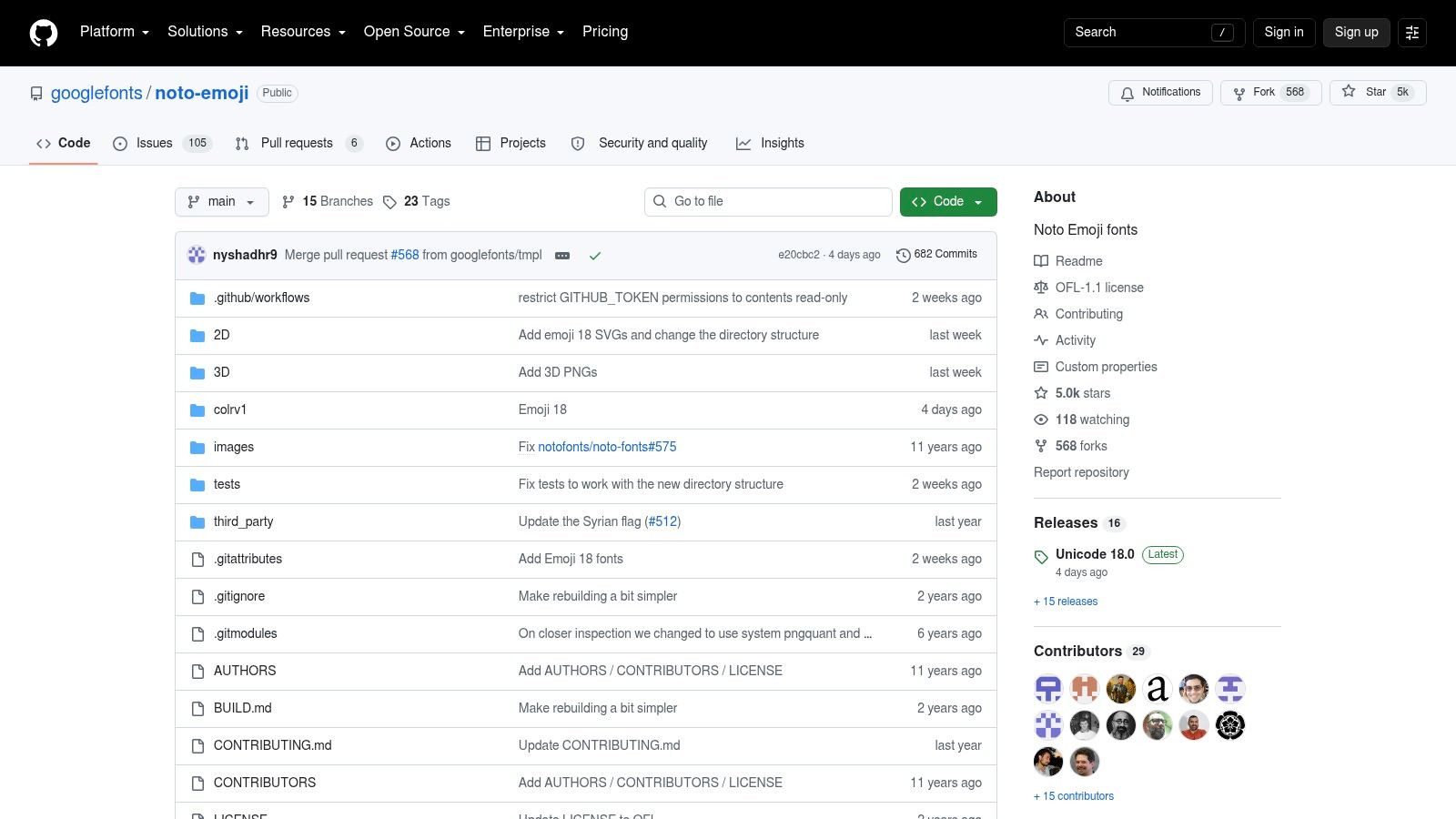
Noto Emoji isn't a generator or mashup service. You'll need to create combinations yourself, either in a design application, a web pipeline, or an image-generation workflow. Native font rendering can also vary by operating system and app. Exporting the selected symbols to PNG or SVG solves that problem when a post, presentation, or product screen needs a controlled appearance.
The set works best for a restrained aesthetic. Pair monochrome symbols with generous spacing, a limited background palette, and one accent color. For example, “☾ ✦ ♡” can become a quiet night-themed header when the symbols are treated as a composition instead of scattered across a paragraph.
Best use: clean brand systems, app interfaces, and repeatable workflows where open licensing and technical integration matter.
OpenMoji takes a flatter, more design-system-oriented approach. Its catalog is available in SVG and PNG, and the community-maintained project is useful when you want uniform assets for an indie product, academic project, poster series, or remix-heavy visual identity. The lines feel more deliberate and technical than the glossy finish of JoyPixels or the dimensional treatment of Fluent Emoji.
SVG is the practical strength. You can recolor, scale, and combine the assets without losing the clarity that makes a symbol readable. A designer can build a repeating border from small icons, create a monochrome sticker sheet, or turn a few symbols into a visual motif for a cover or event graphic.
The license deserves close attention. OpenMoji graphics use CC BY-SA 4.0, which includes attribution requirements and share-alike considerations. If you modify assets for a commercial pack or other derivative work, review whether the resulting use must carry the same licensing terms. “Open source” doesn't automatically mean “free of obligations.”
OpenMoji also integrates through NPM and CDN options, which helps developers place the assets into a product rather than manually downloading individual files. It's less suitable when your goal is a glossy, soft-focus social aesthetic, but that difference can be useful. A flatter style often reads more clearly at small sizes and gives a campaign a recognizable visual signature.
Best use: scalable flat graphics, indie branding, educational content, and remixable design systems.
Emoji.gg is the best discovery tool when standard Unicode sets don't capture a community's specific mood. Its library includes static PNGs and animated GIF emojis, with categories and tags such as Aesthetic, Pink, Goth, and Kawaii. That makes it especially relevant to Discord servers, Twitch streams, gaming communities, and social posts built around niche visual identities.
The browsing experience favors speed. You can search by theme, compare creator-made variations, and download an icon without building a full asset pipeline. Community contributions also surface looks that aren't available in mainstream emoji families, including highly specific pastel, gothic, reaction, and fandom-adjacent styles.
That variety creates the main risk. User-submitted content doesn't have one consistent quality level, and licensing varies by item. Check the creator's terms before using a download in merchandise, client work, paid advertising, or a monetized channel. A cute icon is not automatically cleared for commercial reuse.
Style consistency can also break quickly. If one server uses glossy pink icons, hand-drawn gothic reactions, and unrelated 3D faces, the set may feel assembled rather than designed. Choose a small palette, repeat a visual treatment, and reserve animated GIFs for moments where motion adds meaning instead of distracting from every message.
Best use: niche community discovery, stream reactions, Discord identity, and trend research before creating an original set.
| Item | Implementation complexity 🔄 | Resource requirements ⚡ | Expected outcomes 📊 / ⭐ | Ideal use cases 💡 | Key advantages ⭐ |
|---|---|---|---|---|---|
| starryai | Low 🔄 App/web; beginner-friendly, instant sign-up | Low ⚡ Mobile or web; daily free credits; paid for high volume | High 📊⭐ Polished, social-ready images; output quality can vary | Creators, social managers, indie authors, Etsy sellers | Fast generation, commercial rights, 1,000+ styles, upscaling |
| Gboard's Emoji Kitchen (Google) | Very low 🔄 Built into Gboard; no setup on Android | Minimal ⚡ Android device with Gboard (creation limited to Android) | Medium 📊⭐ Trendy, shareable stickers; raster-only, not print-ready | Quick messaging, stories, on-the-fly social stickers | Free, designer mashups, works directly in chat apps |
| JoyPixels | Low–Moderate 🔄 Download + license integration for products | Moderate ⚡ Paid plans for commercial use; assets in PNG/SVG/webfont | High 📊⭐ Consistent, brand-safe emoji assets suitable for print | Branding, apps, marketing, merchandise | Cohesive polished set, vector formats, clear commercial licensing |
| Microsoft Fluent Emoji | Moderate 🔄 Asset pack requiring design integration | Low ⚡ Free under MIT; needs design tools for 2D/3D use | High 📊⭐ Recognizable 2D/3D aesthetic for thumbnails and motion | Thumbnails, overlays, UI, motion graphics, videos | Free MIT license, 2D+3D assets, broad Unicode coverage |
| Noto Emoji (Google Fonts) | Moderate 🔄 Font/asset integration; may need exporting for consistency | Low ⚡ Free under OFL; tooling to embed or export as images | High 📊⭐ Clean, consistent Google-style rendering (platform-dependent) | App/web pipelines, overlays, brand systems | Wide Unicode coverage, font + source SVG/PNG, free license |
| OpenMoji | Low 🔄 Ready SVG/PNG assets; community-maintained | Low ⚡ Free (CC BY-SA); easy CDN/NPM integration, attribution required | Medium 📊⭐ Flat, system-friendly visuals; highly remixable | Indie/academic projects, brand systems that accept share-alike | Free editable SVGs, remix-friendly, community-driven |
| Emoji.gg | Low 🔄 Marketplace download workflow; community submissions | Low ⚡ Mostly free downloads; licensing varies by contributor | Medium 📊⭐ Trendy, niche aesthetics and animated GIFs; quality varies | Discord/Twitch servers, streams, niche social posts | Large community library, many niche/animated styles |
The right tool depends on the job, not on which emoji set looks prettiest in isolation. Choose Emoji Kitchen for a fast Android mashup that you'll paste into a message or story. Choose JoyPixels when a client or brand needs licensed assets with a consistent finish across digital and print. Microsoft Fluent Emoji, Noto Emoji, and OpenMoji are better when you want reusable files and can manage the design integration yourself.
Community libraries such as Emoji.gg are useful for discovering niche directions quickly. They're especially strong for goth, pink, kawaii, pastel, and gaming-focused styles that standard sets may not cover. Treat downloads as references until you've checked the individual license and confirmed that the creator allows your intended use.
A small recurring palette usually performs better than a crowded string. Save a handful of symbols that represent your identity, then define how you'll combine them. You might use ✨ for a bright accent, 🤍 for softness, 🥀 for romantic darkness, or 🫶 for community warmth. The exact meaning can shift by audience and context, so readability matters more than collecting every attractive icon.
Research supports that distinction. Emoji's modern history begins with Shigetaka Kurita's 176-icon set created in Japan in 1999 for NTT DoCoMo's i-mode service, while Unicode standardization in 2010 helped emoji render across devices and expand internationally, as described by Google Design's emoji history. That cross-platform growth gave creators a much larger visual vocabulary, but it also means symbols can carry different generational and cultural readings.
Use starryai when you want to turn a selected mood into a finished image rather than rely on native rendering. Start with the emoji concept, then add a visual style, color direction, composition, and social format. For example: “✨🤍🫧, soft dreamcore emblem, pearl white and pale blue, translucent bubbles, centered composition, clean negative space, vertical story graphic.” For a darker result, try “🥀🖤🕯️, gothic editorial sticker, burgundy and charcoal, velvet texture, crisp silhouette, square profile image.”
Save the strongest result as a reusable reference. Keep the palette stable, repeat the same composition rules, and adjust only the mood or subject when you need a new post. That approach turns aesthetic emojis from random decoration into a visual system your audience can recognize.
starryai turns text prompts, selfies, and emoji ideas into high-quality social visuals, custom emojis, stickers, and polished creative assets. Use it to develop your favorite emoji mood into a shareable image for a post, profile, cover, stream, or product, then start creating today.


.svg)